What is Colorize?
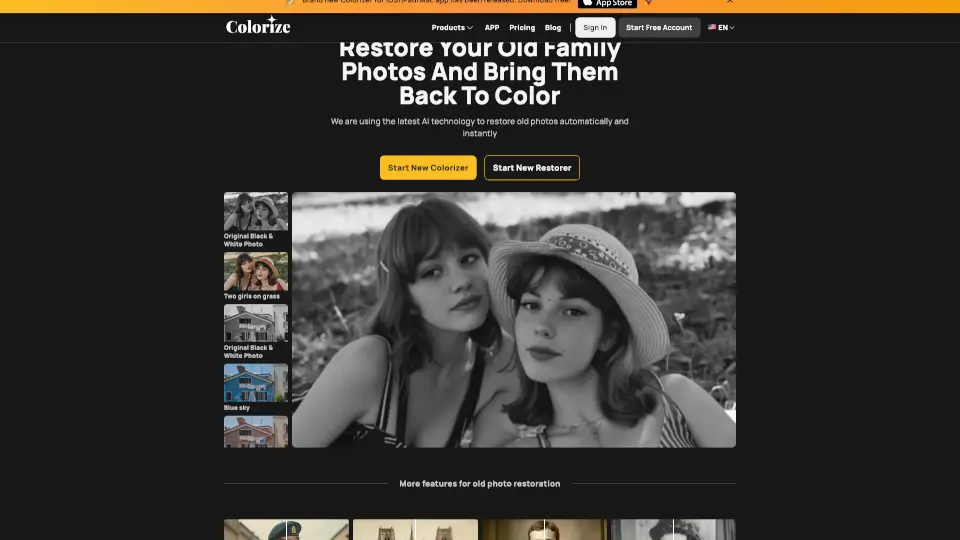
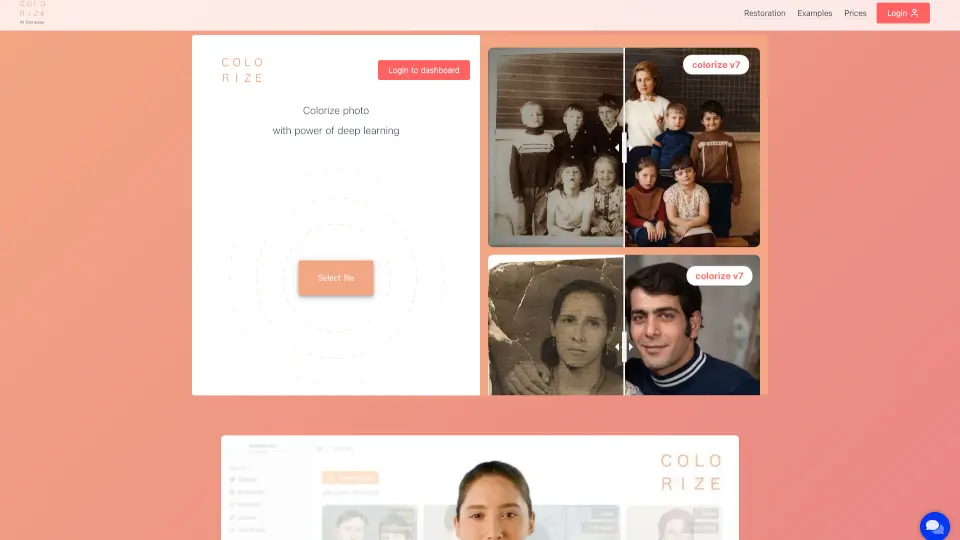
Bring your old black-and-white photos back to life with Colorize.cc—an easy-to-use online tool that uses AI-powered deep learning to add realistic, natural color in seconds. Whether it’s a faded family portrait or a century-old historical image, Colorize.cc intelligently restores and colorizes your photos while preserving faces, details, and the original character of your memories.
No design skills or software needed. Just upload your photo, get an instant preview for free, and choose from multiple AI models—including the advanced V8 High—for professional-quality results up to 4K resolution. With over 3 million photos colorized, it’s trusted by families, historians, and studios alike.
What are the features of Colorize?
- AI-Powered Realistic Colorization: Uses neural networks trained on millions of images to apply historically plausible, natural-looking colors.
- Identity-Preserving Technology: Keeps facial features, age, and expressions intact—no distorted or “invented” faces.
- Built-in Photo Restoration: Automatically removes scratches, tears, stains, and noise while colorizing.
- Multiple AI Models (V2–V8): Choose the right balance of speed and quality—from fast free previews to premium V8 High.
- V8 Studio Editor: Fine-tune colors, adjust specific areas, and reprocess until your photo is perfect.
- High-Resolution Output: Delivers crisp, sharp results up to 4K—ideal for printing or digital displays.
- One-Time Credit System: Pay only when you need it; credits last 365 days with no subscriptions or recurring fees.
- Private & Secure Processing: Your photos are never shared and remain accessible only to you.
What are the use cases of Colorize?
- Revive decades-old family albums with lifelike color and restored detail.
- Restore and colorize damaged or torn photos from attics or old frames.
- Enhance genealogy research by giving ancestors authentic, respectful portraits.
- Prepare dignified memorial photos for tributes or keepsakes.
- Bring historical archive photos to life for museums, schools, or documentaries.
- Digitize and colorize old film negatives or slides without manual editing.
How to use Colorize?
- Upload a JPG or PNG file (up to 5 MB) directly on colorize.cc—no signup needed for a free preview.
- Review your instant colorized preview using the free model to see if you like the result.
- If satisfied, log in and use credits to process with V8 High or other premium models for full quality.
- Add processing instructions (e.g., “1940s muted palette” or “restore face details”) for better accuracy.
- Use V8 Studio to tweak colors, remove artifacts, or refine specific areas after initial processing.
- Download your final high-res photo—ready for sharing, printing, or archiving.