
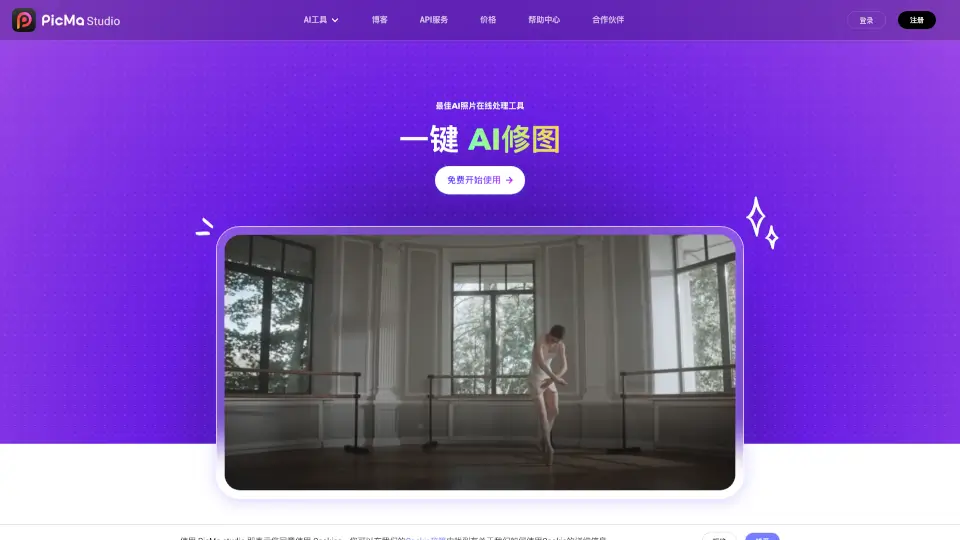
O que é PicMa Studio?
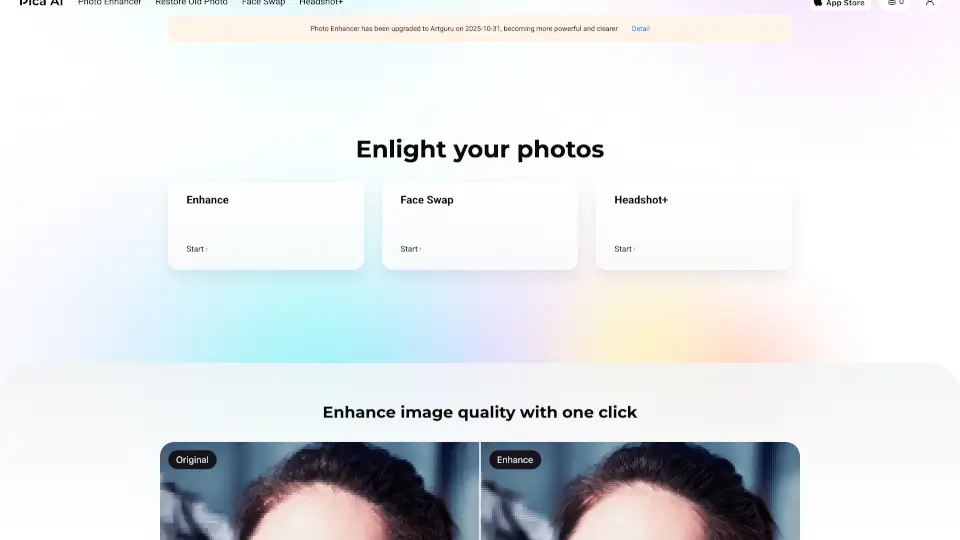
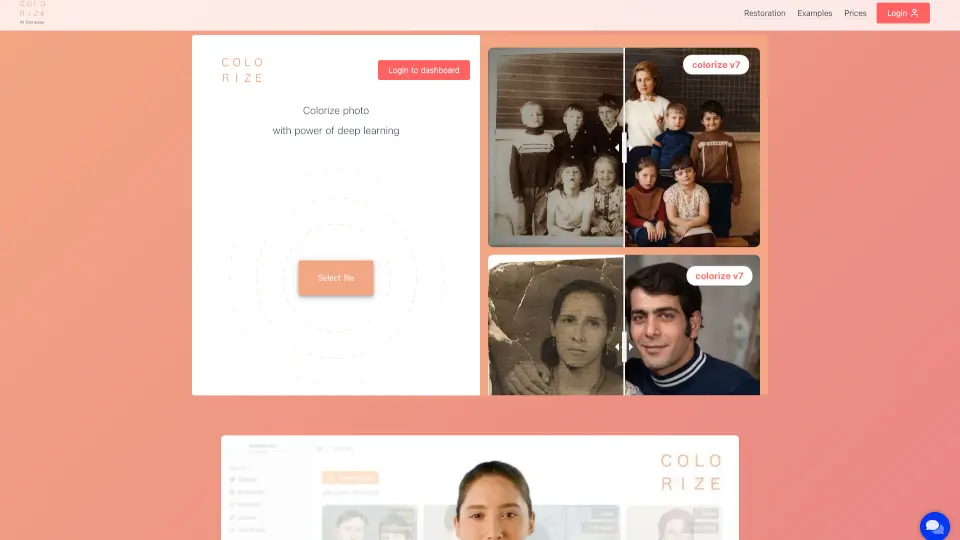
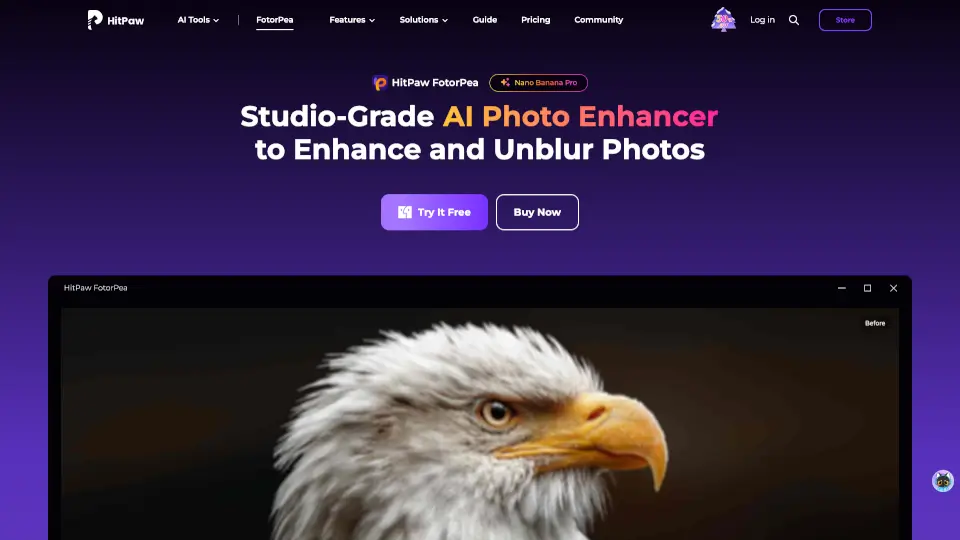
PicMa é uma ferramenta de restauração de fotos e melhoria de qualidade baseada em IA avançada. Ela ajuda a transformar imagens antigas, desfocadas ou danificadas em fotos nítidas e vibrantes com apenas alguns cliques. Ideal para reviver memórias ou melhorar imagens profissionais.
Quais são as características de PicMa Studio?
- Restauração de fotos antigas: Recupera detalhes perdidos em fotos antigas ou desbotadas.
- Aumento de resolução sem perda: Amplia imagens sem perder qualidade.
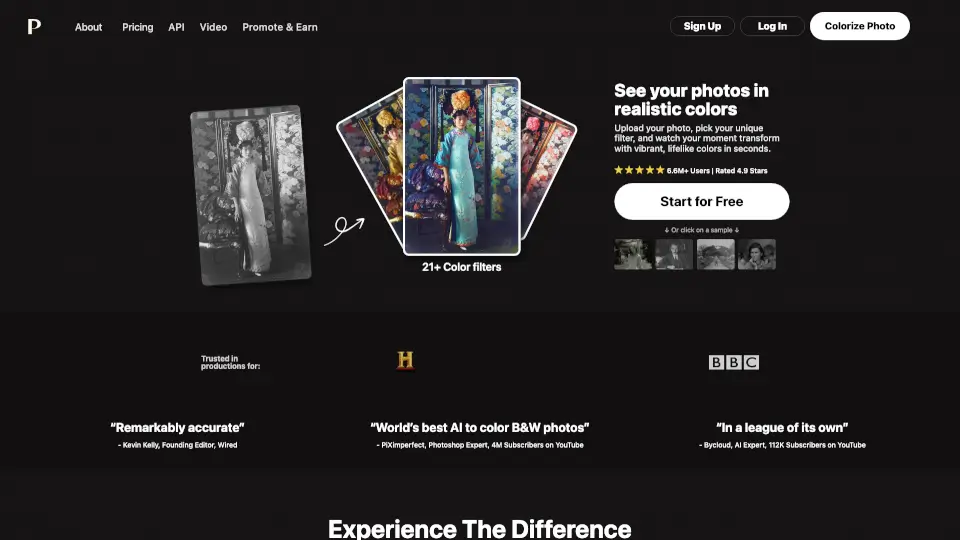
- Correção de cores: Adiciona cores naturais a fotos em preto e branco.
- Remoção de ruído e borrão: Elimina imperfeições e deixa as imagens mais claras.
- Edição rápida e intuitiva: Ferramentas simples para cortar, ajustar e melhorar fotos.
Quais são os casos de uso de PicMa Studio?
- Restaurar fotos de família danificadas pelo tempo.
- Melhorar a qualidade de imagens para projetos profissionais.
- Colorir fotos antigas para dar vida a memórias em preto e branco.
- Otimizar imagens para redes sociais ou impressão.
Como usar PicMa Studio?
- Acesse o site ou app do PicMa.
- Faça upload da foto que deseja melhorar.
- Escolha o tipo de ajuste (restauração, colorização, etc.).
- Aplique as alterações e baixe a imagem finalizada.