Lightworks logo

Lightworks

0
5.0
(0 Reviews)
United States10.01%

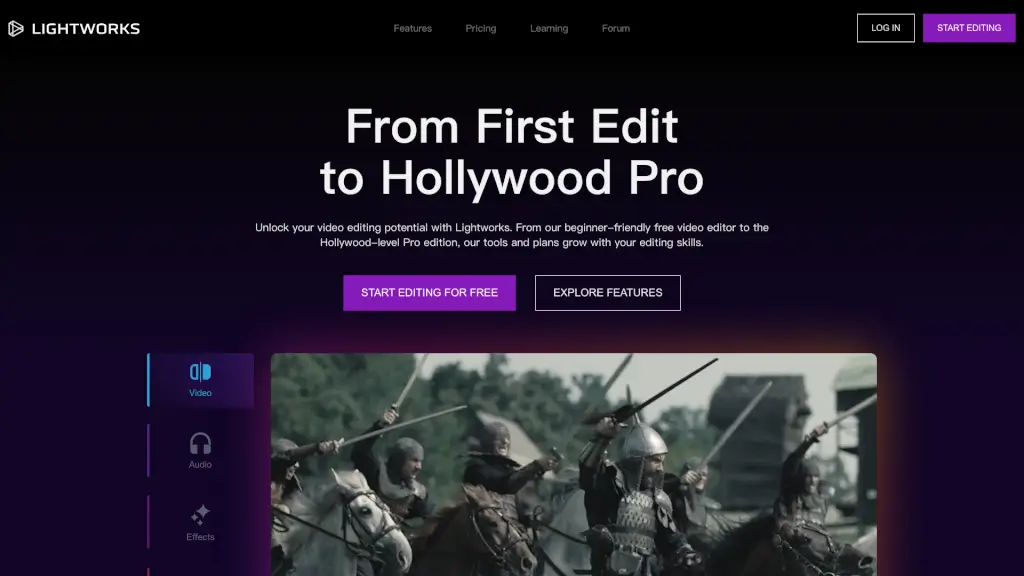
Lightworks is a versatile and user-friendly video editing software that caters to all levels, from beginners to Hollywood pros, offering a range of features from basic to advanced, and seamless sharing and collaboration options.

Added on: 2026.01.10 · Updated on: 2026.01.10
Social Media:
Visit Site
View Alternatives
Lightworks

Lightworks Product Information

What is Lightworks?

Welcome to Lightworks, the video editing software that's designed to help you unlock your creative potential, no matter your skill level. Whether you're just starting out or you're a seasoned professional, Lightworks offers a range of tools and features to make your video editing journey both fun and rewarding. From its beginner-friendly free version to the advanced Pro edition, Lightworks is built to grow with you, providing the tools you need to create stunning videos that match your vision.

What are the features of Lightworks?

  • User-Friendly Timeline: Lightworks boasts a best-in-class editing timeline that’s easy to use for beginners and powerful enough for professionals. It supports footage of any size, frame rate, and quality, allowing you to edit without interruption.
  • Advanced Audio Tools: With refined audio editing capabilities, you can trim, split, and layer tracks, and add a variety of effects like reverb, chorus, and distortion. This makes it easy to perfect every aspect of your sound.
  • Visual Effects (VFX): Over 700 customizable titles and motion graphics, along with a wide range of transitions, let you add striking visuals and enhance your footage. The VFX suite is simple enough for beginners but robust enough for advanced users.
  • Colour Correction and Grading: Transform your footage from raw and lifeless to vibrant and captivating. With pre-built and custom LUTs, you can quickly apply professional cinematic quality to your videos.
  • Effortless Sharing: Export and share your videos with ease, whether it’s for web, broadcast, or cinema. You can also share directly to YouTube and social media platforms right from Lightworks.
  • Cloud Integrations: Seamlessly integrate with popular cloud storage solutions like Dropbox, Google Drive, and more, making it easy to store, access, and collaborate on your projects.

What are the use cases of Lightworks?

  • Beginner Video Editors: Perfect for those just starting out, the free version of Lightworks provides a streamlined set of tools to help you learn the basics of video editing.
  • Social Media Content Creators: Create and share high-quality content for platforms like YouTube, Instagram, and TikTok with ease.
  • Professional Filmmakers: The Pro version offers advanced features and controls, making it a go-to tool for experienced editors who need precision and flexibility.
  • Corporate Video Production: Ideal for creating polished and professional videos for business presentations, marketing campaigns, and training materials.
  • Educational Institutions: Students and educators can use Lightworks to create engaging educational content, from tutorials to project presentations.
  • Event Videographers: Capture and edit live events, such as weddings, concerts, and corporate events, with the ability to export in high resolution and share easily.

How to use Lightworks?

  • Start with the Basics: Begin by importing your video clips and arranging them on the timeline. Use the drag-and-drop feature to move and organize your footage.
  • Add Audio and Visual Effects: Experiment with the audio tools to layer and adjust your sound, and use the VFX suite to add transitions and visual effects to enhance your video.
  • Fine-Tune Your Colour: Utilize the colour correction and grading tools to balance and refine the colours in your footage. Apply LUTs for quick, professional looks.
  • Export and Share: Once your video is complete, use the export options to save your project in the desired format. Share directly to social media or other platforms with just a few clicks.
  • Collaborate and Store: Use the cloud integrations to store your projects and collaborate with others. This makes it easy to work on your videos from anywhere.
Do you like this tool?

Upvote to help others discover it!

Lightworks Alternatives

Adobe Premiere Pro

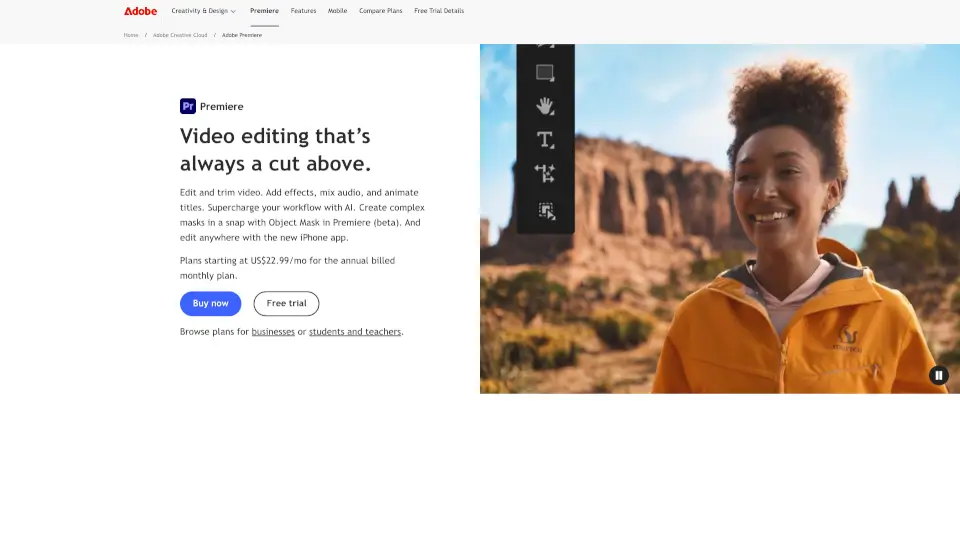
Adobe Premiere Pro is a professional video editing software that offers powerful tools for editing, effects, and audio mixing. With AI features, it’s perfect for creators, filmmakers, and businesses.

US
24.83%
|
338.6M
|
5.0
Clipchamp

Clipchamp is a user-friendly video editor that makes creating professional videos a breeze. With AI-powered tools and royalty-free content, it’s perfect for social media, business, and personal projects.

US
13.24%
|
8.2M
|
5.0
Wondershare Filmora

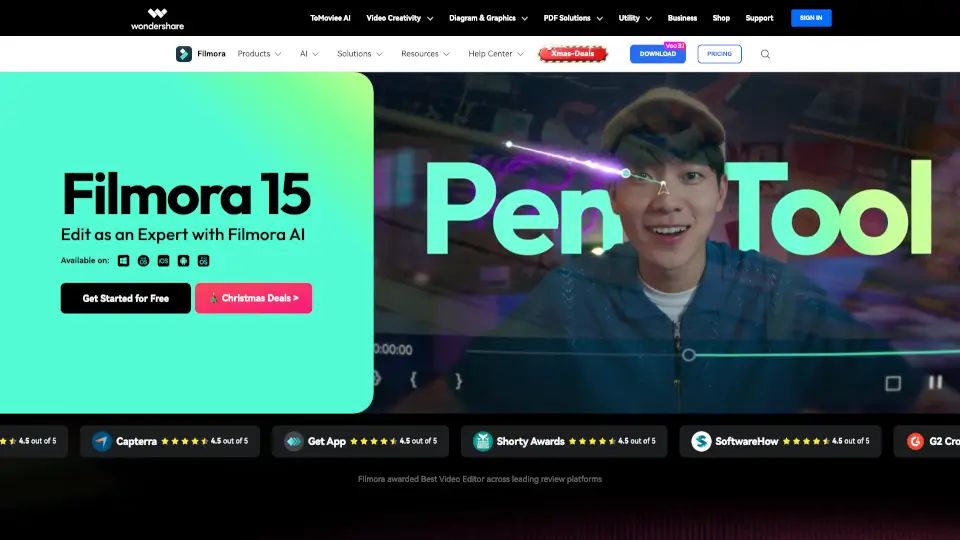
Wondershare Filmora is a user-friendly, AI-powered video editor that simplifies video creation for both beginners and professionals. With features like Smart Short Clips and AI Video Enhancer, it’s perfect for social media, business, and personal projects.

IN
28.77%
|
2.2M
|
5.0
Lightricks

Lightricks offers a suite of powerful tools for photo and video editing, making content creation accessible and enjoyable for everyone.

US
31.34%
|
455.1K
|
5.0
PowerDirector

PowerDirector 365 is a versatile video editor that uses AI tools to simplify editing and create stunning videos for all skill levels.

JP
41.38%
|
5.0M
|
5.0
Flixier

Flixier is a powerful, free online video editor that combines AI-powered tools, real-time collaboration, and fast rendering, making it perfect for creators of all levels.

US
16.03%
|
1.4M
|
5.0
DaVinci Resolve

DaVinci Resolve 19 is the go-to software for professionals and beginners alike, offering everything from editing to audio post-production in one powerful tool.

US
19.36%
|
6.2M
|
5.0
Camtasia

Camtasia makes video creation simple with AI tools, multitrack recording, and drag-and-drop editing—ideal for tutorials, training, and demos. Try it free!

US
45.69%
|
1.2M
|
5.0
Lightworks Related Other Categories

Lightworks Traffic Analysis

💡 Insights

Medium Scale
100K-1M monthly visits. Growing tool with active development.
➡️
Stable
Traffic remains stable, indicating a mature product.
👍
Good Experience
Bounce rate of 41%. Users are willing to explore features.
🔎
SEO Driven
53% traffic from search. High organic visibility.
  • Monthly Visits

    242.37K

  • Bounce Rate

    40.51%

  • Pages Per Visit

    1.76

  • Visit Duration

    00:00:40

  • Global Rank

    207205

  • Country Rank

    394568

Visits Over Time

Traffic Sources

Search53.04%
Direct36.11%
Referrals7.06%
Social2.71%
Paid0.91%
Mail0.13%

Top Keywords

1
lightworks
CPC$1.37
8.44KTraffic
2
lightworks video editor
CPC$1.72
1.52KTraffic
3
lightworks download
CPC$1.19
430Traffic
4
lightworks apply budlge to text only
350Traffic
5
free video editing software
CPC$2.28
340Traffic

Top Regions

RegionPercentage
United States
United States
10.01%
India
India
5.55%
Germany
Germany
4.32%
United Kingdom
United Kingdom
4.25%
Brazil
Brazil
3.51%
Low
High

Lightworks FAQ

What are the main differences between the Free, Create, and Pro versions of Lightworks?

Can I use Lightworks to edit 4K and 8K videos?

Is there a mobile app for Lightworks?

How do I add and edit audio in Lightworks?

Can I share my videos directly from Lightworks to social media?

Does Lightworks offer cloud storage integrations?

Are there any tutorials available for learning Lightworks?

Is Lightworks suitable for professional film editing?

Lightworks Reviews

0

0

0 Reviews

Write a Review

0

Login to leave a review
Sign In

Recent Reviews

No reviews yet

Lightworks Embed

Use website badges to drive community support for SeekTool.ai. They are easy to embed in your homepage or footer.

Light
Dark
Lightworks - Featured on SeekTool.aiLightworks - Featured on SeekTool.ai
How to install?

Looking for Lightworks Alternatives?

Compare top AI tools similar to Lightworks. Find the best option for your needs.

View Alternatives

Reviews

0.0

Share your experience with this tool...

Category Rankings

Ranked by monthly traffic

Trending

Featured

Subscribe to our AI Newsletter

Get the top AI stories delivered to your inbox weekly.