
Qu'est-ce que DaVinci Resolve ?
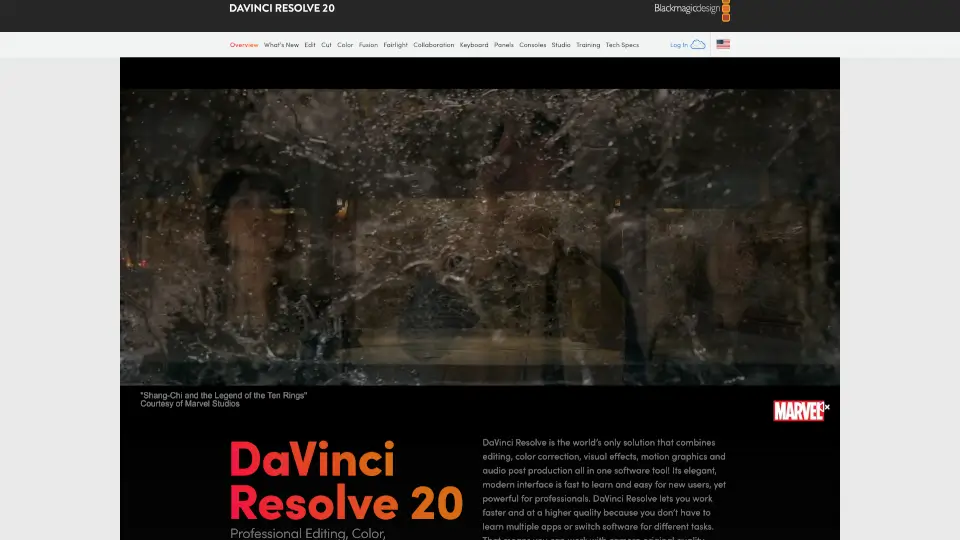
DaVinci Resolve est bien plus qu’un simple logiciel de montage vidéo : c’est une suite complète de post-production tout-en-un, utilisée par les professionnels d’Hollywood comme par les créateurs indépendants. Développé par Blackmagic Design, il intègre montage, étalonnage couleur, effets visuels, audio et même retouche photo dans une seule application fluide et intuitive. Que vous soyez étudiant, vidéaste amateur ou coloriste confirmé, DaVinci Resolve vous offre des outils professionnels sans compromis.
Disponible en version gratuite et en version Studio payante (295 $), il fonctionne sur Mac, Windows et Linux, ce qui en fait l’une des solutions les plus accessibles du marché. Grâce à son interface organisée en « pages » dédiées (Cut, Edit, Color, Fusion, Fairlight, etc.), vous passez d’une tâche à l’autre en un seul clic, sans jamais quitter votre projet ni exporter/importer des fichiers.
Quelles sont les caractéristiques de DaVinci Resolve ?
- Tout-en-un intégré : Montage, étalonnage, VFX, audio et photo dans une seule application.
- Page Photo exclusive (v21) : Appliquez les outils Hollywoodiens de correction couleur aux photos RAW (Canon, Sony, Nikon, Fujifilm).
- Moteur IA DaVinci Neural Engine : Fonctionnalités comme Magic Mask, IntelliSearch, CineFocus et reconnaissance faciale pour gagner du temps.
- Collaboration multi-utilisateurs en temps réel : Travaillez simultanément avec des éditeurs, coloristes et ingénieurs du son via Blackmagic Cloud.
- Fairlight intégré : Station audio professionnelle avec jusqu’à 2 000 pistes, effets IA (Voice Isolation) et support du son immersif (5.1, 7.1, ambisonique).
- Fusion node-based : Créez des effets visuels et titres animés complexes grâce à un système nodal puissant et flexible.
- Prise en charge HDR avancée : Espace colorimétrique ultra-large, roues de couleur HDR et workflow YRGB breveté.
- Compatible avec le matériel tiers : Claviers d’édition, panneaux de couleur et consoles audio Fairlight pour une productivité maximale.
Quels sont les cas d'utilisation de DaVinci Resolve ?
- Montage rapide de documentaires ou reportages grâce à la page Cut et ses outils comme Source Tape et Multicam.
- Étalonnage cinéma professionnel pour courts ou longs métrages avec les PowerWindows™, tracking et nœuds de couleur.
- Post-production audio complète : mixage, ADR, Foley et mastering dans Fairlight sans changer de logiciel.
- Retouche photo haut de gamme pour photographes de mariage, mode ou paysage avec gestion d’albums et outils RAW.
- Création d’effets visuels broadcast (titres 3D, compositing, particules) directement dans Fusion.
- Collaboration à distance entre équipes internationales via Blackmagic Cloud, idéal pour les productions hybrides.
- Streaming en direct ou replay sportif avec le Replay Editor et la gestion multicam en temps réel.
Comment utiliser DaVinci Resolve ?
- Téléchargez DaVinci Resolve gratuit depuis le site de Blackmagic Design et installez-le sur votre Mac, PC ou Linux.
- Importez vos médias via la page Media, organisez-les en bins et ajoutez des métadonnées pour faciliter la recherche.
- Passez à la page Cut pour un montage rapide ou à la page Edit pour des projets plus complexes.
- Utilisez la page Color pour corriger et styliser vos images avec les outils primaires/secondaires et les nœuds.
- Ajoutez des effets ou animations dans Fusion, puis revenez à l’audio avec Fairlight pour le mix final.
- Exportez votre projet via la page Deliver avec encodage personnalisé ou partage direct vers YouTube/Vimeo.