
What is DaVinci Resolve?
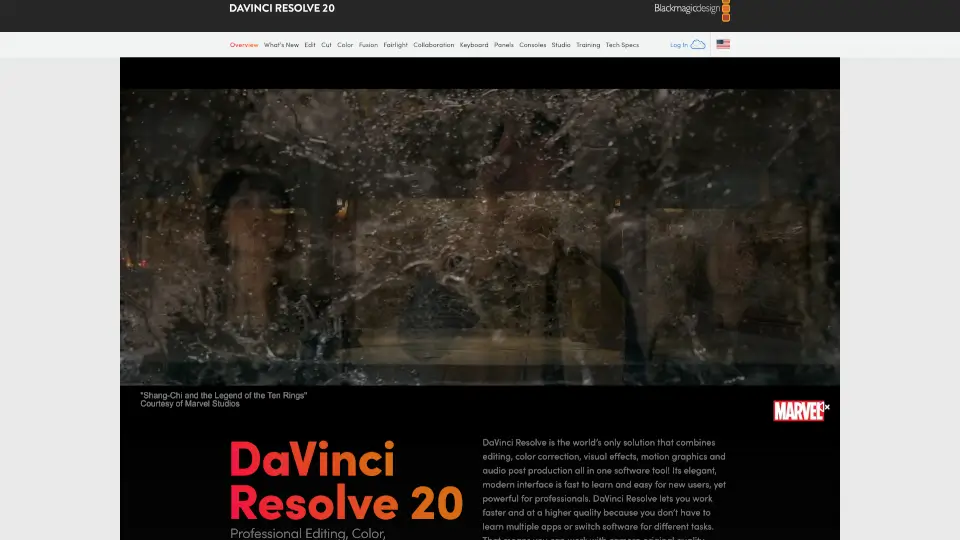
DaVinci Resolve by Blackmagic Design is a powerful, all-in-one post-production powerhouse that brings professional editing, color grading, visual effects, audio post, and even photo editing into a single application. Used on Hollywood films and streaming shows worldwide, it’s trusted for its Emmy™ award-winning image quality, intuitive interface, and seamless workflow—no more switching between apps or losing creative momentum.
Whether you're a beginner exploring video editing or a seasoned pro managing complex multi-user projects, DaVinci Resolve offers both a free version with robust features and a Studio version ($295) packed with AI-powered tools, advanced effects, and support for high-end formats like 4K+, HDR, and immersive audio.
What are the features of DaVinci Resolve?
- All-in-One Workflow: Seamlessly switch between editing, color, VFX (Fusion), audio (Fairlight), photo editing, and delivery—all in one app.
- Hollywood-Grade Color Tools: Industry-leading color correction with YRGB color science, PowerWindows™, HDR grading, and node-based workflows.
- DaVinci AI Neural Engine: Smart AI features like facial recognition, Magic Mask, IntelliSearch, CineFocus, and auto reframing save hours of manual work.
- Professional Audio with Fairlight: Mix up to 2,000 tracks, use AI-powered Voice Isolation, and master in stereo, 5.1, 7.1, or 3D audio formats.
- Real-Time Collaboration: Work simultaneously with editors, colorists, and sound designers using Blackmagic Cloud and shared project libraries.
- Photo Editing Page (v21): Apply cinematic color grading to RAW photos from Canon, Sony, Nikon, and Fujifilm—right alongside your video projects.
- Cross-Platform & Free Version Available: Runs on Mac, Windows, and Linux, with a fully functional free version supporting up to UHD 60fps.
What are the use cases of DaVinci Resolve?
- Editing short films or YouTube content with professional color grading and sound design in one timeline.
- Collaborating remotely with a team on a documentary using Blackmagic Cloud for real-time updates.
- Restoring old footage using AI noise reduction and Super Scale upscaling in DaVinci Resolve Studio.
- Color grading wedding or fashion photography using the new Photo page and tethered camera capture.
- Creating broadcast graphics or animated titles using Fusion’s node-based compositing tools.
- Mixing live sports audio with Fairlight while editors cut multicam replays on the Cut page.
- Delivering final masters in multiple formats (YouTube, Vimeo, broadcast) using customizable render presets.
How to use DaVinci Resolve?
- Download and install DaVinci Resolve Free from Blackmagic Design’s official site—no watermarks or time limits.
- Organize footage on the Media page, then edit on either the fast Cut page (for quick turnarounds) or full-featured Edit page.
- Switch to the Color page to apply primary/secondary grades, use PowerWindows™, or leverage AI tools like Magic Mask.
- Add motion graphics or VFX on the Fusion page using nodes for non-destructive, flexible compositing.
- Polish audio on the Fairlight page, using track folders, ADR tools, and AI effects like Voice Isolation.
- Export your final project via the Deliver page, choosing formats, codecs, and upload destinations in one click.