Was ist Lightworks?
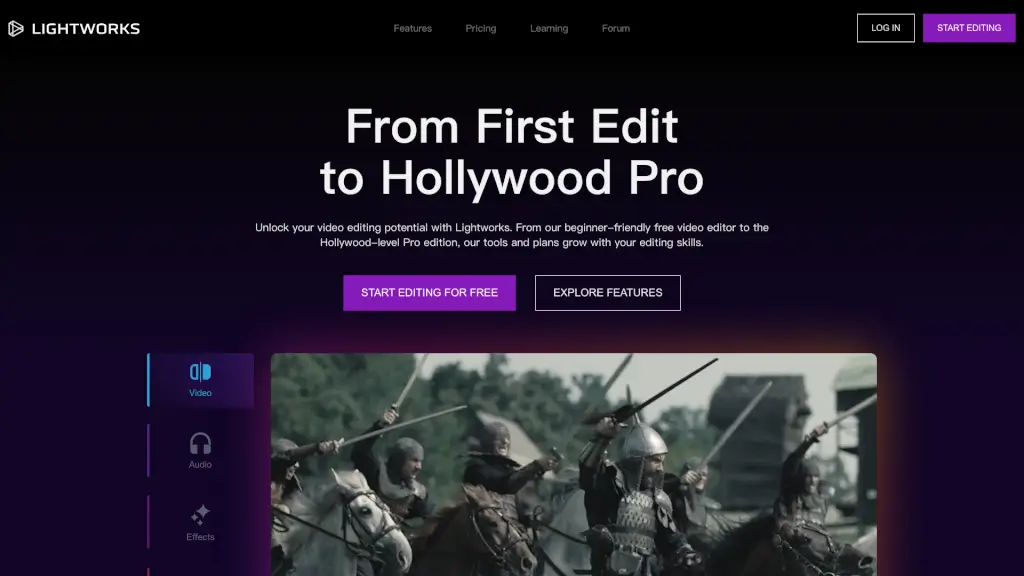
Lightworks ist eine benutzerfreundliche und professionelle Videobearbeitungssoftware, die für alle Niveaus geeignet ist, von Anfängern bis hin zu Hollywood-Profis. Ob du deine ersten Schritte in der Videobearbeitung machst oder bereits ein erfahrener Editor bist, Lightworks bietet dir die Werkzeuge, um deine kreativen Visionen zum Leben zu erwecken. Mit einer intuitiven Benutzeroberfläche und leistungsstarken Funktionen kannst du beeindruckende Videos erstellen, die deinen Anforderungen gerecht werden.
Was sind die Merkmale von Lightworks?
- Video-Bearbeitung: Einfache und effiziente Bearbeitung mit einer zeitlosen Timeline, die sowohl für Anfänger als auch Profis geeignet ist.
- Audio-Tools: Verfeinere dein Audio mit eingebauten Effekten und erstelle einen immersiven Klang, der deinem Video den richtigen Ton verleiht.
- Visuelle Effekte (VFX): Über 700 anpassbare Titel und Bewegungsgrafiken, um deine Videos zu beleben und dramatisch zu gestalten.
- Farbkorrektur und -grading: Optimiere die Farben deines Footages mit vorgefertigten und benutzerdefinierten LUTs, um ein konsistentes und ansprechendes Erscheinungsbild zu erzielen.
- Teilen und Exportieren: Leichtes Teilen deiner Videos auf sozialen Medien, YouTube und anderen Plattformen direkt aus der Software.
Was sind die Anwendungsfälle von Lightworks?
- Film- und Dokumentarproduktion: Erstelle hochwertige Filme und Dokumentationen, die den Standards von Hollywood entsprechen.
- YouTube- und Social-Media-Content: Bearbeite und teile deine Videos auf YouTube und anderen sozialen Medien, um deine Reichweite zu erhöhen.
- Marketing und Werbung: Erstelle ansprechende Werbefilme und Marketingvideos, die deine Marke hervorheben.
- E-Learning und Bildung: Erstelle pädagogische Inhalte, die visuell ansprechend und informativ sind.
- Events und Hochzeiten: Bearbeite und teile Erinnerungen an besondere Ereignisse, wie Hochzeiten und Geburtstage, mit Freunden und Familie.
Wie benutzt man Lightworks?
- Erste Schritte: Lade Lightworks herunter und installiere es auf deinem Computer. Wähle dann die passende Version für dich (Free, Create, Pro).
- Importiere dein Footage: Füge deine Videodateien zur Projektmappe hinzu und organisiere sie im Medienpool.
- Bearbeite deine Videos: Ziehe deine Clips in die Timeline und füge Übergänge, Titel und andere Effekte hinzu, um dein Video zu personalisieren.
- Optimiere das Audio: Verwende die eingebauten Audio-Tools, um den Klang deines Videos zu verbessern und eine klare und ansprechende Audiospur zu erstellen.
- Exportiere und teile: Wandle dein fertiges Video in das gewünschte Format um und teile es auf sozialen Medien, YouTube oder speichere es lokal.