
Kalakar logo

Kalakar

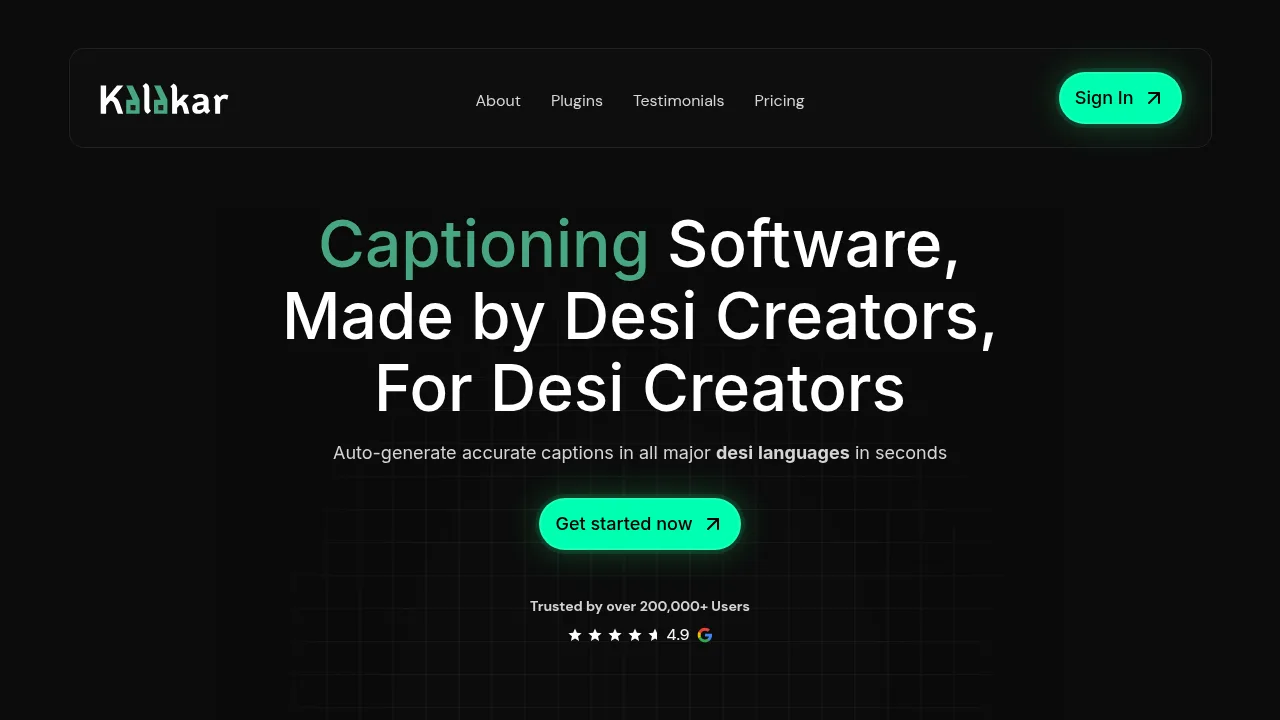
Kalakar generates video captions in over 20 South Asian languages and exports them as SRT files or alpha channels for editing software.

Kalakar

Kalakar Product Information

What is Kalakar?

Kalakar is a captioning tool that auto-generates subtitles in over 20 South Asian and regional languages. It operates via a web application and offers plugins for Premiere Pro and DaVinci Resolve Studio on macOS and Windows. The vendor claims up to 97% accuracy in major supported languages.

What are the features of Kalakar?

  • Multilingual transcription
    Generates captions in languages including Hindi, Urdu, Tamil, Bengali, Punjabi, Arabic, Persian, and English.
  • Caption templates
    Provides dozens of customizable styles, some named after specific creators like Mr Beast or Ali Abdal.
  • NLE plugins
    Integrates with Premiere Pro (all versions) and DaVinci Resolve Studio (version 21.1 onward).
  • Export formats
    Outputs captions as SRT files, VTT files, or alpha channel renders for use in external editing software.
  • Audio enhancement
    Processes audio to reduce noise patterns such as traffic, white noise, crowds, and hiss.
  • Translation
    Converts transcriptions from supported languages into English and over 70 other languages on paid plans.

What are the use cases of Kalakar?

  • Professional video editing
    Editors using Premiere Pro or DaVinci Resolve can generate captions externally and import them locally as SRT files or alpha channels.
  • Noisy location recording
    Creators filming in environments with harsh traffic or crowd noise can process the raw audio before captioning.

Kalakar Pricing Information:

  • Free
    $0 per month; includes all languages, 5 minutes of testing with full templates, 5 GB cloud storage, maximum 2-minute video length, 3 audio enhancement credits, and watermark-free rendering limited to basic templates.
  • Editor Plan
    $6.99 per month; adds 2 hours of transcription, 20 GB cloud storage, maximum 2-minute video length, 50 audio enhancement videos, custom font upload, unlimited batch upload, and 1080p / 30 FPS rendering.
  • Creator Plan
    $9.99 per month; adds 5 hours of transcription, 60 GB cloud storage, maximum 5-minute video length, unlimited audio enhancement, 4K / 60 FPS rendering, green/blue screen renders, 2 hours of translation, subtitle exports (.srt / .vtt), SRT rendering, and audio-only uploads.
  • Studio Plan
    $24.99 per month; adds 12 hours of transcription, 150 GB cloud storage, maximum 30-minute video length, alpha channel rendering, transcript exports (.docx / .txt / .md), 5 hours of translation, and team collaboration with additional members at $5.00 per member per month.

Do you like this tool?

Upvote to help others discover it!

Kalakar Alternatives

AutoCaption

AutoCaption

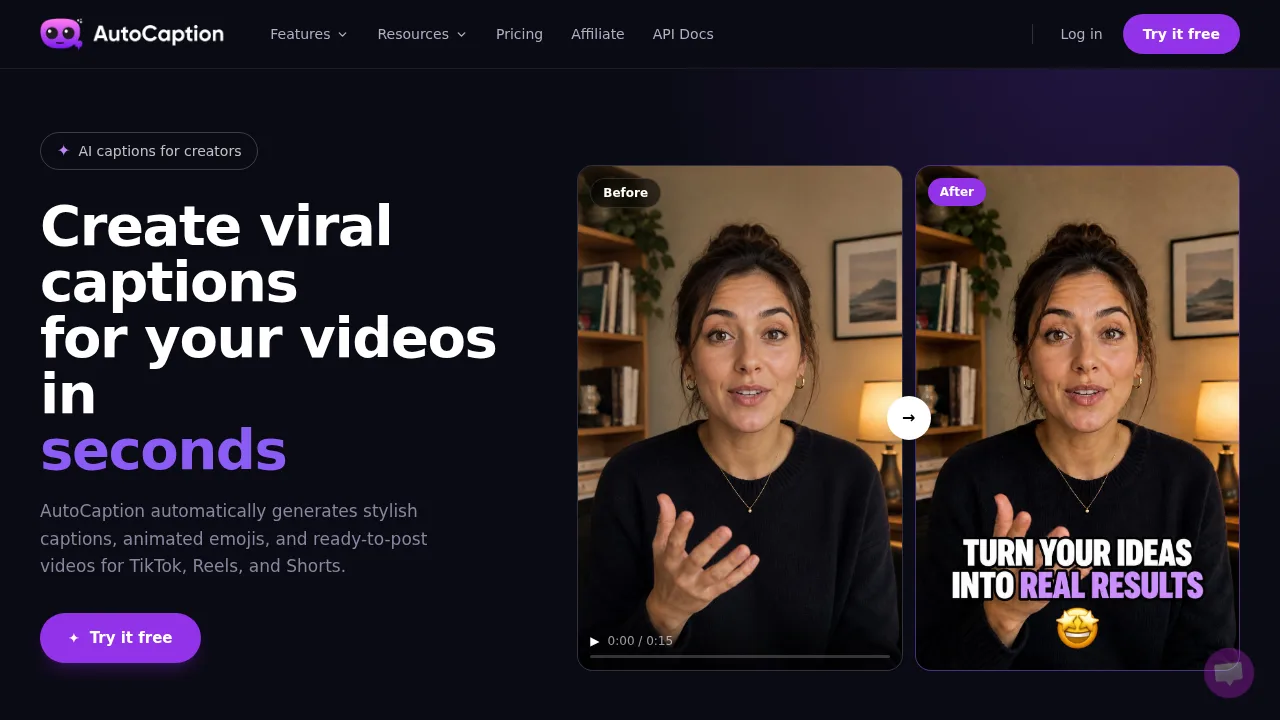
AutoCaption transcribes video files and applies styled, animated subtitles formatted for multiple social media platforms.

TR
20.07%
156.9K
0
Animaker’s Subtitle Generator

Animaker’s Subtitle Generator

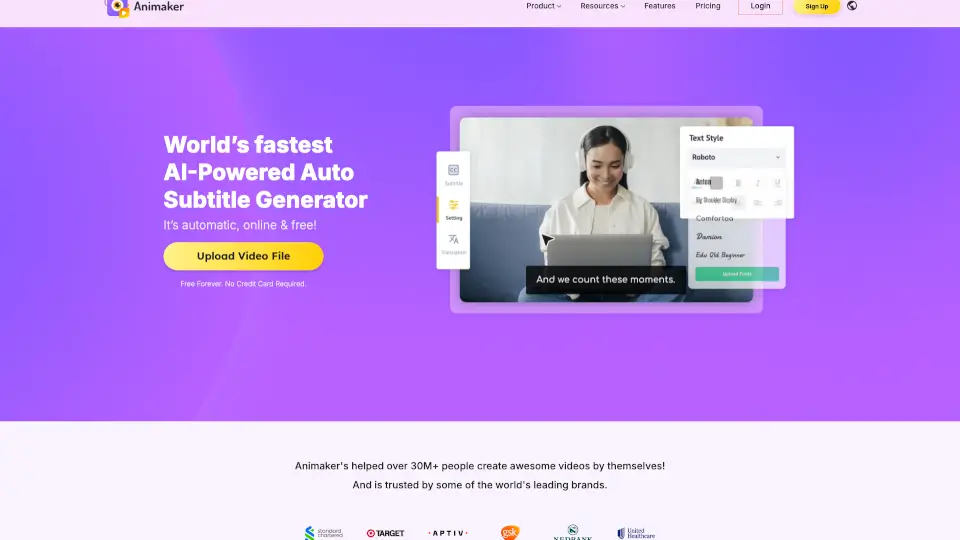
Animaker’s free AI-powered subtitle generator creates, customizes, and translates accurate video captions in 134 languages with just one click.

US
18.41%
850.3K
0
ScriptMe

ScriptMe

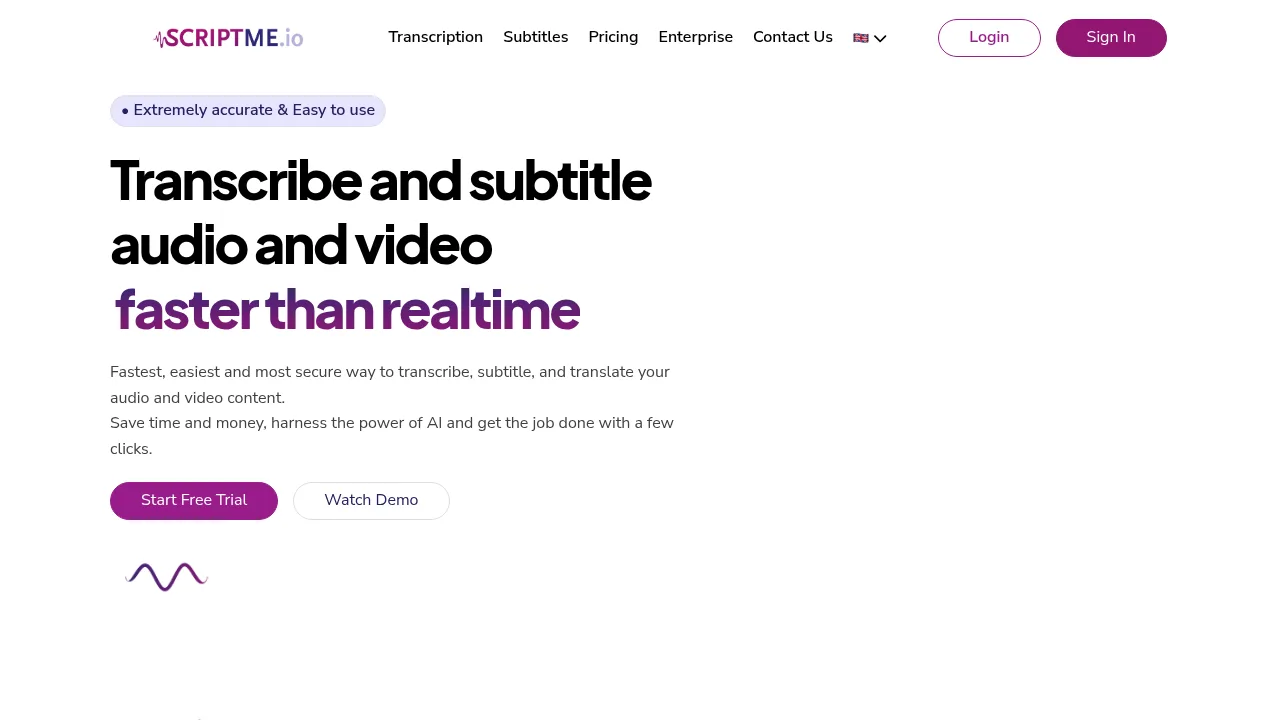
ScriptMe converts audio and video into text, styled subtitles, and translations across more than 30 languages.

ES
11.66%
114.2K
0
Capte

Capte

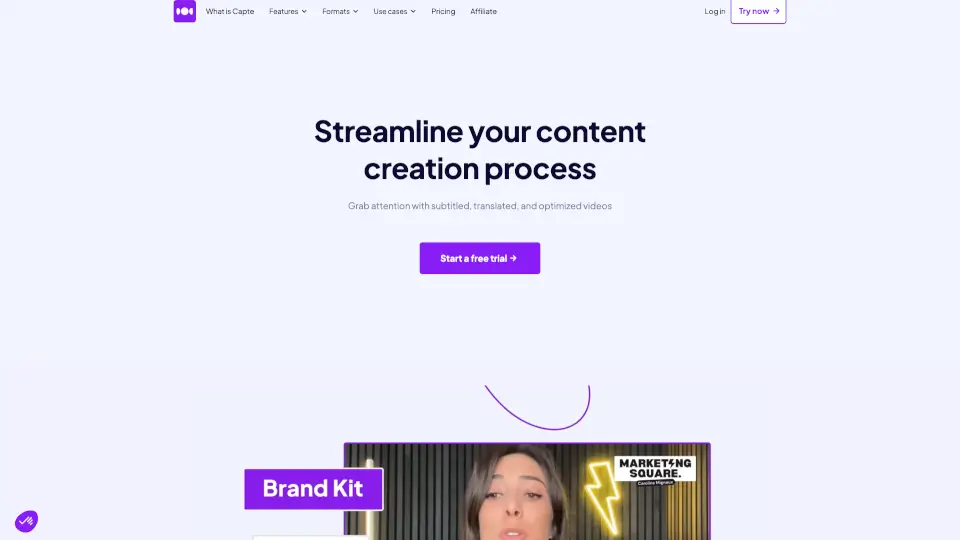
Capte simplifies content creation by automatically transcribing, translating, and styling your videos, helping you engage and grow your audience across social media.

FR
10.97%
36.6K
0
GPTScribe

GPTScribe

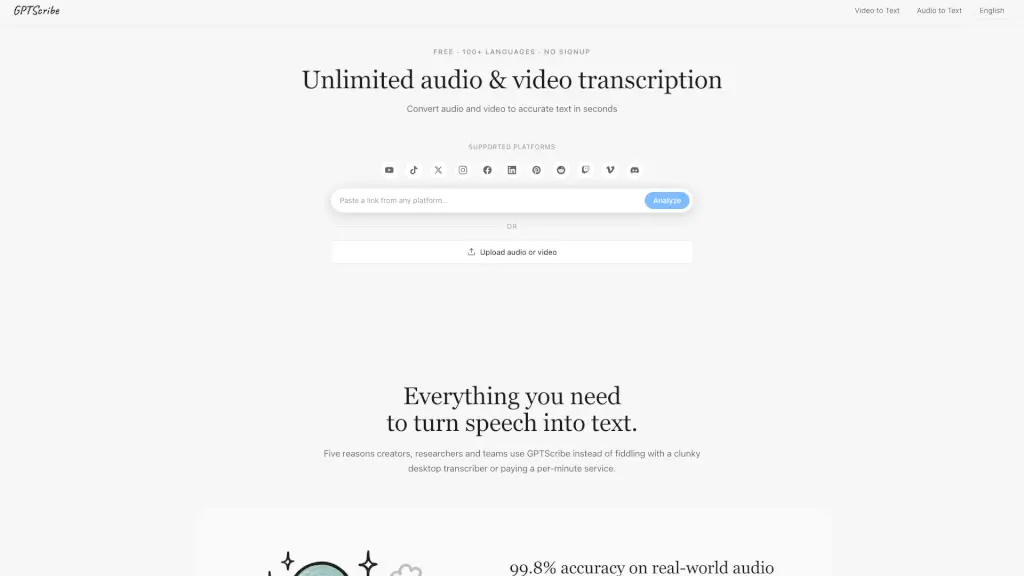
GPTScribe is a free, no-signup AI tool that transcribes audio and video to text with 99.8% accuracy in 100+ languages and exports subtitles instantly.

US
100.00%
3.3K
0
SyncWords

SyncWords

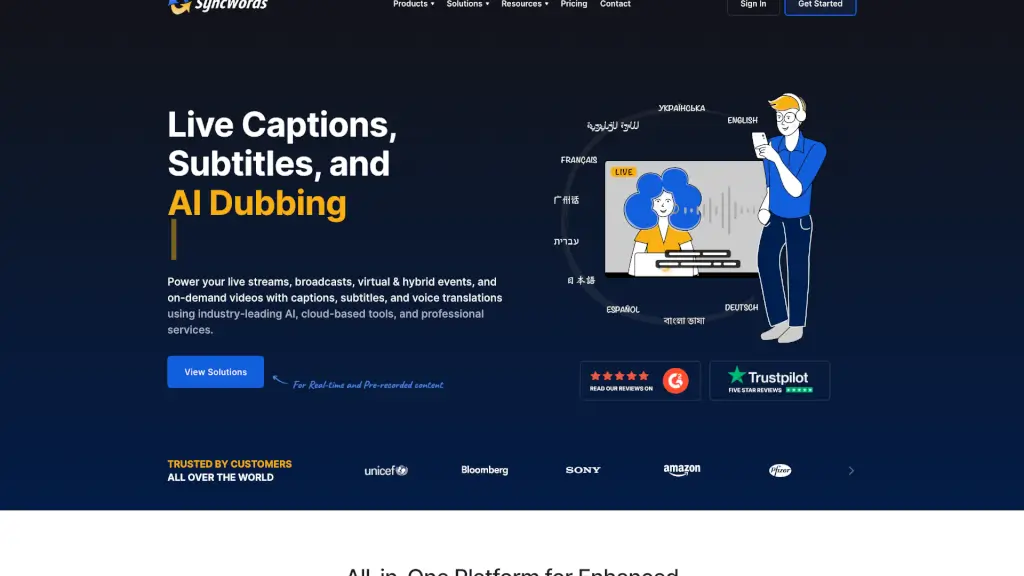
SyncWords is a comprehensive, cloud-based platform that provides live captions, subtitles, and AI voice dubbing in over 100 languages, making your video content accessible and engaging for a global audience.

BR
52.42%
20.5K
0
Akkadu

Akkadu

Akkadu provides AI real-time translation subtitles for any video platform, delivering 90+ languages with 95% accuracy and secure encryption to help you understand international meetings, classes, and live streams.

VN
10.22%
52.3K
0
GhostCut

GhostCut

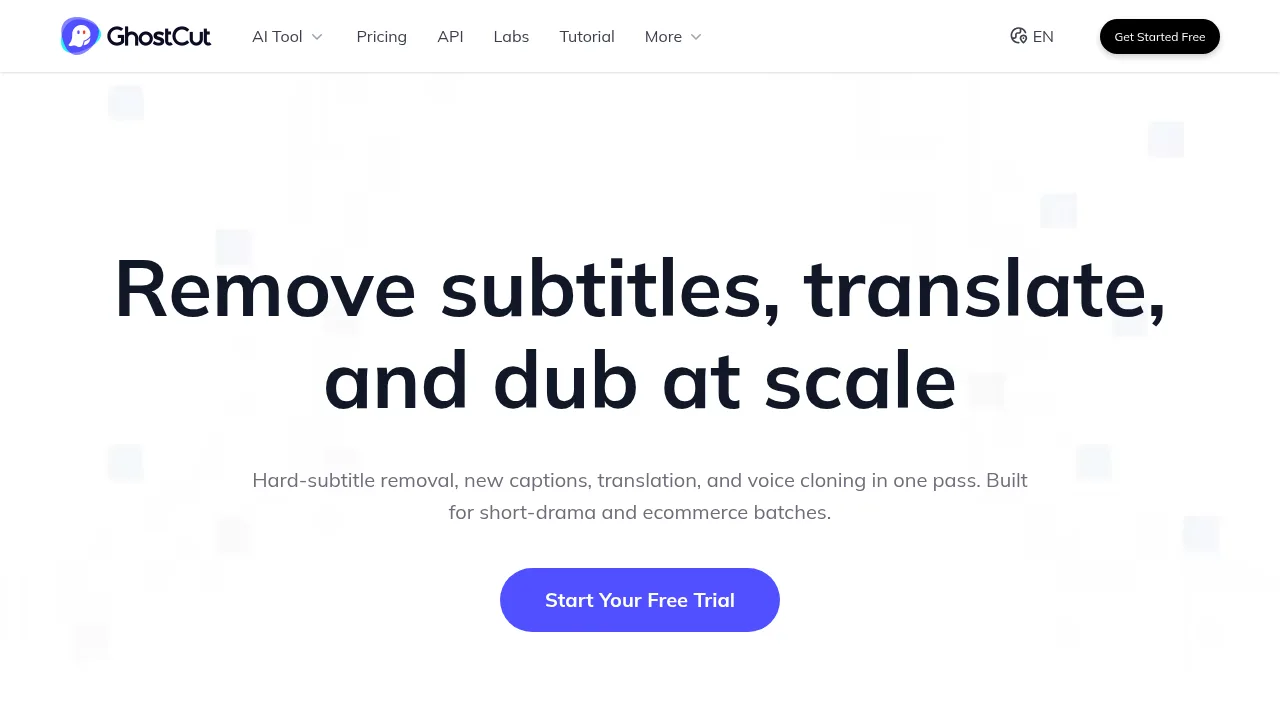
GhostCut automates video localization by removing hardcoded subtitles, translating text, and generating dubbed audio in a single batch workflow.

CN
33.19%
70.8K
0

Kalakar Related Other Categories

Kalakar Traffic Analysis

Website traffic estimates for kalakar.io. Visits are not unique users or product usage.

💡 Insights

⭐
Medium Scale
100K-1M monthly visits. Growing tool with active development.
📊
Steady Growth
Recent growth of 21%. Product is in a healthy upward trend.
💎
High Stickiness
Low bounce rate (31%) and deep engagement (8.9 pages/visit). Excellent user experience.
🎯
Strong Brand
62% direct traffic. High user loyalty.
  • Monthly Visits

    428.14K

  • Bounce Rate

    31.18%

  • Pages Per Visit

    8.88

  • Visit Duration

    00:07:19

  • Global Rank

    78085

  • Country Rank

    1184

Visits Over Time

Traffic Sources

Direct62.15%
Search Organic22.89%
Referrals6.68%
Social Organic4.07%
Social Paid2.41%
Gen Ai0.82%
Display Ads0.71%
Mail0.20%
Search Paid0.07%
Affiliate0.00%

Top Keywords

1
kalakar
CPC$0.11
39.42KTraffic
2
kalakar io
CPC$2.20
14.01KTraffic
3
kalakaar
CPC$0.18
3.62KTraffic
4
kalakar ai
CPC$0.47
3.32KTraffic
5
kalakaar io
2.10KTraffic

Top Regions

RegionPercentage
India
India
78.48%
Pakistan
Pakistan
14.41%
United States
United States
2.01%
Bangladesh
Bangladesh
1.92%
Netherlands
Netherlands
1.74%
Low
High

Powered by SimilarWeb

Kalakar FAQ

What are the system requirements for the editing software plugins?

The plugin works with all versions of Premiere Pro, but requires DaVinci Resolve Studio version 21.1 or later. Both macOS and Windows are supported.

Can I export transcripts as text documents?

Yes, transcript export in .docx, .txt, and .md formats is available on the Studio Plan.

Kalakar Reviews

0
0 Reviews
Sign Into leave a review

Recent Reviews

No reviews yet

Kalakar Embed

Use website badges to drive community support for SeekTool.ai. They are easy to embed in your homepage or footer.

Light
Dark
Kalakar - Featured on SeekTool.aiKalakar - Featured on SeekTool.ai
How to install?