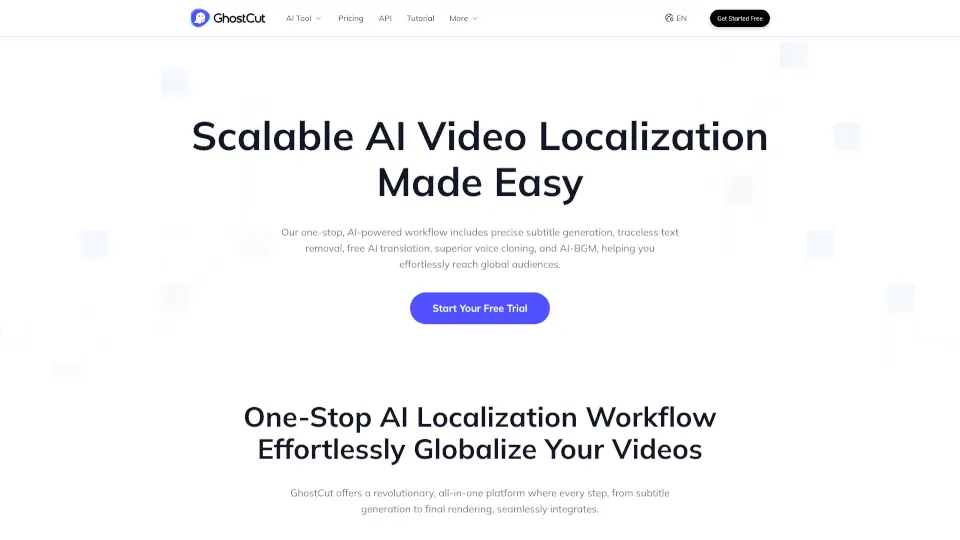
What is GhostCut?
GhostCut is an AI-powered video localization platform for content creators, businesses, and developers who need to adapt videos for global audiences. It handles subtitle generation, removal, translation, voice cloning, dubbing, and AI background music replacement in one integrated workflow. The tool supports batch processing, API access, and works with 100+ languages. It is especially popular among AI short drama producers, e-commerce sellers, social media creators, and educators who need to repurpose videos across markets without manual editing.
What are the features of GhostCut?
- Subtitle Generation (ASR/OCR): Automatically generates subtitles from audio or embedded on-screen text using dual recognition, supporting 100+ languages with noise reduction.
- Subtitle Translation & Removal: Uses AI models like DeepSeek for accurate multi-agent translation, and seamlessly removes hardcoded subtitles, lower thirds, or watermarks from video.
- Voice Cloning & Dubbing: Provides ultra-realistic AI dubbing with voice cloning across US, European, and Asian languages, maintaining speaker identity and emotion.
- Smart Soundtrack Replacement: Automatically replaces background music to avoid copyright issues while preserving important sound effects.
- Batch & API Processing: Upload and process hundreds of videos simultaneously, or integrate GhostCut’s features into your own platform via API.
- SRT Online Editor: Edit subtitles online, label speakers, and auto-identify multiple speakers in the video before export.
What are the use cases of GhostCut?
- AI short drama producers localizing content for global streaming apps and YouTube with subtitles, dubbing, and copyright-safe music.
- E-commerce sellers translating product videos for TikTok, Amazon, and Shopify to increase conversions in international markets.
- Educators creating accessible online courses with accurate subtitles and dubbing to reach diverse student audiences.
- Social media bloggers repurposing videos for YouTube, Facebook, and Instagram to break mute-mode limitations and grow revenue.
- Marketers bulk-uploading localized videos to build SEO-friendly channels and gain traffic from multiple language markets.
How to use GhostCut?
- Upload your video file or provide a URL to the GhostCut dashboard to start a new project.
- Choose the source language and target languages for subtitle generation and translation.
- Use the online SRT editor to review and adjust subtitle timing, speaker labels, or text accuracy.
- Select voice cloning or dubbing options and pick a background music style or custom audio track.
- Export the final video with rendered subtitles, dubbed audio, and music, or download project files.