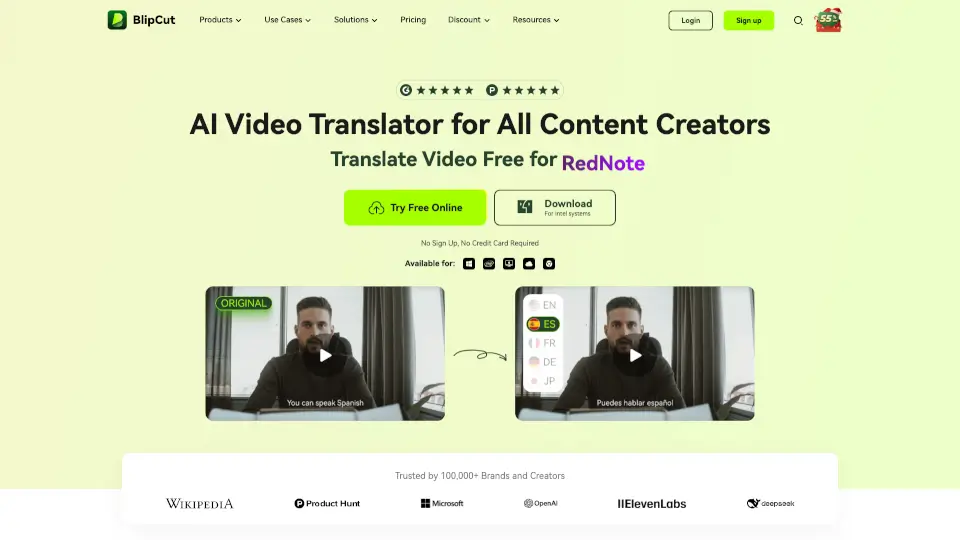

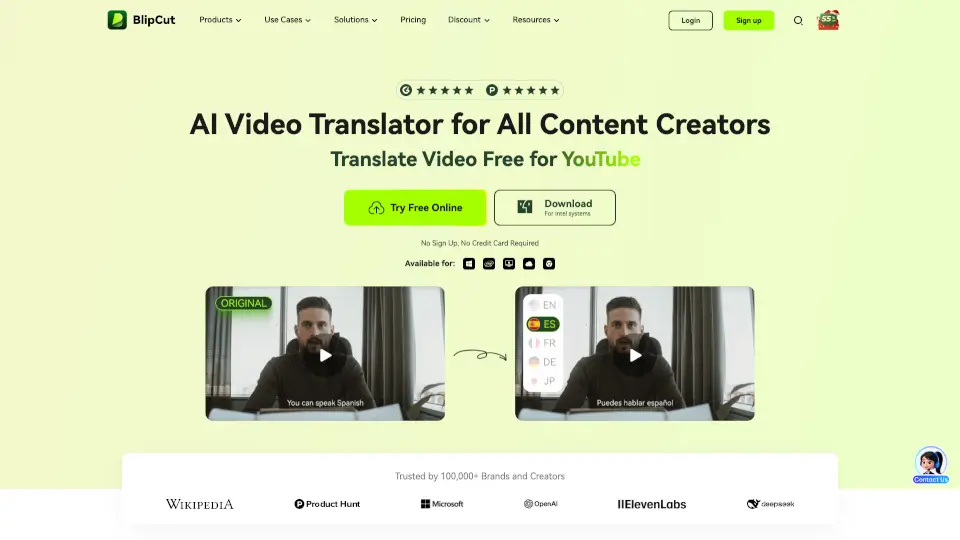
What is BlipCut?
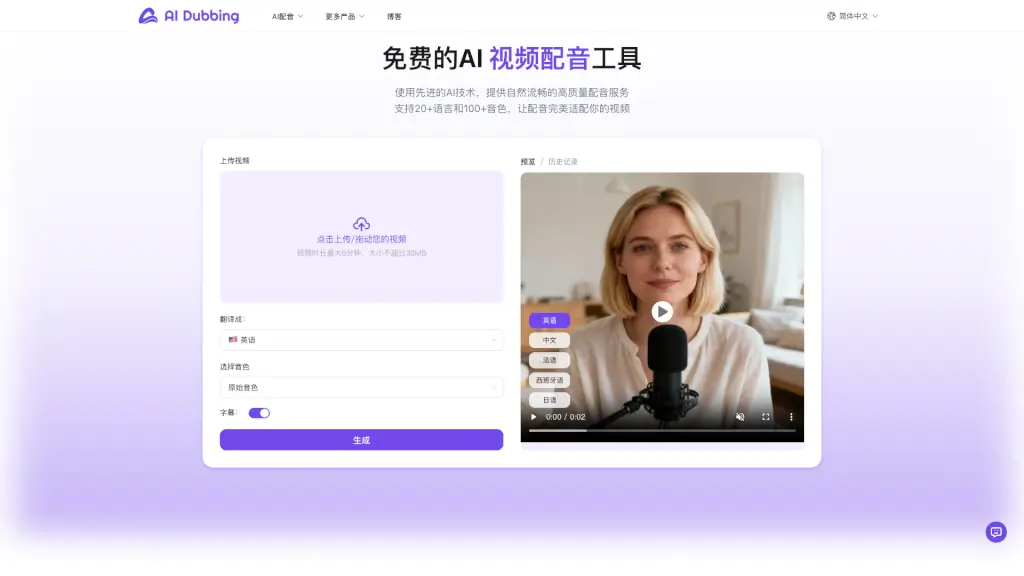
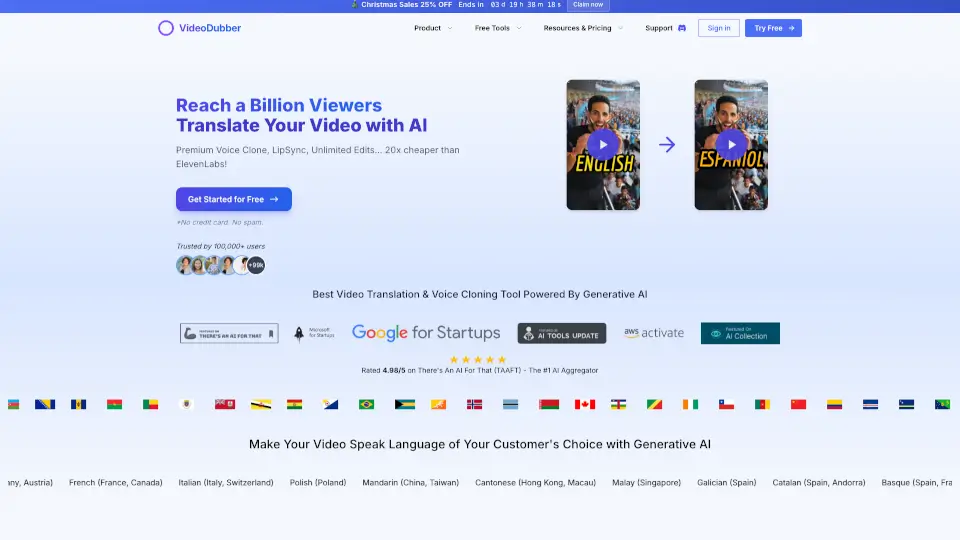
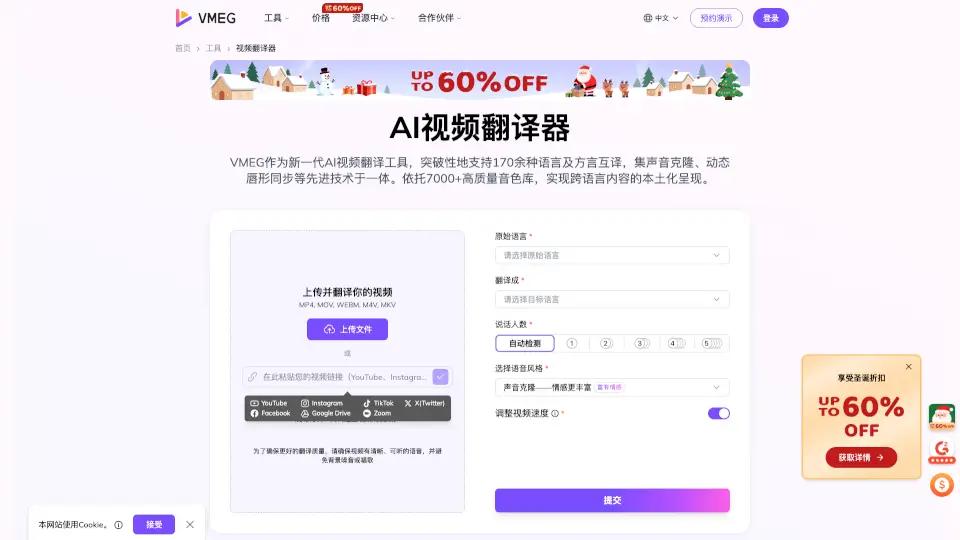
BlipCut is your go-to AI video translator that makes it easy to translate and localize videos into 140+ languages. Whether you're a content creator, educator, or business owner, BlipCut helps you break down language barriers and reach a global audience. With its advanced AI technology, you can translate, dub, and add subtitles to your videos in just a few clicks, making your content more accessible and engaging for viewers worldwide.
What are the features of BlipCut?
- AI Video Translation: Translate videos into 140+ languages with high accuracy and natural-sounding voices.
- AI Voice Cloning: Clone the original speaker's voice or use a variety of realistic AI voices for seamless dubbing.
- Batch Video Translation: Translate multiple videos at once, saving you time and effort.
- Subtitle Generation and Translation: Automatically generate and translate subtitles, ensuring your videos are fully localized.
- Lip Syncing: Ensure that the translated audio matches the lip movements of the speakers, making the video look and sound natural.
- Real-Time Preview and Editing: Customize speech speed, adjust clip positions, and change subtitle styles to fine-tune your video translations.
What are the use cases of BlipCut?
- Content Creators: Translate YouTube, TikTok, and Instagram videos to reach a broader audience.
- Educators: Localize e-learning and training videos to make educational content accessible in multiple languages.
- Businesses: Translate marketing and product videos to expand your global reach and connect with international customers.
- Filmmakers: Translate and dub movies and dramas into different languages, making them accessible to a wider audience.
- Podcasters: Translate podcast episodes and generate transcripts to enhance accessibility and reach.
- Healthcare Professionals: Translate medical materials and videos to ensure vital information is understood by patients in different regions.
How to use BlipCut?
- Upload Your Video: Start by uploading your video or pasting a video link directly into BlipCut.
- Select Target Languages: Choose the languages you want to translate your video into.
- Customize Voices and Subtitles: Select the AI voices and customize the subtitle styles as needed.
- Preview and Edit: Preview the translated video, make any necessary edits, and adjust the timing and appearance.
- Download and Share: Once satisfied, download the translated video and share it with your audience.