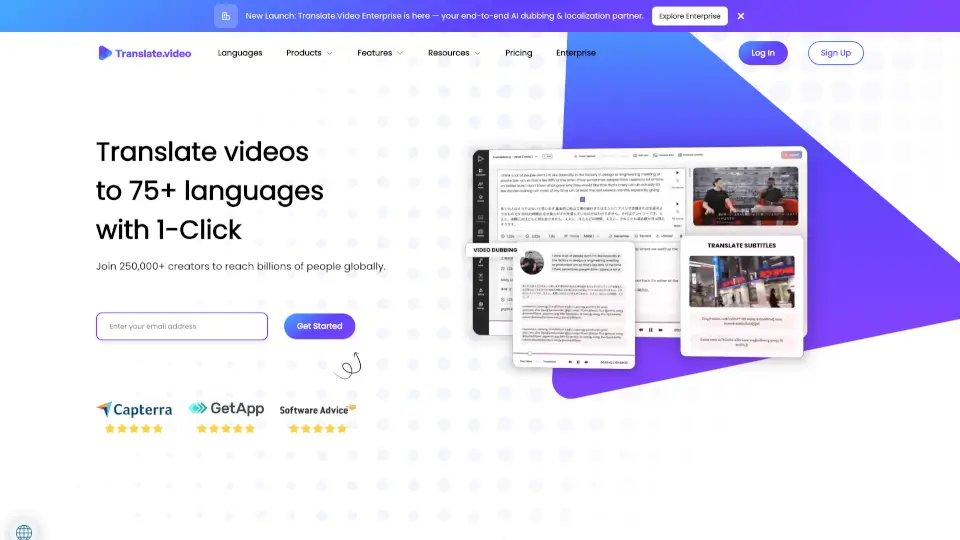
Was ist Translate.video?
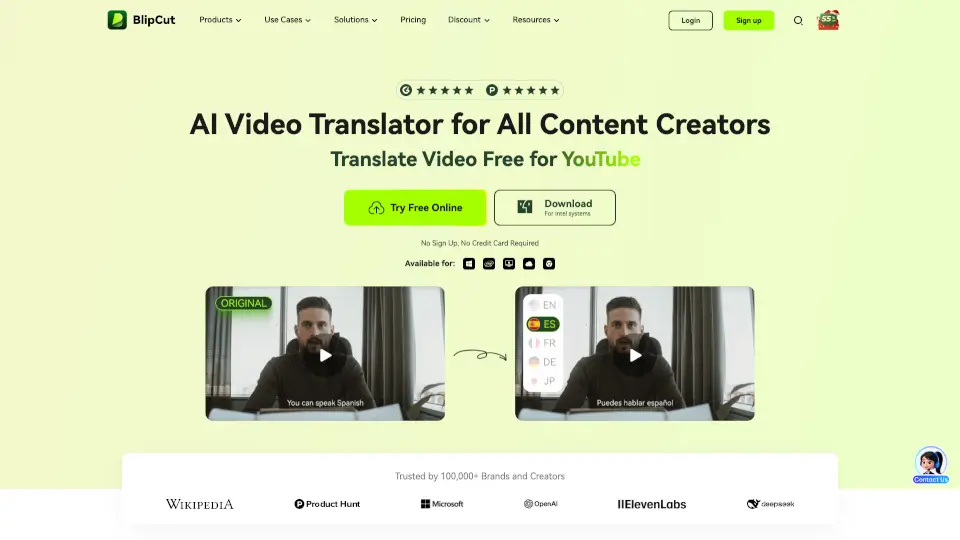
Mit Translate.video kannst du deine Videos ganz einfach in über 75 Sprachen übersetzen – inklusive professionellem Dubbing, Untertiteln und Voiceover. Die Plattform nutzt fortschrittliche KI-Technologie, um dir Studioqualität ohne monatelanges Warten zu liefern. Ob Influencer, Unternehmen oder Content-Creator: Du erreichst damit sofort ein globales Publikum, ohne extra Sprachkenntnisse oder teure Studios zu brauchen.
Das Beste? Alles läuft in einer einzigen App – von automatischen Transkripten über synchronisierte Lippenbewegungen bis hin zum Klonen deiner eigenen Stimme. So sparst du Zeit, steigerst die Reichweite deiner Inhalte und machst sie für alle zugänglich.
Was sind die Merkmale von Translate.video?
- 1-Klick-Übersetzung: Übersetze dein Video mit einem einzigen Klick in über 75 Sprachen – inklusive passender Untertitel und Synchronisation.
- Instant Voice Cloning: Erstelle eine digitale Kopie deiner Stimme mit nur 50 Sekunden Audio – und lass sie in jeder unterstützten Sprache sprechen.
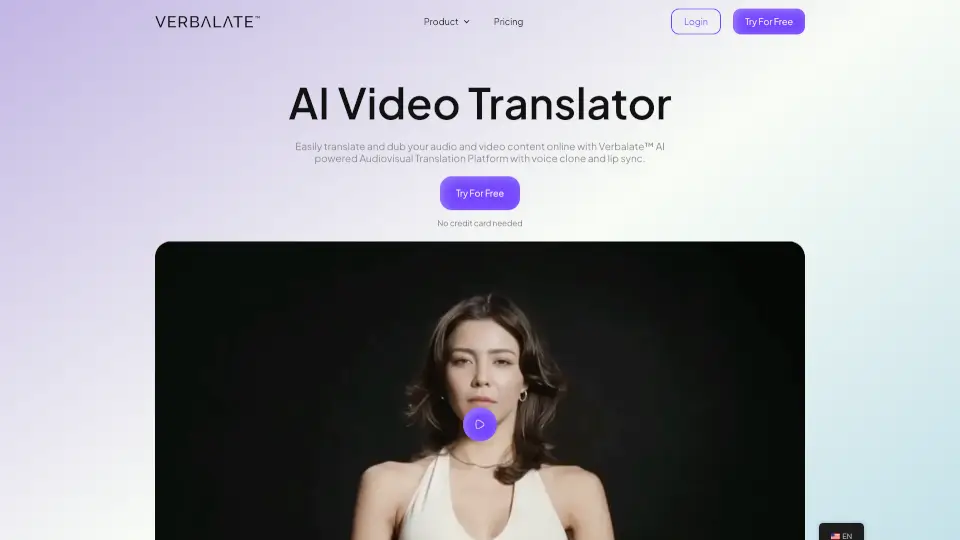
- Lip Sync & Sprecher-Trennung: Die KI passt die Mundbewegungen im Video an die neue Sprache an und erkennt automatisch, wer gerade spricht (Speaker Diarization).
- KI-basiertes Text-to-Speech: Erhalte menschenähnliche, natürliche Sprachausgaben – kein roboterhaftes Vorlesen mehr.
- Automatische Untertitel & Captions: Generiere sofort Closed Captions im SRT-, VTT- oder MP4-Format für maximale Barrierefreiheit.
- All-in-One-Video-App: Alles, was dein Video braucht – Transkripte, Dubbing, Bearbeitung, Export – in einer einzigen Oberfläche.
Was sind die Anwendungsfälle von Translate.video?
- Online-Kursanbieter, die ihre Schulungen schnell in 15+ Sprachen anbieten möchten – wie TJ Walker, der seine Kurse mit Translate.video global vertreibt.
- Social-Media-Influencer, die TikTok- oder Instagram-Videos für internationale Follower lokalisiert veröffentlichen wollen.
- Unternehmen, die Produktvorstellungen oder Schulungsvideos für internationale Märkte skalieren müssen – ohne externes Übersetzungsbüro.
- YouTuber, die ihre Reichweite erhöhen möchten, indem sie automatisch Untertitel und Dubbing in mehreren Sprachen anbieten.
- Marketingteams, die kreative Inhalte (z. B. Werbeclips) schnell an regionale Zielgruppen anpassen.
- Podcast-Hosts, die ihre Audioinhalte als übersetzte Video-Versionen auf YouTube veröffentlichen möchten.
Wie benutzt man Translate.video?
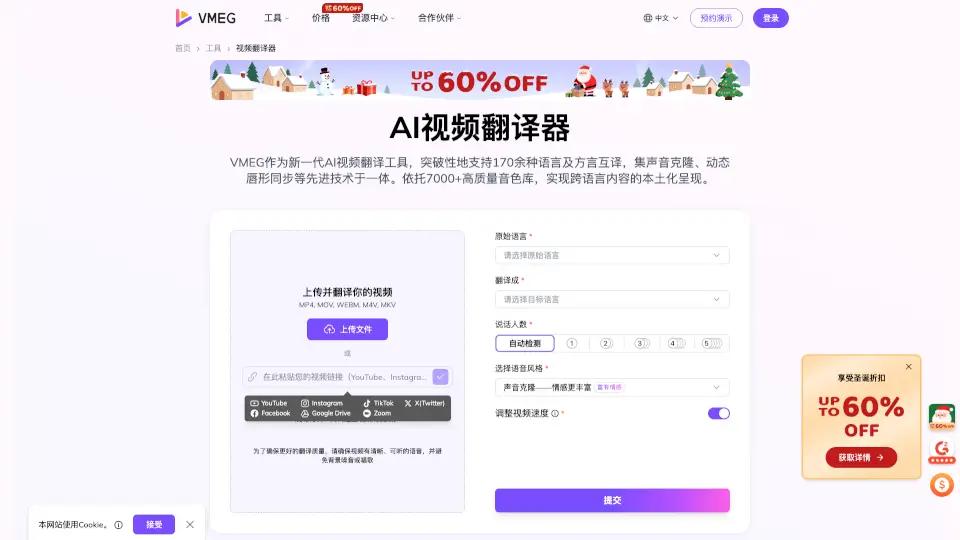
- Lade dein Video direkt auf translate.video hoch oder verbinde es über eine URL.
- Wähle deine Ausgangssprache und die gewünschte Zielsprache aus (z. B. Englisch → Spanisch).
- Aktiviere bei Bedarf Voice Cloning, falls du deine eigene Stimme nutzen möchtest – lade dafür einen 50-sekündigen Sprachclip hoch.
- Starte die automatische Verarbeitung: Die KI generiert Transkript, Untertitel, Dubbing und synchronisiert ggf. die Lippenbewegungen.
- Überprüfe das Ergebnis, passe Stil oder Timing bei den Untertiteln an und exportiere dein fertiges Video im MP4-Format oder als SRT/VTT-Datei.
- Teile dein mehrsprachiges Video direkt auf YouTube, Instagram, TikTok oder deiner Website.