What is Translate.video?
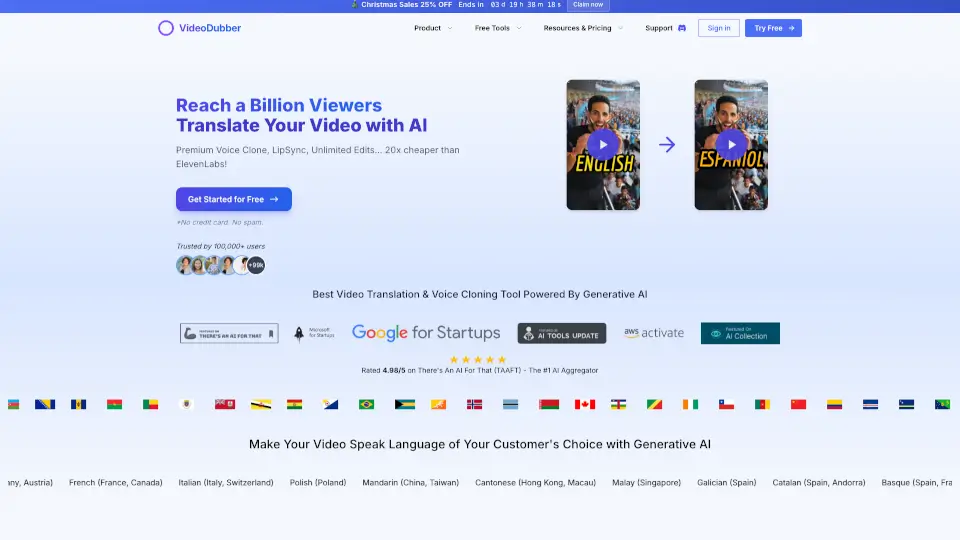
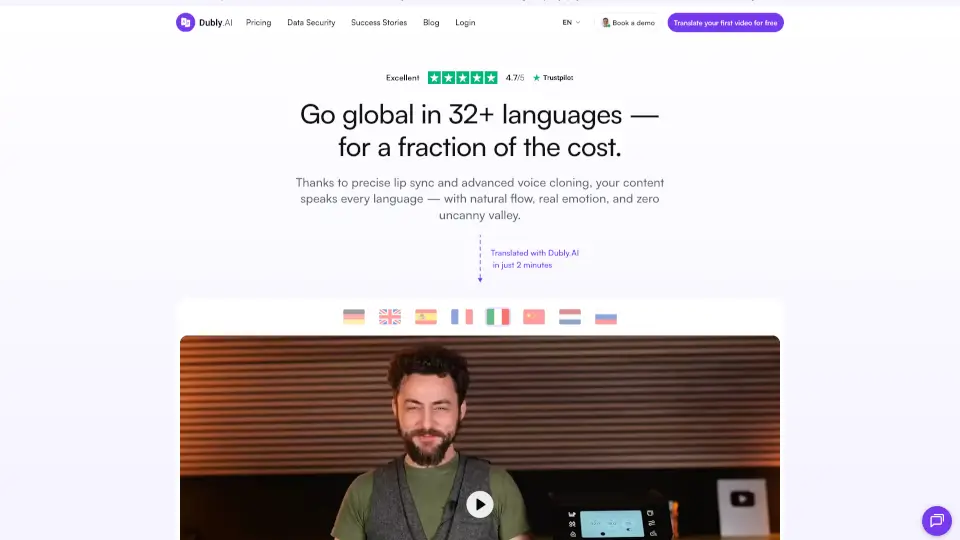
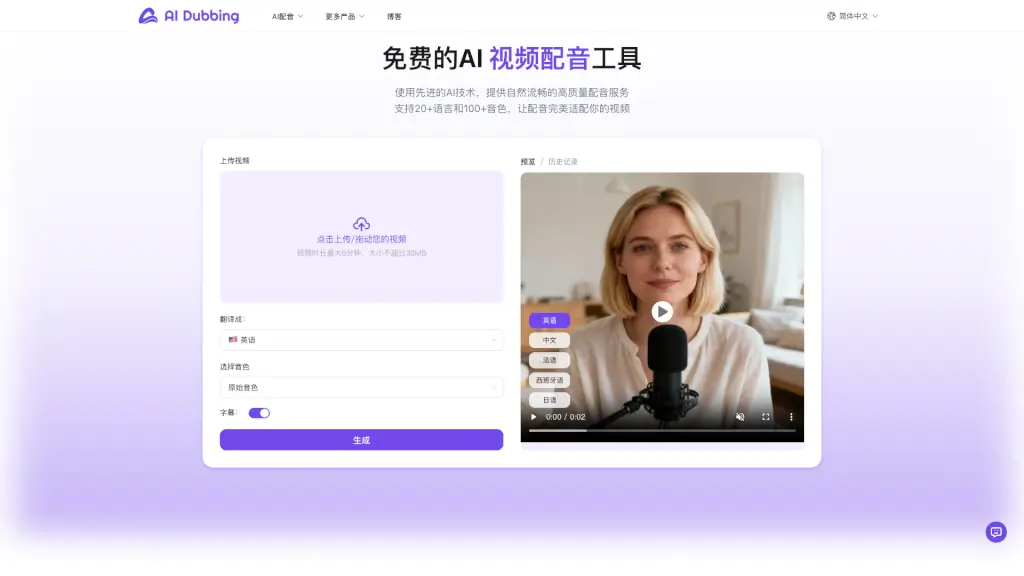
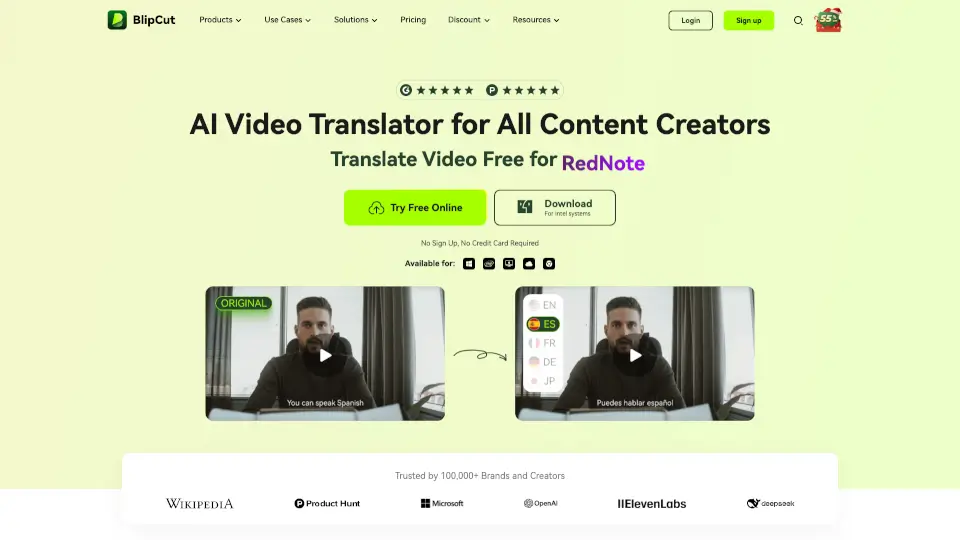
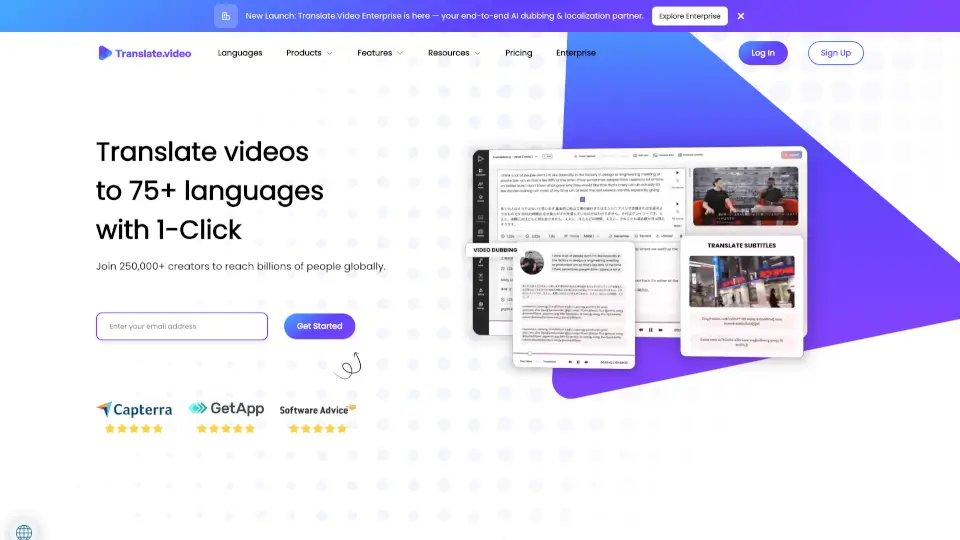
Translate.Video is an AI-powered platform that makes it easy to dub, subtitle, and translate videos into 75+ languages—all with just one click. Whether you're a content creator, educator, or business owner, it helps you connect with global audiences without spending weeks on manual editing. Powered by generative AI, it delivers studio-quality voiceovers, accurate captions, and seamless translations fast.
No more juggling multiple tools or hiring expensive translators. Translate.Video brings everything you need for multilingual video content into one simple app, so you can focus on creating while it handles the rest—from auto-generating transcripts to syncing lip movements with dubbed audio.
What are the features of Translate.video?
- 1-Click Video Translation: Instantly translate your entire video—including subtitles and voiceover—into 75+ languages.
- Instant Voice Cloning: Create a realistic digital clone of your voice using just 50 seconds of audio, then speak fluently in any supported language.
- AI-Powered Dubbing & Lip Sync: Generate human-like voiceovers that match on-screen mouth movements for natural-looking results.
- Auto Captioning & Subtitling: Get accurate closed captions (SRT, VTT) and translated subtitles in seconds, boosting accessibility and engagement.
- All-in-One Video Editor: Record, upload, edit styles, and export directly in MP4—no extra software needed.
- Creative Plugin Suite: Extend translation to design workflows with plugins for Photoshop, Illustrator, and Figma via Translate.photo.
What are the use cases of Translate.video?
- Online course creators dubbing educational videos into 15+ languages to reach international students.
- Social media influencers quickly subtitling TikTok or Instagram Reels for global followers.
- Marketing teams localizing product demos or ads for different regions without re-shooting.
- YouTubers making content accessible with auto-generated captions and multilingual voiceovers.
- Enterprises scaling training videos across global offices using cloned executive voices.
- Agencies delivering fast-turnaround translated content for clients in multiple markets.
How to use Translate.video?
- Upload your video or select from cloud storage (Google Drive, Dropbox, etc.).
- Choose your source language and target language(s) from 75+ options.
- Enable voice cloning (if desired) by uploading a 50-second clean audio sample.
- Preview and edit subtitles, voice tone, or timing before finalizing.
- Export with embedded captions, separate SRT/VTT files, or dubbed MP4—all in one click.
- Use plugins like Translate.photo to translate text layers in Photoshop or Figma designs instantly.