
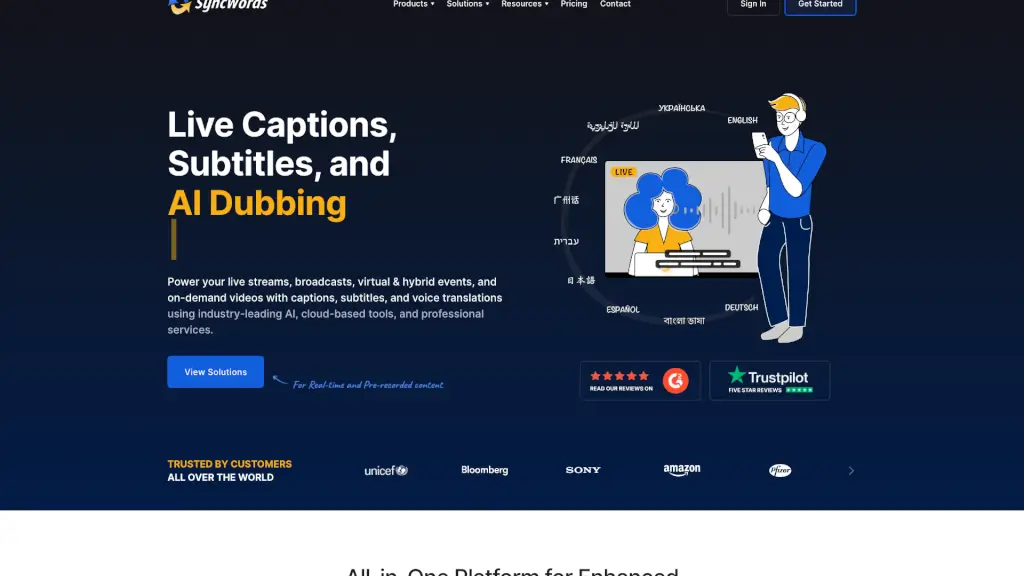
What is SyncWords?
SyncWords is a powerful, user-friendly platform that brings live captions, subtitles, and voice dubbing to your videos in real-time. Whether you're streaming a live event, hosting a virtual meeting, or sharing pre-recorded content, SyncWords ensures your audience can follow along in over 100 languages. This makes your content more accessible, engaging, and globally relevant. With ultra-low latency and advanced AI, SyncWords is perfect for anyone looking to enhance their video content without the need for complex setups or expensive hardware.
What are the features of SyncWords?
- Live Captions: Instantly generate accurate captions for live streams, making your content accessible to a wider audience.
- Subtitles: Provide real-time subtitles in 100+ languages, ensuring your content reaches a global audience.
- Voice Dubbing: Use AI-powered voice cloning to create natural-sounding translations, preserving the speaker's tone and emotion.
- Seamless Integration: Easily integrate with popular streaming platforms like AWS Elemental, Vimeo, and more.
- Custom Dictionaries: Enhance accuracy with custom ASR dictionaries and translation glossaries.
- Cloud-Based: No need for encoders or hardware—everything is managed in the cloud.
- Ultra-Low Latency: Deliver captions and subtitles with minimal delay, ensuring a smooth viewing experience.
What are the use cases of SyncWords?
- Live Streaming Events: Perfect for webinars, conferences, and live sports events, making them accessible to a global audience.
- Virtual Meetings: Add real-time captions and translations to Zoom, Webex, and other online meeting platforms.
- Broadcast TV and OTT: Deliver multilingual subtitles and voice dubbing for TV shows, news broadcasts, and on-demand content.
- Educational Content: Make lectures, training sessions, and educational videos accessible to international students.
- Corporate Presentations: Ensure all employees, regardless of language, can follow along during company-wide meetings and presentations.
- Religious Services: Provide subtitles and translations for sermons and religious events, reaching a diverse congregation.
How to use SyncWords?
- Set Up Your Account: Sign up and create a SyncWords account.
- Connect to Your Platform: Integrate SyncWords with your streaming or video platform using provided APIs or plugins.
- Select Languages: Choose the source and target languages for your captions and subtitles.
- Start Streaming: Begin your live stream or upload your pre-recorded content.
- Monitor and Adjust: Use the dashboard to monitor the quality and make any necessary adjustments.
- Review and Edit: After the event, review and edit the generated captions and subtitles for even greater accuracy.