
What is GPTScribe?
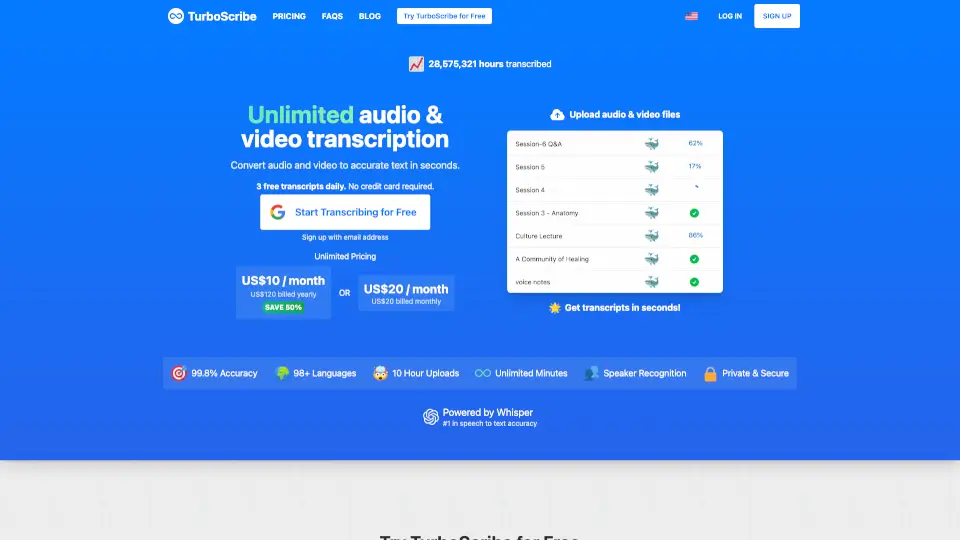
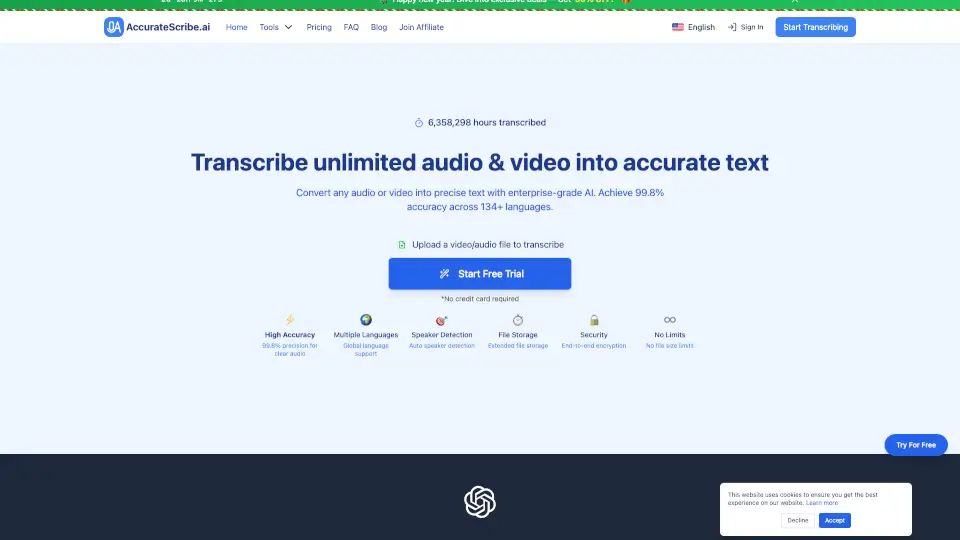
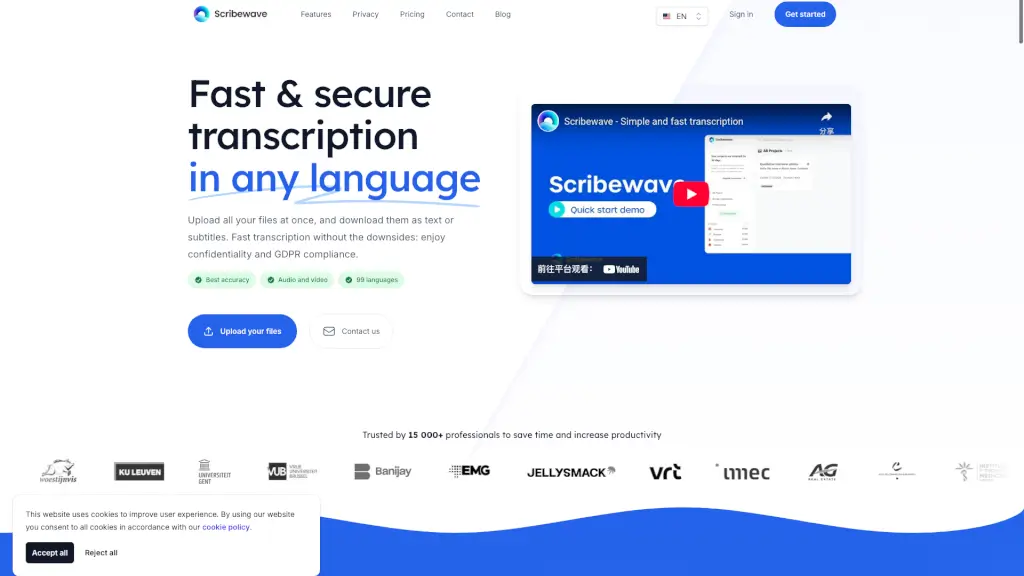
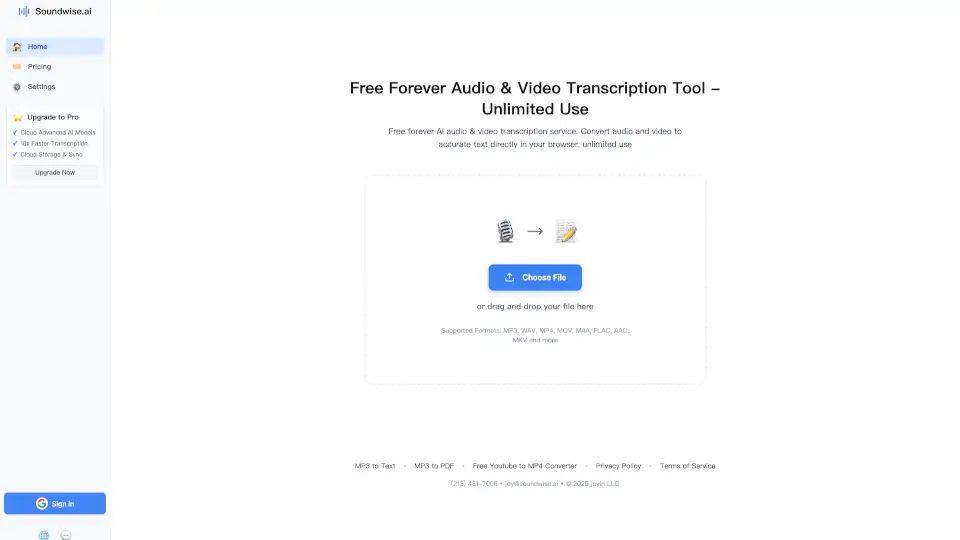
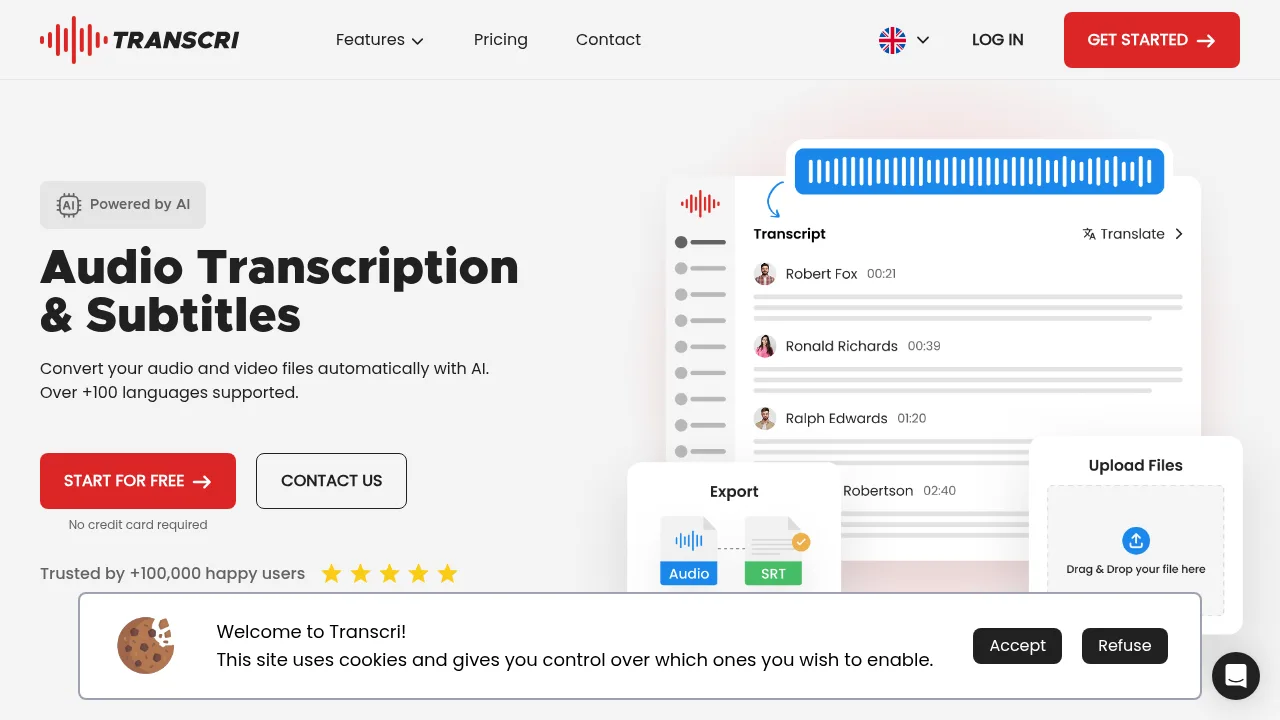
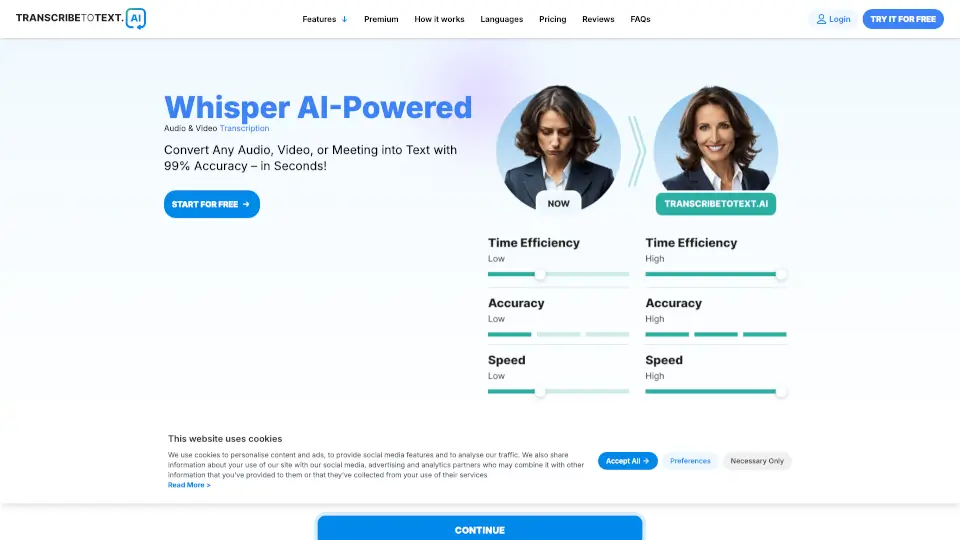
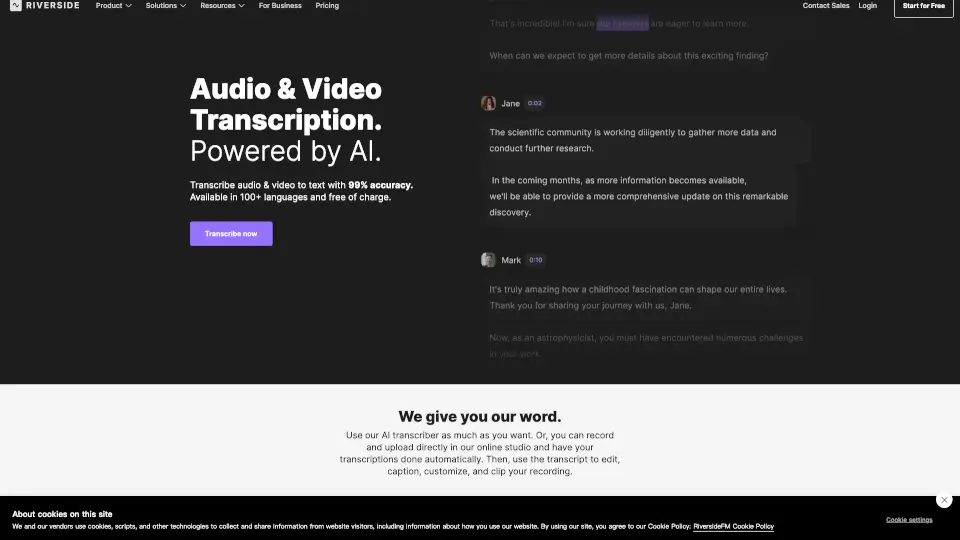
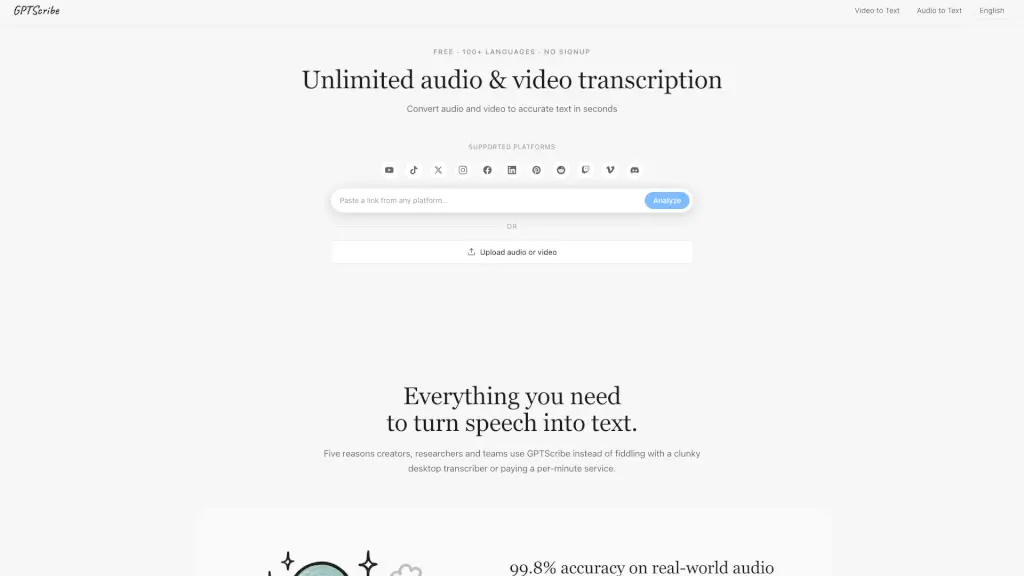
Need to turn audio or video into text fast—without jumping through hoops? GPTScribe is a free, no-signup AI transcription tool that converts your recordings into accurate, readable transcripts in seconds. Whether it’s a podcast, interview, lecture, or YouTube video, GPTScribe handles it all with 99.8% accuracy across 100+ languages, including messy real-world audio with background noise, accents, or multiple speakers.
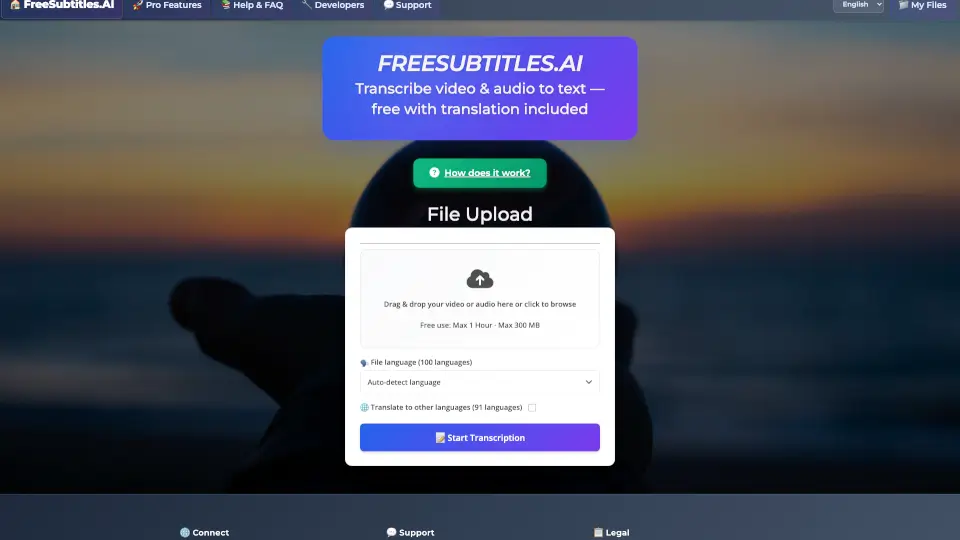
Unlike clunky desktop apps or expensive per-minute services, GPTScribe works right in your browser. Just drag and drop a file or paste a link—no account needed. You get polished, ready-to-use text with automatic punctuation, speaker breaks, and paragraph formatting, plus one-click exports as SRT, VTT, or TXT for subtitles or documents. It’s built for creators, researchers, students, and journalists who need speed, privacy, and reliability—without hidden fees or data grabs.
What are the features of GPTScribe?
- No Sign-Up RequiredStart transcribing instantly—no email, credit card, or trial needed.
- 99.8% Accuracy on Real AudioTrained on noisy, real-world recordings (not just studio-perfect audio), handling overlapping voices, accents, and background sounds.
- 100+ Languages with Auto-DetectAutomatically identifies the language—even mid-sentence code-switching—and supports translation into a second language.
- Lightning-Fast ProcessingA 10-minute file finishes in under a minute; hour-long videos are ready before your coffee cools.
- Polished, Readable OutputAdds proper punctuation, capitalization, and paragraph breaks so transcripts read like human writing.
- One-Click ExportsDownload as SRT, VTT, or TXT—all pre-formatted for video editors like Premiere, CapCut, or YouTube Studio.
- Private & SecureFiles are encrypted in transit and deleted immediately after transcription—never stored or used to train models.
- 3 Free Transcripts DailyUnlimited file length, no caps—perfect for students, solo creators, and journalists.
What are the use cases of GPTScribe?
- Podcastersgenerating accurate captions and show notes without manual cleanup.
- Researchersanalyzing multilingual interviews (e.g., English-Yoruba-French mix) for qualitative studies.
- Studentsturning 90-minute lectures into searchable, highlightable study documents.
- Journaliststranscribing field recordings on deadline and translating foreign-language sources.
- YouTube Creatorsproducing dual-language subtitles (e.g., Spanish + English) to boost non-native viewer retention.
- Documentary Editorsindexing hundreds of hours of raw footage for instant keyword searches (Cmd-F instead of scrubbing tapes).
- Teamsconverting meeting recordings into shareable, editable notes without third-party tools.
How to use GPTScribe?
- Go to GPTScribe’s website—no download or login needed.
- Drag and drop your audio/video file or paste a link from YouTube, TikTok, Instagram, Vimeo, Facebook, X, Twitch, or Discord.
- Leave the language setting on Auto (or choose source/target languages if translating).
- Wait seconds—not days—for your transcript to process live in-browser.
- Edit, search, or download your result as SRT, VTT, or TXT with one click.
- Repeat up to 3 times per day for free—quota resets daily.