
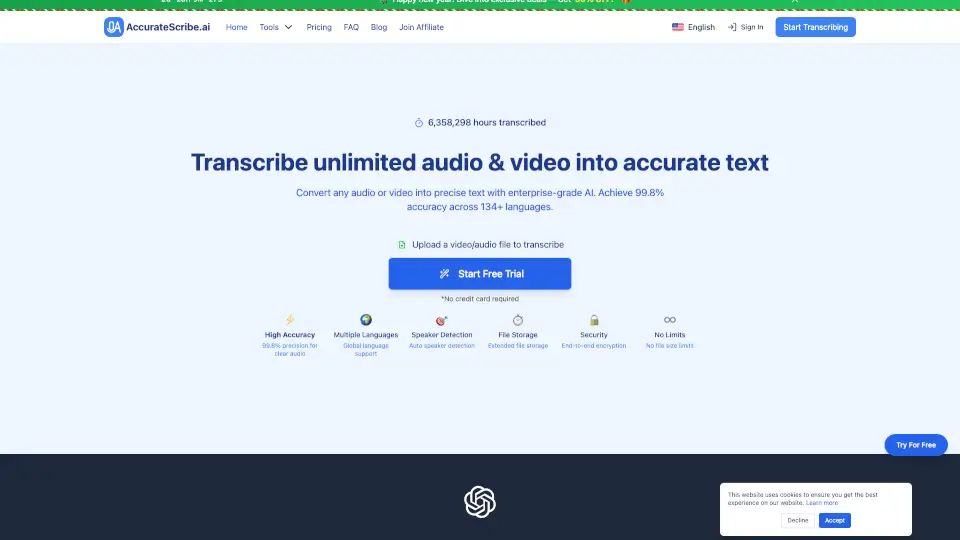
What is AccurateScribe.ai?
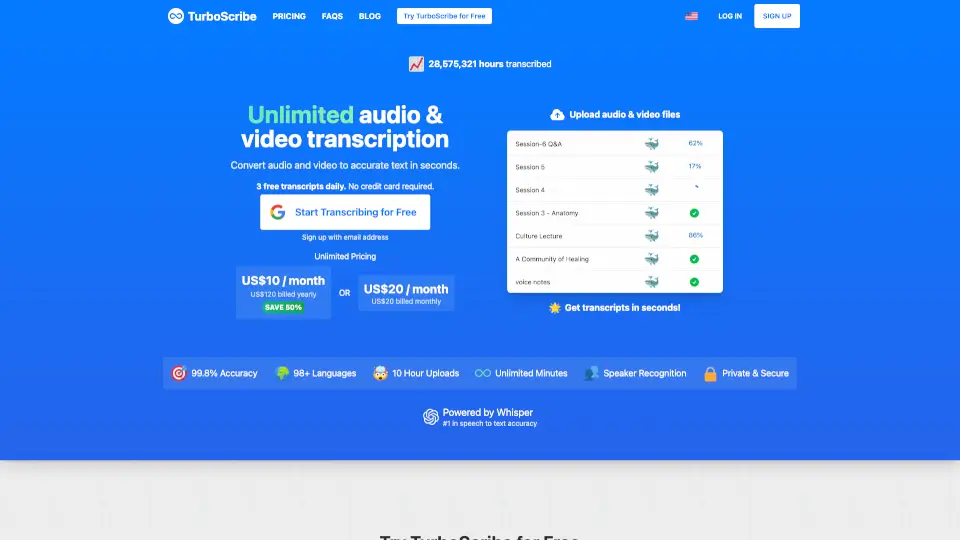
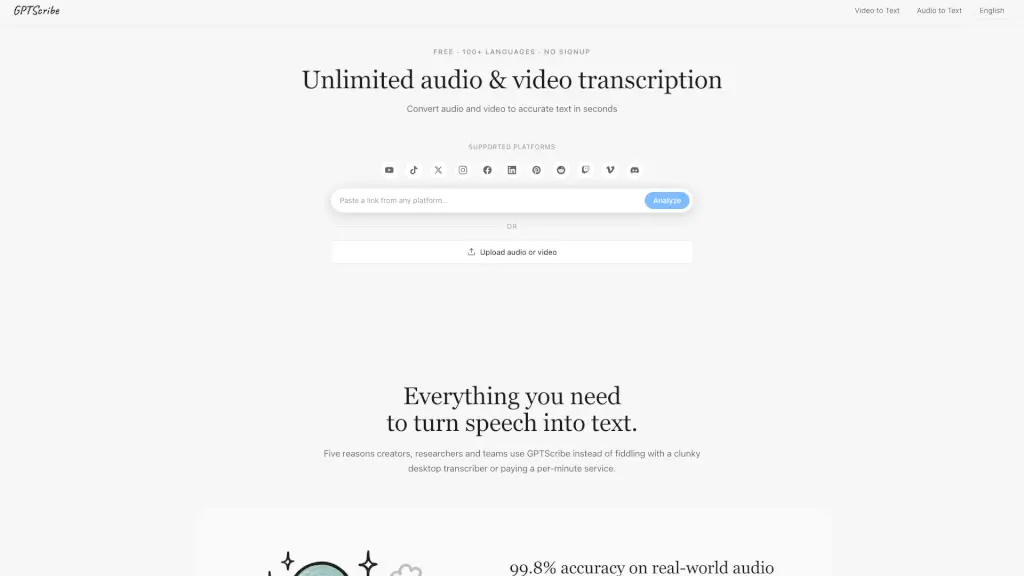
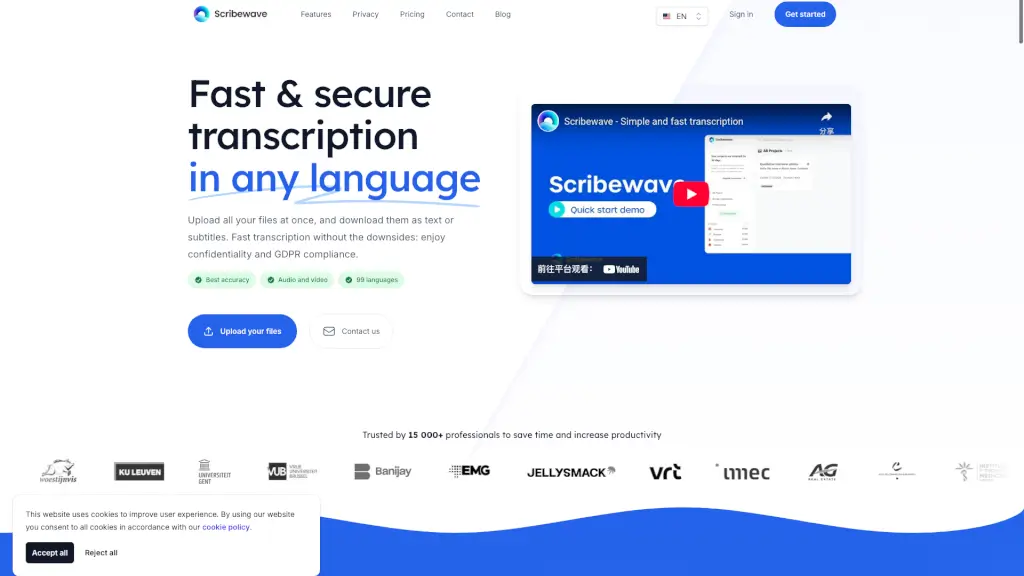
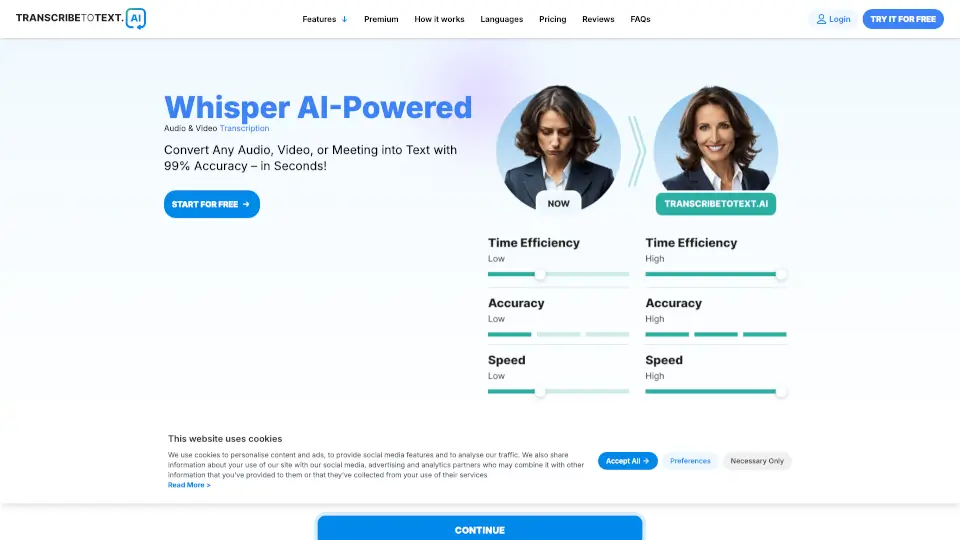
Welcome to AccurateScribe.ai, your go-to solution for turning audio and video into accurate, high-quality text. Whether you're a student, professional, or content creator, AccurateScribe.ai is designed to make your life easier by providing fast, reliable, and incredibly accurate transcriptions. With support for over 134 languages and advanced features like speaker detection and end-to-end encryption, you can trust that your transcription needs are in good hands.
What are the features of AccurateScribe.ai?
- High AccuracyAchieve 99.8% precision for clear audio, ensuring your transcripts are clean and precise.
- Multiple LanguagesTranscribe and translate content in over 134 languages, making it perfect for global projects.
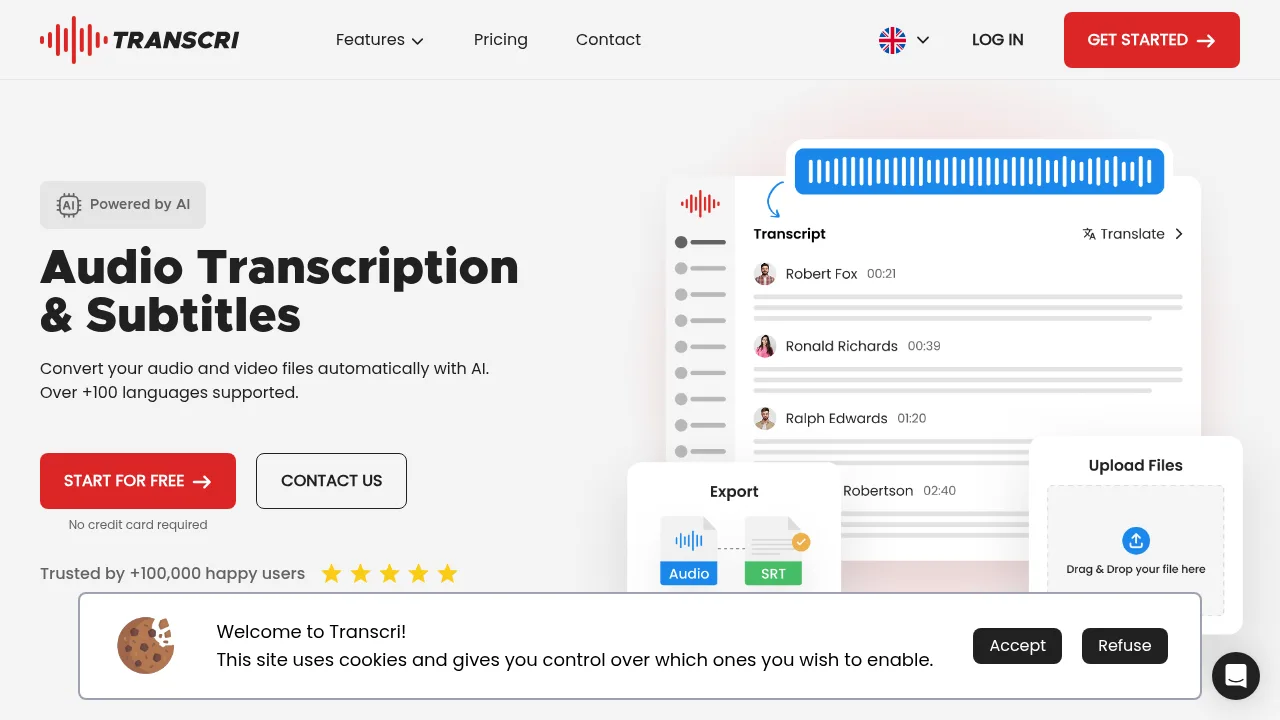
- Speaker DetectionAutomatically detect and label speakers in your files, ideal for meetings and interviews.
- Extended File StorageStore and manage large files with ease, with support for up to 10 hours of audio or 5GB file size.
- End-to-End EncryptionYour data is secure with enterprise-grade encryption, ensuring privacy and confidentiality.
- No File Size LimitsTranscribe as much as you need, with no caps on the amount of audio or video you can process.
What are the use cases of AccurateScribe.ai?
- Academic ResearchQuickly transcribe research interviews, lectures, and seminars for easy reference and analysis.
- Content CreationConvert podcasts, YouTube videos, and other media into text for blog posts, captions, and more.
- Business MeetingsGenerate accurate transcripts of corporate meetings, webinars, and conference calls.
- Legal and MedicalTranscribe legal depositions, medical consultations, and patient notes with high accuracy and security.
- International CollaborationFacilitate cross-border projects with multi-language support and translation features.
- EducationEnhance online learning platforms with accessible, accurate transcriptions and subtitles.
How to use AccurateScribe.ai?
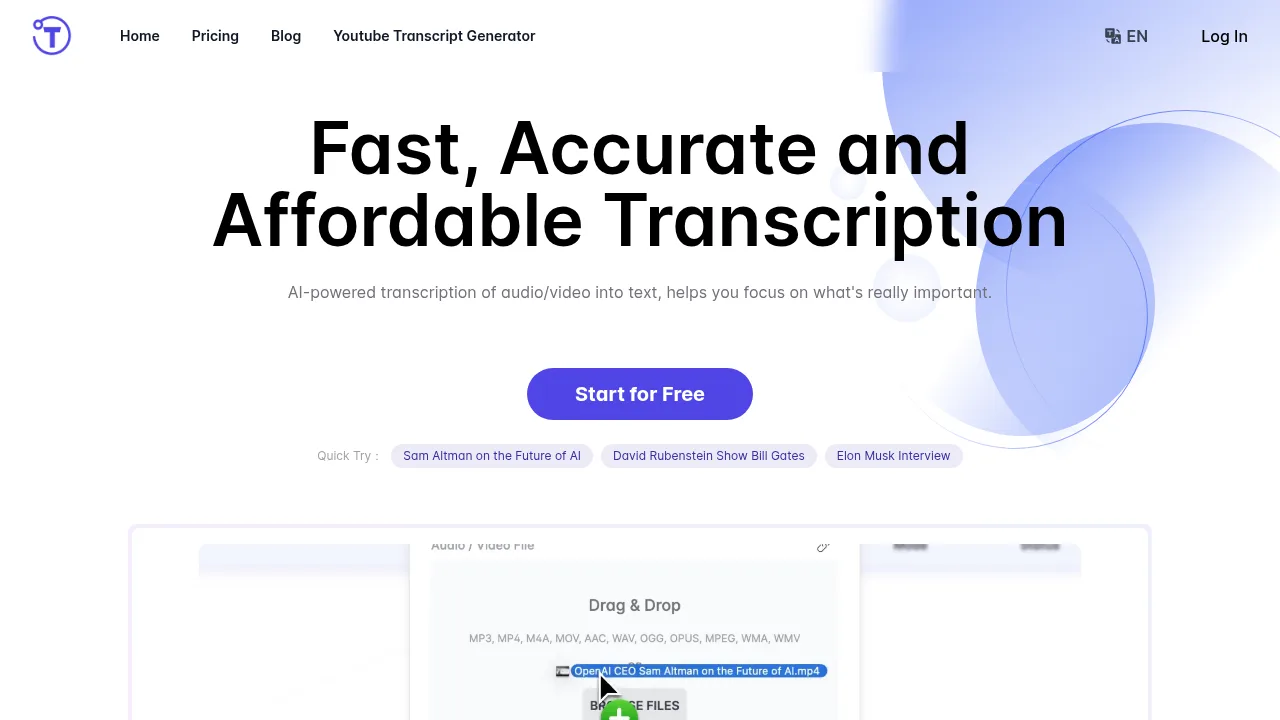
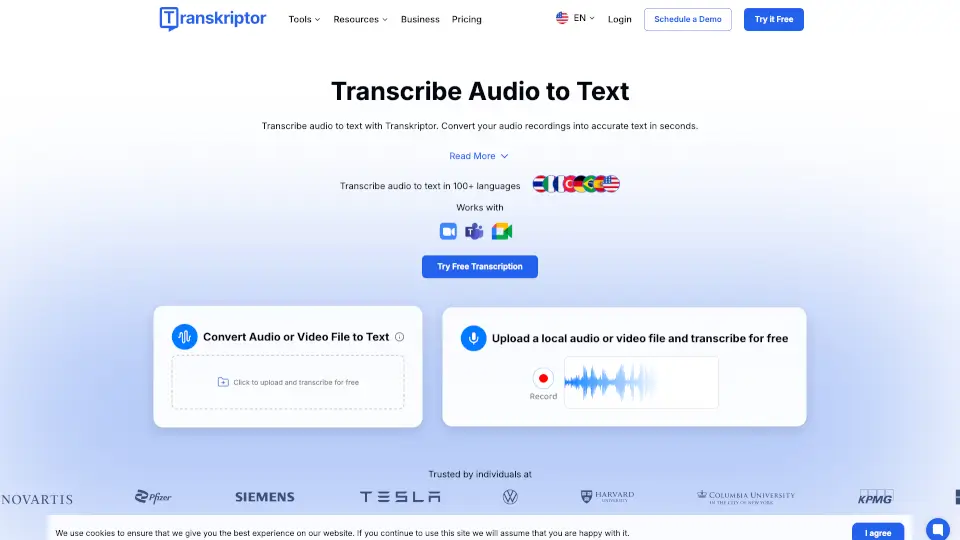
- Upload Your FileSimply drag and drop your audio or video file into the AccurateScribe.ai platform.
- Select LanguageChoose the language of your file, or let the system auto-detect it for you.
- Enable Speaker DetectionIf your file has multiple speakers, enable this feature for automatic labeling.
- Start TranscriptionClick the "Start Transcription" button and let the AI do its magic.
- Review and EditOnce the transcription is complete, use the interactive editor to review and make any necessary edits.
- Export Your TranscriptSave your transcript in various formats, including DOCX, PDF, TXT, SRT, and VTT.