
What is AccurateScribe.ai?
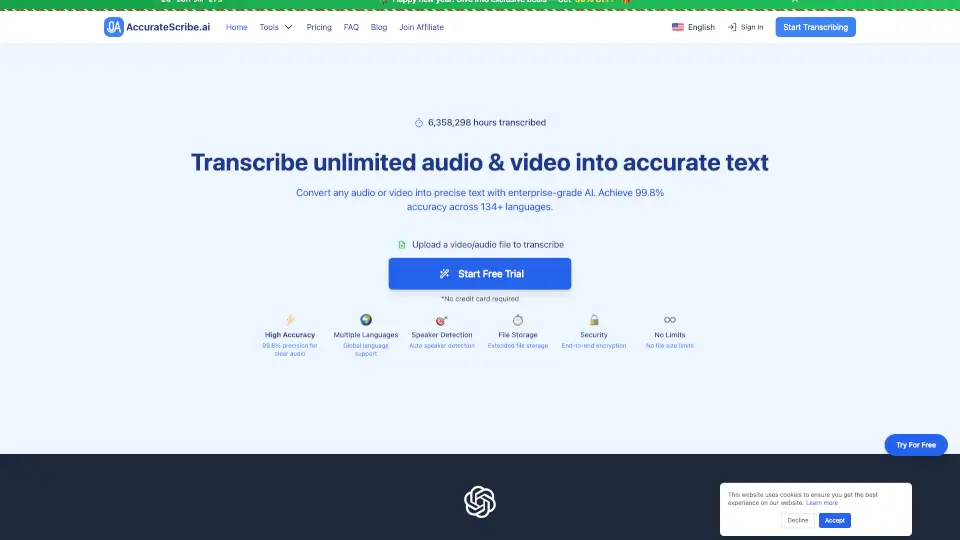
Welcome to AccurateScribe.ai, your go-to solution for turning audio and video into accurate, high-quality text. Whether you're a student, professional, or content creator, AccurateScribe.ai is designed to make your life easier by providing fast, reliable, and incredibly accurate transcriptions. With support for over 134 languages and advanced features like speaker detection and end-to-end encryption, you can trust that your transcription needs are in good hands.
What are the features of AccurateScribe.ai?
- High Accuracy: Achieve 99.8% precision for clear audio, ensuring your transcripts are clean and precise.
- Multiple Languages: Transcribe and translate content in over 134 languages, making it perfect for global projects.
- Speaker Detection: Automatically detect and label speakers in your files, ideal for meetings and interviews.
- Extended File Storage: Store and manage large files with ease, with support for up to 10 hours of audio or 5GB file size.
- End-to-End Encryption: Your data is secure with enterprise-grade encryption, ensuring privacy and confidentiality.
- No File Size Limits: Transcribe as much as you need, with no caps on the amount of audio or video you can process.
What are the use cases of AccurateScribe.ai?
- Academic Research: Quickly transcribe research interviews, lectures, and seminars for easy reference and analysis.
- Content Creation: Convert podcasts, YouTube videos, and other media into text for blog posts, captions, and more.
- Business Meetings: Generate accurate transcripts of corporate meetings, webinars, and conference calls.
- Legal and Medical: Transcribe legal depositions, medical consultations, and patient notes with high accuracy and security.
- International Collaboration: Facilitate cross-border projects with multi-language support and translation features.
- Education: Enhance online learning platforms with accessible, accurate transcriptions and subtitles.
How to use AccurateScribe.ai?
- Upload Your File: Simply drag and drop your audio or video file into the AccurateScribe.ai platform.
- Select Language: Choose the language of your file, or let the system auto-detect it for you.
- Enable Speaker Detection: If your file has multiple speakers, enable this feature for automatic labeling.
- Start Transcription: Click the "Start Transcription" button and let the AI do its magic.
- Review and Edit: Once the transcription is complete, use the interactive editor to review and make any necessary edits.
- Export Your Transcript: Save your transcript in various formats, including DOCX, PDF, TXT, SRT, and VTT.