What is BerriAI-litellm?
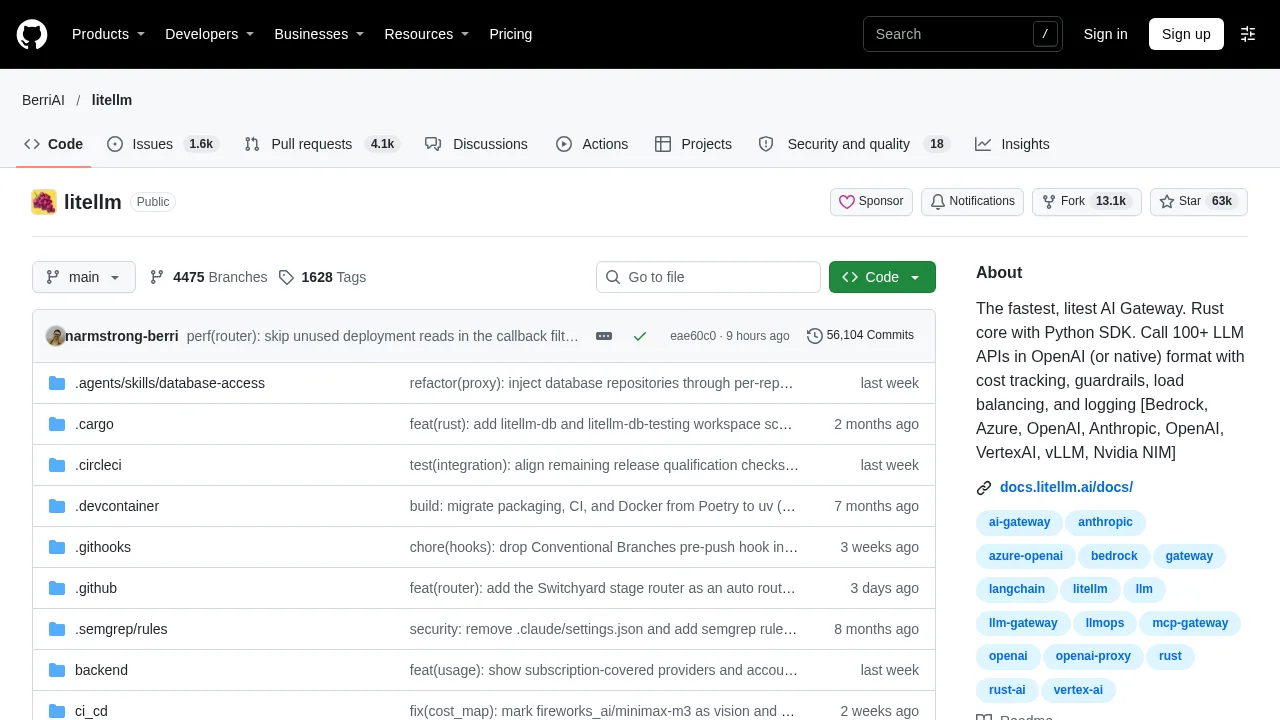
BerriAI-litellm is an open-source AI gateway that provides a unified interface to call over 100 large language model providers using the OpenAI format or native APIs. It serves ML platform teams and developers building LLM applications who need centralized access, cost tracking, and load balancing. The product is self-hosted via Docker or Terraform, or used directly as a Python SDK.
What are the features of BerriAI-litellm?
- Unified API interfaceRoutes requests to over 100 LLM providers across endpoints including chat completions, embeddings, image generation, audio transcription, and reranking.
- Python SDK integrationProvides direct library access for calling models, with application-level load balancing, retry logic, fallback routing, and observability callbacks.
- Auto routingClassifies prompt complexity using heuristic tiers to automatically select between configured fast or capable models.
- MCP tool bridgeConnects Model Context Protocol servers to any supported LLM by loading tools in OpenAI format for use in completion calls.
- A2A protocol supportInvokes Agent-to-Agent protocols through the gateway or SDK, supporting providers like LangGraph, Vertex AI Agent Engine, and Bedrock AgentCore.
- Agent harnessesRuns coding agents such as Claude Code, Codex, OpenCode, pi, or Deep Agents on any configured model through the Python SDK.
What are the use cases of BerriAI-litellm?
- Multi-tenant LLM platform managementML platform teams deploy the proxy server to centralize authentication, virtual keys, spend tracking per project or user, and guardrails.
- Infrastructure deployment on AWS or GCPTeams provision a componentized stack with managed Postgres, Redis, and object storage using published Terraform modules.
- IDE tool integrationDevelopers configure Cursor IDE to route MCP tool requests through the local gateway instance using a master key header.
How to use BerriAI-litellm?
- Install the proxy toolRun
uv tool install 'litellm[proxy]'in the terminal to install the AI gateway. - Start the gatewayExecute
litellm --model gpt-4oto launch the proxy server locally. - Send a request via SDKInitialize the OpenAI Python client with
base_url="http://0.0.0.0:4000"and any API key, then callclient.chat.completions.createwith the target model and messages.
BerriAI-litellm Pricing Information:
- Open sourceSelf-hosted software available under an open-source license at no stated cost; stable Docker images are published after 12-hour load tests.
- Enterprise LicenseCustom pricing obtained by contacting the founders; includes features under the LiteLLM Commercial License, feature prioritization, custom integrations, professional support via dedicated Discord or Slack, custom SLAs, and single sign-on.