
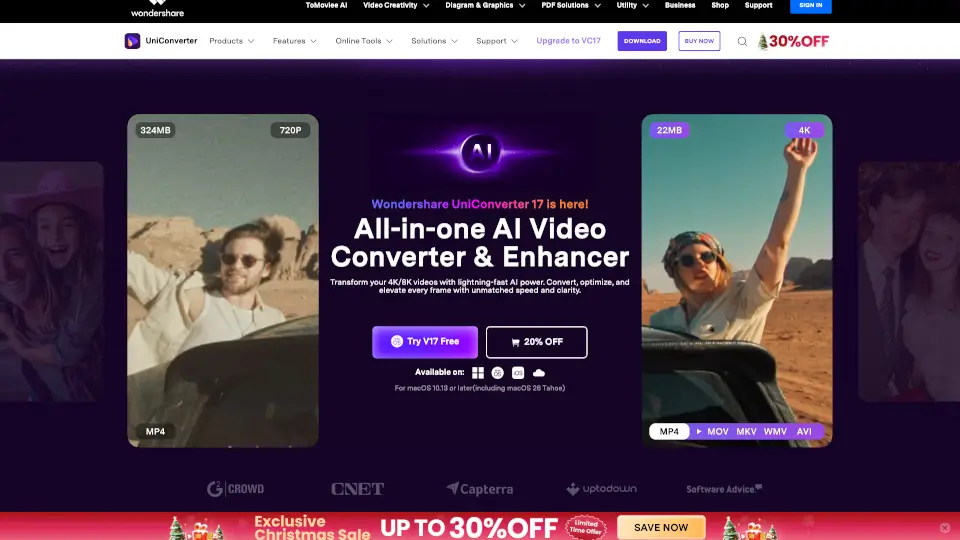
What is Wondershare UniConverter?
Wondershare UniConverter 17 is your all-in-one AI-powered video toolbox that handles everything from conversion and enhancement to compression and screen recording—all at lightning speed. Whether you're working with 4K/8K HDR videos, old home movies, or social media clips, UniConverter uses smart AI to make every task faster, easier, and higher quality.
Designed for creators, educators, students, and everyday users, it replaces a dozen separate tools with one intuitive app. From upscaling blurry footage to removing watermarks or generating subtitles in over 145 languages, UniConverter 17 brings pro-level results without the learning curve.
What are the features of Wondershare UniConverter?
- AI Video Enhancer: Upscale videos to 4K/8K, reduce noise, sharpen faces/anime, and boost frame rates up to 240 FPS.
- Ultra-Fast Conversion: Convert over 1,000 formats up to 130× faster than standard tools—with smart format recommendations.
- Smart Compression: Shrink file sizes by up to 90% while preserving visual quality—perfect for email or social media.
- AI Subtitle & Translation: Auto-generate accurate subtitles in 145+ languages with editable bilingual captions.
- Watermark & Background Remover: Remove logos, text, objects, or backgrounds from videos and images in bulk with one click.
- 4K Screen Recorder: Capture streaming videos, online meetings, or gameplay in 4K at 120 FPS with high-quality audio.
- Old Photo Restoration: Repair scratches, fading, and stains in vintage photos while restoring crisp detail.
- Speech-to-Text & Text-to-Speech: Transcribe audio/video accurately or generate natural-sounding AI voiceovers.
What are the use cases of Wondershare UniConverter?
- Content Creators: Batch-convert footage for editing software, download online clips, and compress videos for YouTube or TikTok without quality loss.
- Educators: Record lectures, add subtitles or annotations, and convert course videos into platform-friendly formats for students.
- Social Media Enthusiasts: Quickly resize and compress videos to meet Instagram, Twitter, or Reddit upload limits while keeping them sharp.
- Movie Lovers: Convert 4K/8K films to any format for playback on phones, tablets, or home theater systems.
- Small Business Teams: Save time with batch processing, reuse previous settings, and create professional client videos with AI enhancements.
- Family Historians: Restore and enhance old home videos or scanned photos for digital archives or sharing with relatives.
How to use Wondershare UniConverter?
- Download and install UniConverter 17 for Windows or Mac (or use the free online tools).
- Import your video, image, or audio file using drag-and-drop or the “Add Files” button.
- Choose your desired action—like Enhance, Compress, Convert, or Add Subtitles—from the main toolbar.
- Let the AI auto-optimize settings, or tweak them manually for full control.
- Click “Start” or “Export” to process your file in seconds.
- Save locally, share directly, or upload to cloud platforms—all within the app.