
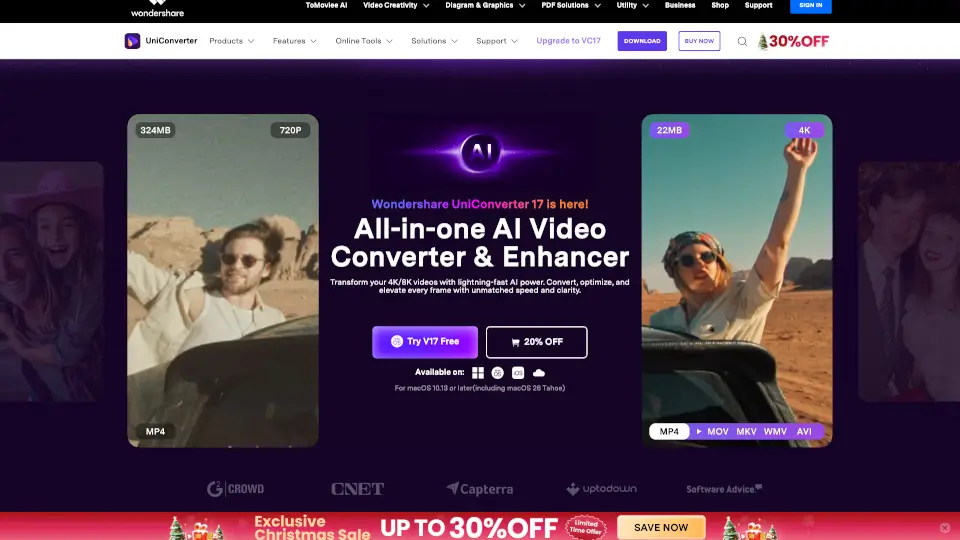
Что такое Wondershare UniConverter?
Wondershare UniConverter 17 — это всё в одном: умный конвертер, усилитель и редактор видео с искусственным интеллектом. Он создан для тех, кто хочет быстро и легко работать с видео в форматах 4K/8K HDR, не теряя качества. Благодаря AI-технологиям, UniConverter автоматически улучшает изображение, сжимает файлы без потерь и конвертирует их в более чем 1000 форматов со скоростью до 130× быстрее, чем обычные программы.
Независимо от того, создаёте ли вы контент для TikTok, готовите учебные материалы или просто хотите освежить старые семейные видео — UniConverter делает всё проще, быстрее и профессиональнее. А ещё он умеет записывать экран в 4K, удалять водяные знаки, генерировать субтитры и даже восстанавливать повреждённые фото.
Какие особенности у Wondershare UniConverter?
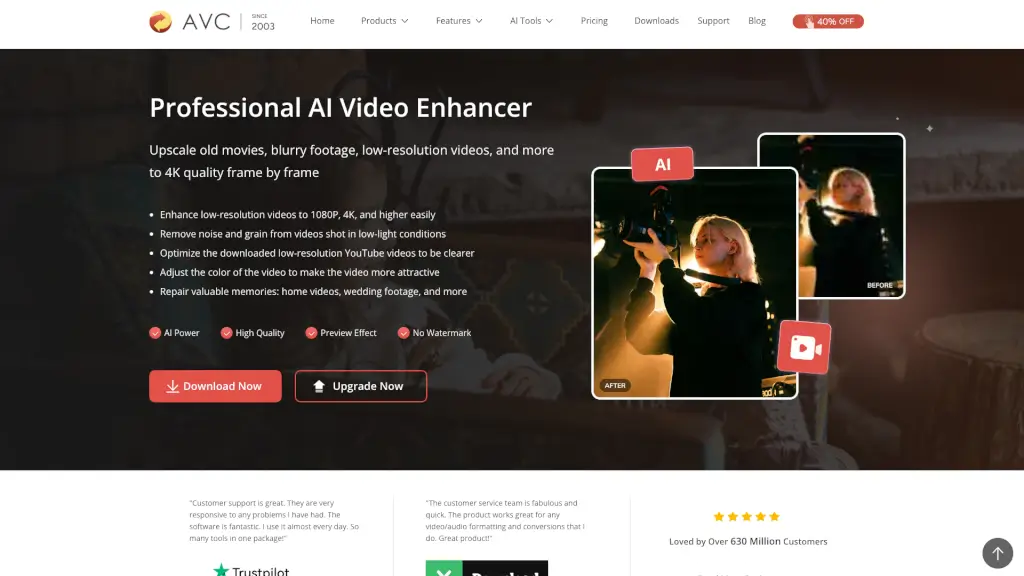
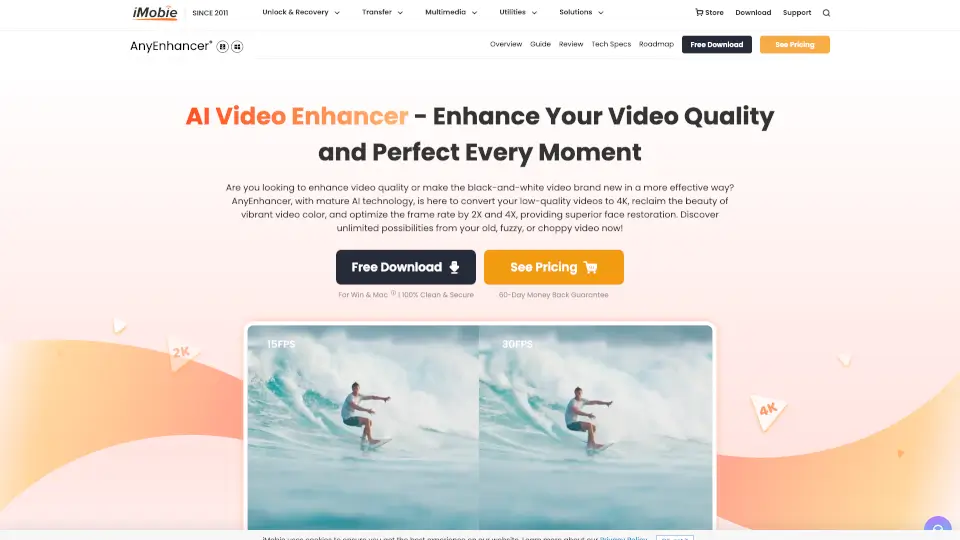
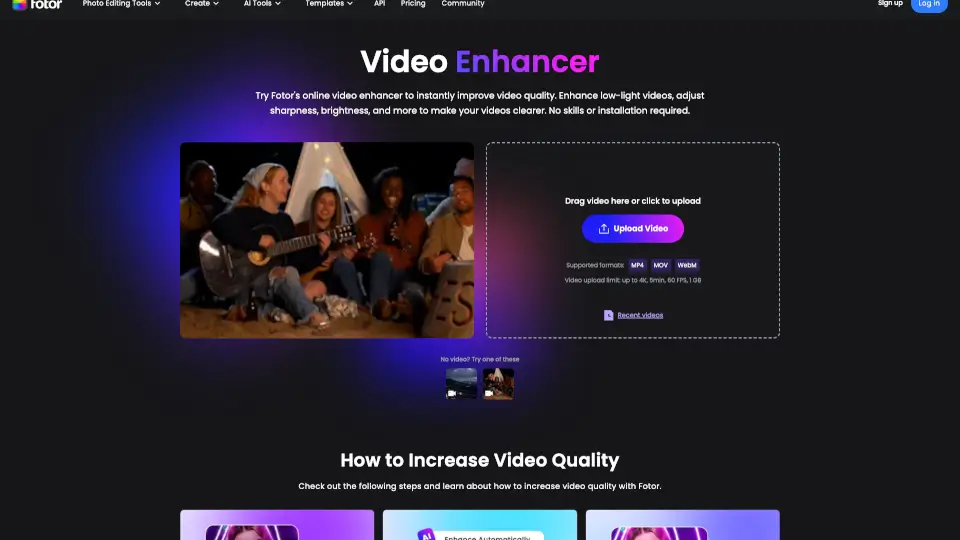
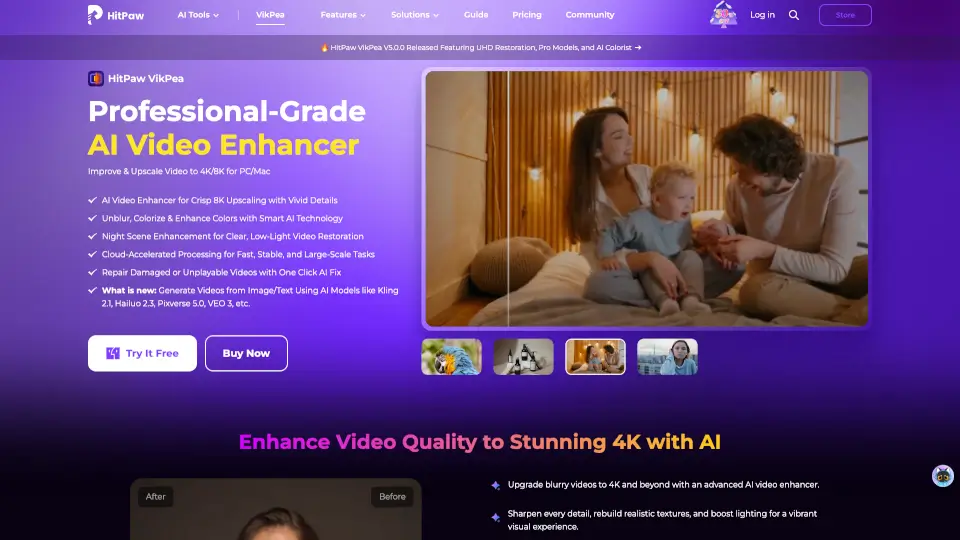
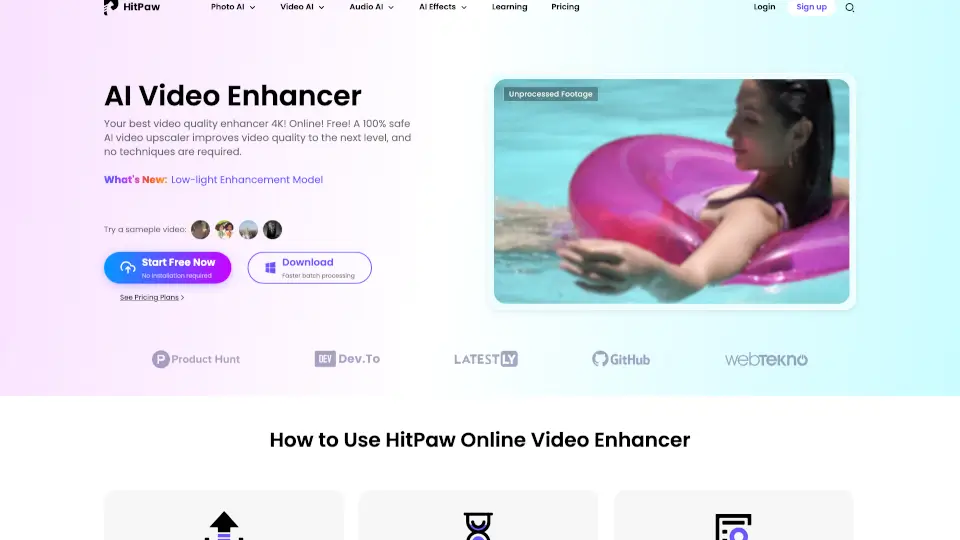
- AI Video Enhancer: Увеличивает разрешение до 4K/8K, улучшает лица и аниме, убирает шум и повышает частоту кадров до 240 FPS.
- Умная компрессия: Сжимает видео на до 90%, сохраняя высокое качество — идеально для соцсетей и хранения.
- Конвертация за секунды: Поддерживает более 1000 форматов (MP4, MKV, MOV, AVCHD и др.) и работает в 130 раз быстрее.
- Запись экрана в 4K: Захватывает окна приложений, онлайн-встречи и стримы с качеством до 4K/120 FPS и аудио 320 кбит/с.
- AI Subtitle & Translation: Генерирует точные субтитры на 145+ языках, включая двуязычные редактируемые версии.
- Watermark Remover: Удаляет логотипы, текст или людей из видео и фото одним кликом — даже пакетно.
- Восстановление старых фото: Убирает царапины, пятна и выцветание, возвращая чёткость старым снимкам.
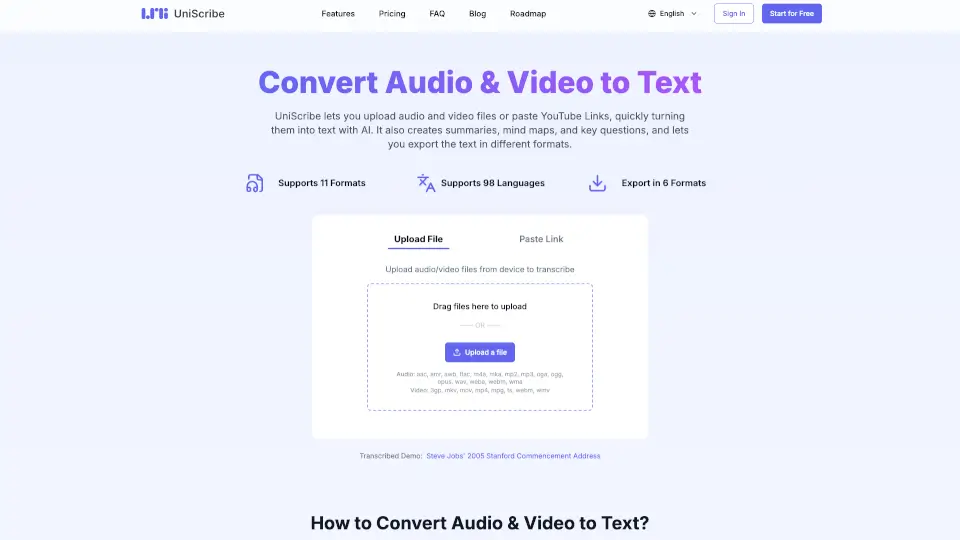
- Speech-to-Text и Text-to-Speech: Преобразует речь в текст и наоборот с высокой точностью, подходит для подкастов и обучающих видео.
Какие случаи использования Wondershare UniConverter?
- Контент-мейкеры: Быстро конвертируют видео под разные платформы (TikTok, YouTube, Instagram) и сжимают их без потери качества.
- Преподаватели и студенты: Записывают лекции, добавляют субтитры и конвертируют материалы в удобные форматы для дистанционного обучения.
- Любители кино и спорта: Конвертируют 4K-фильмы и спортивные трансляции для просмотра на любом устройстве.
- Фотографы и дизайнеры: Улучшают качество изображений, удаляют фоны и восстанавливают старые фотографии.
- Бизнес-пользователи: Обрабатывают большие объёмы медиафайлов пакетно, экономя время и место на диске.
- Путешественники с GoPro: Конвертируют и сжимают видео с экшн-камер (TS, AVCHD, MP4) для быстрой публикации.
- Музыканты: Удаляют вокал из треков (Vocal Remover) для создания каверов или минусовок.
Как использовать Wondershare UniConverter?
- Скачайте и установите Wondershare UniConverter 17 для Windows или Mac.
- Перетащите видео, аудио или изображение в программу — она автоматически предложит оптимальные настройки.
- Выберите нужную функцию: конвертация, улучшение, сжатие или запись экрана.
- Используйте AI-инструменты (например, «Watermark Remover» или «Subtitles») прямо из боковой панели.
- Нажмите «Convert» или «Export», чтобы сохранить результат — всё происходит в один клик.
- Для онлайн-работы зайдите на Media.io и используйте бесплатные инструменты без установки.