
What is PDNob PDF Editor?
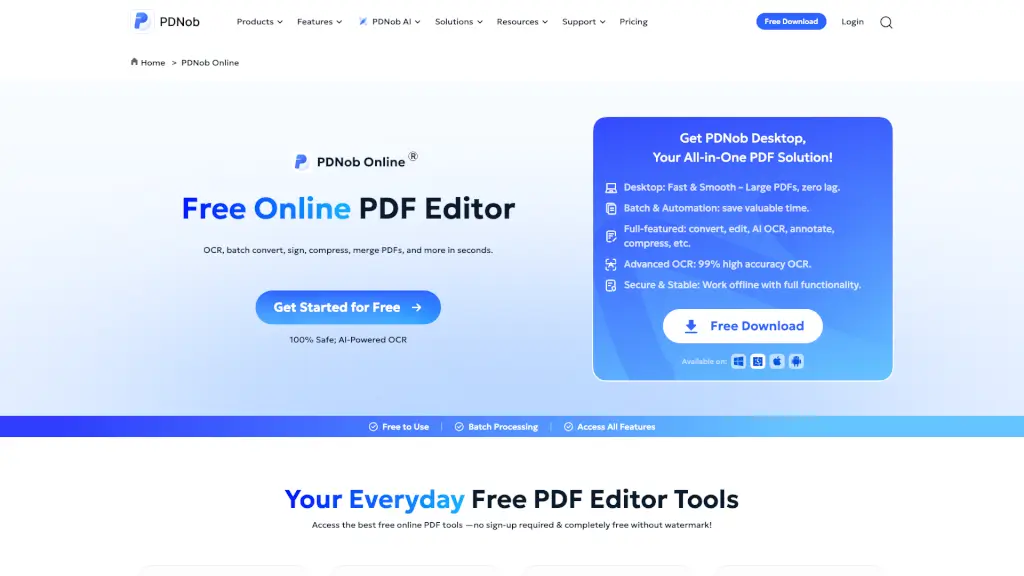
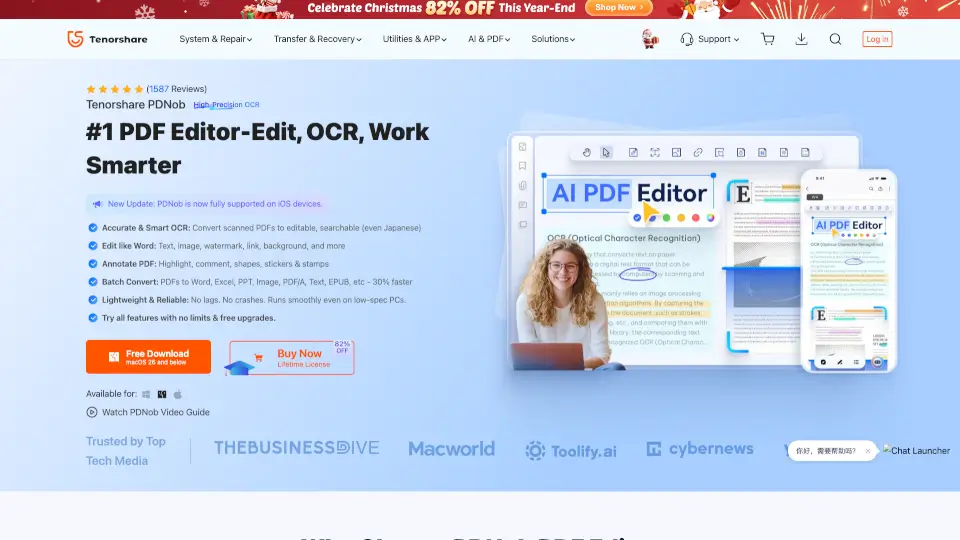
If you’re tired of clunky PDF tools that freeze whenever you open a large file, PDNob PDF Editor is a refreshing alternative built for both Windows and Mac. Unlike subscription-heavy programs like Adobe Acrobat, PDNob gives you full control over your documents with a straightforward license model and a self-built engine that actually loads big files instantly. Whether you need to fix a typo, turn a scanned contract into editable text, or summarize a dense research paper using AI, this tool handles it without slowing down your workflow. It’s designed for students, professionals, and small teams who want pro-level editing without the steep learning curve or recurring fees.
What are the features of PDNob PDF Editor?
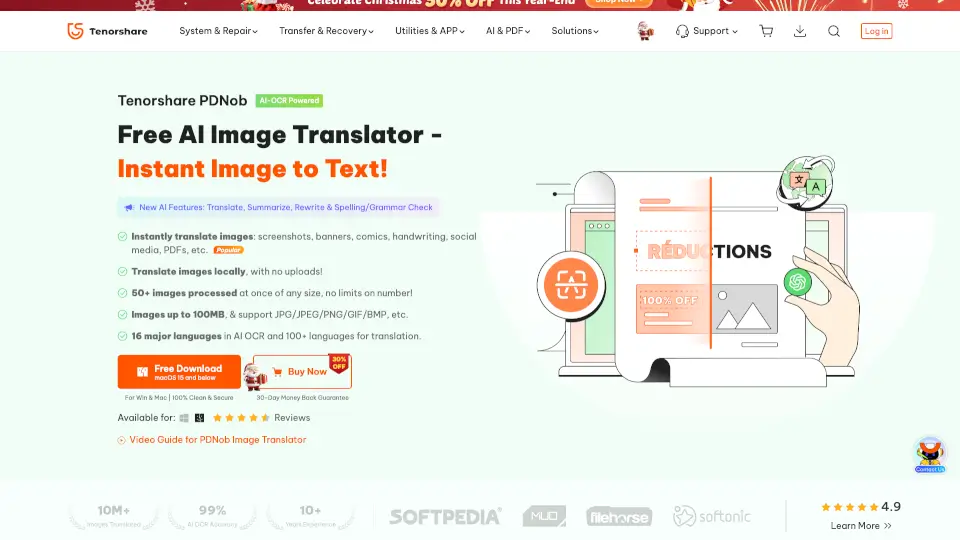
- AI-Powered OCR: Automatically converts scanned documents and low-quality images into fully searchable, editable text while keeping original formatting intact.
- Lightning-Fast PDF Engine: Opens documents with 100+ pages in under a second thanks to a self-developed core that prevents crashes and lag.
- Smart AI Tools: Chat with your PDFs, get AI-generated summaries, translate over 100 languages, or rewrite and explain complex paragraphs with source-backed answers.
- Batch Processing Power: Handle up to one million files at once for conversion, OCR, or compression—great for managing massive archives without manual work.
- Flexible Format Conversion: Switch between PDF and 30+ formats like Word, Excel, PowerPoint, EPUB, and images while preserving fonts, margins, and layout.
- Page Organization & Form Tools: Split, merge, rotate, or extract pages easily, and create fillable forms with checkboxes, dropdowns, and signature fields.
- Advanced Protection & Compression: Set passwords, redact sensitive info, add custom watermarks, and shrink file sizes with adjustable quality levels for secure sharing.
What are the use cases of PDNob PDF Editor?
- Students & Researchers: Quickly summarize lengthy academic papers, convert old scan archives into searchable notes, and highlight key points for study guides.
- Business Professionals: Merge multiple contracts into a single master document, extract financial tables into Excel, and apply digital signatures for quick approvals.
- IT & Legal Teams: Redact confidential client details before public release, compress heavy blueprints for easy emailing, and automate batch workflows to save hours.
- Educators & Tutors: Grade student submissions by adding annotations, extract questions from textbooks for quiz creation, and organize course materials into one clean PDF.
- Freelancers & Creators: Add professional watermarks to preview portfolios, convert design mockups to print-ready PDFs, and track version changes securely with password restrictions.
How to use PDNob PDF Editor?
- Start by downloading and installing PDNob on your Windows or Mac computer, then launch the app to import your first document via drag-and-drop.
- Use the toolbar at the top to pick your goal: click Convert for format swapping, OCR for scanned pages, or Edit to modify text and images directly.
- When working with large batches, head to the batch tab, drop in all your files, choose your output settings, and let the software handle the rest without interruption.
- For quick collaboration, use the annotation tools to highlight text, attach sticky notes, or draw shapes—they automatically stay aligned even after you rearrange paragraphs.
- Finally, export your finished work and check the security tab to add passwords or redactions before sending, ensuring only authorized people can view or edit your files.