SwifDoo PDF logo

SwifDoo PDF

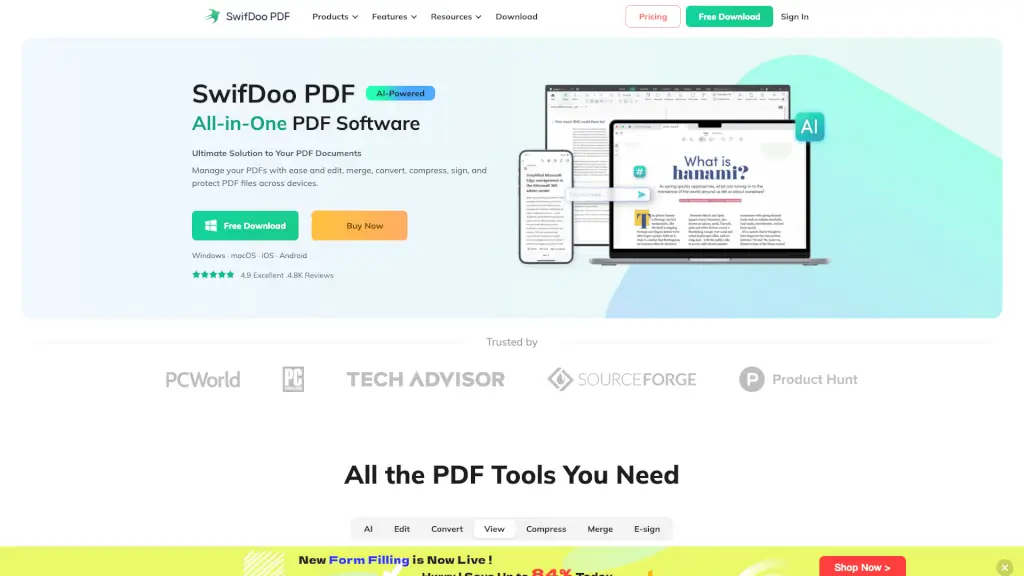
SwifDoo PDF is an AI-powered, all-in-one PDF editor that lets you edit, convert, sign, compress, and translate PDFs effortlessly across all devices.

Social Media:
SwifDoo PDF

SwifDoo PDF Product Information

What is SwifDoo PDF?

SwifDoo PDF is a powerful, all-in-one PDF solution designed to simplify everything you do with PDF files—whether you're editing text, converting documents, signing contracts, or translating content. Built for students, professionals, and everyday users, it works seamlessly across Windows, macOS, iOS, Android, and web browsers, so you can manage your documents anytime, anywhere.

With smart AI tools, intuitive editing capabilities, and robust security features, SwifDoo PDF turns complex PDF tasks into quick, one-click actions. No more wrestling with uneditable scans or bulky software—it’s lightweight (just 30 MB!), fast, and packed with everything you need to create, edit, protect, and share professional-quality PDFs.

What are the features of SwifDoo PDF?

  • AI-Powered PDF Assistant
    Summarize, translate, explain, proofread, or chat with your PDF content using built-in AI.
  • Full PDF Editing
    Edit text like in Word—change fonts, colors, add or delete content—and modify images, links, and backgrounds directly in PDFs.
  • OCR Technology
    Convert scanned documents and image-based PDFs into searchable, editable text with high accuracy.
  • E-Sign & Digital Signatures
    Create handwritten, typed, or image-based signatures and apply legally binding digital signatures.
  • Universal File Conversion
    Convert PDFs to/from Word, Excel, PowerPoint, JPG, PNG, DWG, HTML, and more—while preserving original formatting.
  • Cloud Sync via SwifDoo Cloud
    Access and manage your PDFs from any device with secure cloud storage.
  • Smart Compression & Merging
    Reduce file size without quality loss and combine or split PDFs in seconds.

What are the use cases of SwifDoo PDF?

  • A student scans lecture notes and uses OCR to make them searchable, then highlights key points and adds study comments.
  • A freelancer signs client contracts on their iPad using a drawn signature and sends the secured PDF instantly.
  • An architect converts DWG CAD drawings to PDF for sharing, then merges multiple project sheets into one organized file.
  • A remote worker translates a foreign-language invoice using one-tap translation and saves it in their native language.
  • A small business owner compresses large product catalogs to email-friendly sizes without blurry images or lost text clarity.

How to use SwifDoo PDF?

  • Download SwifDoo PDF for your device (Windows, Mac, iOS, Android) or use the free online tools at swifdoo.com.
  • Open any PDF and click “Edit” to modify text, insert images, or adjust page layouts just like in a word processor.
  • Use the “AI” button to summarize long reports, translate selected text, or ask questions about your document content.
  • To sign a document, go to “Sign,” create your signature by drawing, typing, or uploading an image, then place it anywhere.
  • For scanned PDFs, run OCR under the “Tools” menu to unlock editable and searchable text.
  • Save your work locally or sync to SwifDoo Cloud for instant access across all your devices.

Do you like this tool?

Upvote to help others discover it!

SwifDoo PDF Alternatives

LightPDF

LightPDF

LightPDF is an AI-powered online PDF editor, converter, and reader that helps individuals and professionals edit, convert, sign, organize, and chat with PDFs across all major platforms at half the cost of other editors.

IN
24.91%
1.7M
0
PDNob PDF Editor

PDNob PDF Editor

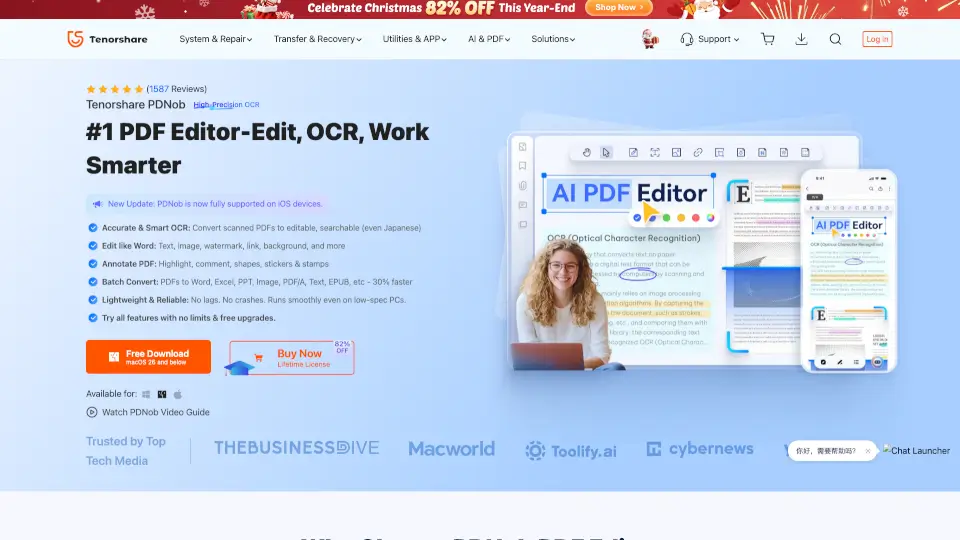
PDNob PDF Editor is a user-friendly tool for editing, annotating, and managing PDFs on Windows and Mac.

US
10.00%
2.4M
0
Doclio

Doclio

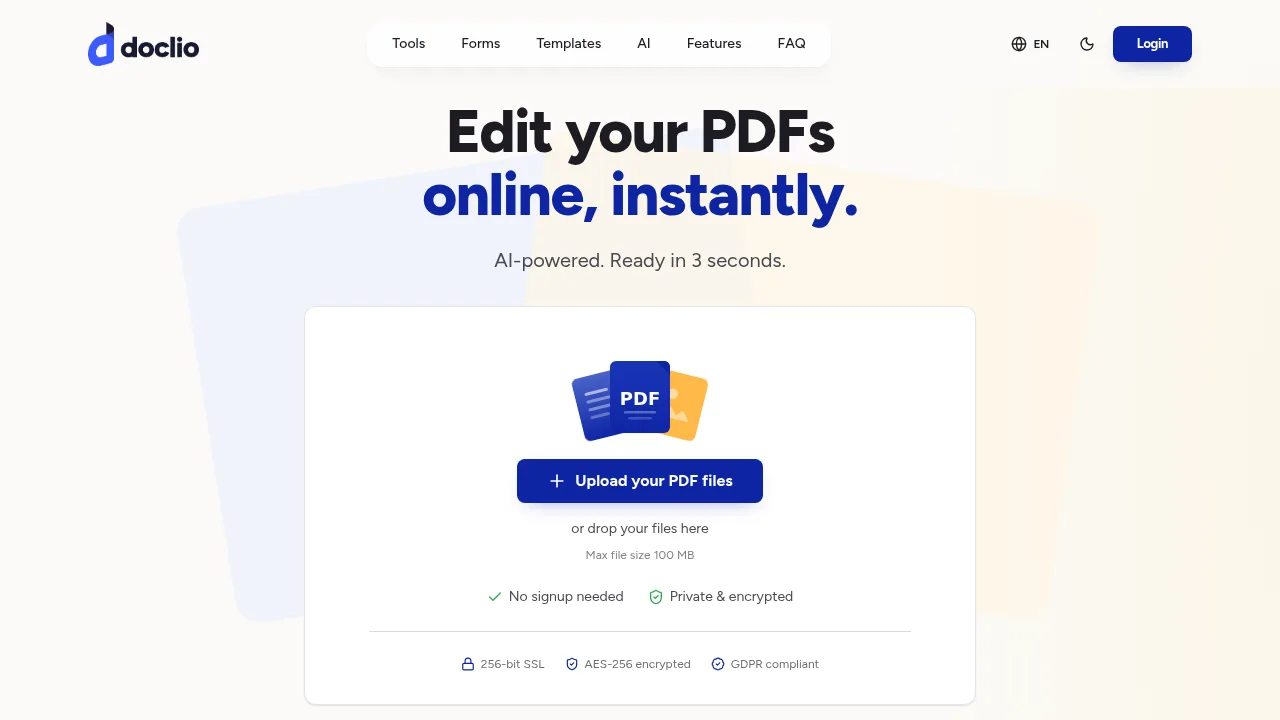
Doclio provides browser-based PDF editing, format conversion, electronic signatures, and AI-powered document analysis for files up to 100 MB.

US
70.83%
295.0K
0
PDNob Online

PDNob Online

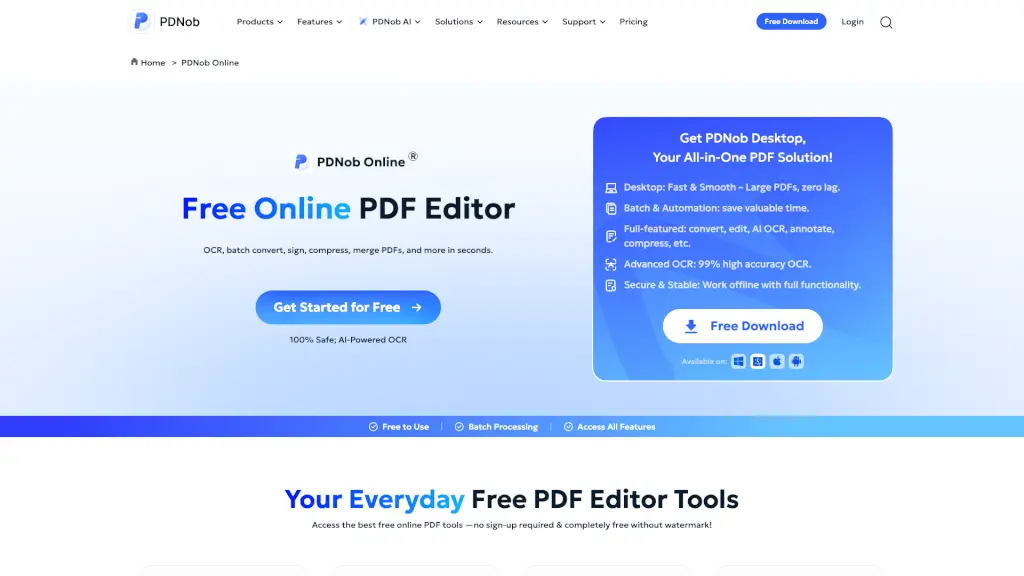
PDNob Online is a truly free online PDF editor with no sign-up, watermark, or limits, offering OCR, conversion, and e-signature tools in one browser-based platform.

TW
18.09%
417.5K
0
TopPDF

TopPDF

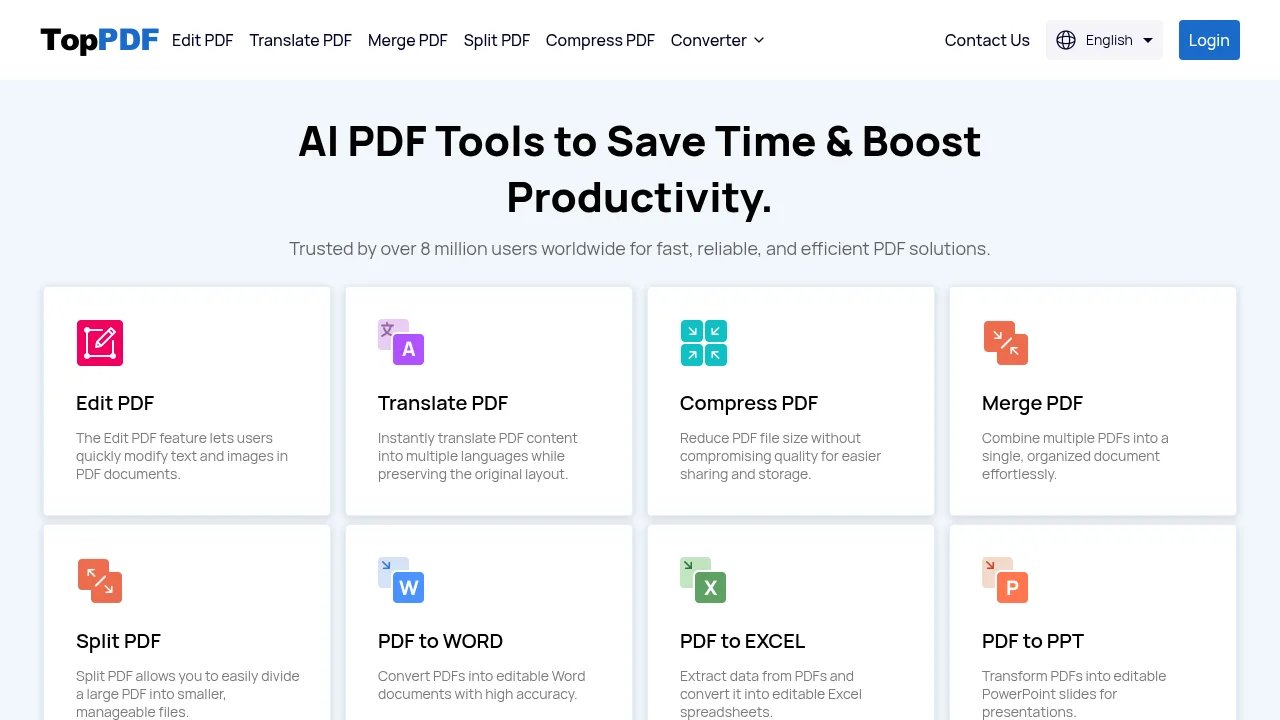
TopPDF provides web-based tools to convert, translate, edit, merge, split, and compress PDF documents alongside text grammar checking.

643
0
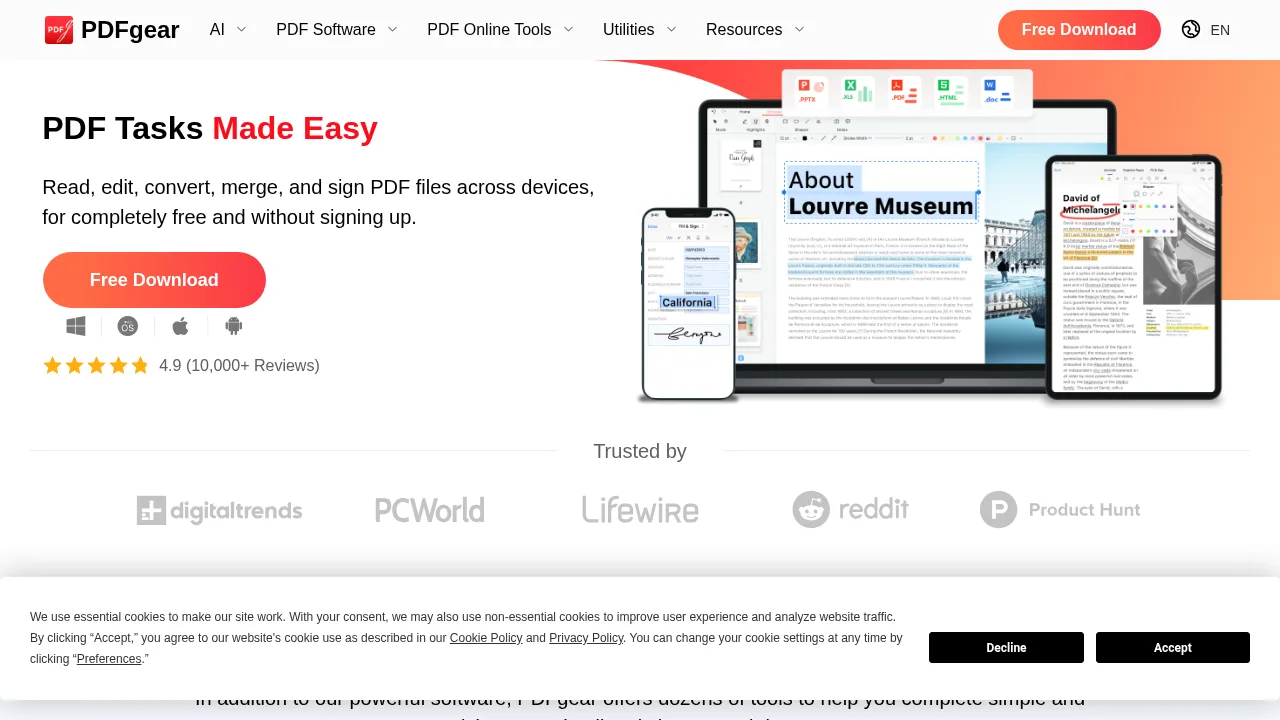
PDFgear

PDFgear

PDFgear provides cross-platform PDF editing, conversion, OCR, and AI-assisted summarization without requiring registration or payment.

US
23.27%
2.8M
0
PDF Editor

PDF Editor

PDF Editor allows users to modify text, insert images, sign documents, and annotate PDFs directly in a web browser.

RU
33.96%
2.1M
0
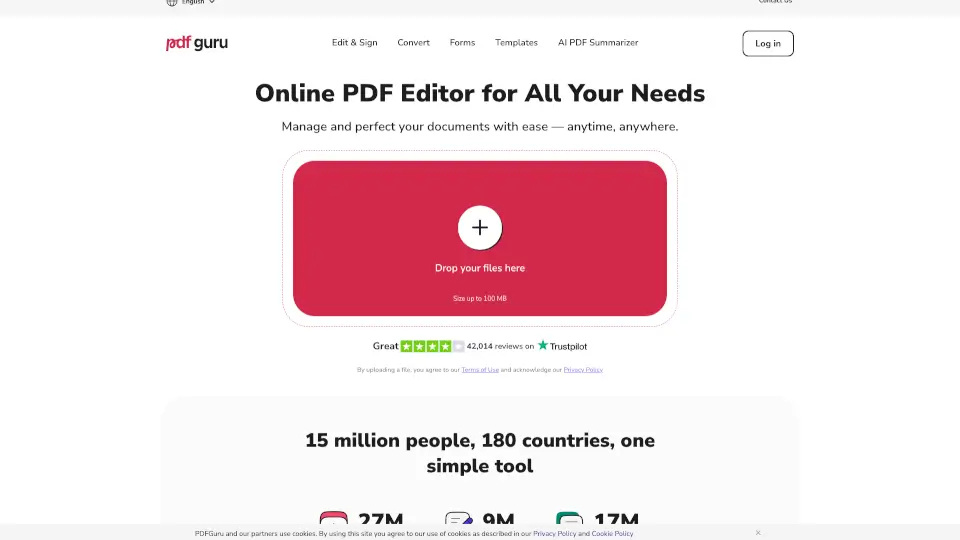
PDF Guru

PDF Guru

PDF Guru is the ultimate online PDF editor, offering simple text editing, all-in-one editing tools, flexible file conversion, and built-in e-signatures, making it easy to manage and perfect your documents anytime, anywhere.

ID
12.06%
6.9M
0

SwifDoo PDF Related Other Categories

SwifDoo PDF Traffic Analysis

Website traffic estimates for swifdoo.com. Visits are not unique users or product usage.

Data month: 2026-10

💡 Insights

⭐
Medium Scale
Estimated monthly visits exceed 100,000 and are at most 1 million.
📊
Steady Growth
Estimated visits increased 26.0% from the previous month.
👍
Bounce rate below 60%
The estimated bounce rate is 46%.
🔎
Search-led traffic
Search accounts for 62% of estimated visits.
  • Monthly Visits

    229.18K

  • Bounce Rate

    46.36%

  • Pages Per Visit

    1.58

  • Visit Duration

    00:00:23

  • Global Rank

    220959

  • Country Rank

    52625

Visits Over Time

Traffic Sources

Search Organic62.39%
Direct17.42%
Social Paid11.97%
Social Organic3.93%
Referrals3.04%
Affiliate0.37%
Display Ads0.35%
Mail0.25%
Search Paid0.15%
Gen Ai0.14%

Top Keywords

1
swifdoo pdf
CPC$0.32
1.60KTraffic
2
swifdoo
CPC$2.28
1.00KTraffic
3
pubhtml5 downloader
940Traffic
4
jpg to pdf i love pdf
CPC$0.21
900Traffic
5
anydebrid k2s needs vpn?
860Traffic

Top Regions

RegionPercentage
United States
United States
10.31%
India
India
9.76%
Brazil
Brazil
3.73%
Germany
Germany
3.66%
France
France
3.53%
Low
High

Powered by SimilarWeb

SwifDoo PDF FAQ

Can I edit text in a PDF like in Microsoft Word?

Yes! SwifDoo PDF lets you add, delete, or modify text directly—change font, size, color, and even move paragraphs freely.

Does SwifDoo PDF support OCR for scanned documents?

Absolutely. Its built-in OCR engine converts image-only or scanned PDFs into fully searchable and editable text.

Is there a free version of SwifDoo PDF?

Yes, SwifDoo offers a free download with core features like viewing, basic editing, conversion, and annotation. Advanced tools like AI and batch processing may require a Pro upgrade.

Can I sign PDFs electronically with SwifDoo?

Yes—you can draw, type, or upload a signature image, and apply it to any PDF. It also supports legally compliant digital signatures.

Does SwifDoo PDF work on mobile devices?

Yes! Dedicated apps are available for iPhone/iPad and Android, offering full editing, signing, and cloud access on the go.

How do I translate a PDF or selected text?

Just select the text or open the PDF, then tap the “Translate” button—SwifDoo instantly translates it into your preferred language.

Can I merge or split PDF files?

Yes, easily combine multiple PDFs into one or split a large file by pages, ranges, or custom sections.

Is my data secure when using SwifDoo PDF?

Yes—it offers two-level password protection, permission controls (viewing, printing, copying), and secure cloud storage to keep your documents safe.

SwifDoo PDF Reviews

0
0 Reviews
Sign Into leave a review

Recent Reviews

No reviews yet

SwifDoo PDF Embed

Use website badges to drive community support for SeekTool.ai. They are easy to embed in your homepage or footer.

Light
Dark
SwifDoo PDF - Featured on SeekTool.aiSwifDoo PDF - Featured on SeekTool.ai
How to install?

Category Rankings

Ranked by monthly traffic