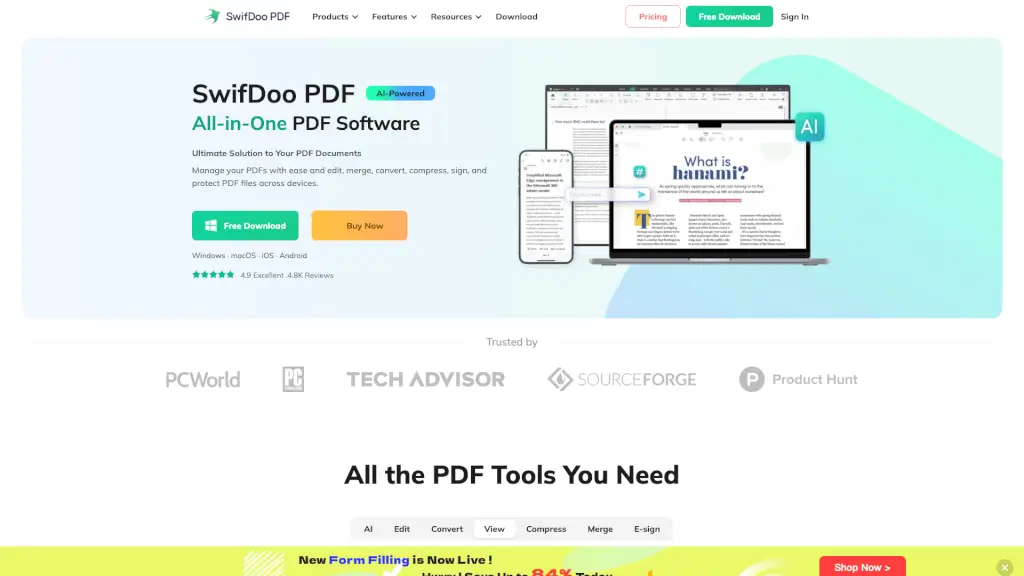
What is SwifDoo PDF?
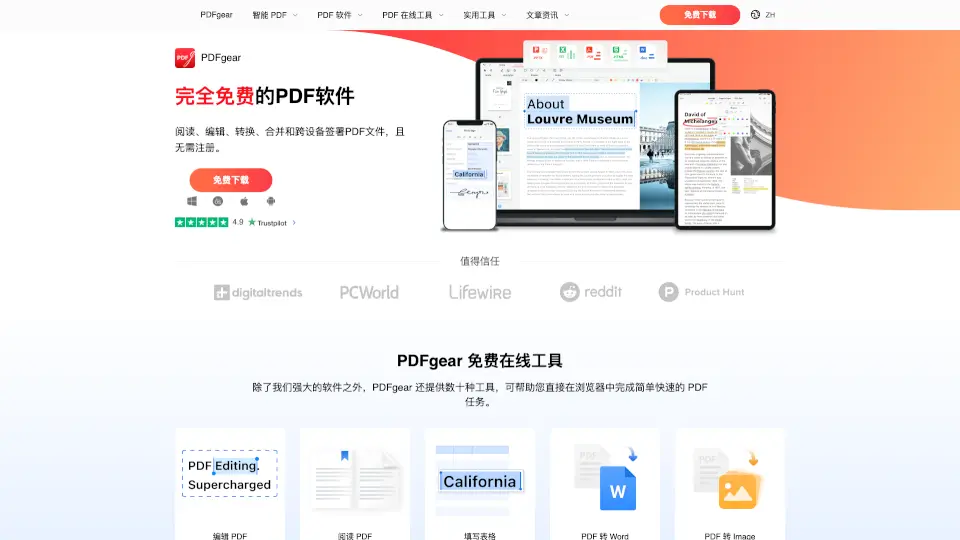
SwifDoo PDF is a powerful, all-in-one PDF solution designed to simplify everything you do with PDF files—whether you're editing text, converting documents, signing contracts, or translating content. Built for students, professionals, and everyday users, it works seamlessly across Windows, macOS, iOS, Android, and web browsers, so you can manage your documents anytime, anywhere.
With smart AI tools, intuitive editing capabilities, and robust security features, SwifDoo PDF turns complex PDF tasks into quick, one-click actions. No more wrestling with uneditable scans or bulky software—it’s lightweight (just 30 MB!), fast, and packed with everything you need to create, edit, protect, and share professional-quality PDFs.
What are the features of SwifDoo PDF?
- AI-Powered PDF Assistant: Summarize, translate, explain, proofread, or chat with your PDF content using built-in AI.
- Full PDF Editing: Edit text like in Word—change fonts, colors, add or delete content—and modify images, links, and backgrounds directly in PDFs.
- OCR Technology: Convert scanned documents and image-based PDFs into searchable, editable text with high accuracy.
- E-Sign & Digital Signatures: Create handwritten, typed, or image-based signatures and apply legally binding digital signatures.
- Universal File Conversion: Convert PDFs to/from Word, Excel, PowerPoint, JPG, PNG, DWG, HTML, and more—while preserving original formatting.
- Cloud Sync via SwifDoo Cloud: Access and manage your PDFs from any device with secure cloud storage.
- Smart Compression & Merging: Reduce file size without quality loss and combine or split PDFs in seconds.
What are the use cases of SwifDoo PDF?
- A student scans lecture notes and uses OCR to make them searchable, then highlights key points and adds study comments.
- A freelancer signs client contracts on their iPad using a drawn signature and sends the secured PDF instantly.
- An architect converts DWG CAD drawings to PDF for sharing, then merges multiple project sheets into one organized file.
- A remote worker translates a foreign-language invoice using one-tap translation and saves it in their native language.
- A small business owner compresses large product catalogs to email-friendly sizes without blurry images or lost text clarity.
How to use SwifDoo PDF?
- Download SwifDoo PDF for your device (Windows, Mac, iOS, Android) or use the free online tools at swifdoo.com.
- Open any PDF and click “Edit” to modify text, insert images, or adjust page layouts just like in a word processor.
- Use the “AI” button to summarize long reports, translate selected text, or ask questions about your document content.
- To sign a document, go to “Sign,” create your signature by drawing, typing, or uploading an image, then place it anywhere.
- For scanned PDFs, run OCR under the “Tools” menu to unlock editable and searchable text.
- Save your work locally or sync to SwifDoo Cloud for instant access across all your devices.