What is PDFgear?
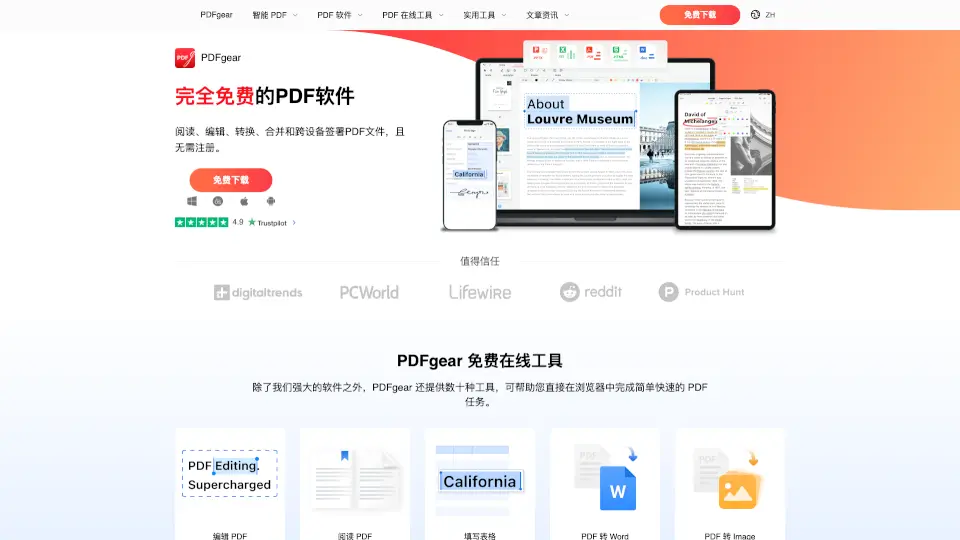
PDFgear is a free PDF editor software and online tool that helps you manage, edit, convert, and sign PDF files effortlessly. It’s available on Windows, Mac, iOS, and Android, making it a versatile solution for all your PDF needs. With AI-powered features, PDFgear simplifies tasks like editing, converting, and organizing PDFs, all while keeping your files secure and your workflow efficient.
What are the features of PDFgear?
- PDF Editing: Edit text, images, shapes, and forms in your PDF like you would in Microsoft Word.
- PDF Conversion: Convert PDF to Word, Excel, PPT, JPG, and more formats quickly and accurately.
- OCR Technology: Extract text from scanned PDFs or images in over 30 languages.
- PDF Annotation: Highlight, underline, add comments, and insert shapes or text boxes.
- PDF Signing: Add electronic signatures to your documents securely.
- PDF Compression: Reduce file size without losing quality.
- PDF Management: Merge, split, rotate, and delete pages with ease.
What are the use cases of PDFgear?
- Students: Edit and annotate PDF notes or assignments.
- Professionals: Fill out forms, sign contracts, and convert documents on the go.
- Teachers: Create and edit PDF materials for class.
- Freelancers: Manage and deliver PDF projects efficiently.
How to use PDFgear?
- Download and install PDFgear on your device (Windows, Mac, iOS, or Android).
- Upload your PDF file to the software or use the online tool.
- Choose your desired feature (e.g., edit, convert, sign, or compress).
- Complete your task and save or share your file.