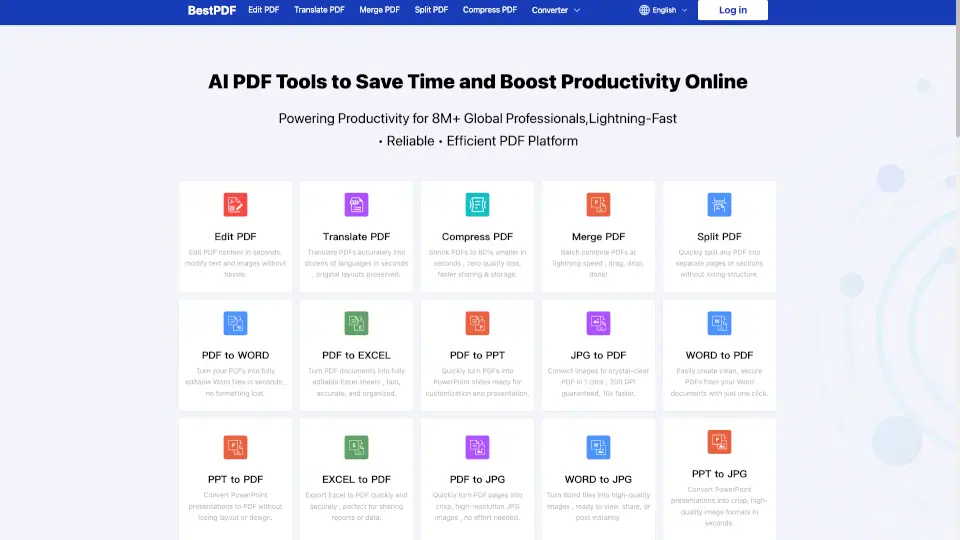
What is BestPDF?
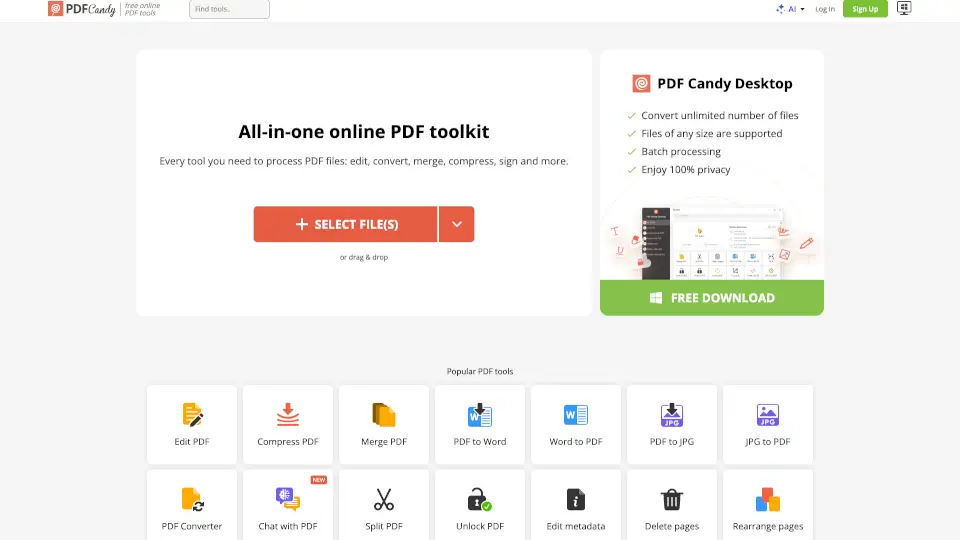
BestPDF is your all-in-one online PDF toolkit. Edit, convert, compress, merge, split, and translate PDFs in seconds. No downloads, no watermarks, and totally secure. Trusted by millions worldwide, BestPDF makes working with documents fast and easy—whether you’re on your computer or phone.
What are the features of BestPDF?
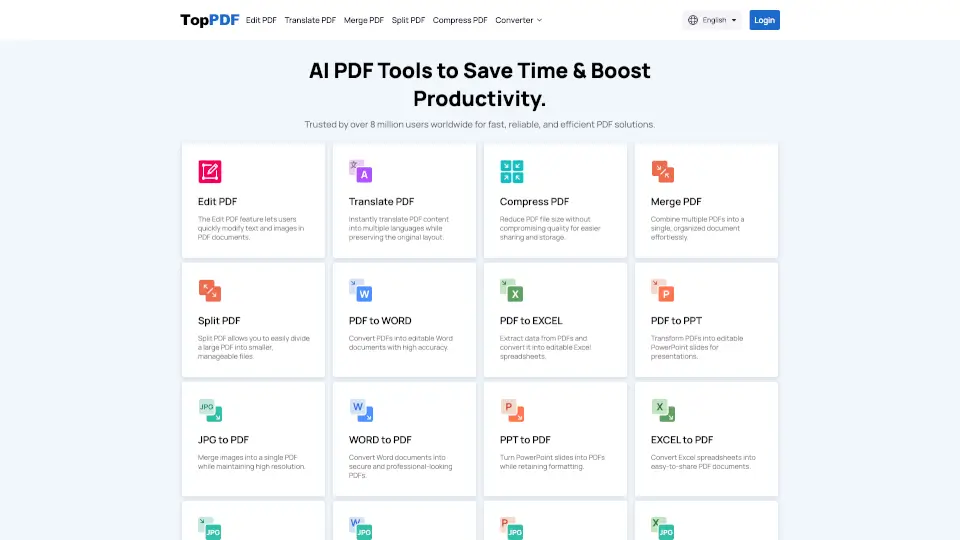
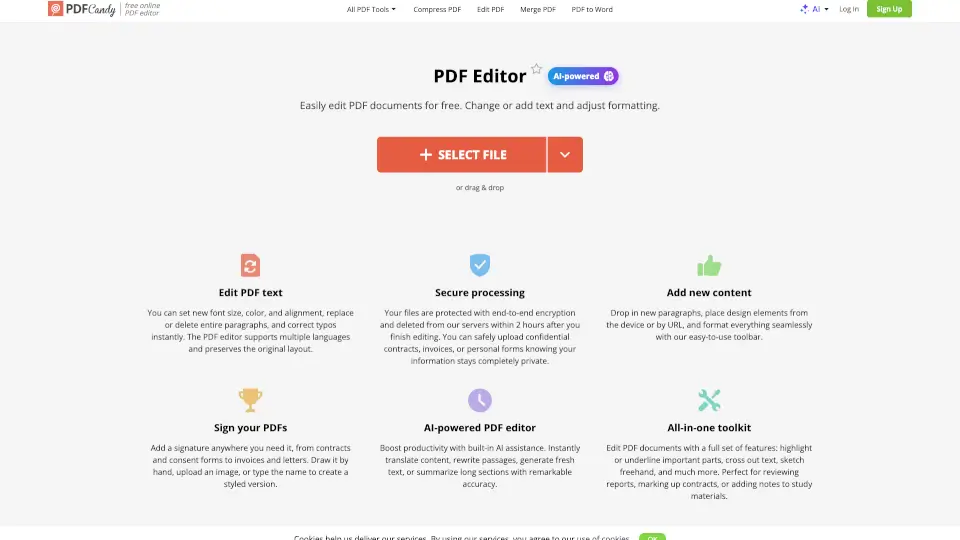
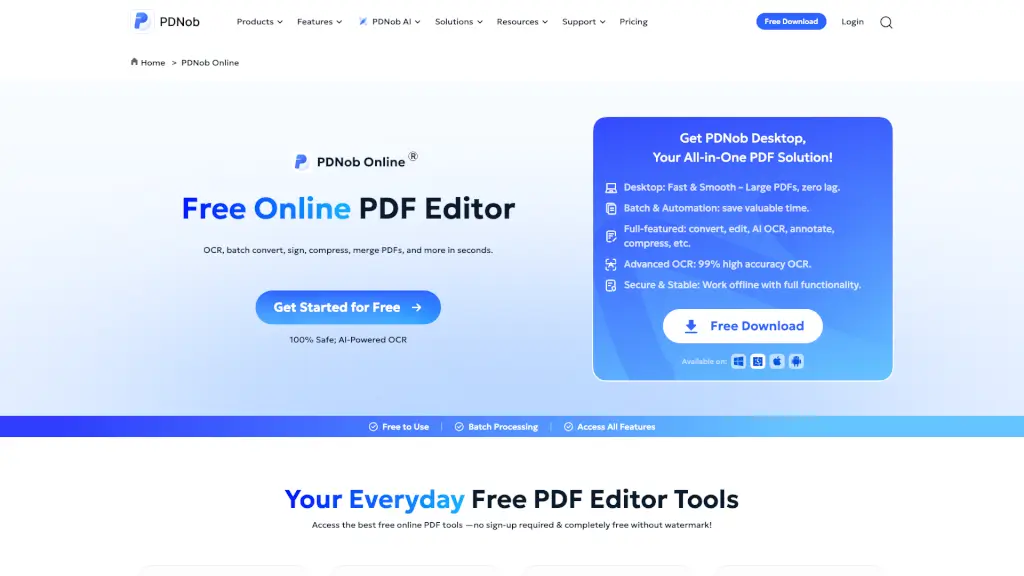
- Edit PDF: Change text and images right in your browser.
- Translate PDF: Instantly translate PDFs into dozens of languages, keeping the original layout.
- Compress PDF: Shrink file size up to 80% with no quality loss.
- Merge PDF: Combine multiple PDFs in a few clicks.
- Split PDF: Separate pages or sections quickly.
- PDF to Word/Excel/PPT/JPG: Convert PDFs to fully editable files or high-quality images.
- Word/PPT/Excel/JPG to PDF: Turn documents and images into clean, secure PDFs.
- Grammar Checker: Fix grammar and typos in any language.
- Paraphrasing Tool: Reword your content for clarity and efficiency.
- Bulk Processing: Handle several files at once to save time.
What are the use cases of BestPDF?
- Students: Edit assignments, compress large files, and convert notes for easy sharing.
- Professionals: Merge reports, split contracts, and translate research papers.
- Teachers: Convert lesson plans, check grammar, and create handouts.
- Business Owners: Compress invoices, translate documents, and manage bulk files.
- Anyone: Quickly turn photos into PDFs or PDFs into images for social media.
How to use BestPDF?
- Click “Edit PDF” to open the editor.
- Upload or drag your PDF file.
- Make changes using the simple online tools.
- Download your edited file instantly.
- Use any device—no app needed, just open your browser.