
What is UPDF AI?
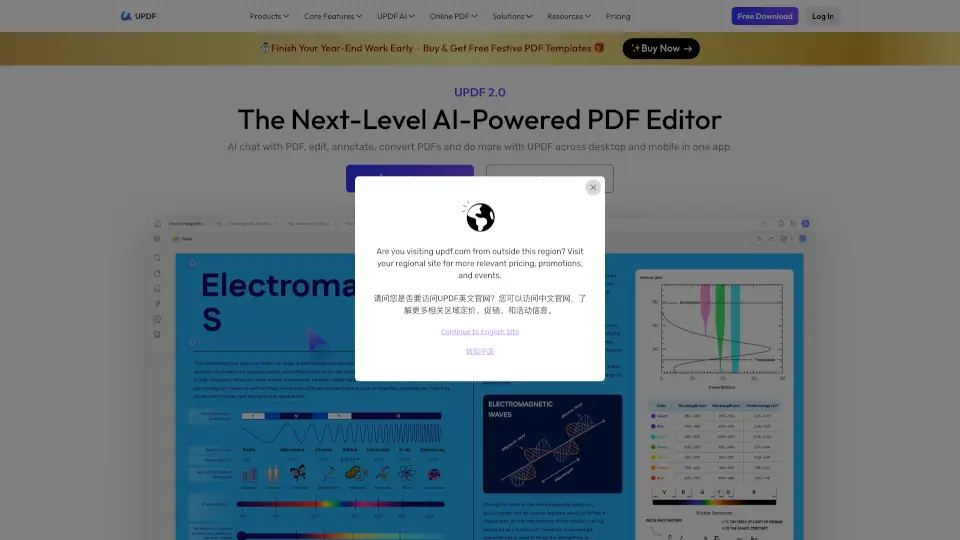
UPDF is your all-in-one PDF solution, packed with AI-powered tools to edit, convert, annotate, and even chat with your PDFs. Whether you're a student, professional, or just someone who deals with PDFs regularly, UPDF simplifies your workflow across Windows, Mac, iOS, and Android.
What are the features of UPDF AI?
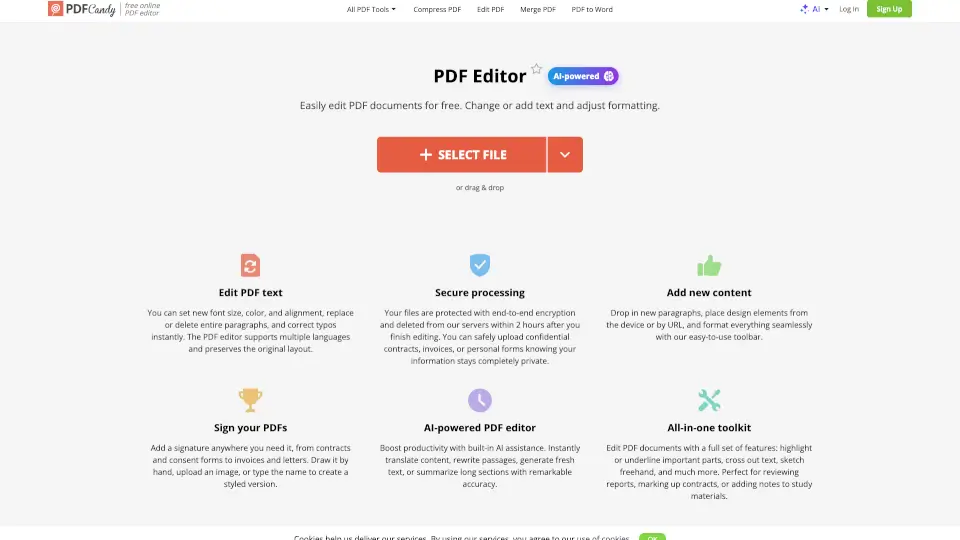
- Edit PDF: Modify text, images, and links effortlessly.
- Convert PDF: Transform PDFs into Word, Excel, or images while keeping the layout intact.
- Annotate PDF: Add notes, highlights, and comments for better collaboration.
- AI Assistant: Summarize, translate, and chat with your PDFs for deeper understanding.
- OCR: Extract text from scanned documents or images.
- Organize PDF: Rearrange, split, merge, or crop pages with ease.
What are the use cases of UPDF AI?
- Students: Summarize lengthy PDFs, translate foreign language documents, and create mind maps for better study sessions.
- Professionals: Edit contracts, fill forms, and securely sign documents on the go.
- Businesses: Streamline workflows with batch processing, OCR, and multi-device access.
How to use UPDF AI?
- Download UPDF on your preferred device (Windows, Mac, iOS, or Android).
- Sign in to access all features for free.
- Upload your PDF and start editing, converting, or chatting with the AI Assistant.
- Save or share your modified PDF directly from the app.