
What is aiPDF?
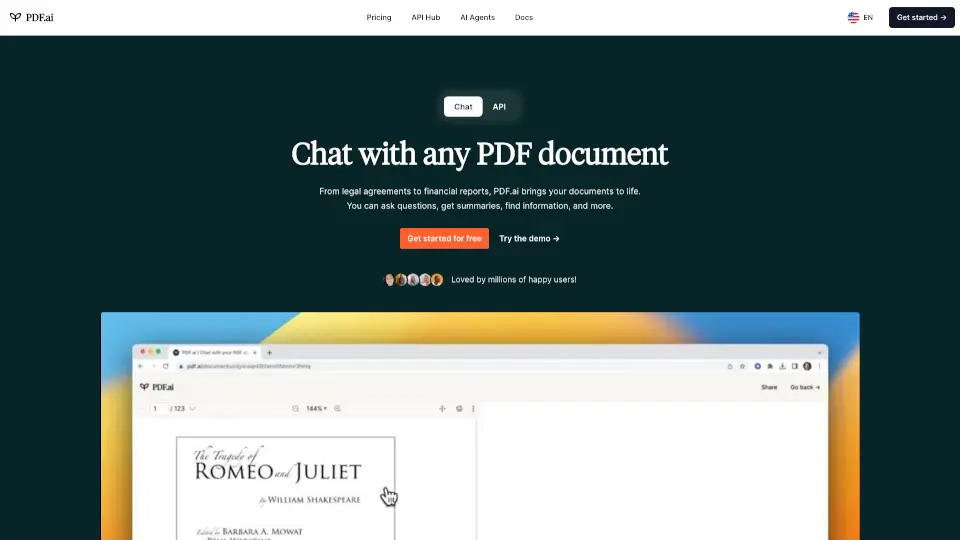
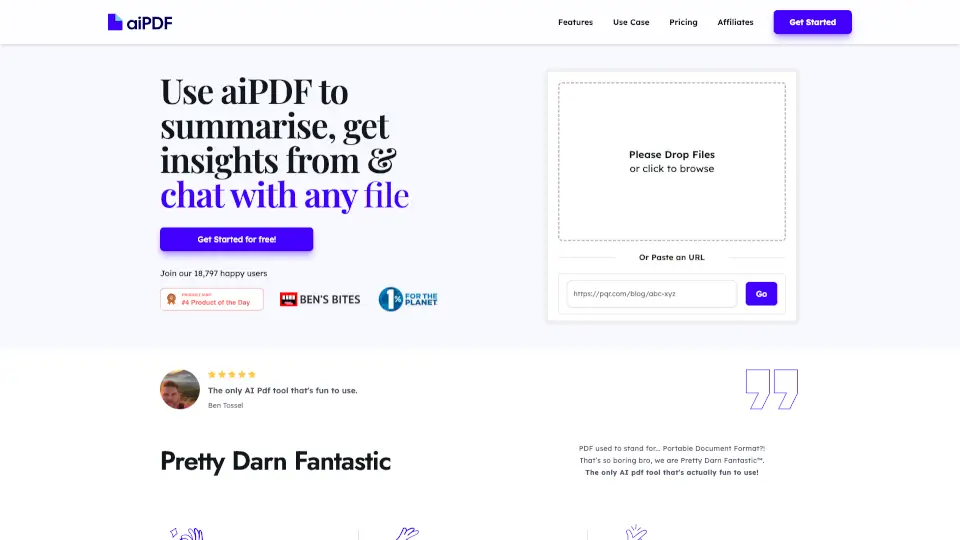
Ditch the endless scrolling and highlighter fatigue. aiPDF transforms static documents into living conversations. Simply upload a PDF, paste a YouTube link, or drop in a podcast URL, and our AI will instantly summarize, answer your questions, and pull out key insights. Built for speed and accuracy, it backs every reply with direct references from your file while keeping your data strictly private. Plus, your usage actively funds real-world environmental restoration, so your productivity literally helps the planet.
What are the features of aiPDF?
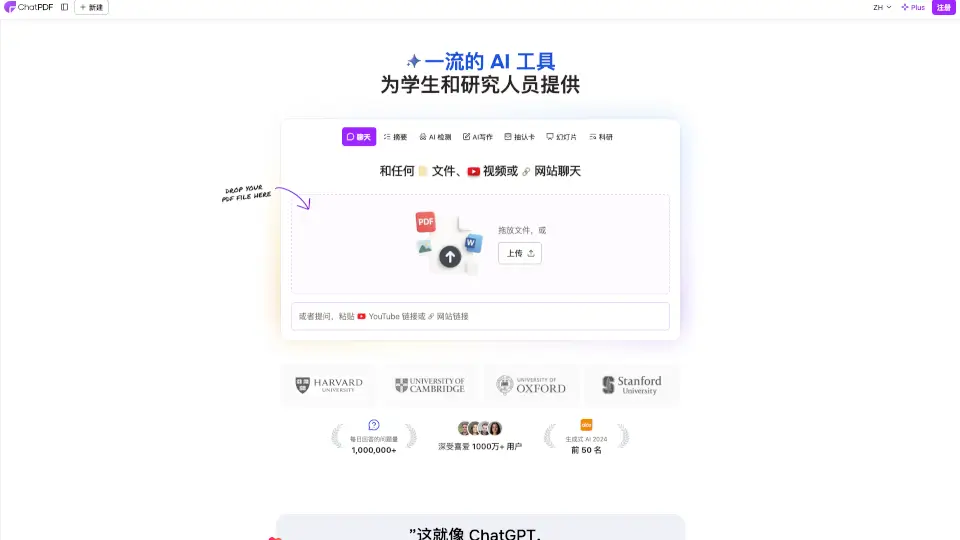
- Multi-Format Chat: Seamlessly analyzes PDFs, EPUB books, website URLs, and even YouTube videos or audio transcripts.
- Instant Q&A & Summarization: Get fast overviews or dive deep with custom questions, powered by advanced machine learning.
- Cited References: Every AI response includes clear source tags pulled directly from your uploaded material.
- Strict Privacy Controls: Documents stay encrypted, never feed into public AI training, and are regularly wiped from external servers.
- Smart Language Matching: Ask questions in any language and receive polished replies in your preferred tongue.
- Eco-Backed Platform: Monthly revenue shares go directly to earth.fm charities protecting oceans and restoring forests.
What are the use cases of aiPDF?
- Academic Study: Chat through heavy textbooks or research papers to quickly grasp complex theories and locate citations.
- Business Analysis: Extract KPIs, market trends, and action items from sprawling financial reports or strategy decks.
- Content Repurposing: Convert hour-long YouTube tutorials or podcast interviews into searchable, structured knowledge notes.
- Contract Scanning: Pinpoint specific clauses, dates, or liabilities in lengthy legal documents without manual searching.
- Novel & Ebook Reading: Skip the slow burn and jump straight into plot summaries, character arcs, or thematic breakdowns.
How to use aiPDF?
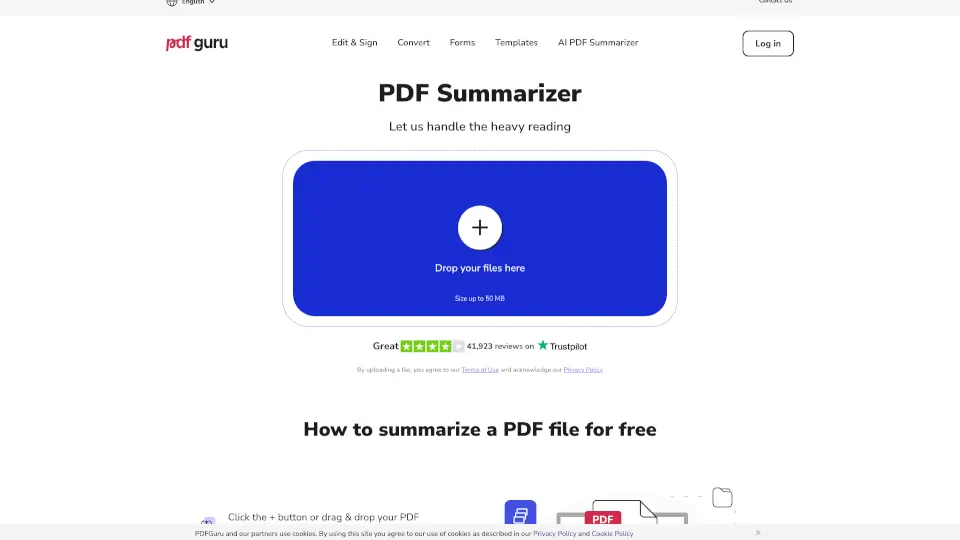
- Open the web app and drag your file into the upload zone or paste a web/video link directly.
- Wait a brief moment while the AI indexes your content; you can start typing questions immediately after it loads.
- Phrase your queries naturally to trigger precise, sourced answers or request a full chapter-by-chapter summary.
- Hit the export icon whenever you want to save your chat history as clean text for papers or team sharing.
- Visit your dashboard settings to manually remove files anytime, knowing auto-deletion aligns with your current subscription tier.