LightPDF AI logo

LightPDF AI

17
5.0
(0 Reviews)
India19.56%

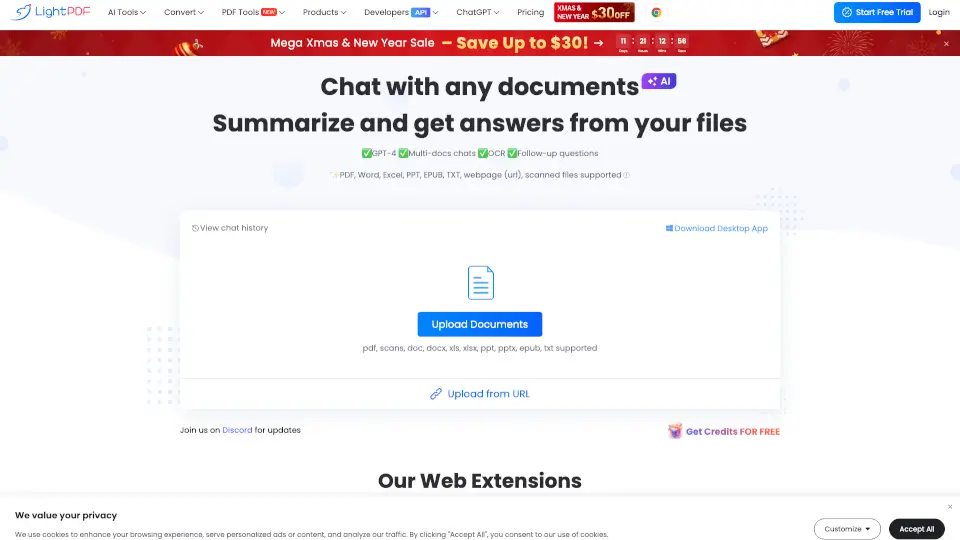
LightPDF’s ChatPDF is a free, GPT-4–powered AI assistant that lets you instantly ask questions, summarize, and extract insights from PDFs and other documents—no sign-up required.

Added on: 2025.03.12 · Updated on: 2026.07.01
Social Media:
LightPDF AI

LightPDF AI Product Information

What is LightPDF AI?

LightPDF’s ChatPDF is a free, no-sign-up AI tool that lets you chat directly with your PDFs and other documents like Word files, Excel sheets, PowerPoint presentations, EPUBs, and even scanned pages. Powered by GPT-4, it answers questions, summarizes content, and extracts key insights—perfect for students, researchers, legal professionals, or anyone drowning in paperwork. Just upload a file (up to 100 pages for free) and start asking.

Unlike basic PDF readers, LightPDF understands context, supports follow-up questions, and cites sources so you can verify every answer. Whether you’re analyzing a contract, studying a research paper, or reviewing a financial report, this tool turns dense documents into digestible, actionable information—fast.

What are the features of LightPDF AI?

  • GPT-4–Powered AI: Get smart, accurate answers using one of the most advanced language models available.
  • Multi-Document Chat: Upload and chat with several files at once—ideal for cross-referencing reports or comparing contracts.
  • OCR Support: Works with scanned PDFs and images, converting them into searchable, analyzable text.
  • Source Citations: Every answer includes clickable references so you can see exactly where the info came from.
  • Multiple File Types: Supports PDF, DOC/DOCX, XLS/XLSX, PPT/PPTX, EPUB, TXT, webpages (via URL), and more.
  • Cross-Platform Access: Use it on Windows, Mac, iOS, Android, or via browser extensions for Chrome and Edge.
  • Multilingual Support: Chat in over 100 languages, making it accessible to a global audience.

What are the use cases of LightPDF AI?

  • A law student quickly extracts key clauses from a 50-page lease agreement without reading every line.
  • A researcher uploads three academic papers and asks the AI to compare their methodologies and findings.
  • A small business owner analyzes a competitor’s annual report to identify market trends and pricing strategies.
  • A teacher generates study summaries from textbook chapters and creates quiz questions automatically.
  • Someone scans a handwritten meeting note and uses OCR to convert and summarize action items.
  • A freelancer reviews a client contract and asks, “What are my payment terms and deadlines?”

How to use LightPDF AI?

  • Click “Upload Documents” and select your file (PDF, Word, Excel, etc.) or paste a webpage URL.
  • Wait for LightPDF to process your document—it handles both searchable and scanned files.
  • Type a clear, specific question like “What’s the main conclusion of this study?” or “List all delivery dates mentioned.”
  • Review the AI’s response, including clickable citations that link back to original pages.
  • Ask follow-up questions to dig deeper—no need to re-upload.
  • For longer documents or extra features, consider upgrading after your free 3-day trial.

Do you like this tool?

Upvote to help others discover it!

LightPDF AI Alternatives

ChatPDF

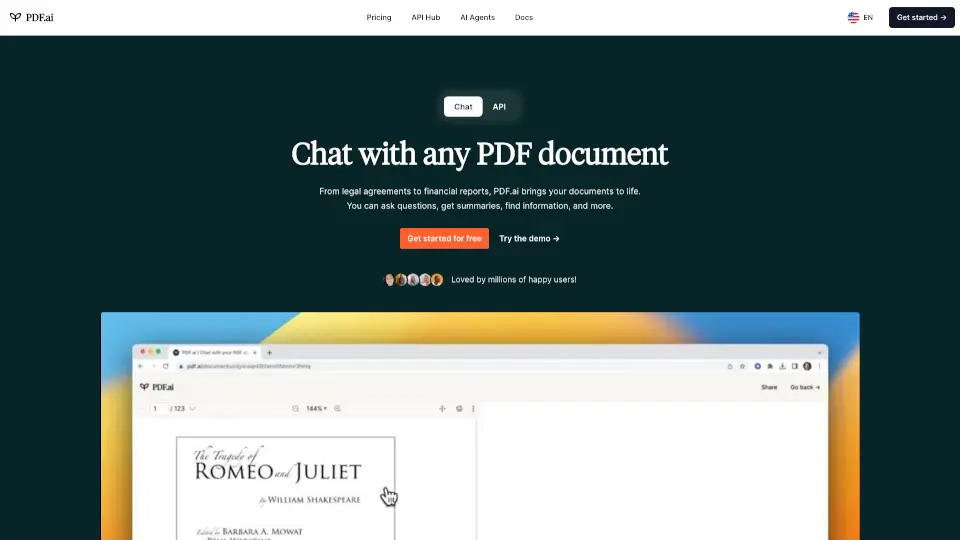
ChatPDF is an AI-powered tool that makes reading and understanding PDFs easier, faster, and more efficient. Perfect for students, researchers, and professionals.

BR
7.86%
|
1.4M
|
5.0
PDF.ai

PDF.ai is the ultimate tool for chatting with PDFs, offering instant answers, summaries, and source-backed responses. Perfect for students, professionals, and anyone who works with documents.

BR
11.31%
|
573.0K
|
5.0
aiPDF - Your AI-Powered PDF Companion

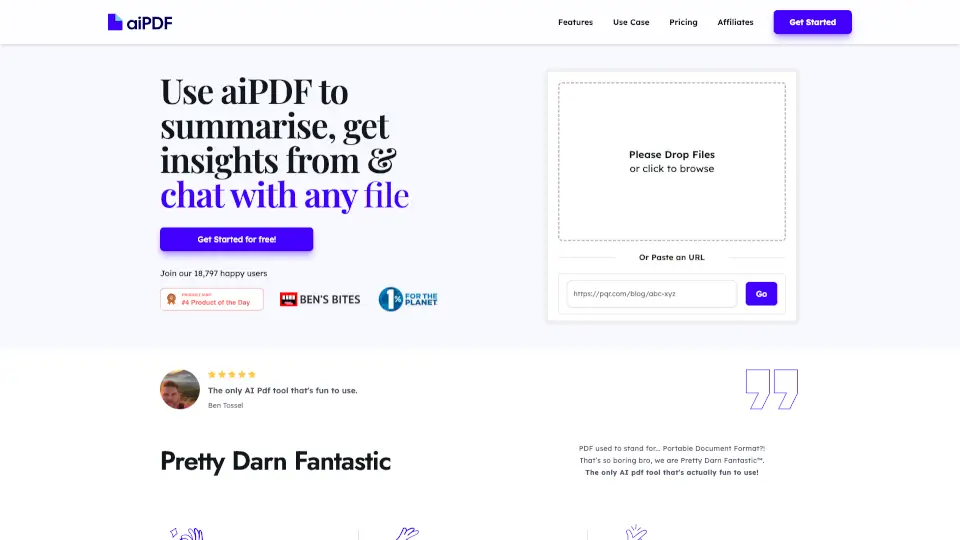
Turn PDFs, videos, and articles into AI chats with fast summaries, cited answers, and strict privacy for students and professionals.

VN
40.47%
|
4.3K
|
3.0
LightPDF

LightPDF is an AI-powered free online PDF editor, converter, and reader that simplifies viewing, editing, signing, and organizing documents across all devices.

IN
19.56%
|
1.5M
|
5.0
ChatDOC

ChatDOC revolutionizes PDF interaction with AI-powered Q&A, cross-document search, and secure file handling. Perfect for professionals and students alike.

CN
34.20%
|
81.7K
|
5.0
AskYourPDF

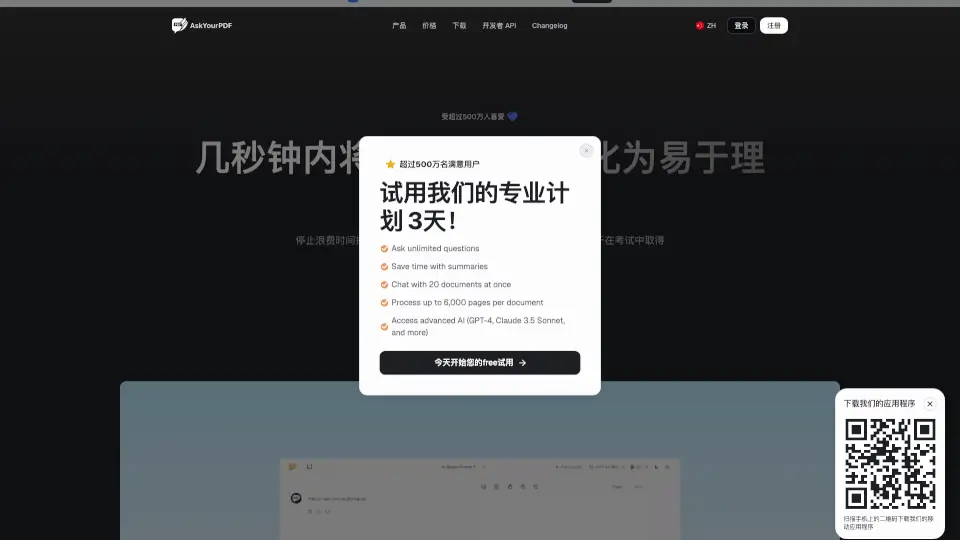
AskYourPDF is the ultimate AI tool for interacting with PDFs, offering instant summaries, multi-document chats, and seamless integration across platforms.

IN
8.10%
|
190.2K
|
5.0
EaseMate ChatPDF AI

EaseMate AI ChatPDF is a free tool for chatting, summarizing, and analyzing PDFs with AI, ensuring security and ease of use.

VE
100.00%
|
3.0
Documind

Chat with PDFs and summarize documents easily with Documind's AI.

US
20.52%
|
23.8K
|
4.0
LightPDF AI Related Other Categories

LightPDF AI Traffic Analysis

💡 Insights

📈
High Traffic
Over 1M monthly visits. Widely recognized and stable choice.
⚠️
Slight Decline
Traffic has slightly decreased recently.
👍
Good Experience
Bounce rate of 51%. Users are willing to explore features.
🌐
Global Reach
Balanced user distribution worldwide.
  • Monthly Visits

    1.51M

  • Bounce Rate

    50.99%

  • Pages Per Visit

    2.28

  • Visit Duration

    00:01:25

  • Global Rank

    39545

  • Country Rank

    8811

Visits Over Time

Traffic Sources

SearchOrganic68.67%
Direct24.22%
Referrals2.87%
SocialOrganic2.04%
GenAi0.79%
SearchPaid0.66%
Mail0.46%
DisplayAds0.18%
Affiliate0.10%
SocialPaid0.01%

Top Keywords

1
light pdf
CPC$0.14
78.57KTraffic
2
lightpdf
CPC$0.15
52.37KTraffic
3
ocean pdf
CPC$1.70
13.51KTraffic
4
oceanofpdf
CPC$1.21
11.66KTraffic
5
ocean of pdf
CPC$1.36
10.99KTraffic

Top Regions

RegionPercentage
India
India
19.56%
United States
United States
6.16%
Brazil
Brazil
5.52%
Indonesia
Indonesia
4.15%
Taiwan
Taiwan
3.13%
Low
High

LightPDF AI FAQ

How do I use LightPDF Chat for Docs?

Is my document safe when uploaded to LightPDF?

Which platforms are supported by this AI-powered document chat tool?

LightPDF AI Reviews

0

0

0 Reviews
Sign Into leave a review

Recent Reviews

No reviews yet

LightPDF AI Embed

Use website badges to drive community support for SeekTool.ai. They are easy to embed in your homepage or footer.

Light
Dark
LightPDF AI - Featured on SeekTool.aiLightPDF AI - Featured on SeekTool.ai
How to install?

Looking for LightPDF AI Alternatives?

Compare top AI tools similar to LightPDF AI. Find the best option for your needs.

View Alternatives

Reviews

0.0

Share your experience with this tool...

Category Rankings

Ranked by monthly traffic

Trending

Featured

Subscribe to our AI Newsletter

Get the top AI stories delivered to your inbox weekly.