What is MeeLang?
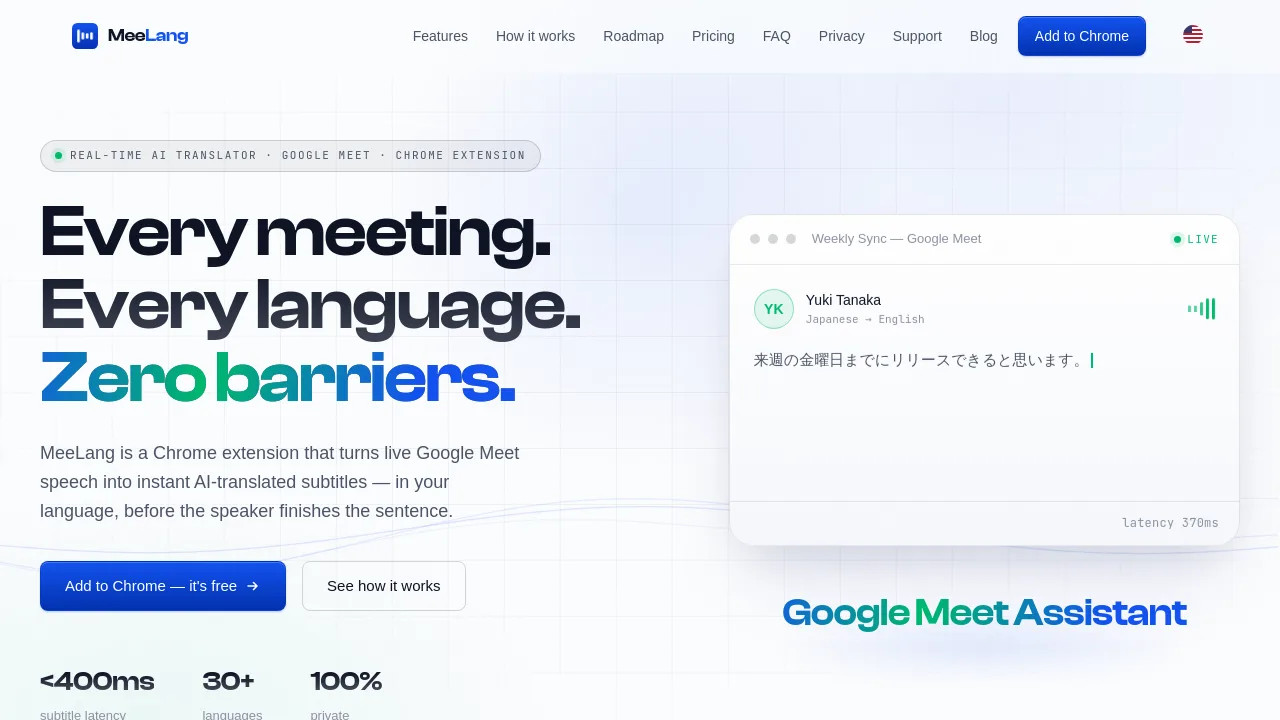
MeeLang is a Chrome extension that adds real-time AI-translated subtitles to Google Meet calls. It detects the speaker's language automatically and shows instant translations in 30+ languages directly on your screen. Designed for multilingual meetings, it works entirely in your browser with no bots or accounts required to start.
What are the features of MeeLang?
- Real-Time Translated Subtitles: Sub-second latency subtitles appear as speech is spoken, translated before the sentence ends, so you never fall behind the conversation.
- AI-Powered Context-Aware Translation: Handles fast, jargon-heavy speech and produces natural phrasing that flows like conversation, not machine output.
- Meeting Memory & Bilingual Transcripts: Every meeting is saved with searchable bilingual transcripts stored locally in your browser. Export or replay original audio anytime.
- Privacy by Design: Meeting content never leaves your device—transcripts stay in your browser only, with nothing stored on MeeLang servers.
- Automatic Source Language Detection: No need to select input language; MeeLang identifies the spoken language and translates into your chosen output language.
What are the use cases of MeeLang?
- International remote team members on weekly syncs who need to follow a meeting conducted in a language they don't speak fluently.
- Non-native English speakers attending Google Meet presentations or workshops where the speaker uses fast, technical English.
- Multilingual participants in cross-border client calls who want to read subtitles in their own language while listening to the original audio.
- Students or researchers joining global webinars or guest lectures on Google Meet that are delivered in a language they are still learning.
How to use MeeLang?
- Install the MeeLang Chrome extension from the Chrome Web Store with one click.
- Join any Google Meet call in your browser tab. MeeLang will automatically detect the meeting audio.
- Click Allow when Chrome requests microphone/tab access. Live translated subtitles will appear as a floating overlay during the call.