
FlowSavvy logo

FlowSavvy

1
5.0
(0 Reviews)
United States48.11%

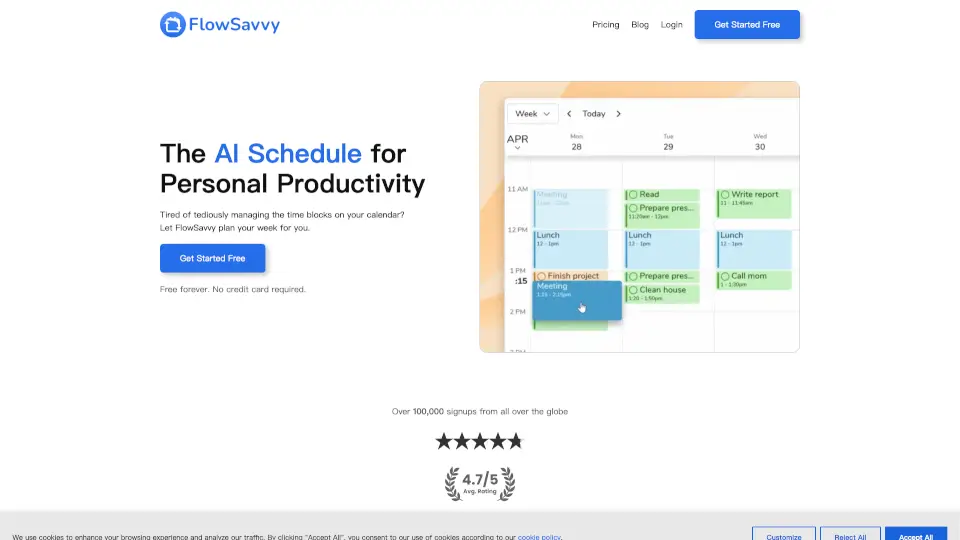
FlowSavvy is the smart AI calendar that auto-schedules your to-do list and instantly reschedules tasks when plans change, so you get more done with less stress.

Verified by SeekTool
Social Media:
FlowSavvy

FlowSavvy Product Information

What is FlowSavvy?

FlowSavvy is an AI-powered calendar that takes your to-do list and automatically schedules it into your calendar. It figures out the best times to get things done based on your deadlines, priorities, and free time. The best part? If your plans change, it automatically reschedules everything for you, so you never have to manually rearrange time blocks again.

What are the features of FlowSavvy?

  • AI Auto-Scheduling : Just add your tasks and due dates, and FlowSavvy instantly plans them into your calendar, considering all your priorities.
  • One-Click Rescheduling : Hit "recalculate" to instantly move missed or overdue tasks back into your schedule.
  • Drag-and-Drop Control : You stay in charge. Easily lock any auto-scheduled task into place by dragging it where you want.
  • Recurring Tasks for Habits : Automate the scheduling of your daily, weekly, or monthly habits and routines.
  • Custom Scheduling Hours : Define your work, personal, and sleep hours so the AI only plans tasks when you want to be busy.
  • Calendar Sync : FlowSavvy works with Google, iCloud, and Outlook, scheduling tasks around your existing events.
  • Task Management : Organize your tasks into lists and access everything quickly from the sidebar.
  • Cross-Platform Access : Use FlowSavvy on your web browser, iOS, and Android devices with full functionality.

What are the use cases of FlowSavvy?

  • The Busy Professional: A project manager has ten tasks due Friday and four meetings this week. FlowSavvy finds all the empty slots and plans the work, ensuring no deadline is missed.
  • The Freelancer: A graphic designer gets a new client request in the middle of the day. After adding the task, FlowSavvy instantly reshuffles the remaining schedule to fit it in.
  • The Student: A college student has exams, assignments, and study time to balance. They add all their deadlines and let the AI plan out study blocks in the weeks leading up to each test.
  • Habit Tracking: Someone wants to do 30 minutes of exercise, 15 minutes of reading, and 10 minutes of meditation daily. FlowSavvy automatically books these tasks into their calendar each day.
  • Getting Back on Track: A user missed a few tasks earlier in the week. They just press "recalculate," and FlowSavvy instantly squeezes those missed tasks into the remaining free time.

How to use FlowSavvy?

  • Sign up for free at FlowSavvy.com—no credit card is needed.
  • Connect your existing calendars (Google, iCloud, Outlook) so FlowSavvy knows when you're already busy.
  • Add your tasks with due dates, priorities, and estimated durations.
  • Let the AI work and review the schedule FlowSavvy creates for you.
  • Tweak as needed by dragging any task to a different time to lock it in place.
  • If plans change, just add or remove a task, then hit "recalculate" to get a fresh schedule.
Do you like this tool?

Upvote to help others discover it!

FlowSavvy Alternatives

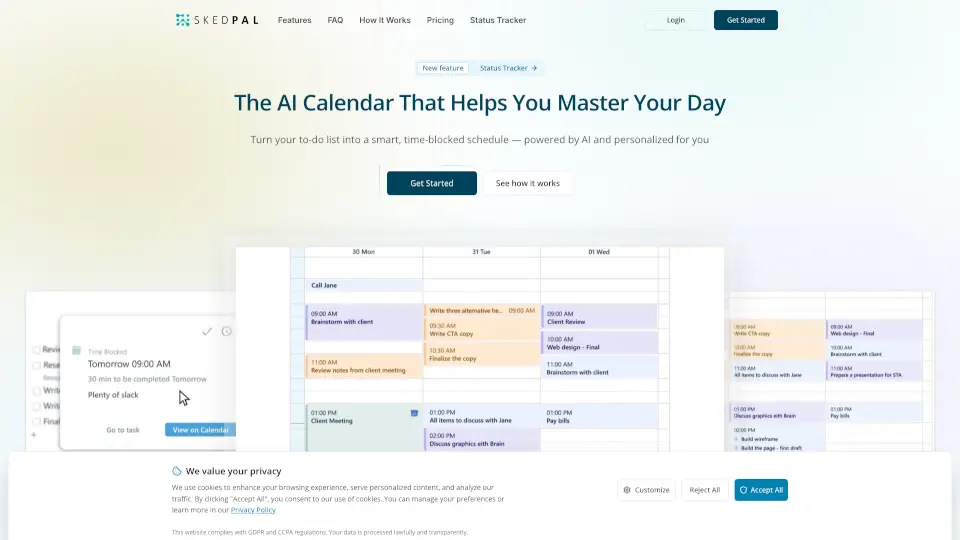
SkedPal

SkedPal is an AI-powered calendar that automatically turns your to-do list into a smart, adaptive schedule so you can master your day and protect time for what really matters.

CA
48.41%
|
52.9K
|
5.0
Trevor AI

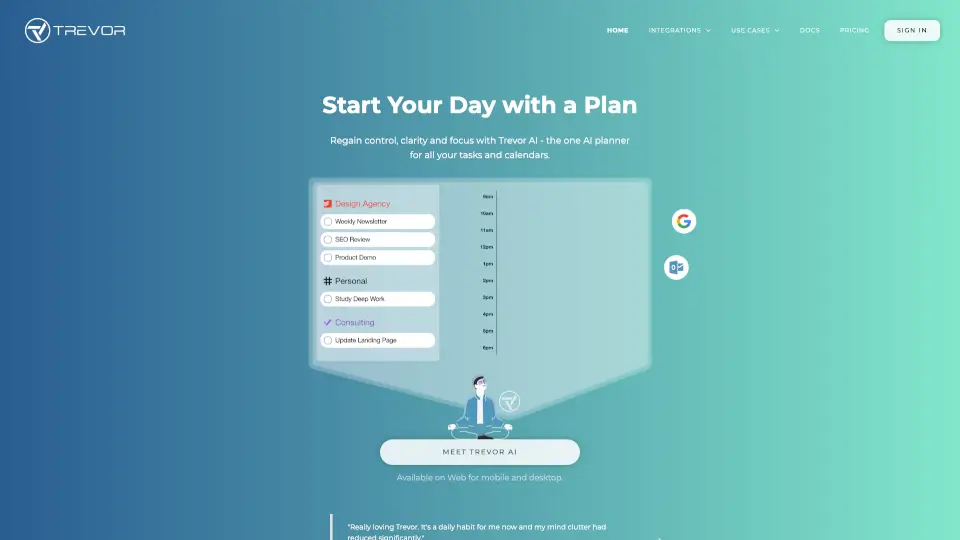
Trevor AI is the AI planner that unifies your tasks and calendars, using intelligent time-blocking to help you regain control and focus every day.

US
34.77%
|
62.6K
|
5.0
Reclaim AI

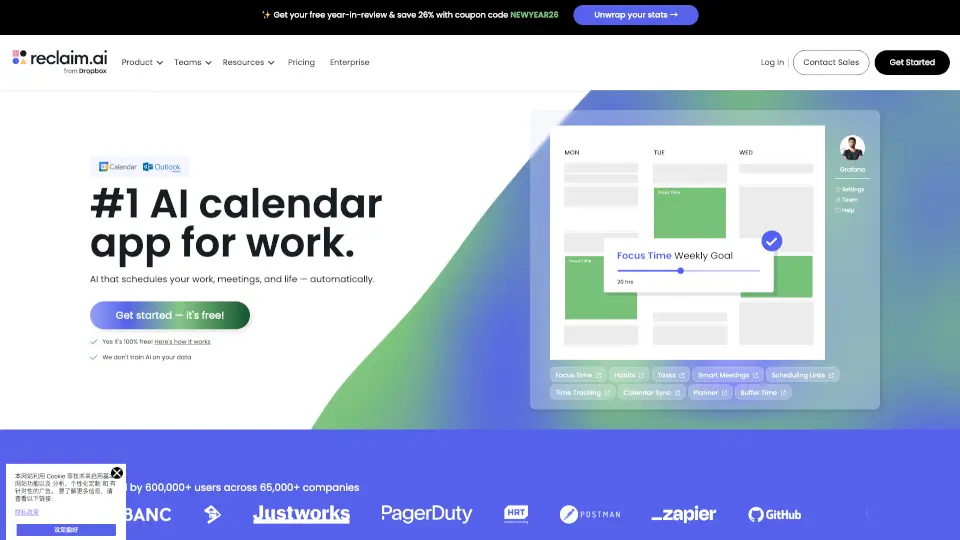
Reclaim.ai is an AI calendar assistant that automatically defends focus time, optimizes meetings, and organizes your schedule to boost daily productivity.

US
42.49%
|
796.6K
|
5.0
Akiflow

Akiflow is the premier AI time-blocking digital planner that unifies calendars, tasks, and inbox into one seamless workspace, helping busy pros save hours every week.

US
25.34%
|
198.8K
|
5.0
Clockwise: AI Powered Time Management Calendar

Clockwise uses AI to optimize your calendar by creating Focus Time, rescheduling meetings, and saving hours each week for what matters most.

US
26.47%
|
26.6K
|
4.0
Reclaim

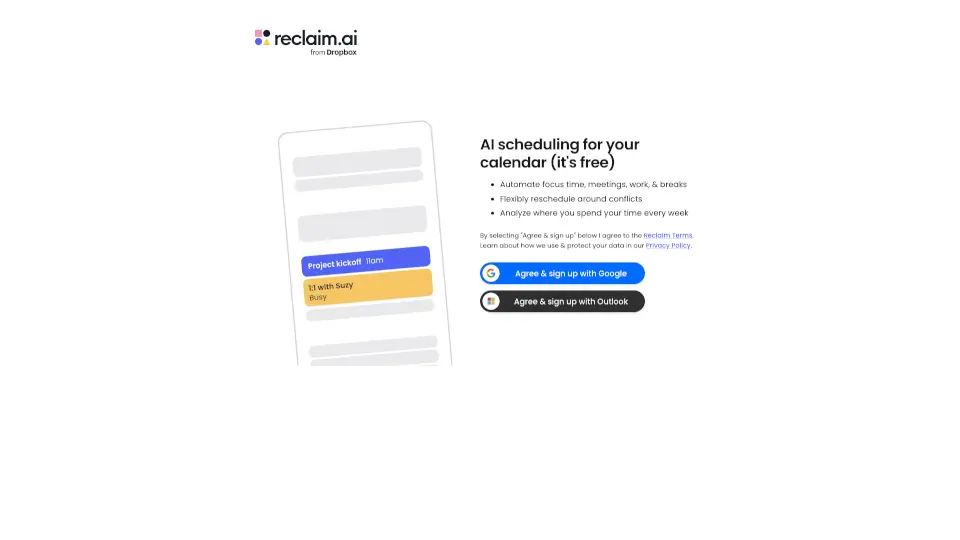
Reclaim is a free AI scheduling tool that helps you save time by automating focus sessions, meetings, and breaks. It works with Google Calendar and Outlook, reschedules conflicts, and shows weekly time insights.

US
46.34%
|
551.8K
|
5.0
Morgen

Morgen is an AI-powered daily planner that combines your calendars and tasks, helping you time block, schedule meetings, and protect focus time in one app.

US
25.26%
|
292.6K
|
5.0
Routine | The Most Advanced Calendar for Productive People

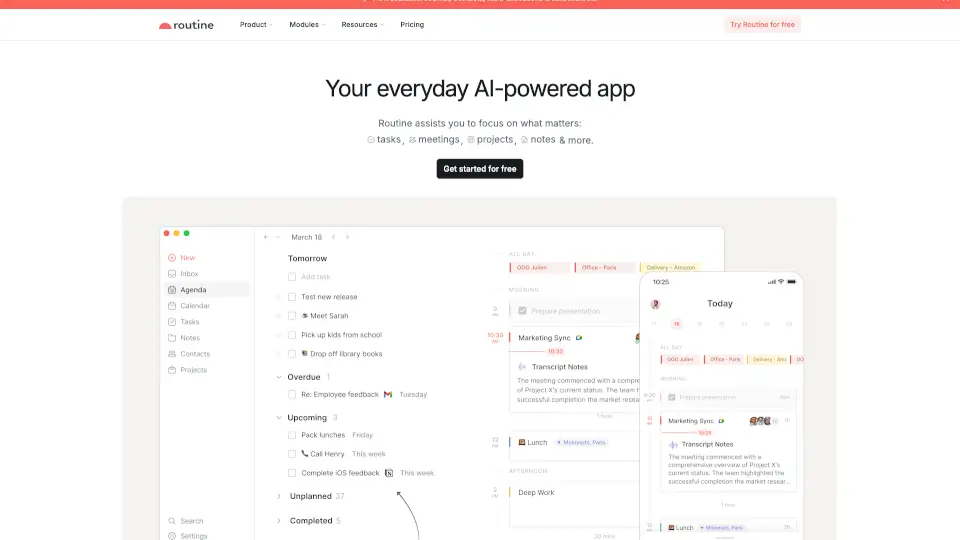
Routine is the AI-powered productivity app that combines tasks, calendar, and notes in one workspace to help you plan, focus, and get more done.

US
20.07%
|
96.3K
|
5.0

FlowSavvy Related Other Categories

FlowSavvy Traffic Analysis

💡 Insights

🌱
Emerging Tool
10K-100K monthly visits. Niche or new tool with potential unique value.
⚠️
Slight Decline
Traffic has slightly decreased recently.
👍
Good Experience
Bounce rate of 48%. Users are willing to explore features.
🎯
Strong Brand
67% direct traffic. High user loyalty.
  • Monthly Visits

    80.15K

  • Bounce Rate

    48.22%

  • Pages Per Visit

    2.02

  • Visit Duration

    00:00:48

  • Global Rank

    487008

  • Country Rank

    269310

Visits Over Time

Traffic Sources

Direct66.62%
SearchOrganic25.07%
Referrals2.70%
SocialOrganic2.55%
GenAi1.96%
Mail0.73%
SearchPaid0.37%
SocialPaid0.00%
Affiliate0.00%

Top Keywords

1
flowsavvy
CPC$3.19
4.59KTraffic
2
flow savvy
540Traffic
3
is there free time block app
350Traffic
4
ai scheduler
CPC$12.88
250Traffic
5
ai scheduler how do they work
230Traffic

Top Regions

RegionPercentage
United States
United States
48.11%
India
India
12.96%
Germany
Germany
5.52%
United Kingdom
United Kingdom
4.87%
Malaysia
Malaysia
3.74%
Low
High

Powered by SimilarWeb

FlowSavvy FAQ

How does FlowSavvy know what is flexible and what can't move?

FlowSavvy will never touch your existing events (meetings, appointments). It only auto-schedules "Tasks" that have the "Auto-Schedule" feature turned on.

What if I don't like the schedule the assistant gives me?

You are always in control. You can set custom scheduling hours, priorities, and dependencies. If you still want to change things, you can simply drag and drop any task to tweak the schedule.

Does FlowSavvy work with my existing calendars?

Yes. FlowSavvy syncs with Google, Outlook.com, and iCloud calendars to schedule tasks around your events.

Who is FlowSavvy for?

FlowSavvy is built for busy individuals who want powerful auto-scheduling without the bloat of complex team or enterprise features.

Will this put a bunch of tasks into my calendar so people can't schedule with me?

No. You can choose whether to sync tasks back to your other calendars. If you do sync them, tasks only block your availability if they are close to missing their deadline.

How do you protect my data?

Privacy and security are top priorities. FlowSavvy uses industry best practices like encryption in transit and at rest, strict access controls, and regular system updates. They never sell your information or use it to train AI models.

FlowSavvy Reviews

0

0

0 Reviews
Sign Into leave a review

Recent Reviews

No reviews yet

FlowSavvy Pricing

Basic Free

Use FlowSavvy for free
Free
  • Unlimited auto-reschedules
  • Auto-schedule tasks up to 2 weeks out
  • Sync 2 calendars from Google, iCloud, or Outlook
  • 1 ultra-customizable scheduling profile
  • Create 5 tags to categorize and filter tasks
  • View 30 days of task history
  • Unlimited events and tasks
  • Fully-featured web, iOS, and Android apps

Pro

Unlock even more powerful auto-scheduling features
$12/mo or $10/mo billed annually
  • Everything in Free
  • Auto-schedule tasks up to 8 weeks out
  • Sync unlimited calendars from Google, iCloud, or Outlook
  • Unlimited scheduling profiles (work hours, personal time, etc.)
  • Create unlimited tags
  • View all task history
  • Use priority levels
  • Use task dependencies

FlowSavvy Embed

Use website badges to drive community support for SeekTool.ai. They are easy to embed in your homepage or footer.

Light
Dark
FlowSavvy - Featured on SeekTool.aiFlowSavvy - Featured on SeekTool.ai
How to install?

Looking for FlowSavvy Alternatives?

Compare top AI tools similar to FlowSavvy. Find the best option for your needs.

View Alternatives

Reviews

0.0

Share your experience with this tool...

Category Rankings

Ranked by monthly traffic

Trending

Featured

Subscribe to our AI Newsletter

Get the top AI stories delivered to your inbox weekly.