
What is Reclaim AI?
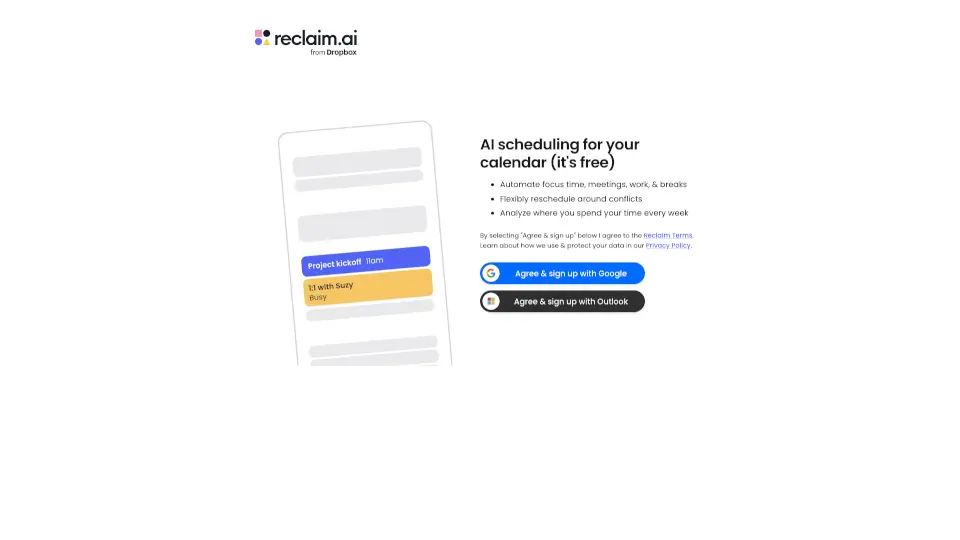
Let’s be honest, managing your calendar can feel like a full-time job. Between back-to-back meetings, endless to-do lists, and trying to find a spare minute for lunch, your schedule often runs you instead of the other way around. That’s exactly why Reclaim.ai exists. It’s an AI calendar assistant designed to take the heavy lifting out of planning your day, giving you back hours of your week.
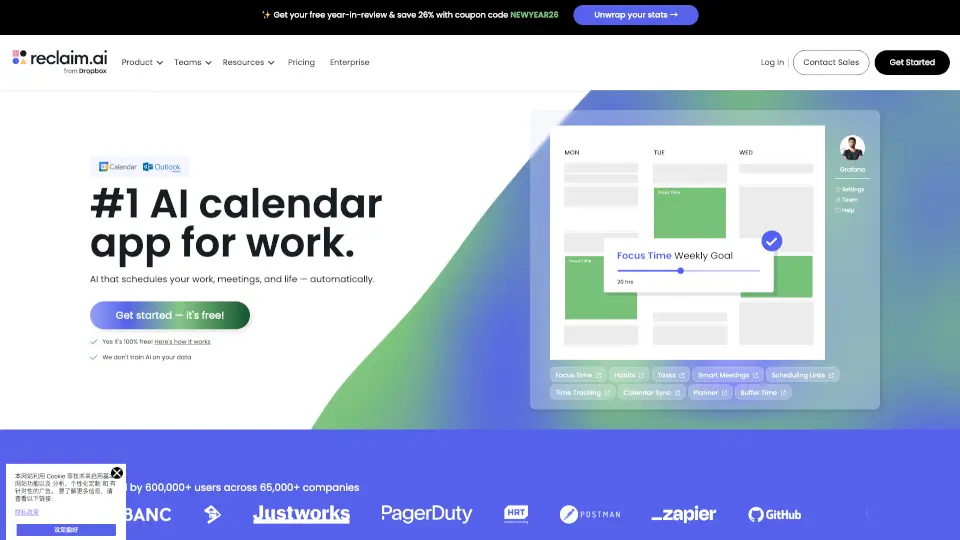
Instead of just being another passive tool, Reclaim acts like a smart personal assistant. It looks at your Google Calendar or Outlook Calendar, figures out what needs to get done, and automatically blocks out time for your most important work. Whether you are a solo freelancer trying to protect your deep work hours or an enterprise leader looking to prevent team burnout, Reclaim adapts to your workflow and keeps your priorities front and center.
What are the features of Reclaim AI?
- AI Focus Time: Set weekly goals and let the AI automatically defend uninterrupted blocks of time on your calendar for deep work.
- AI Smart Meetings: Find the absolute best time to meet by flexibly scheduling internal meetings across all attendees' availability.
- AI Scheduling Links: Share your availability with external contacts using smart meeting controls, offering way more time slots than basic scheduling tools.
- AI Habits & Tasks: Automatically sync your to-do lists and flexibly schedule recurring routines or priority tasks directly into your daily plan.
- AI Buffer Time: Auto-schedule quick breaks, travel time, and prep sessions between your meetings so you never feel rushed.
- Workforce Analytics: Track how you and your team spend your time, measure meeting load, and identify areas where you can reduce time waste.
What are the use cases of Reclaim AI?
- Protecting Deep Work: Engineers and writers use it to block out long, uninterrupted coding or writing sessions without meeting interruptions.
- Optimizing Team Meetings: Managers use it to balance meeting loads across their team, ensuring no single person is stuck in back-to-back calls all day.
- External Client Scheduling: Sales and consulting professionals use scheduling links to let clients book calls without the usual back-and-forth email tag.
- Preventing Burnout: HR and team leads use workforce analytics to monitor meeting health and ensure employees are actually taking their lunch breaks.
- Automating Daily Planning: Busy executives use the AI assistant to automatically shuffle tasks and habits around unexpected schedule changes.
How to use Reclaim AI?
- Connect Your Calendars: Link your Google Calendar or Outlook Calendar (and sync multiple if you have both work and personal accounts).
- Set Your Priorities: Define your Focus Time goals, add your recurring Habits, and import your Tasks from tools like Asana or Todoist.
- Let AI Build Your Day: Watch as the AI Planner automatically slots your tasks and habits into the best available times around your existing meetings.
- Chat with the AI Assistant: Use the conversational assistant to resolve scheduling conflicts, find time to meet, or analyze your daily workload.
- Review and Adjust: Check your Time Tracking and analytics dashboards weekly to see how your focus time and meeting loads are improving.