

What is Clockwise?
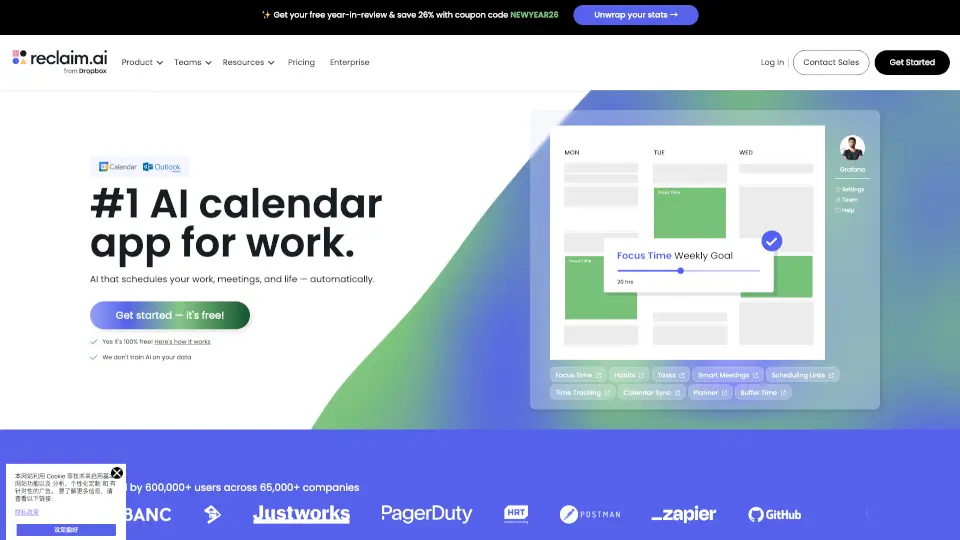
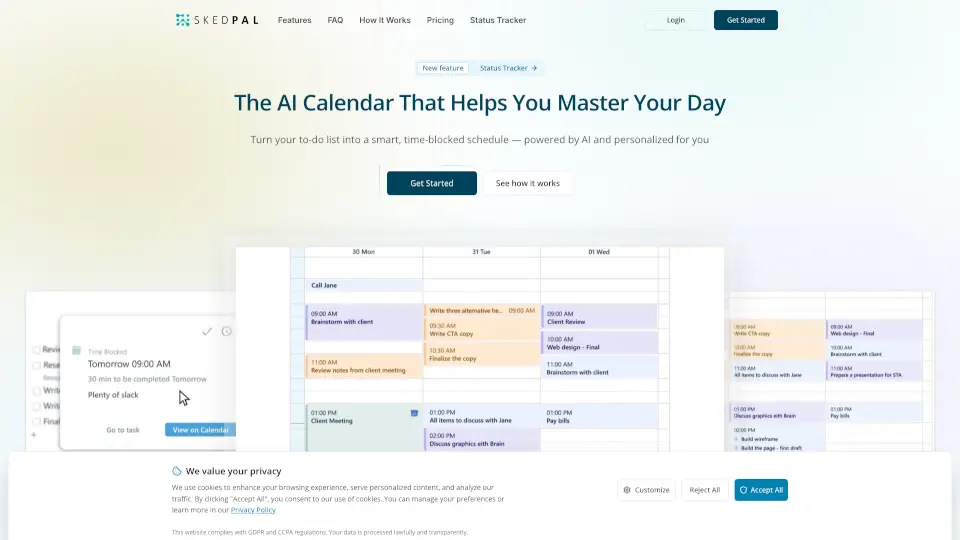
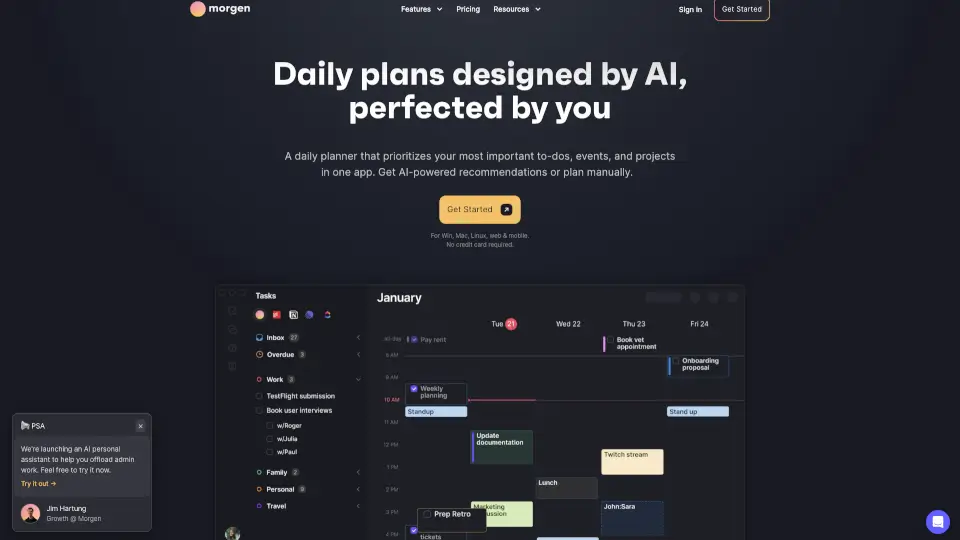
Clockwise is an AI-powered calendar optimization tool designed to help teams and individuals make time for what matters. By intelligently scheduling Focus Time, rescheduling meetings to better times, and automating calendar management, Clockwise saves hours each week. Trusted by top companies like Uber, Netflix, and Atlassian, it has created over 8 million hours of Focus Time and moved 23 million meetings to more productive slots. Whether you’re tired of back-to-back meetings or just want more deep work time, Clockwise brings order to your calendar.
What are the features of Clockwise?
- Focus TimeAutomatically blocks uninterrupted deep work periods on your calendar, protecting them from meetings.
- Smart Meeting SchedulingReschedules flexible meetings to optimal times that work for everyone, reducing calendar chaos.
- Travel Time & Meeting BreaksInserts realistic travel buffers and short breaks between meetings to prevent burnout.
- Scheduling LinksShare a personalized link so others can book time with you—no more emailing back and forth.
- Personal Calendar SyncKeeps your personal events (like gym time or doctor appointments) visible and respected by the scheduler.
- AI-Powered OptimizationUses machine learning to learn your preferences and suggest the best calendar arrangement each day.
What are the use cases of Clockwise?
- Deep Work DaysA software engineer blocks 3 hours of Focus Time each morning to code without interruptions—Clockwise ensures meetings don’t sneak in.
- Busy ManagersA team lead reschedules recurring 1:1s and stand-ups to afternoons when the team is more collaborative, freeing mornings for strategic planning.
- Remote Teams Across Time ZonesA global marketing team uses Clockwise to automatically find meeting slots that fall within everyone’s working hours.
- Freelancers and ConsultantsA consultant shares a Scheduling Link with clients, and Clockwise prevents double-booking while keeping personal time blocked.
How to use Clockwise?
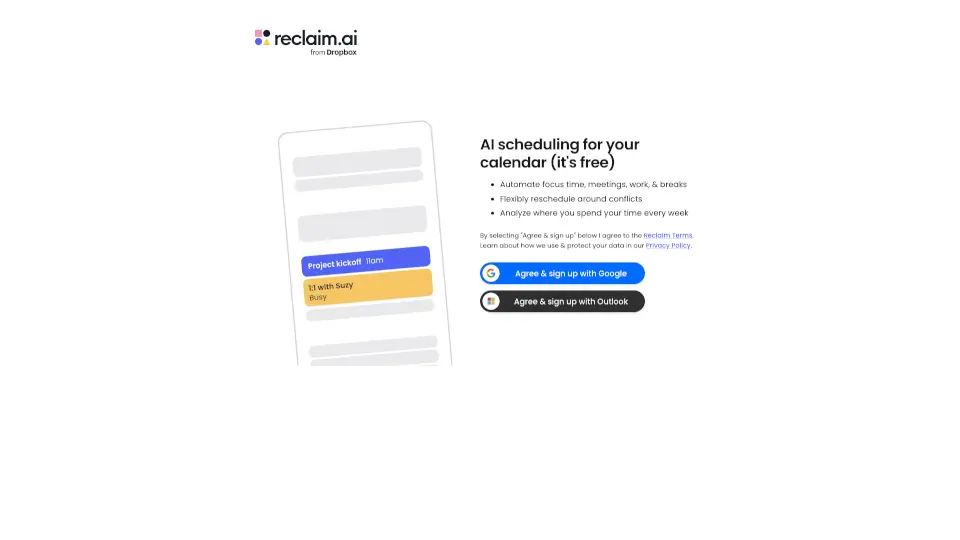
- Connect your calendarSign up with your Google or Outlook account and grant Clockwise read/write access.
- Set your preferencesTell Clockwise your ideal Focus Time length, preferred meeting hours, and any blocked personal events.
- Enable Smart MeetingsLet Clockwise automatically suggest new times for flexible meetings—you approve or deny with one click.
- Create a Scheduling LinkGenerate a link from your Clockwise dashboard and share it in emails or social profiles.
- Review daily optimizationsCheck your calendar each morning to see what Clockwise has rearranged; make tweaks as needed.
- Export your data if neededBefore discontinuing use, email offboarding@getclockwise.com to request your data.