
Dictation IO logo

Dictation IO

5.0
(0 Reviews)
United States14.72%

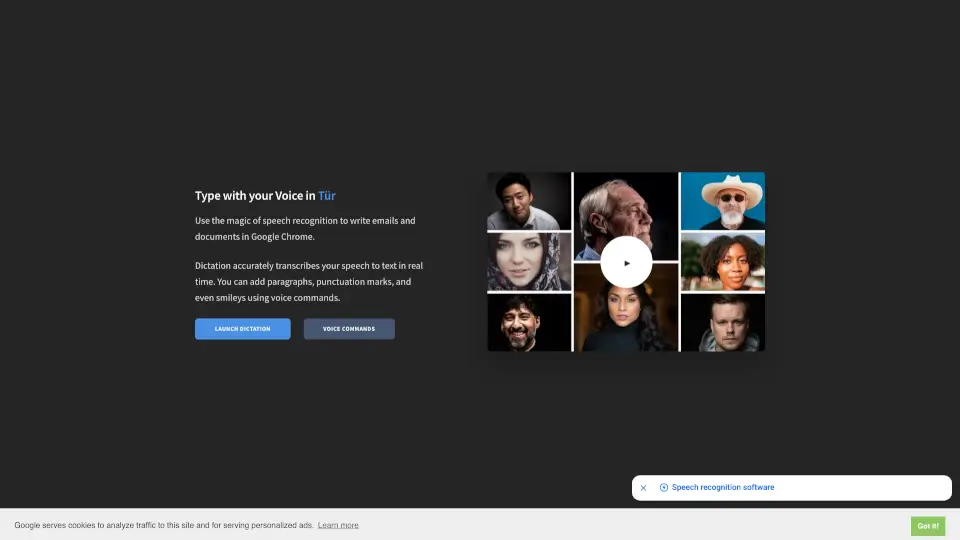
Voice Dictation is a free, privacy-focused online speech-to-text tool that converts your spoken words into written text in real time across 50+ languages.

Verified by SeekTool
Social Media:

Dictation IO Product Information

What is Dictation IO?

Voice Dictation is a free online speech-to-text tool that lets you write emails, documents, essays, and more—just by speaking. No typing required! Built for users who want to save time or reduce physical strain, it works right in your browser using Google’s powerful speech recognition technology. Whether you're a student drafting an essay or a professional composing a quick email, Voice Dictation turns your spoken words into accurate text instantly.

Best of all, everything happens locally in your browser—your voice data isn’t uploaded or stored anywhere, so your privacy stays protected. Plus, it supports dozens of languages and smart voice commands for punctuation, paragraphs, and even smileys!

What are the features of Dictation IO?

  • Real-Time Speech-to-Text: Transcribes your voice into written text instantly as you speak.
  • Multi-Language Support: Works with over 50 languages, including English, Español, Français, Türkçe, हिन्दी, العربية, 中文, 日本語, and many more.
  • Voice Commands for Formatting: Say “New line,” “Period,” or “Smiling Face” to add structure and symbols without lifting a finger.
  • Zero Data Upload: All transcription happens locally in your browser—no recordings or text are sent to servers.
  • Chrome-Optimized: Designed specifically for Google Chrome on Windows, Mac, and Linux for the smoothest experience.
  • Free & Ad-Supported: Completely free to use, with optional personalized ads (cookies used only for analytics and ads).

What are the use cases of Dictation IO?

  • Students writing research papers or class notes without typing
  • Professionals dictating emails or meeting summaries during busy workdays
  • People with mobility or repetitive strain issues who need hands-free writing
  • Language learners practicing pronunciation while seeing real-time transcription
  • Bloggers or content creators drafting posts quickly via voice
  • Multilingual users switching between supported languages seamlessly

How to use Dictation IO?

  • Open Voice Dictation in Google Chrome on a device with a working microphone.
  • Click “Launch Dictation” and allow microphone access when prompted.
  • Start speaking clearly—your words will appear as text in real time.
  • Use voice commands like “New paragraph,” “Comma,” or “Winking face” to format your text.
  • Copy your finished text into any app (email, Word, Notes, etc.)—nothing is saved automatically.
  • For best results, use in a quiet room with a good-quality microphone and stable internet.

Dictation IO Contact Email:

[email protected]

Do you like this tool?

Upvote to help others discover it!

Dictation IO Alternatives

Spokenly

Transform your spoken words into text on macOS with Spokenly, a privacy-focused, AI-powered dictation app that works offline and supports over 100 languages.

US
16.27%
111.1K
5.0
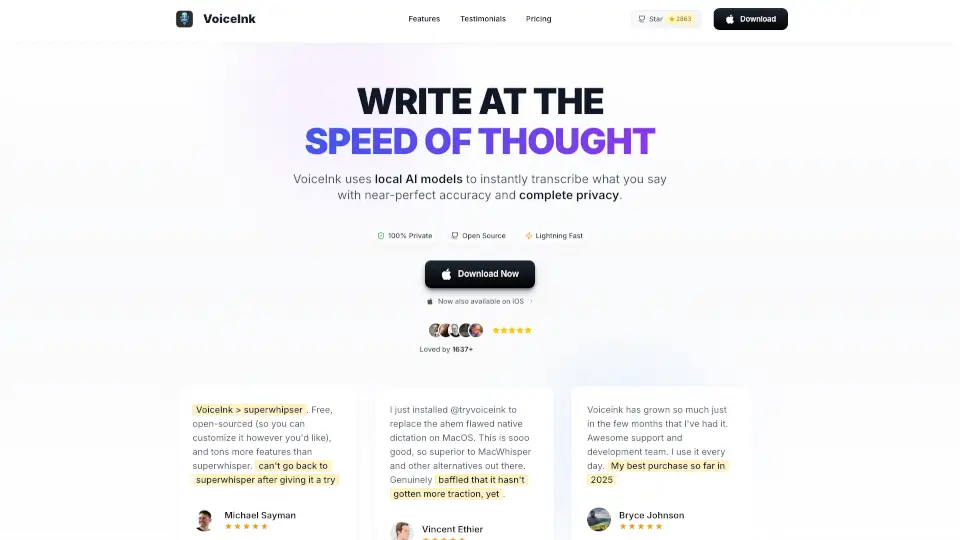
VoiceInk

VoiceInk is a fast, accurate, and privacy-first dictation app for Mac. It works offline, supports multiple languages, and offers a one-time purchase with lifetime updates. Perfect for anyone who wants to write faster using their voice.

US
36.35%
81.7K
5.0
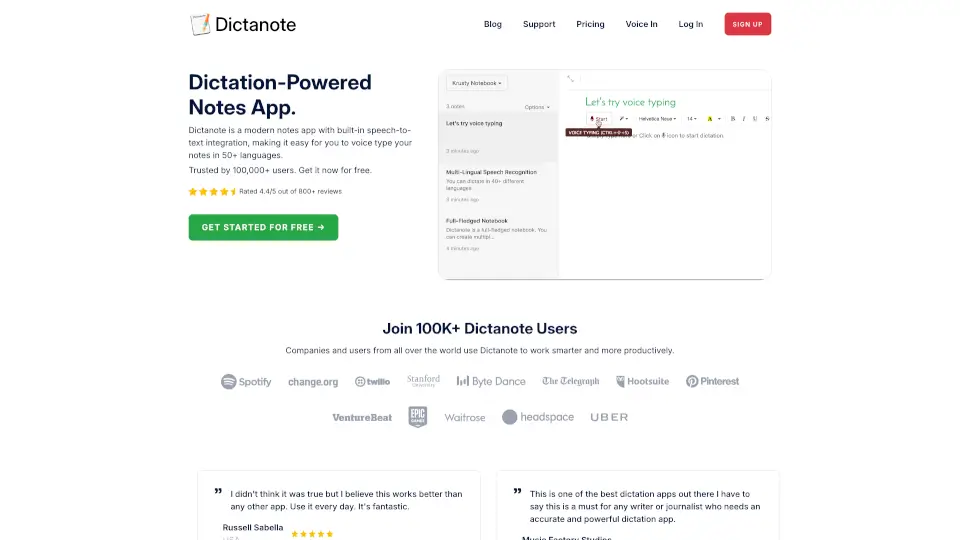
Dictanote

Dictanote is a dictation-powered note-taking app with real-time speech-to-text in 50+ languages, auto-save, cloud sync, and an AI writing assistant for cleaning voice notes.

US
46.05%
262.6K
5.0
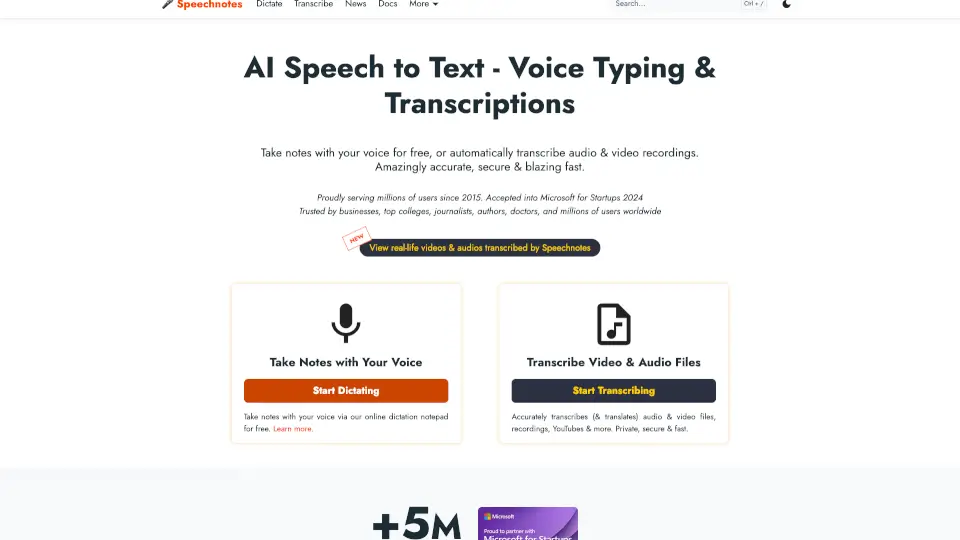
Speechnotes

Speechnotes is a fast, accurate, and secure speech-to-text tool for dictation and transcription. Perfect for students, professionals, and creators, it saves time and effort with real-time voice typing and automatic file transcription.

US
20.21%
1.1M
5.0
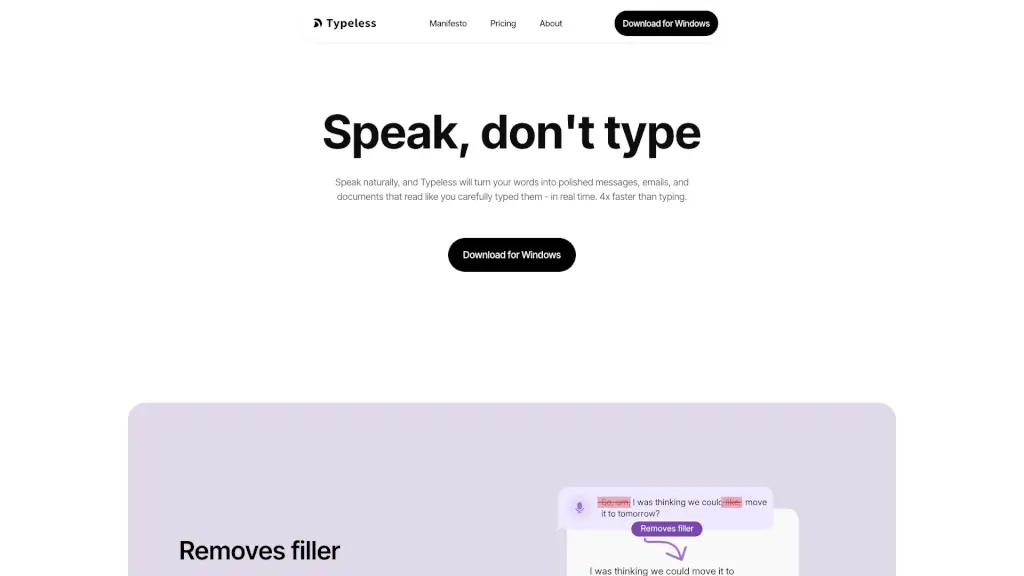
Typeless

Typeless is an AI voice dictation tool that turns your spoken words into polished, professional text in real time, making communication 4x faster and more efficient.

CN
22.63%
720.3K
5.0
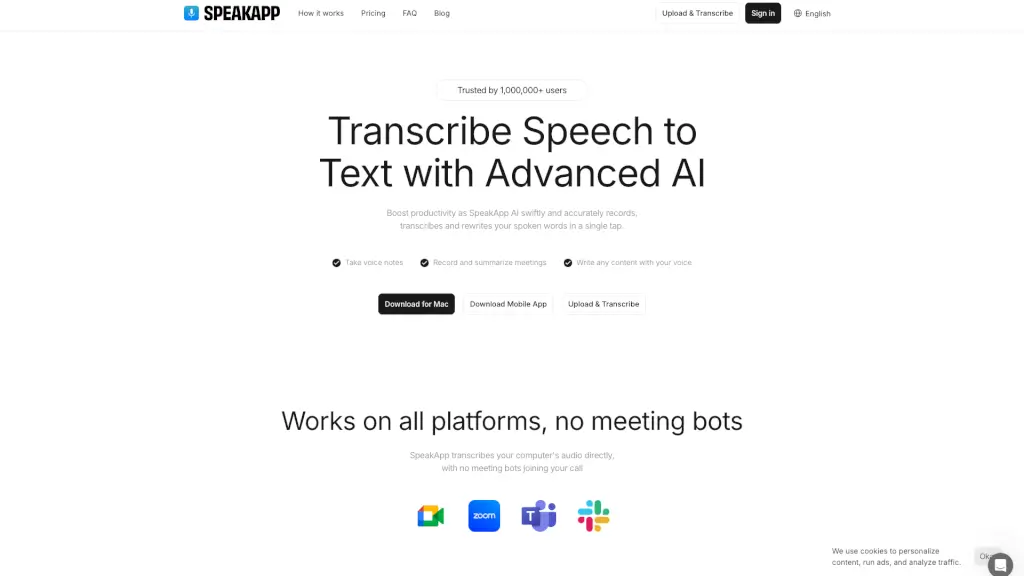
SpeakApp AI

SpeakApp AI instantly transcribes, summarizes, and translates speech to text with 99% accuracy—making it the go-to tool for students, professionals, and creators.

US
15.05%
409.3K
5.0
Ddict

Ddict is a powerful AI tool that simplifies translation, writing, and learning for everyone. It’s free, easy to use, and works seamlessly across multiple browsers.

VN
82.45%
36.4K
4.0
Text Reader

Text Reader is a free, easy-to-use AI text-to-speech generator that creates lifelike voice audio in seconds for personal and commercial use.

US
51.88%
6.7K
3.0

Dictation IO Related Other Categories

Dictation IO Traffic Analysis

💡 Insights

Medium Scale
100K-1M monthly visits. Growing tool with active development.
⚠️
Slight Decline
Traffic has slightly decreased recently.
👍
Good Experience
Bounce rate of 47%. Users are willing to explore features.
🎯
Strong Brand
57% direct traffic. High user loyalty.
  • Monthly Visits

    386.47K

  • Bounce Rate

    47.02%

  • Pages Per Visit

    2.24

  • Visit Duration

    00:01:14

  • Global Rank

    134798

  • Country Rank

    40391

Visits Over Time

Traffic Sources

Direct57.28%
SearchOrganic32.45%
GenAi2.91%
Referrals2.88%
SocialOrganic2.86%
Mail1.19%
DisplayAds0.30%
SocialPaid0.14%
SearchPaid0.00%
Affiliate0.00%

Top Keywords

1
dictation
CPC$0.95
4.36KTraffic
2
voice typing
CPC$0.63
3.78KTraffic
3
voice to text
CPC$0.81
3.63KTraffic
4
speech to text
1.73KTraffic
5
dictation.io
CPC$0.23
1.65KTraffic

Top Regions

RegionPercentage
United States
United States
14.72%
India
India
13.54%
Russia
Russia
6.88%
Greece
Greece
4.90%
Bangladesh
Bangladesh
4.48%
Low
High

Powered by SimilarWeb

Dictation IO FAQ

Does Voice Dictation store or upload my voice recordings?

No. All speech recognition happens locally in your browser using Google’s Web Speech API. Your audio and text are not uploaded or stored anywhere.

What languages does Voice Dictation support?

It supports over 50 languages, including English, Español, Français, Português, Türkçe, हिन्दी, اُردُو, العربية, 中文 (China/Taiwan/HK), 日本語, 한국어, and many others. See the full list on the website.

Do I need to install anything to use it?

No installation needed! Just open the site in Google Chrome on Windows, Mac, or Linux, and click “Launch Dictation.”

Can I add punctuation and formatting using my voice?

Yes! Say commands like “Period,” “New line,” “Question mark,” or “Smiling Face” to insert punctuation, line breaks, and emojis like :-).

Is Voice Dictation really free?

Yes—it’s completely free to use. The site uses cookies only for traffic analysis and personalized ads, but the core dictation feature costs nothing.

Why does it only work in Chrome?

Voice Dictation relies on Chrome’s built-in speech recognition engine (Google Speech API), which isn’t fully supported in other browsers yet.

Dictation IO Reviews

0

0

0 Reviews
Sign Into leave a review

Recent Reviews

No reviews yet

Dictation IO Embed

Use website badges to drive community support for SeekTool.ai. They are easy to embed in your homepage or footer.

Light
Dark
Dictation IO - Featured on SeekTool.aiDictation IO - Featured on SeekTool.ai
How to install?

Category Rankings

Ranked by monthly traffic