What is Dictanote?
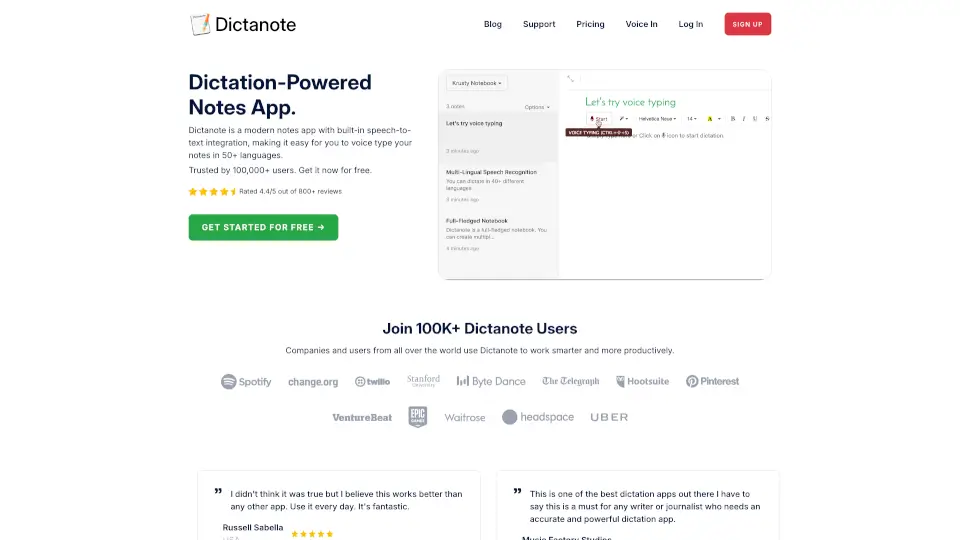
Dictanote is a dictation-powered note-taking app that lets you switch between typing and voice input. It’s built for writers, students, journalists, and professionals who need to capture ideas quickly without losing accuracy. The app transcribes speech in real time with over 90% accuracy across 50+ languages and 80+ dialects, and supports voice commands for punctuation, corrections, and formatting. Notes are automatically saved and synced to the cloud, so you can access them from any device. It also includes AudioScribe, a smart AI writing assistant that turns messy voice notes into clean, summarized text by removing filler words and adding punctuation.
What are the features of Dictanote?
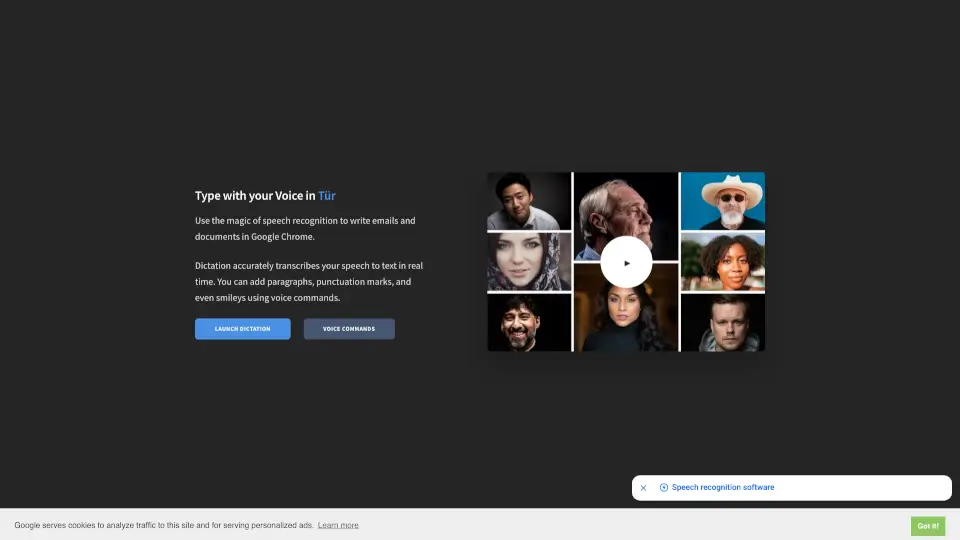
- Real-Time Voice Typing: Speak naturally and Dictanote transcribes your speech to text instantly. You can add paragraphs, punctuation, and even smileys using voice commands. Works on desktop (Windows, Linux, Mac) in Chrome and Edge, and on Android via Chrome.
- Multi-Lingual Support: Supports 50+ languages and 80+ dialects, making it accessible for non-native speakers. Users report accurate recognition of accents, including Indian English.
- Voice Commands: Insert punctuation, technical terms, and correct mistakes using spoken commands—no need to touch the keyboard during dictation.
- Keyboard Shortcuts: Start/stop dictation and switch languages quickly with keyboard shortcuts, enabling a seamless hybrid workflow of typing and voice.
- AudioScribe Smart AI Writing Assistant: Convert your voice notes (audio files) into clearly summarized text. The AI transcribes with high accuracy, then rewrites to remove filler words, repetitions, and “umms,” and adds proper punctuation like periods.
- Auto-Save & Cloud Sync: Notes are saved automatically and synced across all your devices. You can also access and edit notes offline (though dictation requires an internet connection).
What are the use cases of Dictanote?
- Writers and Journalists: Dictate drafts, interviews, or article sections without typing, then edit later. The automatic punctuation and clean-up features reduce post-processing time.
- Students and Researchers: Take lecture notes by voice, especially useful for fast-paced classes where typing is slow. Multi-language support helps international students.
- Meeting Notes for Professionals: Dictate meeting minutes during or after a call. Auto-save ensures you never lose work, and cloud sync lets you access notes from any device.
- Content Creators and Bloggers: Use voice to outline blog posts, scripts, or social media captions. AudioScribe can turn a rambling voice note into a tight draft.
- Individuals with RSI or Typing Difficulties: Replace typing with voice input for all note-taking. Works on Linux, Windows, and Mac as a standalone app or in Chrome.
- Non-Native English Speakers: Dictate in your native language and have Dictanote transcribe accurately. Users from India and the Philippines report great accent recognition.
How to use Dictanote?
- Start by signing up for free at dictanote.com. You can start using the web app immediately in Google Chrome or Microsoft Edge.
- Open a new note and click the microphone icon to begin dictation. Speak clearly at a natural pace; punctuation and formatting can be added via voice commands (e.g., “new paragraph,” “period”).
- Use keyboard shortcuts to toggle dictation on/off (e.g., Alt+D) or switch languages without interrupting your flow.
- To use AudioScribe, upload a pre-recorded audio file (e.g., a voice memo). The AI will transcribe and then rewrite the content into a clean, summarized version. You can edit the output afterward.
- Review and edit your notes manually or via voice commands. Notes auto-save; you can access them from any device by logging into your account.
- For offline access, open the app while connected to the internet first—notes will be cached and editable offline. Dictation itself requires an active internet connection.