
What is VoiceInk?
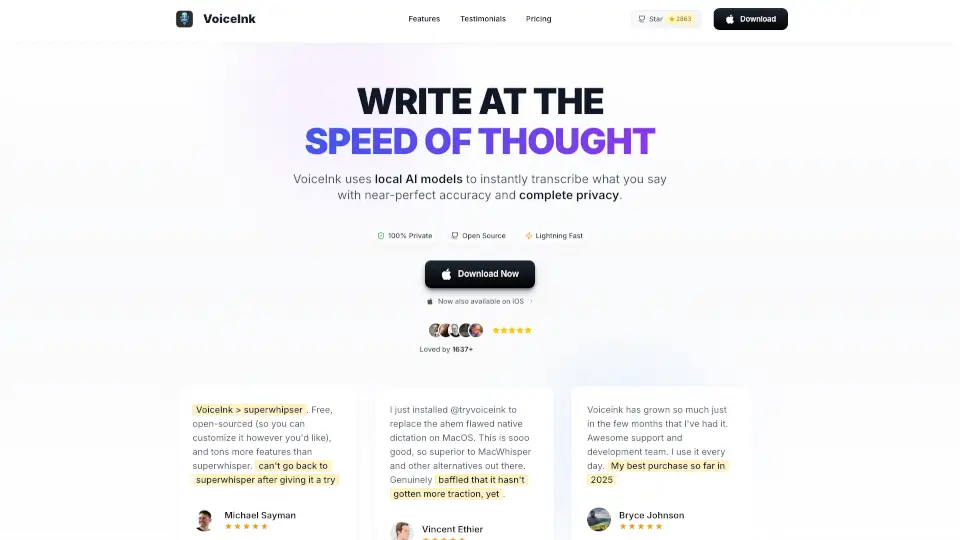
VoiceInk is the best dictation app for Mac that turns your speech into text instantly. Powered by advanced AI, it works offline, supports multiple languages, and keeps your data 100% private. With a one-time payment, you get a fast, accurate, and open-source tool that works across all your favorite apps.
What are the features of VoiceInk?
- Accurate Transcription: Local AI models deliver near-perfect, instant voice-to-text conversion.
- 100% Private & Offline: All processing happens on your Mac, so your voice data never leaves your device.
- Open Source: Transparent code you can review or customize.
- Works Everywhere: Use your voice in any app—emails, chats, documents, and more.
- Custom Dictionary: Add your own words and phrases for personalized accuracy.
- Smart Replace: Create shortcuts and text expansions for faster typing.
- Context-Aware AI: Understands what’s on your screen to improve transcription.
- AI Voice Assistant: Get instant answers and help with “Hey Assistant” mode.
- Smart Modes & Templates: Switch between writing styles and save custom templates.
- Auto App Detection: Automatically adjusts settings based on the app or website you’re using.
- Global Shortcuts: Easy key commands for starting, pausing, or canceling recordings.
What are the use cases of VoiceInk?
- Write emails and replies 5x faster using your voice.
- Chat with AI apps naturally without typing.
- Dictate notes, documents, or code effortlessly.
- Use in any app like Gmail, Slack, Google Docs, WhatsApp, and more.
- Perfect for coders, writers, students, entrepreneurs, and anyone who types a lot.
How to use VoiceInk?
- Download and install VoiceInk on your Apple Silicon Mac running macOS 14 or later.
- Set your preferred global shortcuts for recording and push-to-talk.
- Start speaking naturally; VoiceInk transcribes instantly with smart formatting.
- Customize your personal dictionary and smart replacements for better results.
- Switch between modes or templates with one click to match your writing style.
- Use the AI assistant by saying “Hey Assistant” for quick help.
- Enjoy offline, private transcription without any subscriptions.