
What is Willow Voice?
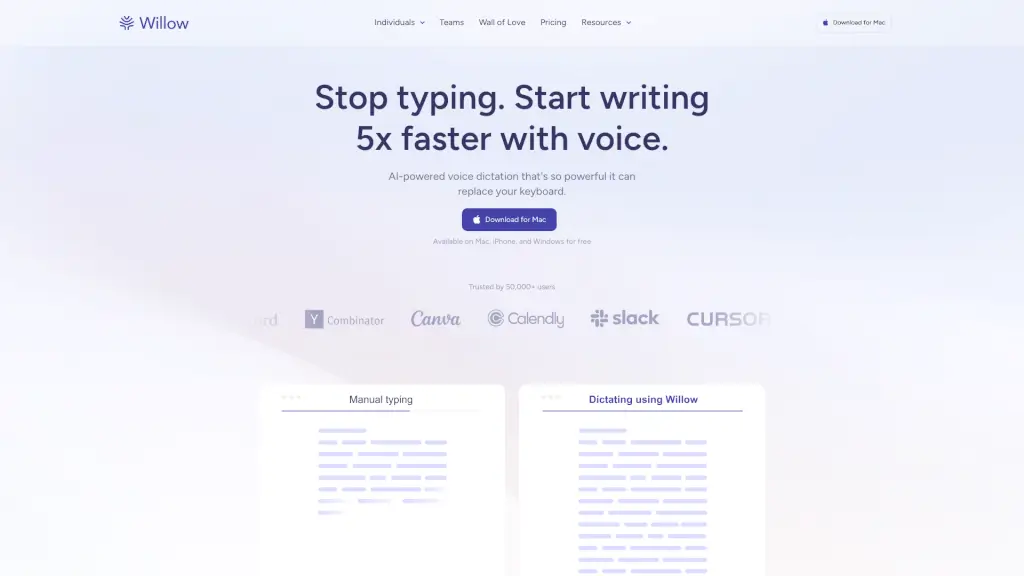
Willow Voice is a cutting-edge AI speech-to-text software that makes typing a thing of the past. Designed for Mac, iPhone, and Windows, Willow allows you to dictate emails, documents, and messages with incredible speed and accuracy. Whether you're a busy professional, a student, or anyone looking to boost productivity, Willow can help you write 5x faster than traditional typing. With features like automatic editing, context awareness, and style-matching, your voice becomes a powerful tool for seamless communication.
What are the features of Willow Voice?
- Automatic Editing and Formatting: Willow fixes grammar, punctuation, and formatting as you speak, ensuring your text is always polished.
- Style-Matching: The software adapts to your tone and writing style across different apps, making sure your voice sounds like you.
- Context Awareness: Willow spells unique terms and names correctly using contextual cues, so you never have to worry about misspellings.
- AI Mode: Just say a few quick words, and Willow turns it into a fully polished message, saving you time and effort.
- Optimized for Whispering and Background Noises: You can speak softly or whisper, and Willow will still hear you clearly.
- Voice Commands: Say things like “dash,” “new line,” or “bullet point” and see it formatted instantly.
- Privacy and Security: Secured with SOC 2, HIPAA, zero data retention, and privacy mode, ensuring your data is safe.
What are the use cases of Willow Voice?
- Emails and Messaging: Quickly draft and send emails, Slack messages, and WhatsApp texts without ever touching the keyboard.
- Document Writing: Dictate long documents, reports, and notes with ease, allowing you to focus on content rather than typing.
- Note-Taking: Take detailed notes during meetings, lectures, or brainstorming sessions, capturing every word effortlessly.
- Social Media and Blogging: Create engaging social media posts and blog articles by simply speaking your thoughts.
- Coding and Technical Writing: Write code, technical documentation, and project updates with precision and speed.
- Multilingual Communication: Use Willow in any language, making it a versatile tool for global teams and multilingual users.
How to use Willow Voice?
- Step 1: Download and Install: Get Willow from the official website and install it on your Mac, iPhone, or Windows device.
- Step 2: Set Up Hotkeys: Configure the hotkeys for easy activation of the dictation feature.
- Step 3: Start Speaking: Press the hotkey and start speaking naturally. Willow will transcribe your words into text.
- Step 4: Use Voice Commands: Enhance your text with commands like “new line” or “comma” to format as you go.
- Step 5: Review and Edit: Quickly review and make any necessary edits to ensure your text is perfect.
- Step 6: Save and Share: Save your work and share it via email, messaging apps, or other platforms.