
What is Speechify?
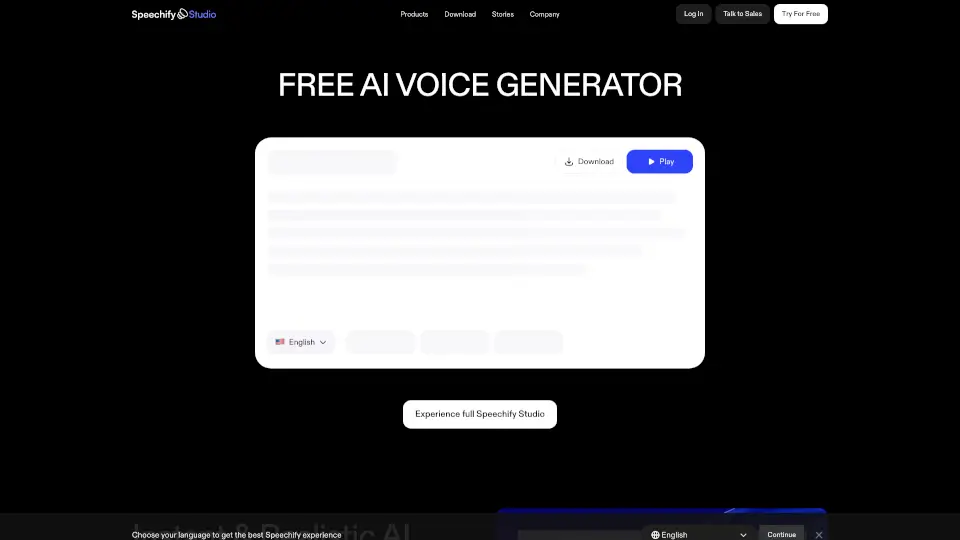
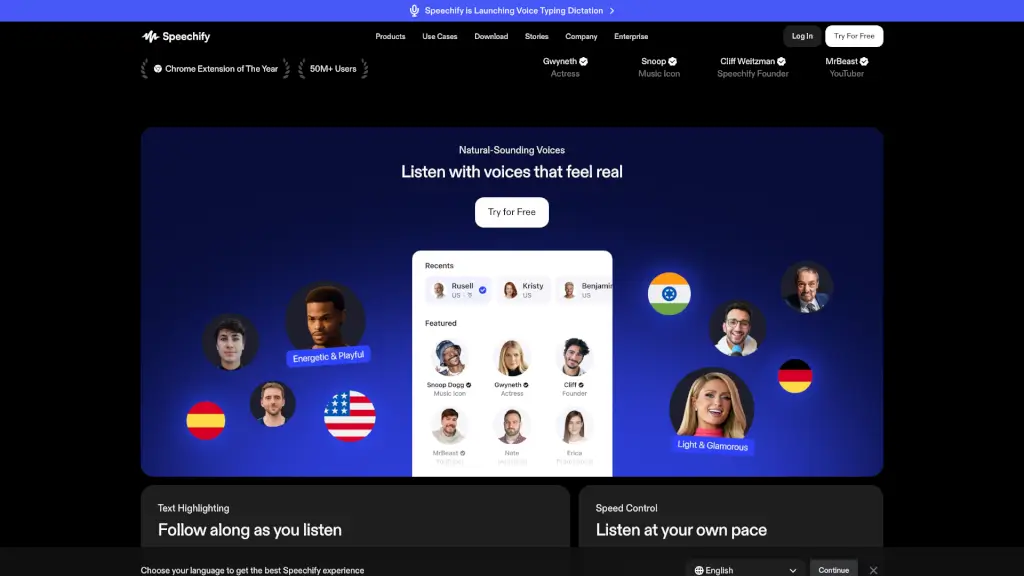
Speechify is a powerful text-to-speech and voice typing AI assistant designed to help you read, write, and learn faster—just by listening or speaking. Whether you're a student juggling textbooks, a professional managing dense reports, or someone with dyslexia or ADHD seeking better accessibility, Speechify turns any text into natural-sounding audio and lets you dictate notes up to 5× faster than typing.
With over 55 million users and more than 1 million 5-star reviews, Speechify works across all your devices—iPhone, Android, Mac, Windows, Chrome, and Edge—so you can listen to PDFs, web pages, emails, and documents anytime, anywhere. Plus, its built-in Voice AI Assistant answers questions, summarizes content, and even creates podcasts from your notes.
What are the features of Speechify?
- Natural-Sounding Text-to-Speech: Listen to books, PDFs, and articles in over 1,000 lifelike AI voices across 60+ languages.
- Voice Typing Dictation: Speak instead of type—Speechify transcribes your words with grammar correction and filler-word removal, working in Google Docs, email, Slack, and more.
- AI Voice Assistant: Ask questions about what you’re reading and get instant summaries, explanations, or quizzes.
- Cross-Platform Sync: Use Speechify seamlessly on iOS, Android, Mac, Windows, Chrome, Edge, and the web.
- Scan & Listen: Snap a photo of printed text (like a textbook page) and have it read aloud using OCR technology.
- AI Podcast Creator: Turn any document or idea into a custom podcast in one click.
- Speed Control & Highlighting: Adjust playback up to 4.5x speed and follow along with highlighted text.
What are the use cases of Speechify?
- Students use Speechify to study faster by listening to textbooks while commuting or exercising.
- Professionals review long reports or legal documents hands-free during busy workdays.
- People with dyslexia, ADHD, or visual impairments rely on Speechify for accessible, stress-free reading.
- Writers and creators dictate drafts or turn blog posts into engaging audio podcasts.
- Researchers scan academic papers and listen while taking AI-generated notes.
- Busy parents multitask by listening to news articles or work emails while cooking or driving.
How to use Speechify?
- Install the Speechify app (iOS/Android) or browser extension (Chrome/Edge) and sign up for free.
- Upload a PDF, paste a web link, or snap a photo of printed text to start listening instantly.
- Click the mic icon to use Voice Typing—speak naturally, and Speechify writes polished text in any app.
- Adjust voice, speed, and language in settings to match your preference.
- Use the Voice AI Assistant by asking questions like “What’s the main point?” while reading.
- Download audio files for offline listening if you’re on the Premium plan.