
GPT Reader logo

GPT Reader

4.0
(0 Reviews)
United States42.25%

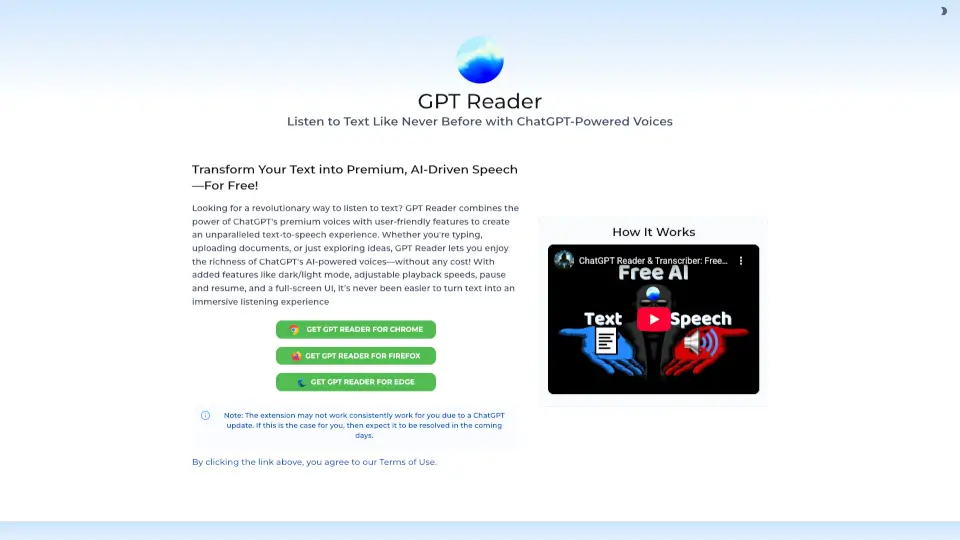
GPT Reader transforms your text into natural, high-quality speech using ChatGPT's premium voices, making it easy to listen to PDFs, articles, and more—all for free.

Verified by SeekTool
Social Media:

GPT Reader Product Information

What is GPT Reader?

GPT Reader is a game-changing tool that brings your text to life with the power of AI. Whether you're reading a PDF, an article, or any document, GPT Reader uses ChatGPT's premium voices to transform your text into natural, high-quality speech. This free and user-friendly extension makes it easy to listen to your content, no matter where you are. With features like adjustable playback speeds, dark and light mode, and a full-screen UI, GPT Reader is designed to give you the best listening experience possible.

What are the features of GPT Reader?

  • ChatGPT-Powered Voices: Enjoy premium, AI-driven speech for free.
  • Adjustable Playback Speeds: Customize the speed to match your listening preferences.
  • Dark and Light Mode: Choose the theme that's easiest on your eyes.
  • Pause and Resume: Easily control your listening experience.
  • Full-Screen UI: Immerse yourself in your content with a distraction-free interface.
  • Upload Documents: Convert PDFs, articles, and other documents into speech.
  • Type and Listen: Instantly hear what you type with real-time text-to-speech.

What are the use cases of GPT Reader?

  • Reading PDFs and Articles: Perfect for students and professionals who need to go through long documents.
  • Listening to E-books: Turn your favorite e-books into audiobooks on the fly.
  • Accessibility: Help those with visual impairments by converting text to speech.
  • Language Learning: Improve your language skills by listening to native-like speech.
  • Commuting: Make the most of your commute by listening to important documents.
  • Hands-Free Reading: Cook, exercise, or do chores while listening to your text.

How to use GPT Reader?

  • Install the GPT Reader extension on your browser (Chrome, Firefox, or Edge).
  • Open the document, article, or webpage you want to listen to.
  • Click the GPT Reader icon and select the text you want to convert to speech.
  • Adjust the settings to your liking (playback speed, theme, etc.).
  • Click "Play" to start listening.
  • Use the pause and resume buttons to control your listening experience.

Do you like this tool?

Upvote to help others discover it!

GPT Reader Alternatives

Text Reader

Text Reader

Text Reader is a free, easy-to-use AI text-to-speech generator that creates lifelike voice audio in seconds for personal and commercial use.

US
51.88%
6.7K
3.0
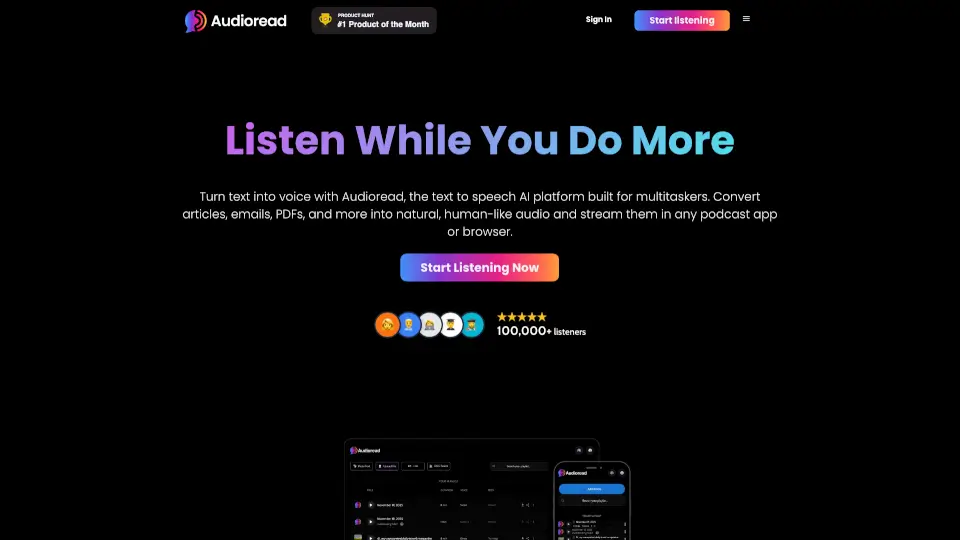
Audioread

Audioread

Audioread makes reading effortless by turning any text into high-quality audio. Listen to articles, PDFs, and emails on the go with ultra-realistic AI voices. Perfect for busy professionals and podcast lovers.

US
23.62%
20.8K
4.0
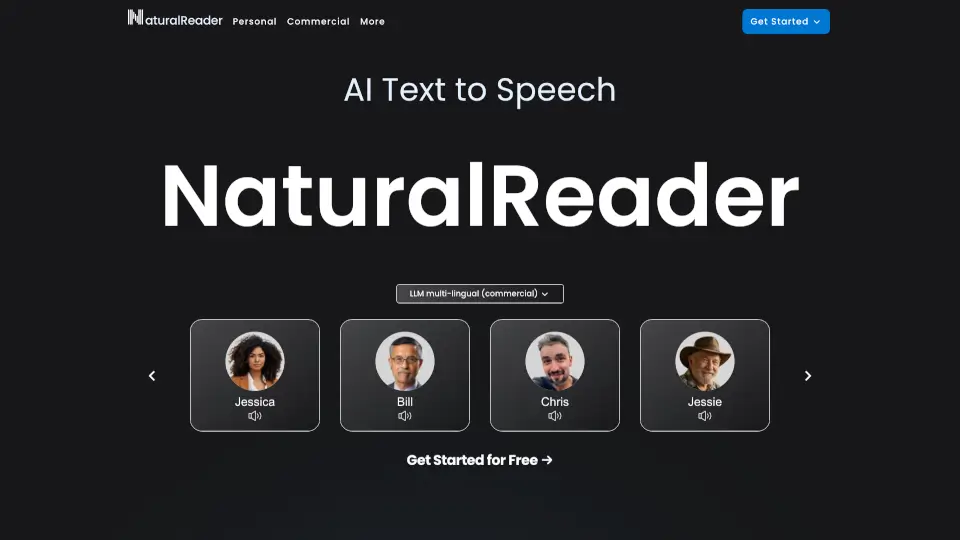
NaturalReader

NaturalReader

NaturalReader is a versatile AI text-to-speech tool offering natural voices, multi-lingual support, and voice cloning for personal, commercial, and educational use.

US
37.03%
3.5M
5.0
ElevenReader

ElevenReader

ElevenReader is a versatile and high-quality text-to-speech app that reads aloud PDFs, eBooks, and Kindle books, offering a natural and engaging listening experience.

US
40.84%
1.0M
5.0
Voice Out

Voice Out

Voice Out is a free, easy-to-use text-to-speech Chrome extension that reads aloud any text in 60+ languages with natural-sounding voices. Perfect for learning, multitasking, or accessibility. ---

US
35.44%
74.4K
5.0
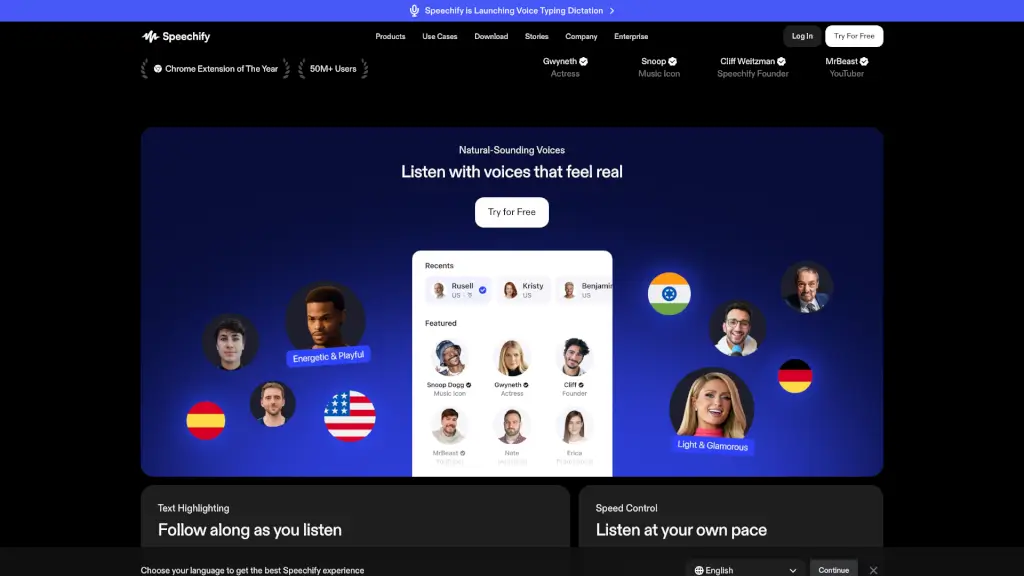
Speechify

Speechify

Speechify is a versatile text-to-speech and voice typing AI assistant that helps you read, write, and learn faster across all devices.

US
47.77%
5.8M
5.0
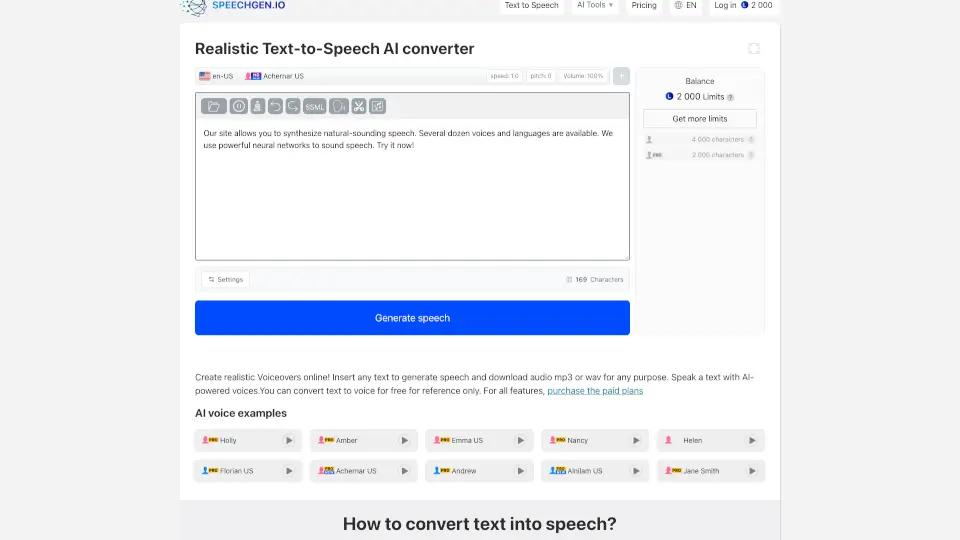
SpeechGen.io

SpeechGen.io

Turn text into realistic voiceovers with SpeechGen.io. Perfect for videos, ads, podcasts, and more. ---

US
8.60%
748.0K
5.0
Audeus

Audeus

Audeus is a user-friendly TTS app that reads your documents aloud, helping you save time, stay focused, and boost productivity with natural voices and smart features. ---

US
29.53%
50.1K
5.0

GPT Reader Related Other Categories

GPT Reader Traffic Analysis

💡 Insights

🌱
Emerging Tool
10K-100K monthly visits. Niche or new tool with potential unique value.
⚠️
Slight Decline
Traffic has slightly decreased recently.
👍
Good Experience
Bounce rate of 47%. Users are willing to explore features.
🎯
Strong Brand
79% direct traffic. High user loyalty.
  • Monthly Visits

    43.02K

  • Bounce Rate

    46.70%

  • Pages Per Visit

    1.35

  • Visit Duration

    00:00:11

  • Global Rank

    858298

  • Country Rank

    549857

Visits Over Time

Traffic Sources

Direct79.07%
SearchOrganic16.72%
SocialOrganic2.37%
GenAi1.60%
Referrals0.24%
SearchPaid0.00%
SocialPaid0.00%
Affiliate0.00%

Top Keywords

1
gpt reader
CPC$2.11
880Traffic
2
ai reader extension free
220Traffic
3
reader gpt
180Traffic
4
best text to speech extension
CPC$4.28
140Traffic
5
chatgpt reader
120Traffic

Top Regions

RegionPercentage
United States
United States
42.25%
Canada
Canada
6.48%
India
India
5.58%
Nigeria
Nigeria
5.44%
Germany
Germany
3.78%
Low
High

Powered by SimilarWeb

GPT Reader FAQ

How do I install GPT Reader?

You can get GPT Reader for Chrome, Firefox, or Edge by clicking the links provided on the website. Follow the prompts to add the extension to your browser.

Is GPT Reader free to use?

Yes, GPT Reader is completely free to use. You can enjoy all its features without any cost.

What types of documents can I use with GPT Reader?

GPT Reader supports a wide range of documents, including PDFs, articles, and web pages. You can also type text directly into the extension and have it read aloud.

Can I adjust the playback speed?

Absolutely! GPT Reader allows you to customize the playback speed to suit your listening preferences. You can slow it down or speed it up as needed.

Does GPT Reader work offline?

No, GPT Reader requires an internet connection to function properly. It uses cloud-based AI to generate the speech, so you'll need to be online to use it.

What if the extension doesn't work after a ChatGPT update?

If the extension stops working due to a ChatGPT update, the developers are usually quick to resolve the issue. Check for updates or contact support for assistance.

GPT Reader Reviews

0

0

0 Reviews
Sign Into leave a review

Recent Reviews

No reviews yet

GPT Reader Embed

Use website badges to drive community support for SeekTool.ai. They are easy to embed in your homepage or footer.

Light
Dark
GPT Reader - Featured on SeekTool.aiGPT Reader - Featured on SeekTool.ai
How to install?