
What is Audioread?
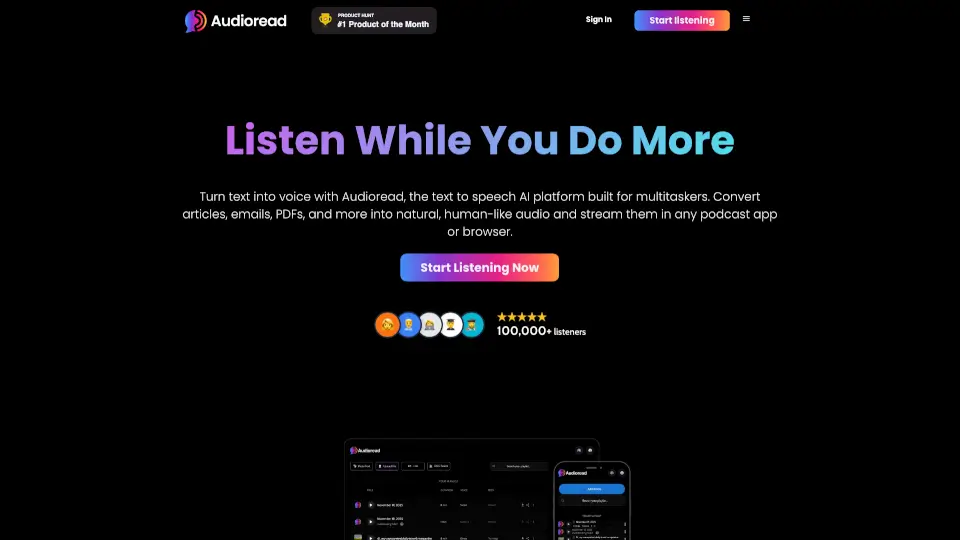
Audioread is a game-changer for anyone who loves to consume content but doesn’t always have the time to sit down and read. Whether it’s articles, PDFs, emails, or even long-form text, Audioread uses AI-powered text-to-speech to turn your reading material into high-quality audio. You can listen to it in your browser, podcast app, or even on the go with your AirPods. It’s like having a personal narrator for everything you need to read.
What are the features of Audioread?
- Ultra-realistic AI voices: Natural and professional narration that sounds like real audiobook narrators.
- Multi-platform support: Use it in your browser, podcast app, or mobile device.
- Multi-language support: Includes 中文 (Chinese) and other languages.
- Private podcast feed: Create a personal podcast RSS feed for your content.
- Easy conversion: Convert text to audio in just two clicks.
What are the use cases of Audioread?
- On-the-go listening: Perfect for walking, driving, or cleaning.
- Productivity boost: Multi-task by listening to articles while working.
- Learning on the go: Absorb information from PDFs or emails without sitting down to read.
How to use Audioread?
- Web app: Drag and drop PDFs, copy/paste text, or highlight text to convert.
- Browser extension: Available for Chrome, Edge, and other Chromium-based browsers.
- iOS Shortcuts: Convert web articles to audio directly in Safari.
- Android PWA: Use the Progressive Web App to convert text on Android devices.