

What is Text Reader?
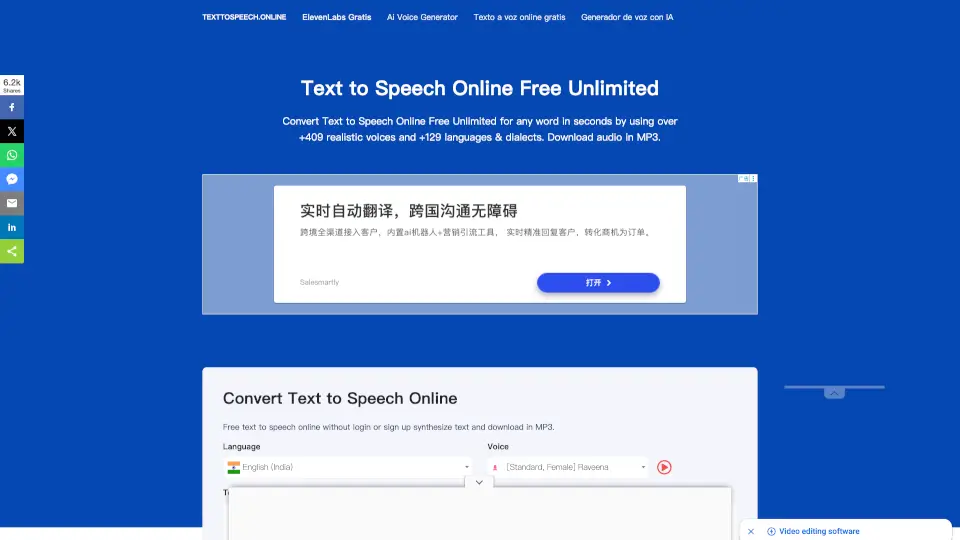
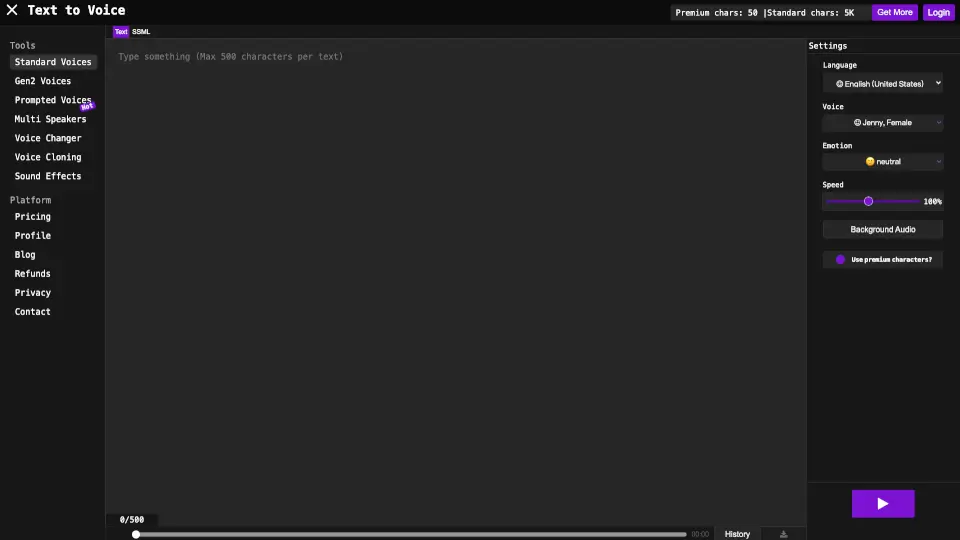
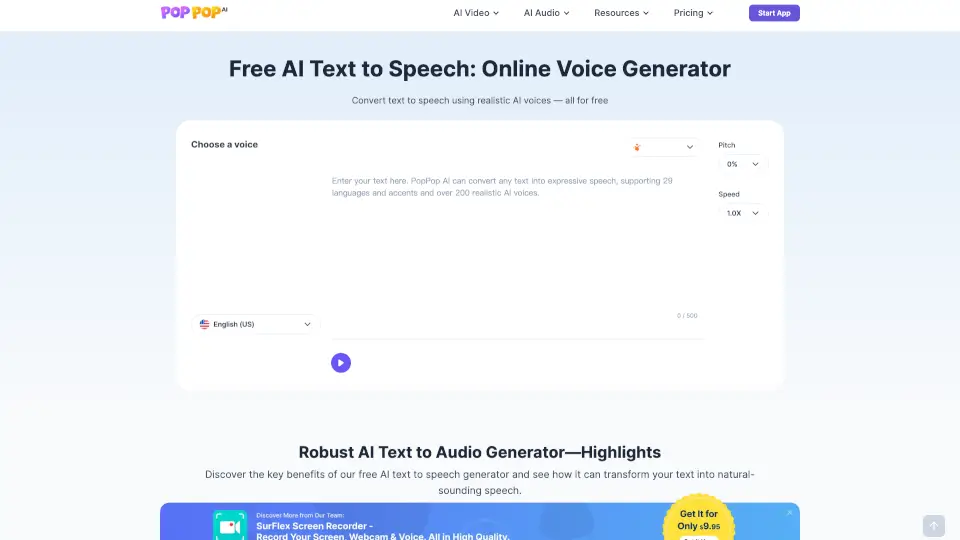
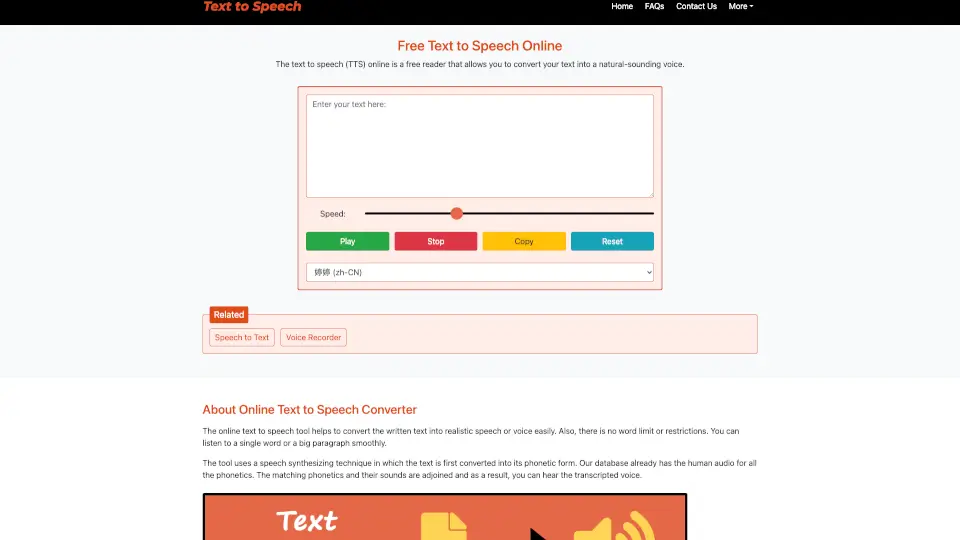
Text Reader is a free AI-powered text-to-speech tool that turns your written words into natural-sounding audio in seconds. Whether you're creating a podcast intro, adding voiceovers to videos, or need an automated greeting for your business phone system, Text Reader makes it easy—no recording studio or voice actor required.
With lifelike voices powered by advanced WaveNet AI technology, this tool delivers high-quality speech that captures tone, rhythm, and emotion. Best of all, it’s completely free to use, works right in your browser, and lets you download your audio as an MP3 file instantly.
What are the features of Text Reader?
- Realistic AI Voices: Uses Google’s WaveNet-powered voices that sound remarkably human, with natural intonation and expression.
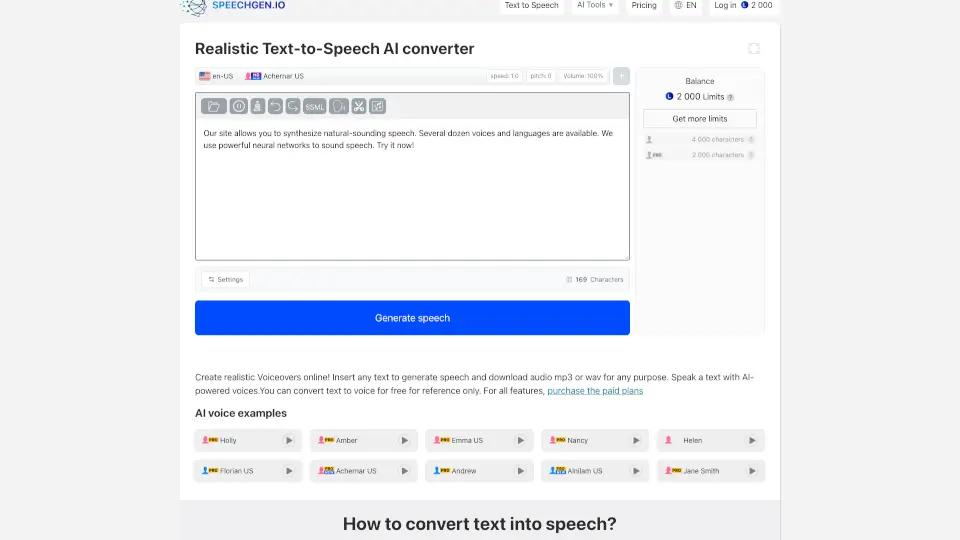
- Multilingual Support: Offers 40+ languages and regional accents, including English (US/UK/AU), Spanish, French, Mandarin, Hindi, Arabic, and more.
- Free MP3 Downloads: Convert and download your audio files in MP3 format at no cost.
- Gender & Voice Selection: Choose between male and female voices, with specific voice names like “Achernar” for personalized output.
- File Upload Option: Paste text directly or upload a .txt file (up to 1000 characters).
- Accessibility-Friendly: Helps users with visual impairments or reading difficulties access written content through audio.
- No Installation Needed: Works instantly in your web browser—just enable JavaScript and start generating speech.
What are the use cases of Text Reader?
- Create personalized audio greetings for birthdays, holidays, or special announcements.
- Generate voiceovers for YouTube videos, social media clips, or marketing promos without hiring talent.
- Build IVR (Interactive Voice Response) messages for customer service phone systems.
- Convert blog posts, articles, or study notes into listenable audio for on-the-go learning.
- Support students with dyslexia or learning differences by turning textbooks into spoken content.
- Produce audiobook samples or podcast scripts quickly during early development stages.
- Aid language learners by hearing correct pronunciation in multiple languages.
How to use Text Reader?
- Type or paste your text into the input box (or upload a .txt file under 1000 characters).
- Select your preferred language, gender, and voice from the dropdown menus.
- Click the “Generate” button to process your text into speech.
- Listen to the preview—if you like it, click “Download” to save the MP3 file.
- For best results, keep sentences clear and avoid excessive punctuation or symbols.
- Enable JavaScript in your browser for full functionality.