
What is text-speech.net?
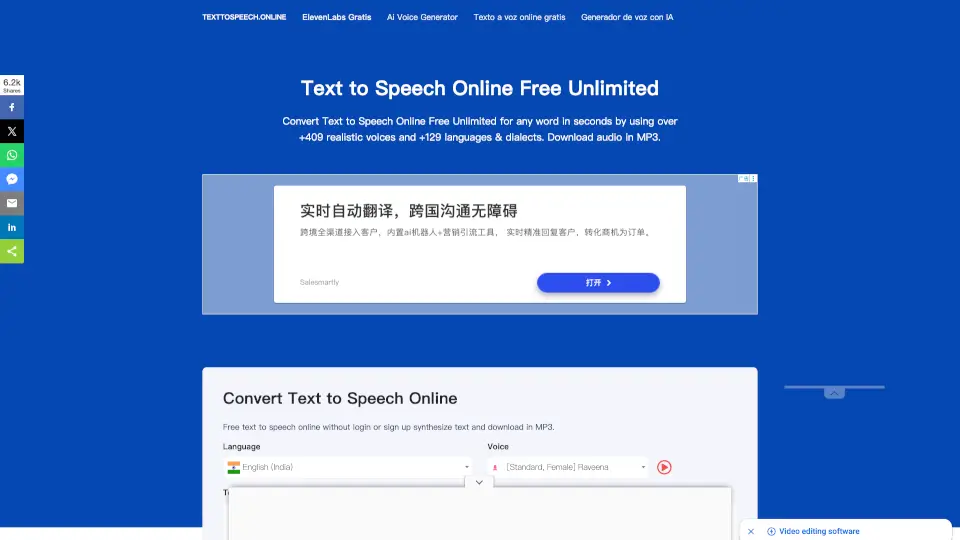
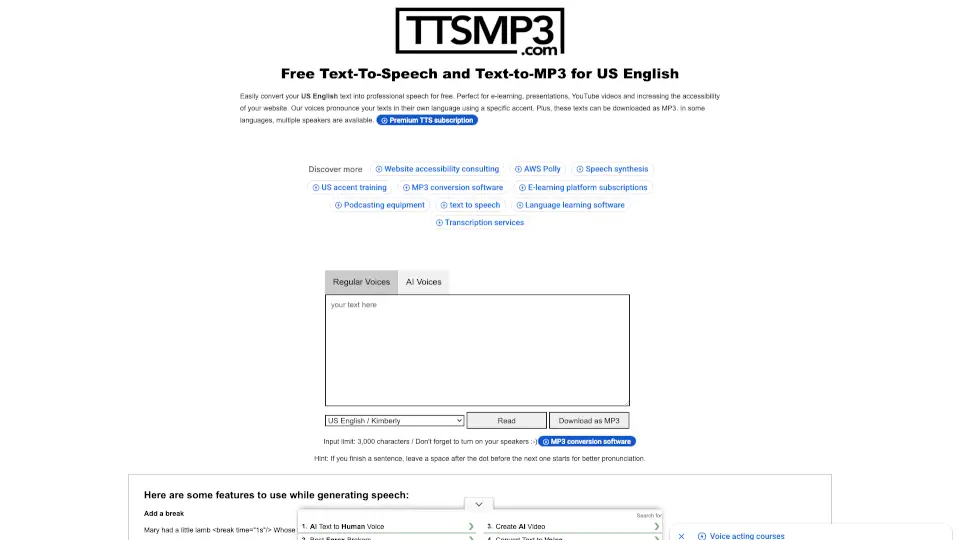
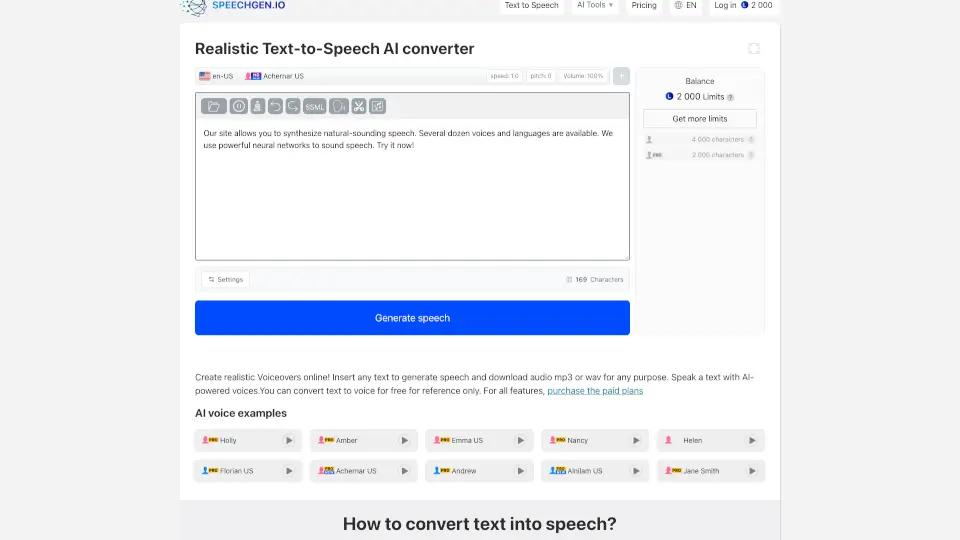
Welcome to the world of Free Text to Speech Online! This amazing tool is designed to convert your written text into a natural-sounding voice, making it super easy and convenient for you to listen to any text. Whether you're a student, a content creator, or just someone who prefers listening over reading, this tool has got you covered. With a wide range of voices and languages to choose from, you can customize the experience to suit your needs perfectly.
What are the features of text-speech.net?
- High-Quality Audio: The output audio is clear and high-quality, making it easy for anyone to understand each word.
- Natural-Sounding Voices: Choose from a variety of natural-sounding voices with different genders and accents.
- Fast Conversion: Convert text to speech in just seconds, even with a slower internet connection.
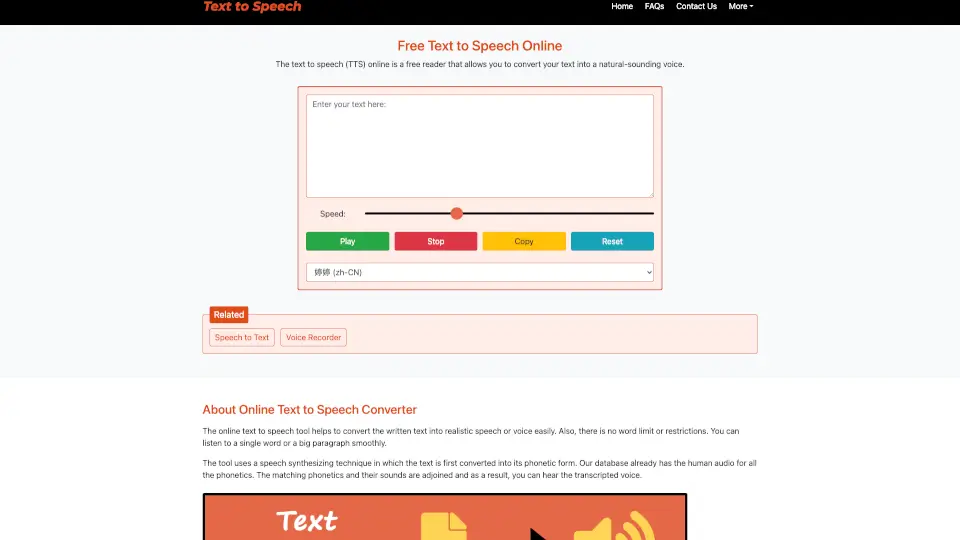
- User-Friendly Interface: Simple and intuitive, with just four buttons: Play, Stop, Copy, and Clear.
- No Login Required: Use the tool without needing to sign up or log in.
- Mobile Responsive: Works seamlessly on all devices, including smartphones and tablets.
- Browser Compatibility: Compatible with almost all web browsers, with more voice options available on Microsoft Edge.
What are the use cases of text-speech.net?
- Alternative to Reading: Perfect for those who prefer listening to reading, such as long articles or books.
- Learning Pronunciation: Ideal for language learners who want to hear the correct pronunciation of words.
- Assistance for Visually Impaired: Helps blind people or those with reading difficulties to access written content.
- Voiceovers for Videos: Great for content creators who need natural-sounding voiceovers for their videos.
- Dialect Learning: Useful for understanding how words sound in different dialects and accents.
- Accessibility: Makes it easier for people familiar with one form of a language to adapt to other forms.
How to use text-speech.net?
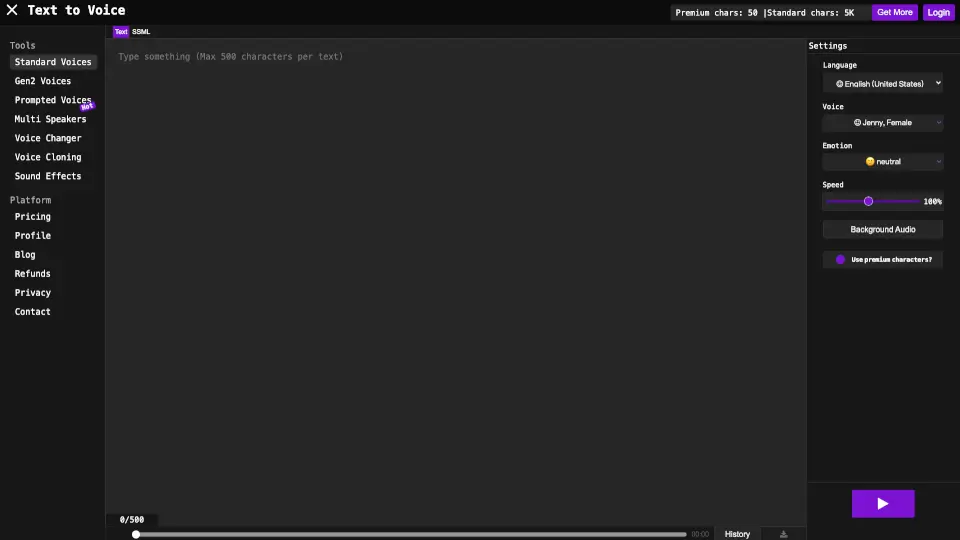
- Enter Text: Type or paste your text into the input box at the top of the page.
- Select Speed: Use the slider to adjust the speed of the voice. Drag right to speed up and left to slow down.
- Choose Language and Gender: Select the desired language and voice gender from the dropdown menu.
- Play, Pause/Resume, Stop: Click 'Play' to start listening, 'Pause/Resume' to control playback, and 'Stop' to end the conversion.