
text-speech.net logo

text-speech.net

3.0
(0 Reviews)
United States87.12%

Convert your written text into a natural-sounding voice with the Free Text to Speech Online tool, perfect for reading, learning, and creating content.

Verified by SeekTool
text-speech.net

text Product Information

What is text-speech.net?

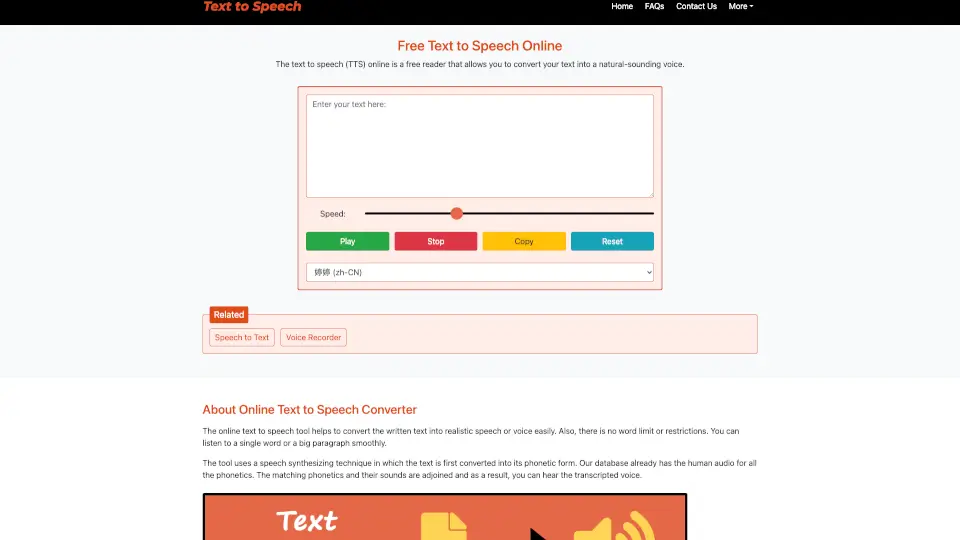
Welcome to the world of Free Text to Speech Online! This amazing tool is designed to convert your written text into a natural-sounding voice, making it super easy and convenient for you to listen to any text. Whether you're a student, a content creator, or just someone who prefers listening over reading, this tool has got you covered. With a wide range of voices and languages to choose from, you can customize the experience to suit your needs perfectly.

What are the features of text-speech.net?

  • High-Quality Audio: The output audio is clear and high-quality, making it easy for anyone to understand each word.
  • Natural-Sounding Voices: Choose from a variety of natural-sounding voices with different genders and accents.
  • Fast Conversion: Convert text to speech in just seconds, even with a slower internet connection.
  • User-Friendly Interface: Simple and intuitive, with just four buttons: Play, Stop, Copy, and Clear.
  • No Login Required: Use the tool without needing to sign up or log in.
  • Mobile Responsive: Works seamlessly on all devices, including smartphones and tablets.
  • Browser Compatibility: Compatible with almost all web browsers, with more voice options available on Microsoft Edge.

What are the use cases of text-speech.net?

  • Alternative to Reading: Perfect for those who prefer listening to reading, such as long articles or books.
  • Learning Pronunciation: Ideal for language learners who want to hear the correct pronunciation of words.
  • Assistance for Visually Impaired: Helps blind people or those with reading difficulties to access written content.
  • Voiceovers for Videos: Great for content creators who need natural-sounding voiceovers for their videos.
  • Dialect Learning: Useful for understanding how words sound in different dialects and accents.
  • Accessibility: Makes it easier for people familiar with one form of a language to adapt to other forms.

How to use text-speech.net?

  • Enter Text: Type or paste your text into the input box at the top of the page.
  • Select Speed: Use the slider to adjust the speed of the voice. Drag right to speed up and left to slow down.
  • Choose Language and Gender: Select the desired language and voice gender from the dropdown menu.
  • Play, Pause/Resume, Stop: Click 'Play' to start listening, 'Pause/Resume' to control playback, and 'Stop' to end the conversion.
Do you like this tool?

Upvote to help others discover it!

text Alternatives

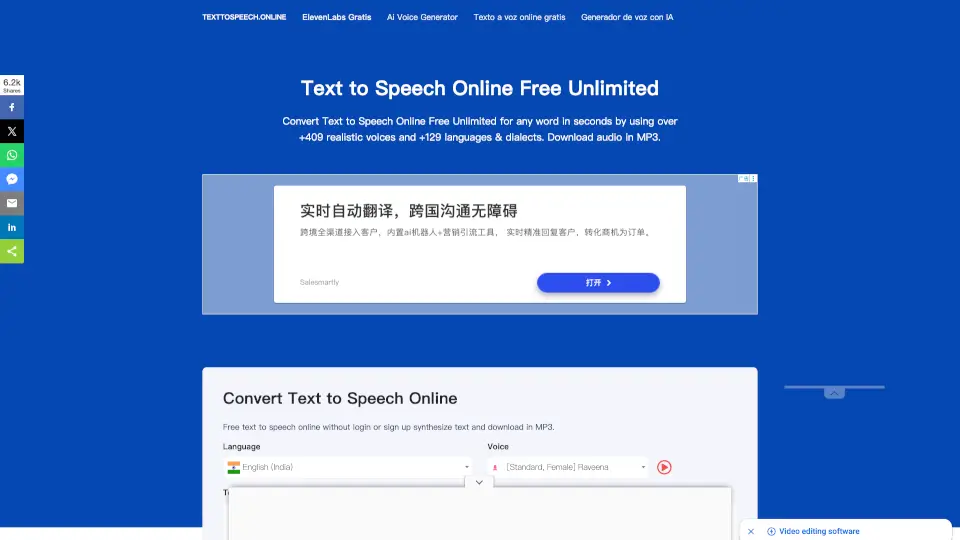
Text to Speech Online

Text to Speech Online

Convert text to natural-sounding audio in multiple languages with Text to Speech Online. It's free, easy to use, and perfect for various applications.

US
28.12%
23.1K
4.0
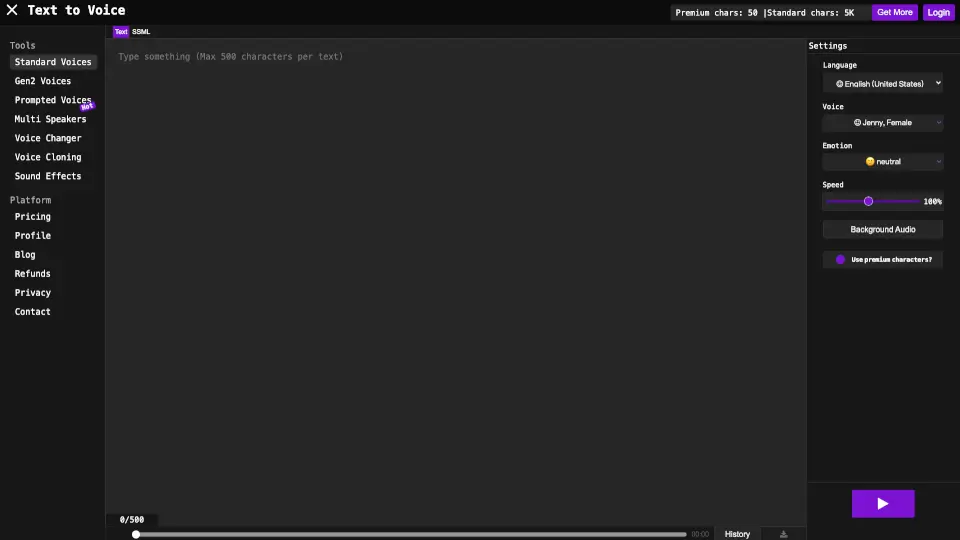
Texttovoice.online

Texttovoice.online

Convert text into realistic voiceovers with emotions, accents, and premium AI voices. Perfect for videos, presentations, and social media. ---

US
30.78%
68.8K
5.0
Text Reader

Text Reader

Text Reader is a free, easy-to-use AI text-to-speech generator that creates lifelike voice audio in seconds for personal and commercial use.

US
69.45%
5.0K
3.0
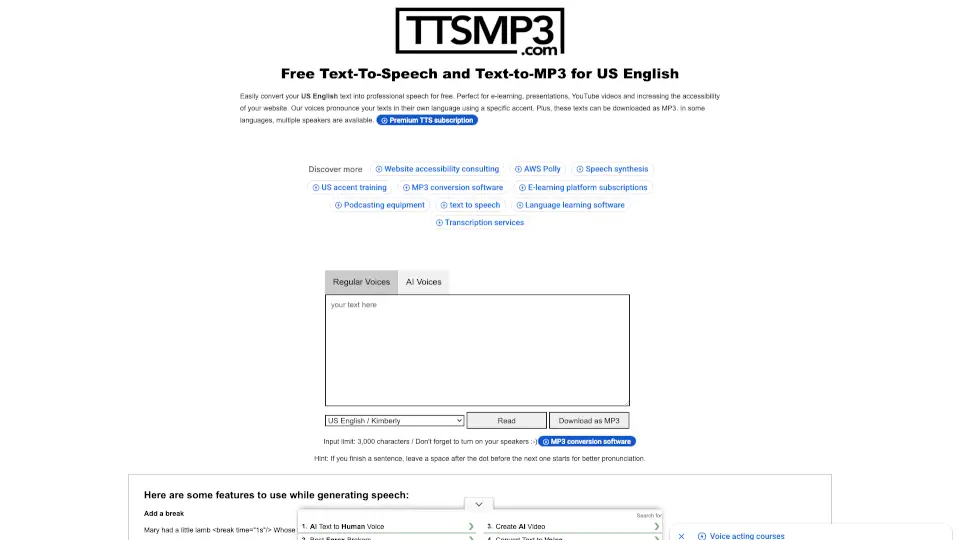
ttsMP3.com

ttsMP3.com

ttsMP3.com is a versatile, free tool for converting text to speech in 28+ languages and 50+ accents, perfect for e-learning, videos, and more.

US
31.91%
518.2K
5.0
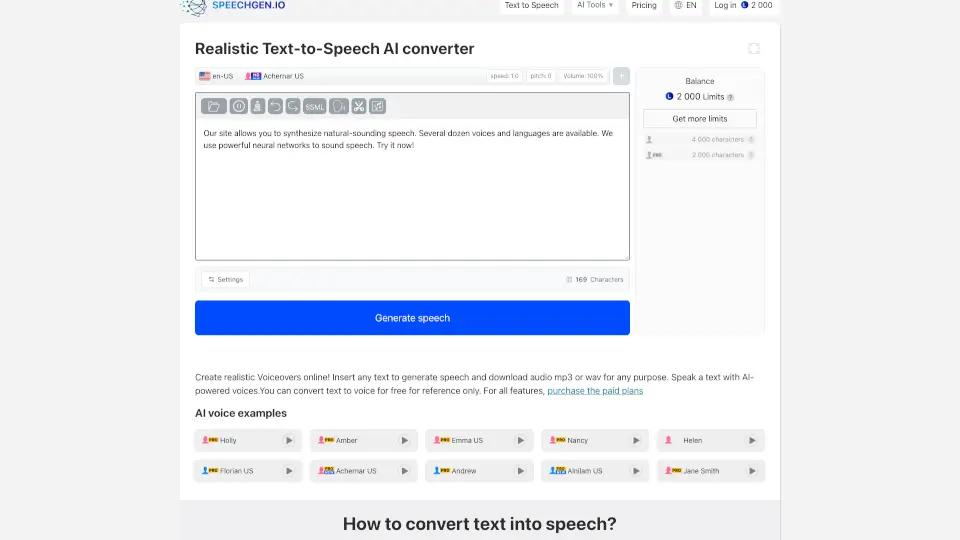
SpeechGen.io

SpeechGen.io

Turn text into realistic voiceovers with SpeechGen.io. Perfect for videos, ads, podcasts, and more. ---

US
9.25%
894.2K
5.0
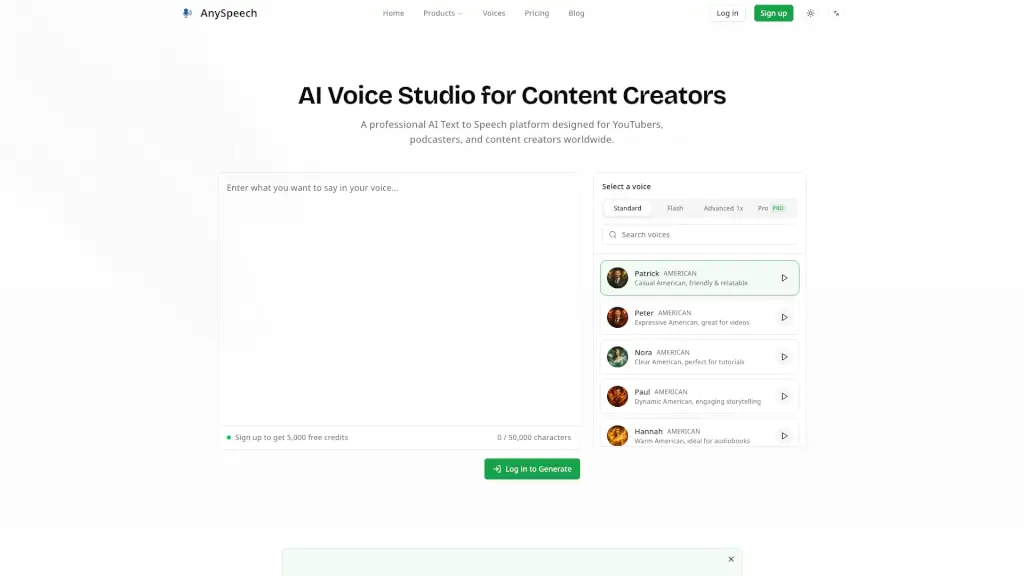
AnySpeech

AnySpeech

Convert text into natural speech with AnySpeech's free AI text to speech generator, featuring 100+ realistic voices across 50+ languages.

US
12.61%
236.9K
5.0
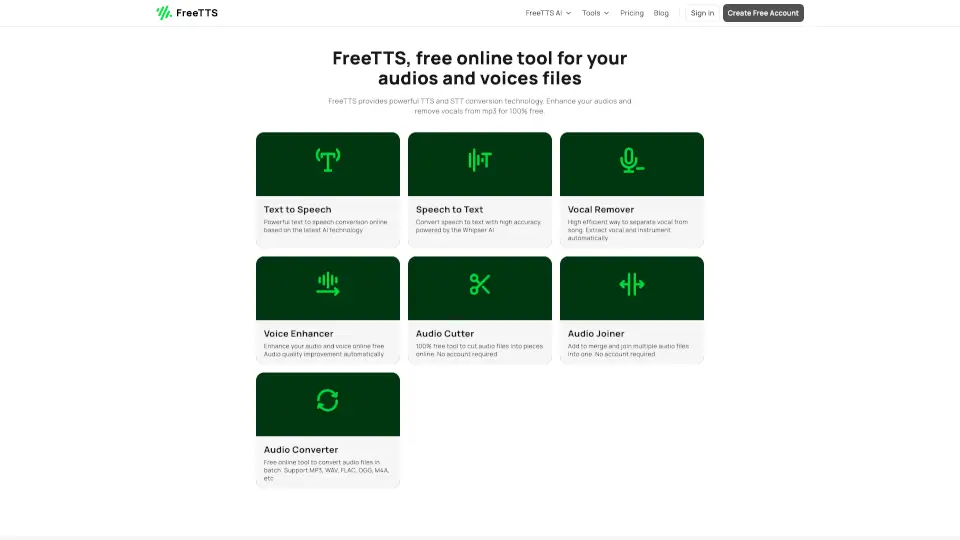
FreeTTS

FreeTTS

FreeTTS offers a suite of free, AI-powered audio tools for converting text to speech, transcribing audio, removing vocals, enhancing sound quality, and more, all in a user-friendly interface.

CA
18.25%
105.1K
5.0
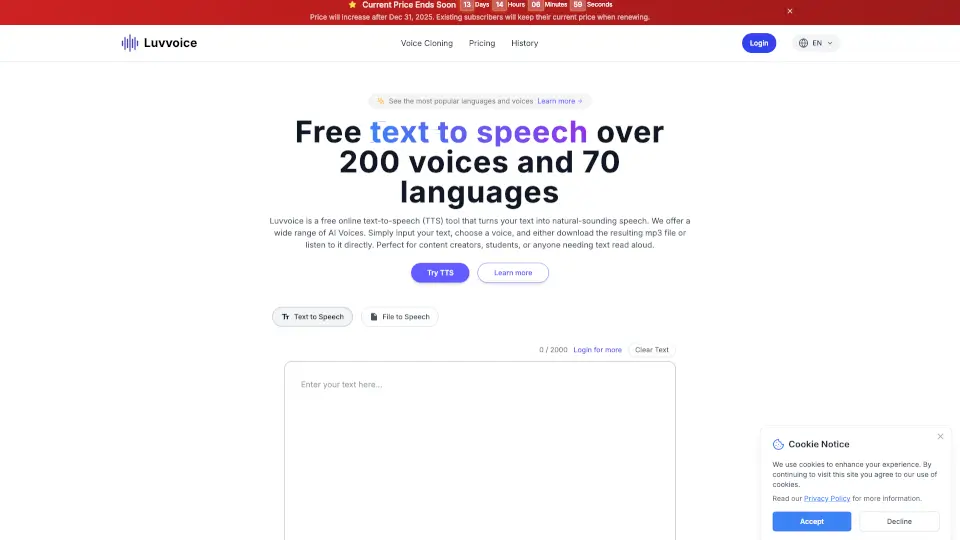
Luvvoice

Luvvoice

Luvvoice is a free, user-friendly text-to-speech tool with 200+ voices in 70 languages, perfect for content creators, educators, and businesses.

IN
9.68%
1.6M
5.0

text Related Other Categories

text Traffic Analysis

💡 Insights

🔍
Niche Tool
Lower traffic volume. Likely new or highly specialized. Good for early adopters.
🔥
Explosive Growth
Recent growth of 78%. Extremely hot in the market right now!
🎯
Strong Brand
73% direct traffic. High user loyalty.
  • Monthly Visits

    6.91K

  • Bounce Rate

    65.65%

  • Pages Per Visit

    1.32

  • Visit Duration

    00:00:17

  • Global Rank

    3237314

  • Country Rank

    1057917

Visits Over Time

Traffic Sources

Direct72.68%
SearchOrganic19.70%
SocialOrganic4.37%
Referrals3.25%
GenAi0.00%
SearchPaid0.00%
SocialPaid0.00%
Affiliate0.00%

Top Keywords

1
text to speech
CPC$0.47
120Traffic
2
text to voice
CPC$0.33
70Traffic
3
online text to speech free
CPC$1.12
0Traffic
4
ttsonline
0Traffic
5
.net text to speech
0Traffic

Top Regions

RegionPercentage
United States
United States
87.12%
India
India
12.88%
Low
High

Powered by SimilarWeb

text FAQ

What is the Free Text to Speech Online tool?

The Free Text to Speech Online tool is a free reader that converts your written text into a natural-sounding voice, making it easy to listen to any text.

Is there a word limit for the text I can convert?

No, there is no word limit or restrictions. You can convert a single word or a large paragraph smoothly.

Do I need to log in or sign up to use the tool?

No, you don't need to log in or sign up. Simply type or paste the text and hear it. It's completely free to use.

Does the tool work on mobile devices?

Yes, the tool is mobile-friendly and works smoothly on all handy devices such as smartphones and iPads.

Can I change the speed of the voice?

Yes, you can use the slider to increase or decrease the speech speed. Drag right to speed up and drag left to slow down.

Are there multiple voice options available?

Yes, there are many voice options available, including different genders and accents. You can choose the one that suits your needs.

How long does it take to convert text to speech?

The conversion process takes less than a second, depending on your internet speed. Our tool is lightweight and provides instant results even with a slower connection.

Is the tool compatible with all web browsers?

Yes, the tool works on almost all web browsers. For more voice options, use the Microsoft Edge browser.

text Reviews

0

0

0 Reviews
Sign Into leave a review

Recent Reviews

No reviews yet

text Embed

Use website badges to drive community support for SeekTool.ai. They are easy to embed in your homepage or footer.

Light
Dark
text-speech.net - Featured on SeekTool.aitext-speech.net - Featured on SeekTool.ai
How to install?

Category Rankings

Ranked by monthly traffic