What is Texttovoice.online?
Transform text into lifelike speech with emotions using our AI-powered text-to-speech converter.
Create realistic voiceovers for videos, presentations, or social media with natural-sounding voices and emotional tones.
What are the features of Texttovoice.online?
- Multiple Voices & Accents: Choose from hundreds of voices in various languages and accents, including English, Spanish, French, Chinese, and more.
- Emotional Expression: Add emotions like happiness, anger, or excitement to your voiceovers for a more engaging experience.
- Premium Voices: Access ultra-realistic voices with advanced AI technology for a more professional sound.
- Fast Conversion: Convert text to speech in seconds, even with slower internet connections.
- Download Options: Save your voiceovers as MP3 files for easy use across platforms.
- Secure & Private: Your files are protected with random IDs and deleted after processing.
What are the use cases of Texttovoice.online?
- Video Narrations: Add voiceovers to explain complex ideas or make tutorials more engaging.
- Social Media Content: Create catchy voiceovers for Instagram, TikTok, or YouTube videos.
- Presentations: Enhance slideshows with professional-sounding narration.
- E-Learning: Develop audio content for online courses or training materials.
- Marketing: Use realistic voices to create compelling ads or promotional content.
How to use Texttovoice.online?
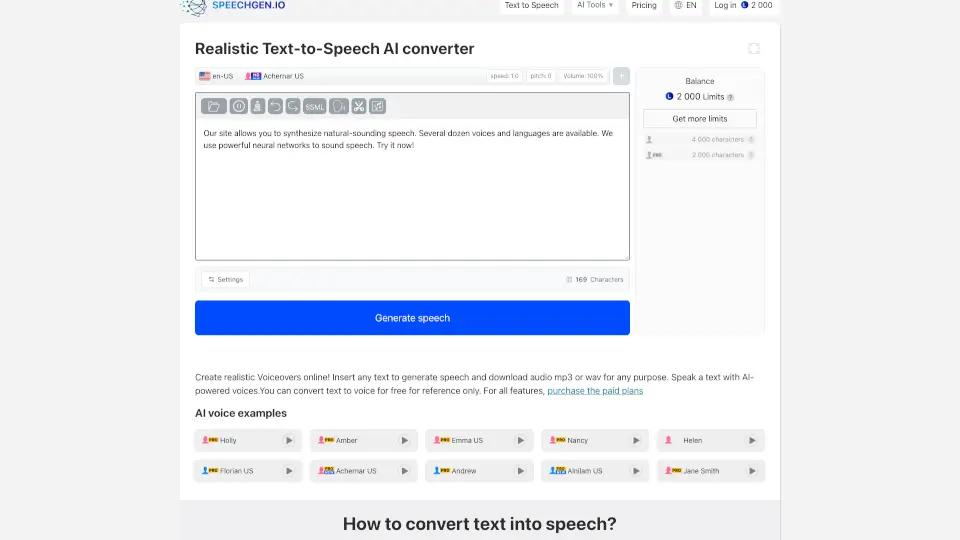
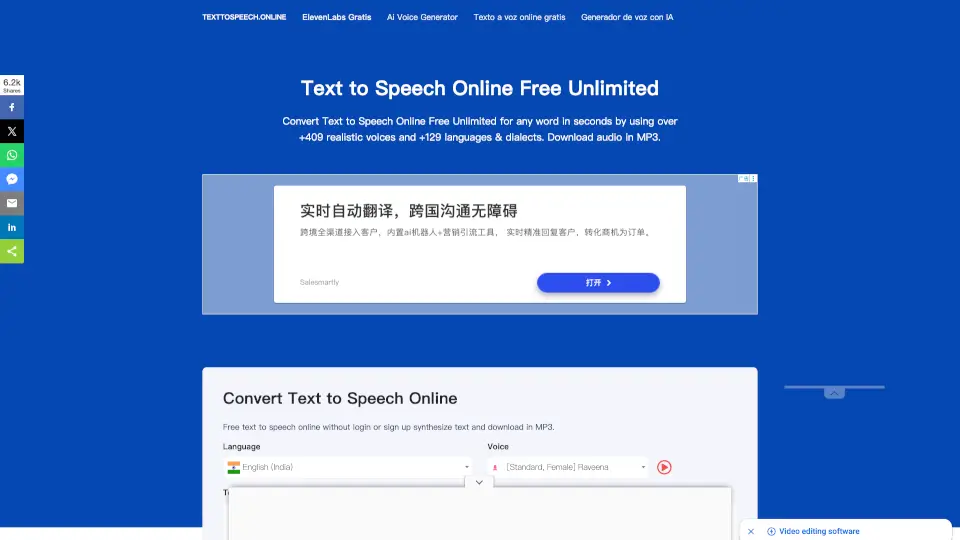
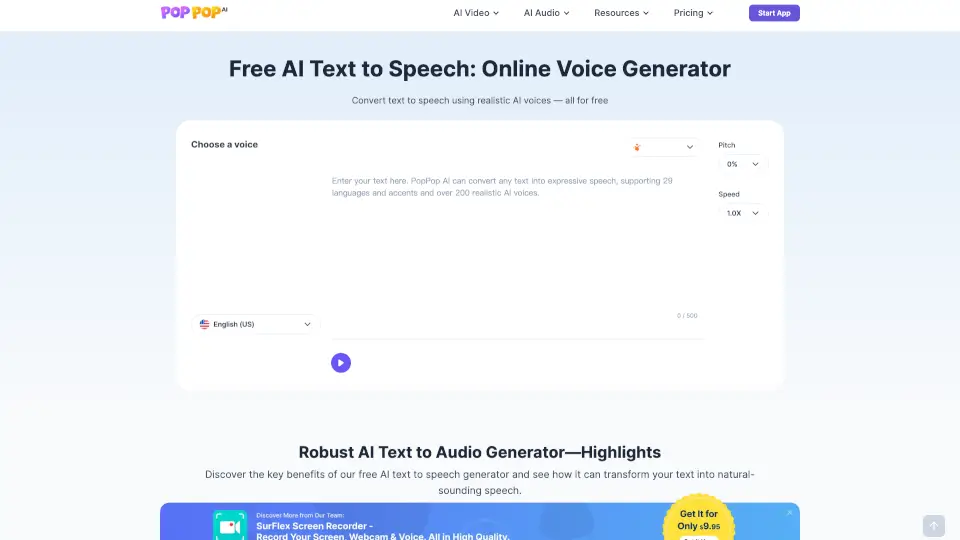
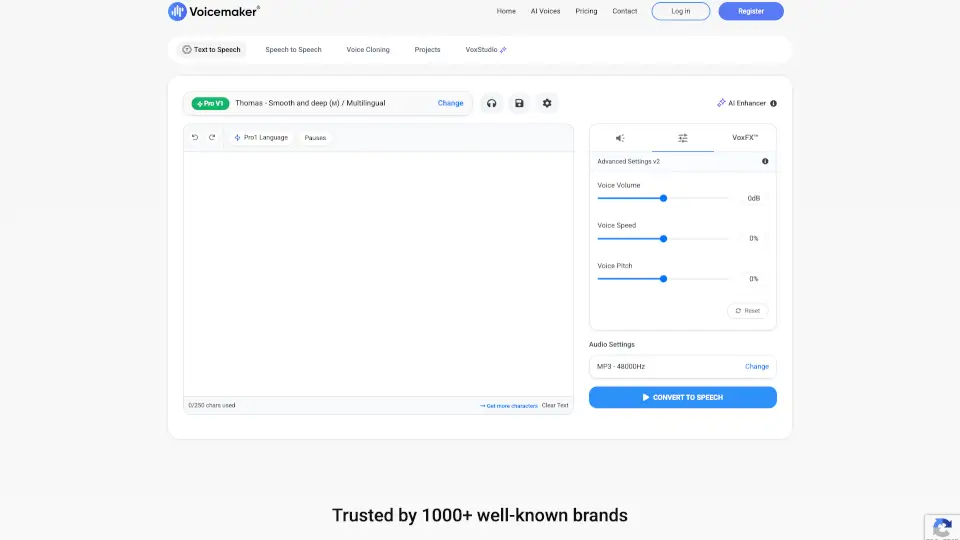
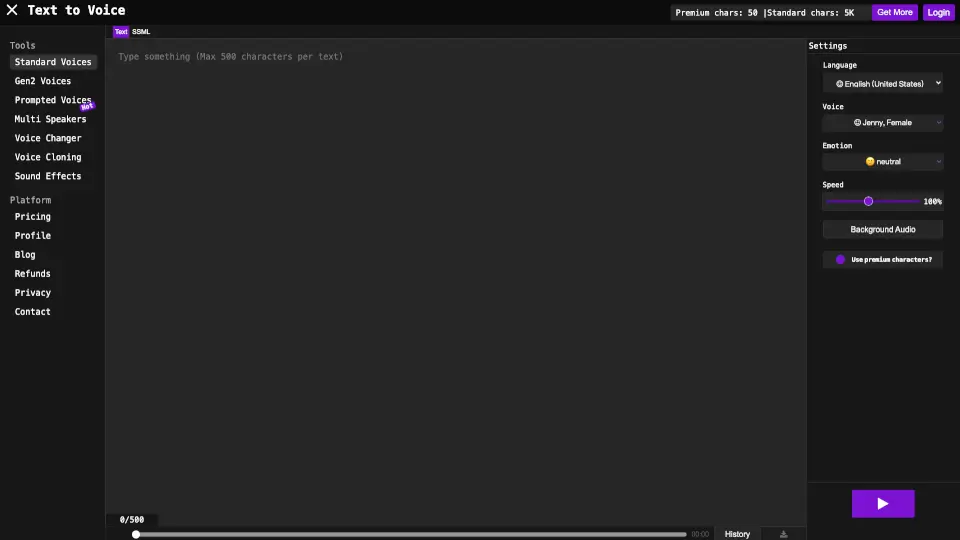
- Enter Text: Type or paste your text into the input box.
- Select Voice & Emotion: Choose your preferred voice, accent, and emotional tone.
- Preview: Click "Play" to listen to a preview of your voiceover.
- Download: Once satisfied, download the audio as an MP3 file.