Dictanote logo

Dictanote

5.0
(0 Reviews)
United States46.05%

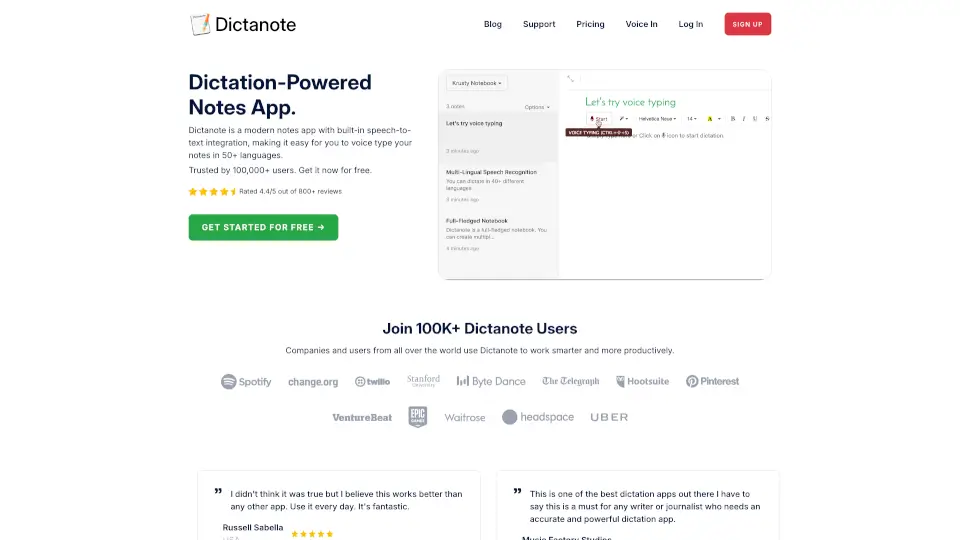
Dictanote is a dictation-powered note-taking app with real-time speech-to-text in 50+ languages, auto-save, cloud sync, and an AI writing assistant for cleaning voice notes.

Verified by SeekTool
Social Media:

Dictanote Product Information

What is Dictanote?

Dictanote is a dictation-powered note-taking app that lets you switch between typing and voice input. It’s built for writers, students, journalists, and professionals who need to capture ideas quickly without losing accuracy. The app transcribes speech in real time with over 90% accuracy across 50+ languages and 80+ dialects, and supports voice commands for punctuation, corrections, and formatting. Notes are automatically saved and synced to the cloud, so you can access them from any device. It also includes AudioScribe, a smart AI writing assistant that turns messy voice notes into clean, summarized text by removing filler words and adding punctuation.

What are the features of Dictanote?

  • Real-Time Voice Typing: Speak naturally and Dictanote transcribes your speech to text instantly. You can add paragraphs, punctuation, and even smileys using voice commands. Works on desktop (Windows, Linux, Mac) in Chrome and Edge, and on Android via Chrome.
  • Multi-Lingual Support: Supports 50+ languages and 80+ dialects, making it accessible for non-native speakers. Users report accurate recognition of accents, including Indian English.
  • Voice Commands: Insert punctuation, technical terms, and correct mistakes using spoken commands—no need to touch the keyboard during dictation.
  • Keyboard Shortcuts: Start/stop dictation and switch languages quickly with keyboard shortcuts, enabling a seamless hybrid workflow of typing and voice.
  • AudioScribe Smart AI Writing Assistant: Convert your voice notes (audio files) into clearly summarized text. The AI transcribes with high accuracy, then rewrites to remove filler words, repetitions, and “umms,” and adds proper punctuation like periods.
  • Auto-Save & Cloud Sync: Notes are saved automatically and synced across all your devices. You can also access and edit notes offline (though dictation requires an internet connection).

What are the use cases of Dictanote?

  • Writers and Journalists: Dictate drafts, interviews, or article sections without typing, then edit later. The automatic punctuation and clean-up features reduce post-processing time.
  • Students and Researchers: Take lecture notes by voice, especially useful for fast-paced classes where typing is slow. Multi-language support helps international students.
  • Meeting Notes for Professionals: Dictate meeting minutes during or after a call. Auto-save ensures you never lose work, and cloud sync lets you access notes from any device.
  • Content Creators and Bloggers: Use voice to outline blog posts, scripts, or social media captions. AudioScribe can turn a rambling voice note into a tight draft.
  • Individuals with RSI or Typing Difficulties: Replace typing with voice input for all note-taking. Works on Linux, Windows, and Mac as a standalone app or in Chrome.
  • Non-Native English Speakers: Dictate in your native language and have Dictanote transcribe accurately. Users from India and the Philippines report great accent recognition.

How to use Dictanote?

  • Start by signing up for free at dictanote.com. You can start using the web app immediately in Google Chrome or Microsoft Edge.
  • Open a new note and click the microphone icon to begin dictation. Speak clearly at a natural pace; punctuation and formatting can be added via voice commands (e.g., “new paragraph,” “period”).
  • Use keyboard shortcuts to toggle dictation on/off (e.g., Alt+D) or switch languages without interrupting your flow.
  • To use AudioScribe, upload a pre-recorded audio file (e.g., a voice memo). The AI will transcribe and then rewrite the content into a clean, summarized version. You can edit the output afterward.
  • Review and edit your notes manually or via voice commands. Notes auto-save; you can access them from any device by logging into your account.
  • For offline access, open the app while connected to the internet first—notes will be cached and editable offline. Dictation itself requires an active internet connection.
Dictanote Contact Email:

[email protected]

Do you like this tool?

Upvote to help others discover it!

Dictanote Alternatives

VoiceInk

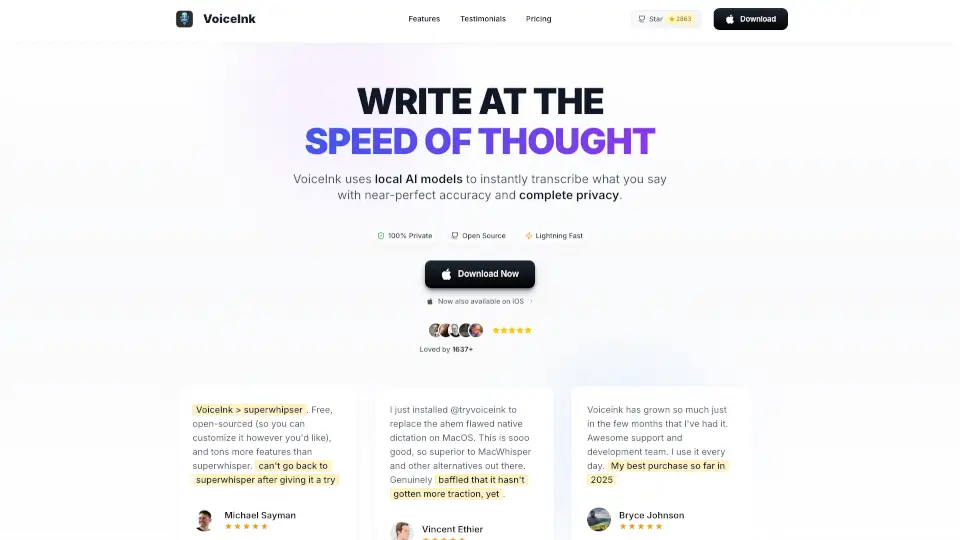
VoiceInk is a fast, accurate, and privacy-first dictation app for Mac. It works offline, supports multiple languages, and offers a one-time purchase with lifetime updates. Perfect for anyone who wants to write faster using their voice.

US
36.35%
81.7K
5.0
Talknotes

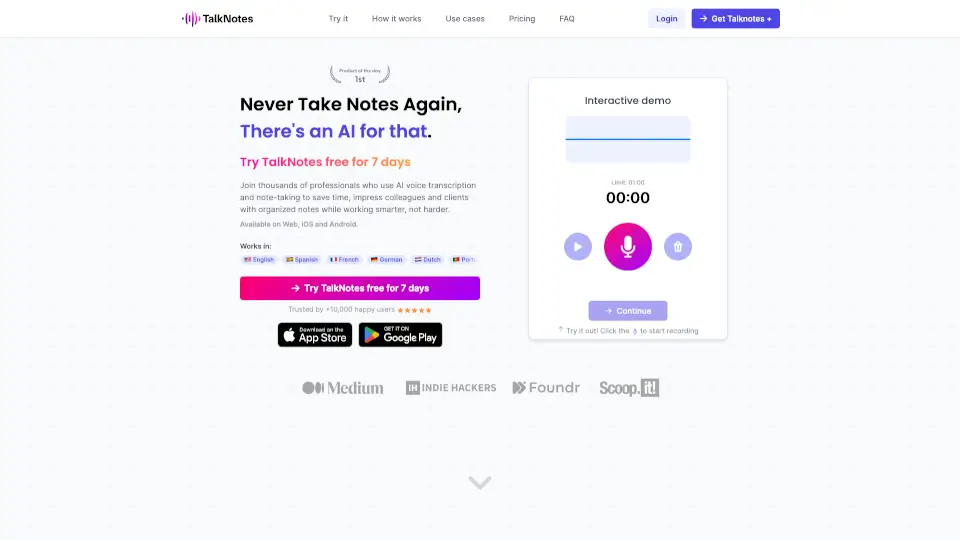
Talknotes is the top AI voice note app that instantly transcribes and structures your recordings into actionable text, saving you hours of manual work.

US
13.19%
87.6K
5.0
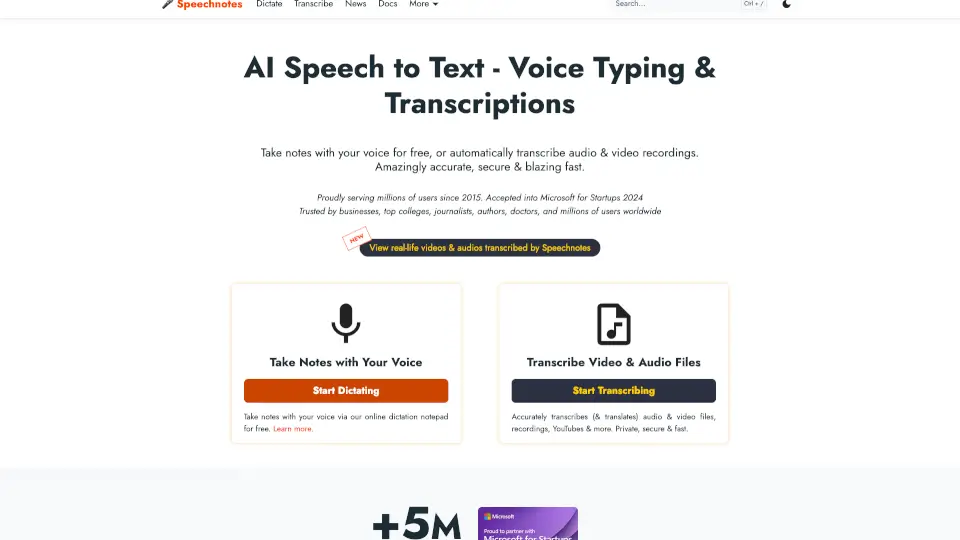
Speechnotes

Speechnotes is a fast, accurate, and secure speech-to-text tool for dictation and transcription. Perfect for students, professionals, and creators, it saves time and effort with real-time voice typing and automatic file transcription.

US
20.21%
1.1M
5.0
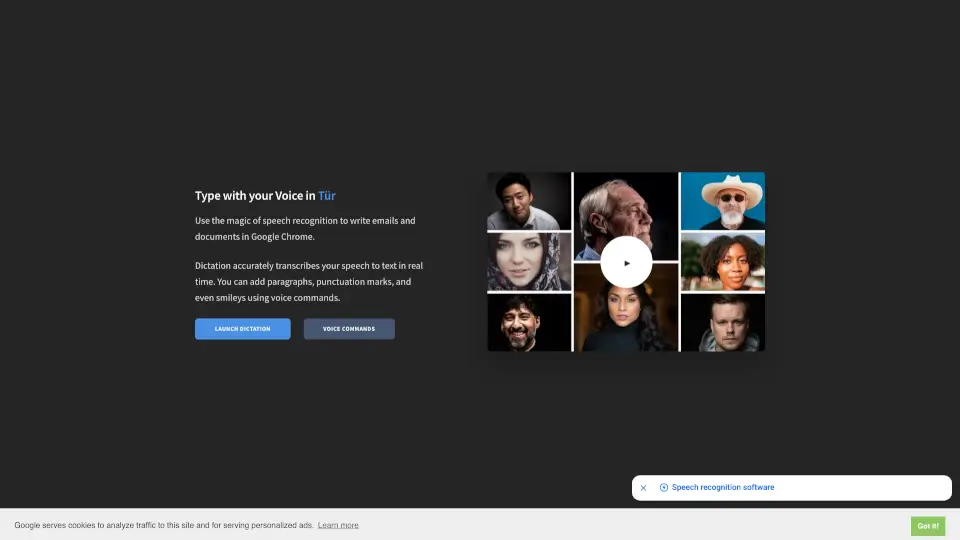
Dictation IO

Voice Dictation is a free, privacy-focused online speech-to-text tool that converts your spoken words into written text in real time across 50+ languages.

US
14.72%
386.5K
5.0
Spokenly

Transform your spoken words into text on macOS with Spokenly, a privacy-focused, AI-powered dictation app that works offline and supports over 100 languages.

US
16.27%
111.1K
5.0
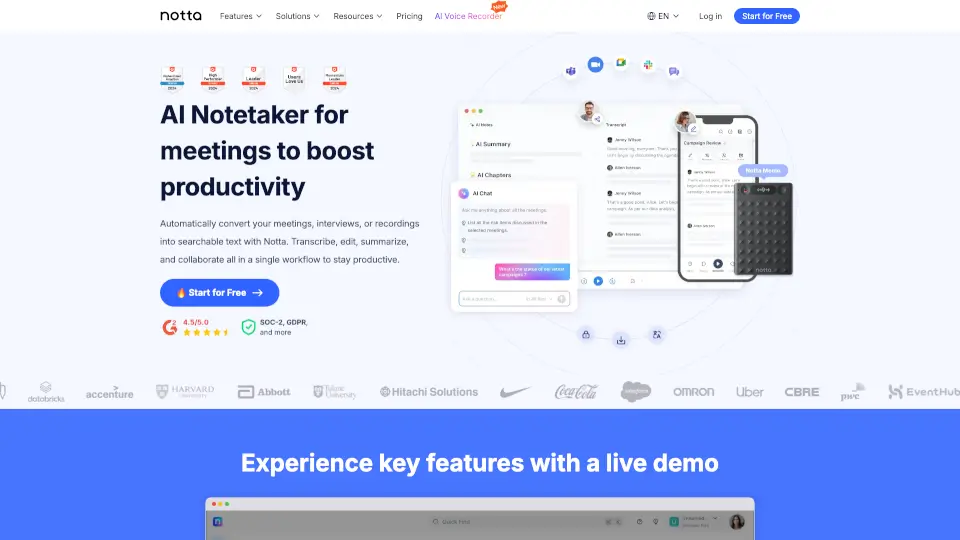
Notta

Notta.ai is an AI transcription tool that converts speech to text instantly, summarizes key points, and supports 104+ languages for students, professionals, and creators.

JP
71.07%
2.6M
5.0
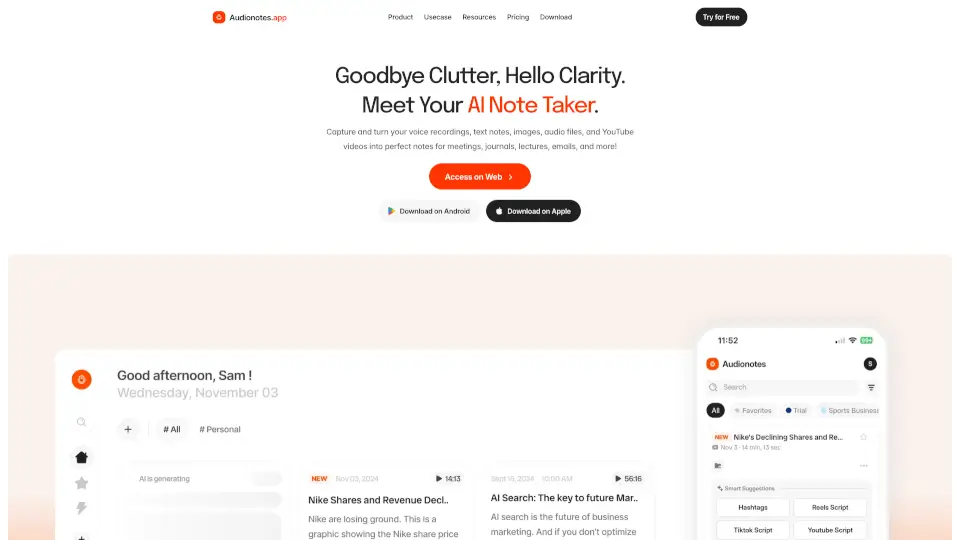
AudioNotes

Audionotes is an AI note taker that turns voice, audio, video, and text into structured, searchable notes across all your devices—perfect for meetings, lectures, journaling, and more.

US
57.66%
50.1K
5.0
Monologue

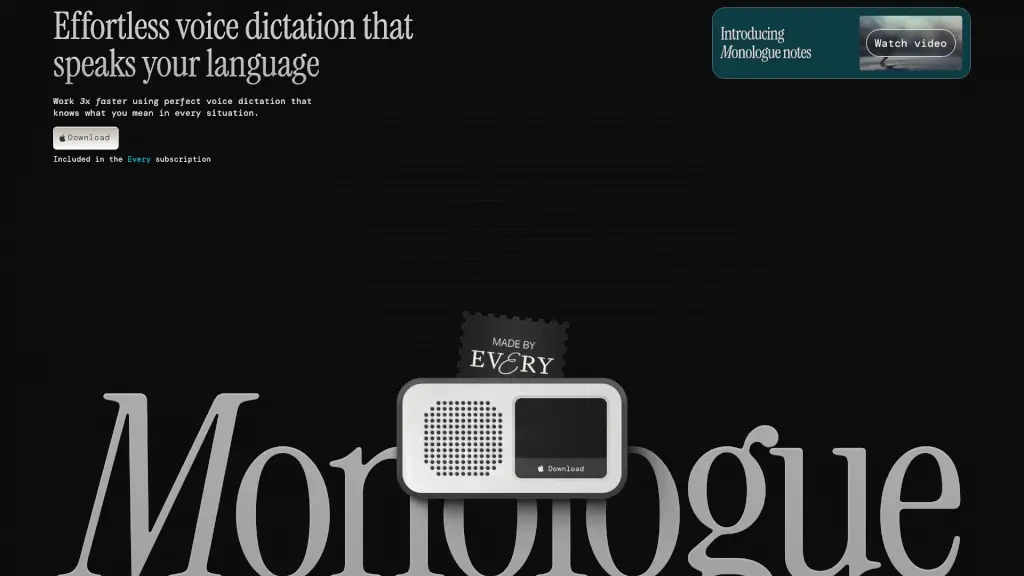
Monologue is a powerful voice dictation app that helps you write 3x faster with accurate and context-aware transcription.

US
26.57%
52.3K
5.0

Dictanote Related Other Categories

Dictanote Traffic Analysis

💡 Insights

Medium Scale
100K-1M monthly visits. Growing tool with active development.
⚠️
Slight Decline
Traffic has slightly decreased recently.
👍
Good Experience
Bounce rate of 53%. Users are willing to explore features.
🎯
Strong Brand
70% direct traffic. High user loyalty.
  • Monthly Visits

    262.55K

  • Bounce Rate

    53.36%

  • Pages Per Visit

    2.21

  • Visit Duration

    00:02:30

  • Global Rank

    189383

  • Country Rank

    83452

Visits Over Time

Traffic Sources

Direct69.84%
Referrals17.13%
SearchOrganic7.45%
SocialOrganic2.35%
GenAi1.94%
Mail0.86%
SocialPaid0.32%
DisplayAds0.07%
SearchPaid0.04%
Affiliate0.00%

Top Keywords

1
dictanote
CPC$3.00
520Traffic
2
how to record typing in khmer by voice
400Traffic
3
voice in
CPC$2.76
250Traffic
4
voice chrome extension
250Traffic
5
how do i dicate on slack from my pc
240Traffic

Top Regions

RegionPercentage
United States
United States
46.05%
India
India
4.50%
Japan
Japan
4.36%
Canada
Canada
4.28%
Brazil
Brazil
4.06%
Low
High

Powered by SimilarWeb

Dictanote FAQ

What is Dictanote?

Dictanote is a dictation-powered notes app that converts speech to text in real time with high accuracy (over 90%). It supports 50+ languages and includes voice commands, cloud sync, and an AI writing assistant called AudioScribe.

What are the system requirements?

Dictanote works on Windows, Linux, and Mac using Google Chrome or Microsoft Edge. It can also be installed as a standalone app. On Android, use Chrome. On iPhone, Safari 12+ supports editing but not voice dictation. You need an internal or external microphone.

Can I use Dictanote offline?

You can access and edit existing notes offline, but dictation (voice-to-text) requires an active internet connection.

Is Dictanote different from Voice In?

Yes. Dictanote is a full note-taking app with built-in voice dictation. Voice In is a Chrome extension that adds speech-to-text to any website (e.g., Gmail, WordPress). Both are made by the same team but serve different workflows.

Can I convert audio files to text?

Yes, use Dictanote Transcribe (a separate feature) to upload pre-recorded audio files and get text transcripts. The AudioScribe feature then rewrites those transcripts into clear, summarized text.

How does Dictanote handle privacy and data security?

All notes are stored encrypted on Dictanote’s servers. The app does not store or process your audio; it relies on Chrome’s built-in speech-to-text API to convert audio to text.

Is there a free version?

Yes, Dictanote offers a free tier. Paid Pro subscriptions are available for additional features; you can manage or cancel your subscription from Account Settings.

Dictanote Reviews

0

0

0 Reviews
Sign Into leave a review

Recent Reviews

No reviews yet

Dictanote Pricing

Free

Notes app + basic voice typing
Free
  • Dictation in 50+ languages
  • Unlimited notes
  • Basic Voice Commands
  • 100% Data security and privacy

Pro

Voice type like a PRO. No limits.
$5.00 per month, billed yearly ($60)
  • Everything in Free
  • AudioScribe: Smart AI Writing Assistant
  • Unlimited Notebooks
  • Dictation in background
  • Custom Voice Commands
  • Voice-based editing
  • Images in notes
  • 1-day support

Dictanote Embed

Use website badges to drive community support for SeekTool.ai. They are easy to embed in your homepage or footer.

Light
Dark
Dictanote - Featured on SeekTool.aiDictanote - Featured on SeekTool.ai
How to install?