
What is Whisper Web?
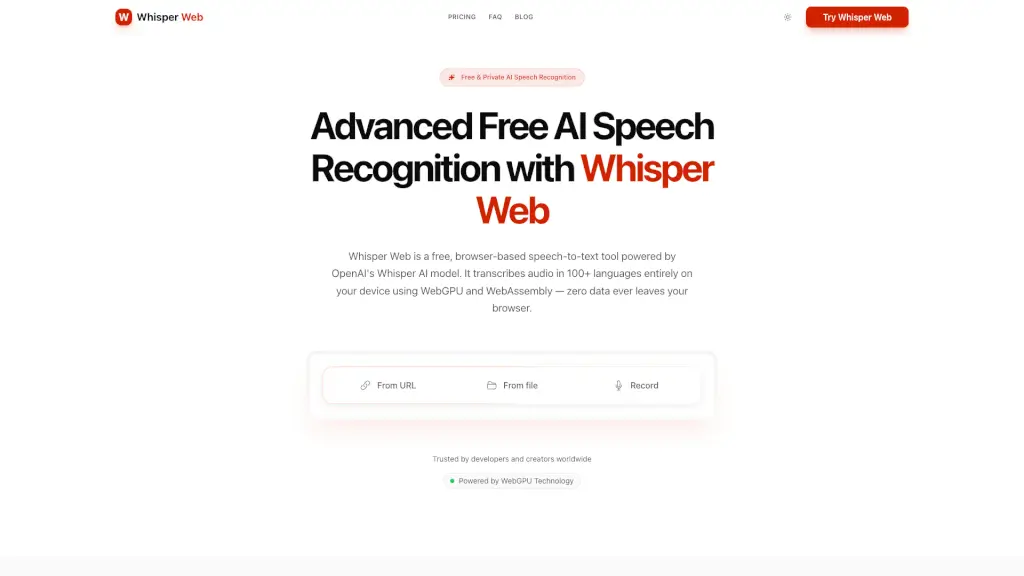
Whisper Web is a browser-based AI speech recognition tool powered by OpenAI's Whisper model. It transcribes audio into text in 100+ languages entirely on your device using WebGPU and WebAssembly — no data ever leaves your browser. The tool is designed for anyone who needs quick, private transcription without installing software, setting up accounts, or uploading files to a server. It fits into workflows where users want to convert spoken content from a microphone, file upload, or URL into text formats like TXT, SRT, VTT, or JSON. The free plan handles files up to 200 MB / 20 minutes, while the paid Unlimited plan supports longer files (up to 10 hours / 5 GB) via cloud processing.
What are the features of Whisper Web?
- Local WebGPU ProcessingTranscribes audio using your device's GPU, delivering 3-5x faster speeds compared to CPU-only inference. All processing stays local, so no audio leaves your computer.
- Three Input MethodsSupports microphone recording, file upload, and URL/browser audio – giving you flexibility whether you're capturing live speech, loading an existing recording, or linking to an online audio source.
- Multi-Language Support with Auto-DetectionAutomatically detects the spoken language among 100+ languages including English, Spanish, Chinese, French, German, and Japanese. No manual language selection needed.
- Multiple Export FormatsSave transcriptions as TXT, SRT, VTT, or JSON – useful for subtitles, captions, data analysis, or further editing.
- Free Plan with No Account RequiredThe free tier lets you transcribe files up to 200 MB / 20 minutes with no limit on the number of transcriptions. Works fully offline after the initial model download.
- Cloud Transcription on Unlimited Plan (Paid)For $10/month billed yearly or $20/month monthly, you get priority processing, 10-hour uploads per file (5 GB), batch uploads of 50 files at once, cross-device sync, and cloud storage. Files are deleted after transcription.
What are the use cases of Whisper Web?
- Podcasterswho need fast, private transcription of short interview clips (under 20 minutes) for show notes or social media captions – using the free local mode.
- Journalistsrecording interviews via microphone – getting a text transcript instantly without uploading sensitive audio to a third-party server.
- Studentstranscribing lecture recordings (up to 20 minutes free, or longer with Unlimited) for study notes and searchable text.
- Content creatorsgenerating SRT or VTT subtitles for videos from uploaded audio files, without needing a separate captioning tool.
- Meeting transcriptionfor teams using the Unlimited plan – upload recordings up to 10 hours and sync transcripts across devices.
How to use Whisper Web?
- Start transcribingOpen the Whisper Web website in a browser that supports WebGPU (Chrome or Edge recommended). No account or installation needed.
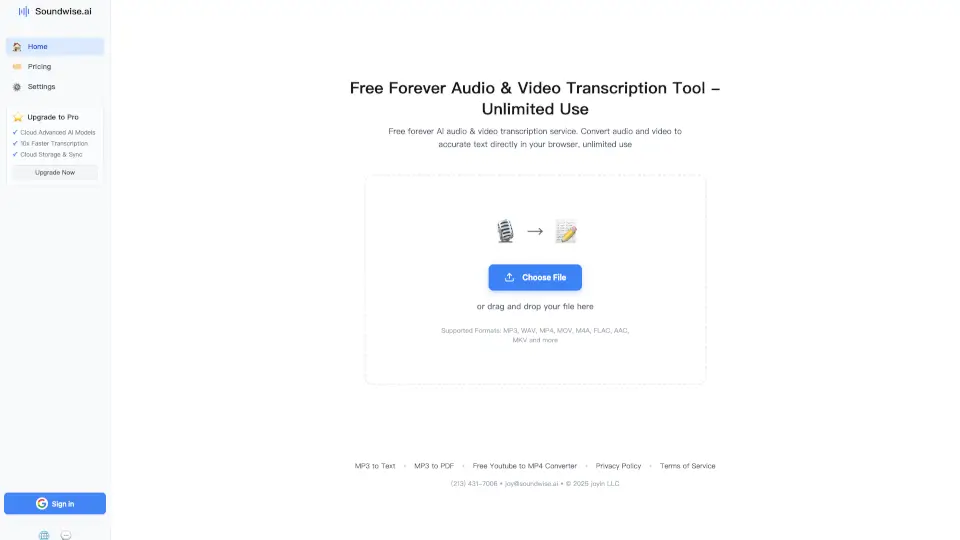
- Choose your input methodClick "From file" to upload a local audio file, "Record" to capture live speech via microphone, or "From URL" to paste a link to an online audio source.
- Select export format(optional): Before transcription, choose your preferred output format – TXT, SRT, VTT, or JSON – depending on your workflow (e.g., SRT for subtitles, JSON for data).
- Wait for local processingThe model downloads on your first visit (one-time). After that, transcription runs locally. Files up to 200 MB / 20 minutes are handled for free.
- For longer filesIf your audio exceeds 20 minutes or 200 MB, switch to the Unlimited plan (paid) for cloud processing. Upload files up to 10 hours / 5 GB and batch up to 50 files at once.