
What is FF Designer?
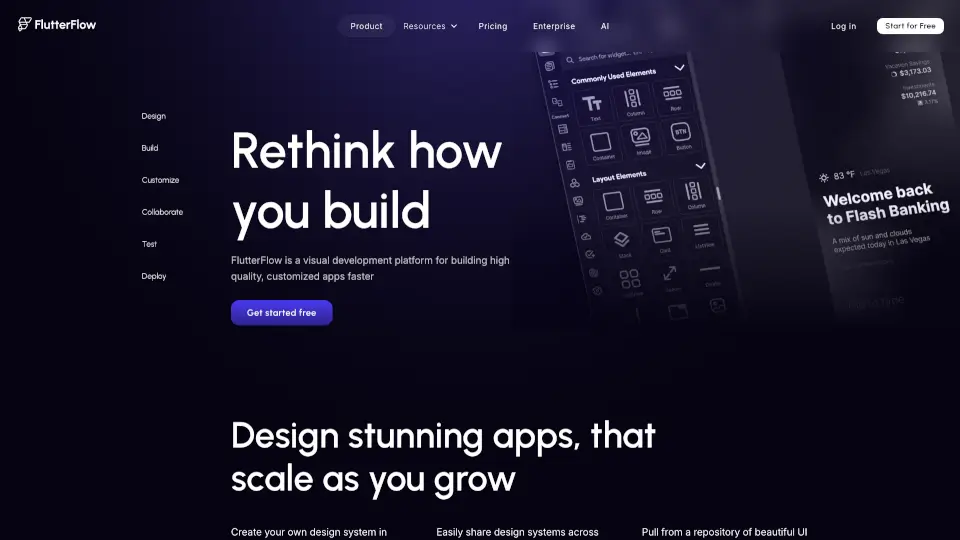
FlutterFlow is a visual development platform that lets you build native mobile and web apps using Flutter without writing code from scratch. It combines a drag-and-drop editor with powerful customization options, so you can design professional-grade interfaces, add logic, and deploy directly to app stores or the web—all in one place. Whether you're a beginner exploring app creation or a developer looking to speed up prototyping, FlutterFlow gives you a friendly, visual way to bring your ideas to life.
What are the features of FF Designer?
- Visual Drag-and-Drop Builder: Design your app’s UI by simply dragging components onto a canvas, with real-time preview on desktop, tablet, and phone.
- Custom Code & Logic: Add custom Flutter widgets, write backend logic with Firebase or Supabase, and integrate APIs without leaving the editor.
- Built-in Backend Integration: Connect directly to Firebase (Auth, Firestore, Cloud Functions) or Supabase, plus REST API support for external services.
- Code Export & Full Ownership: Export clean, production-ready Flutter code at any time, so you own your app entirely and can modify it outside the platform.
- Team Collaboration: Work with teammates in real-time, share projects, and manage version history—perfect for agencies or small teams.
- Responsive & Adaptive Layout: Automatically adjust your app’s layout for different screen sizes, with breakpoints and responsive widgets built in.
What are the use cases of FF Designer?
- Entrepreneurs building a MVP: Quickly test a business idea by creating a functional app prototype without hiring a developer.
- Freelancers delivering client projects: Design and launch custom apps for clients faster, with exportable code for future maintenance.
- Students learning Flutter: Experiment with app design visually, then examine the generated code to understand Flutter structure.
- Agencies scaling app production: Use reusable components and team collaboration to build multiple apps efficiently.
- Existing businesses adding a mobile app: Connect FlutterFlow to your existing backend (Firebase or API) to create a companion app for your web service.
How to use FF Designer?
- Step 1: Sign up for a free account at designer.flutterflow.io, then click “Create New Project” to choose a template or start blank.
- Step 2: Use the component panel on the left to drag UI elements (buttons, text, images, lists) onto the canvas and arrange them.
- Step 3: Set up your backend by clicking the “Firebase” or “Supabase” tab, authenticating, and configuring collections or tables.
- Step 4: Add navigation and logic by connecting pages with “Action Blocks” (e.g., “on tap” → navigate to another page, or call an API).
- Step 5: Preview your app on different devices using the built-in emulator, then export the code or deploy directly to the App Store/Google Play via the “Publish” tab.