What is PixelFree Studio?
Welcome to PixelFree Studio, the ultimate low-code platform for building mobile and web apps with ease. Whether you're a seasoned developer or just starting out, PixelFree Studio is designed to help you create stunning, functional applications without the need for extensive coding. With its intuitive interface and powerful features, you can transform your designs into fully functional code in no time, saving you up to 80% of your development time and resources.
What are the features of PixelFree Studio?
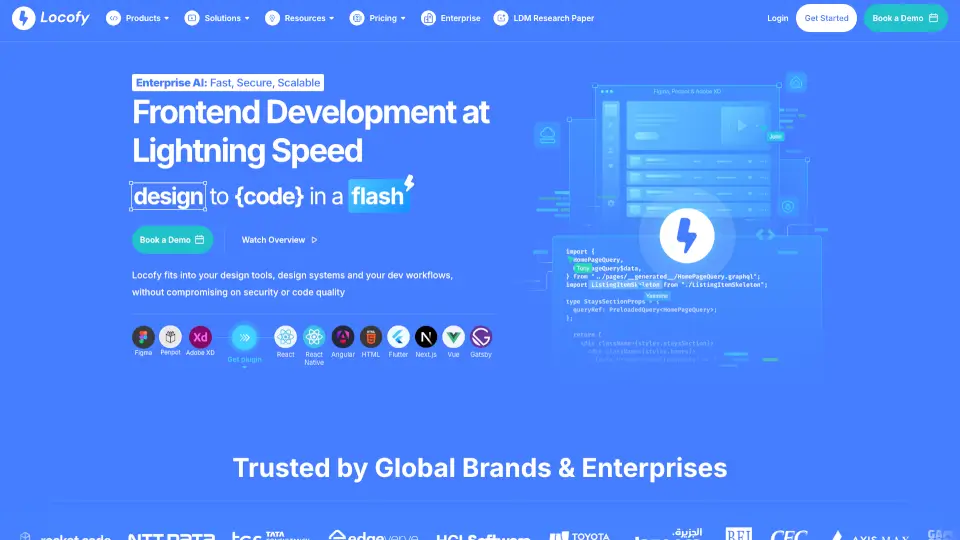
- Design to Code in One Click: Convert your Figma designs into clean, responsive HTML5, Vue, React, Angular, and C# code.
- Figma Import: Seamlessly import your Figma projects and generate high-quality, human-readable code.
- Multi-Language Support: Generate PRO-Code in 6 programming languages, including HTML5, Vue, React, Angular, and C# for both web and desktop applications.
- No-Code Limitations: Enjoy the freedom of customizing and modifying your generated code, giving you full control over your projects.
- Collaboration Tools: Share your designs and code with team members, making collaboration and feedback a breeze.
- Educational Resources: Access step-by-step guides, tutorials, and community support to help you learn and grow as a developer.
What are the use cases of PixelFree Studio?
- Rapid Prototyping: Quickly turn your design concepts into functional prototypes, perfect for testing and iterating on your ideas.
- Small Business Websites: Build and launch professional-looking websites for small businesses without the need for a large development team.
- Enterprise Applications: Develop robust, modular applications for large enterprises, ensuring scalability and performance.
- Mobile App Development: Create cross-platform mobile apps that work seamlessly on both iOS and Android devices.
- E-commerce Solutions: Design and develop e-commerce platforms with ease, integrating payment gateways and other essential features.
- Internal Tools: Build internal tools and dashboards for your organization, streamlining workflows and improving productivity.
How to use PixelFree Studio?
- Start by signing up for a free 7-day trial on the PixelFree Studio website.
- Import your Figma project or create a new design within the platform.
- Select the programming language and framework you want to use for your project.
- Click the "Generate Code" button to convert your design into functional code.
- Review and customize the generated code as needed.
- Publish your application or integrate it with your existing systems.