What is PixelFree Studio?
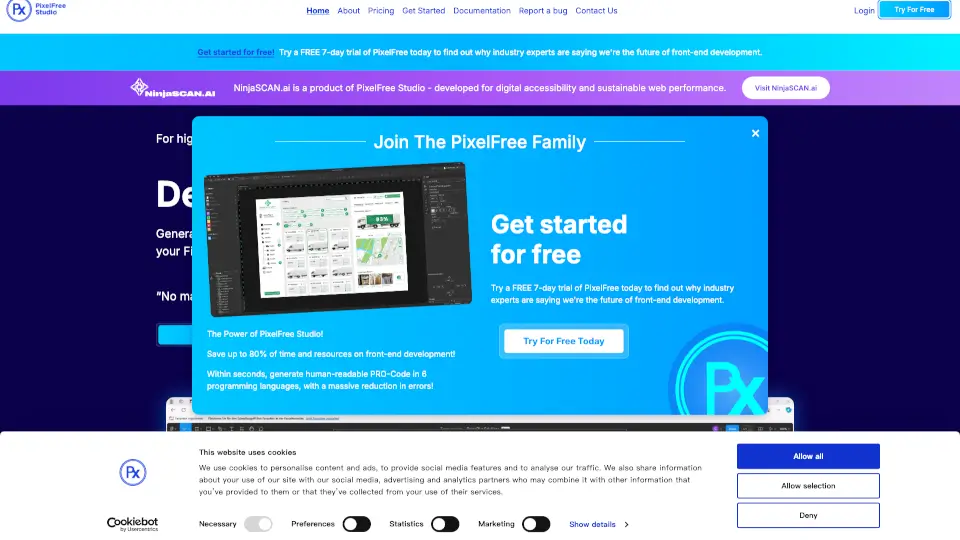
Welcome to PixelFree Studio, the ultimate low-code platform for building mobile and web apps with ease. Whether you're a seasoned developer or just starting out, PixelFree Studio is designed to help you create stunning, functional applications without the need for extensive coding. With its intuitive interface and powerful features, you can transform your designs into fully functional code in no time, saving you up to 80% of your development time and resources.
What are the features of PixelFree Studio?
- Design to Code in One ClickConvert your Figma designs into clean, responsive HTML5, Vue, React, Angular, and C# code.
- Figma ImportSeamlessly import your Figma projects and generate high-quality, human-readable code.
- Multi-Language SupportGenerate PRO-Code in 6 programming languages, including HTML5, Vue, React, Angular, and C# for both web and desktop applications.
- No-Code LimitationsEnjoy the freedom of customizing and modifying your generated code, giving you full control over your projects.
- Collaboration ToolsShare your designs and code with team members, making collaboration and feedback a breeze.
- Educational ResourcesAccess step-by-step guides, tutorials, and community support to help you learn and grow as a developer.
What are the use cases of PixelFree Studio?
- Rapid PrototypingQuickly turn your design concepts into functional prototypes, perfect for testing and iterating on your ideas.
- Small Business WebsitesBuild and launch professional-looking websites for small businesses without the need for a large development team.
- Enterprise ApplicationsDevelop robust, modular applications for large enterprises, ensuring scalability and performance.
- Mobile App DevelopmentCreate cross-platform mobile apps that work seamlessly on both iOS and Android devices.
- E-commerce SolutionsDesign and develop e-commerce platforms with ease, integrating payment gateways and other essential features.
- Internal ToolsBuild internal tools and dashboards for your organization, streamlining workflows and improving productivity.
How to use PixelFree Studio?
- Start by signing up for a free 7-day trial on the PixelFree Studio website.
- Import your Figma project or create a new design within the platform.
- Select the programming language and framework you want to use for your project.
- Click the "Generate Code" button to convert your design into functional code.
- Review and customize the generated code as needed.
- Publish your application or integrate it with your existing systems.