
Sketchflow AI logo

Sketchflow AI

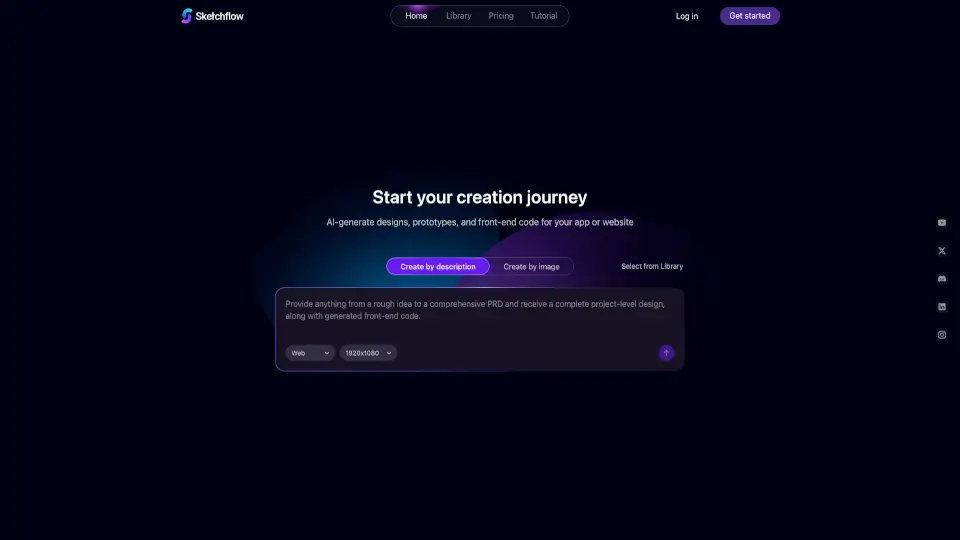
Sketchflow uses AI to generate designs, prototypes, and front-end code for web and mobile apps, making it easy to turn your ideas into live products in minutes.

Social Media:
Sketchflow AI

Sketchflow AI Product Information

What is Sketchflow AI?

Imagine turning your creative ideas into fully functional web and mobile apps in just a few minutes. That's exactly what Sketchflow does! With the power of AI, Sketchflow helps you go from concept to a live product with stunning designs, interactive prototypes, and production-ready code. Whether you're a seasoned developer or just starting out, Sketchflow makes it easy to bring your vision to life without any coding knowledge. Just describe your idea, choose your platform, and let the AI do the heavy lifting.

What are the features of Sketchflow AI?

  • AI-Generated Designs
    Instantly create beautiful, high-quality designs for your web and mobile projects.
  • Interactive Prototypes
    Generate and refine interactive prototypes that help you visualize and test your app’s main journeys.
  • Front-End Code Export
    One-click generation of front-end code in multiple formats, including React.js, Android (Java), and iOS (Swift).
  • Flexible Workflow
    Tailored workflows that are editable and designed to fit your specific features.
  • Rich Functionality
    Supercharge your design journey with advanced AI-powered interface prototyping.
  • Multi-Screen Support
    Design for every screen—web, mobile, tablet, and desktop—all in one tool.
  • Template Library
    Access a diverse collection of popular styles and templates, ready to use.

What are the use cases of Sketchflow AI?

  • Startup Founders
    Quickly prototype and launch MVPs to get feedback and iterate faster.
  • Designers
    Create and refine UI/UX designs without the need for coding.
  • Developers
    Save time by generating production-ready code for both web and mobile platforms.
  • Product Managers
    Visualize and communicate product ideas more effectively with interactive demos.
  • Small Businesses
    Build professional-looking websites and apps without hiring a full development team.
  • Educators
    Teach design and development concepts with hands-on, real-world examples.

How to use Sketchflow AI?

  • Describe Your Idea
    Start by describing your product or project. Include details about the features and style you want.
  • Select Your Platform
    Choose the platform you want to build for—web, iOS, or Android.
  • Generate Designs
    Let the AI generate the initial designs based on your description.
  • Refine and Edit
    Use the built-in tools to refine and customize the designs to your liking.
  • Export Code
    Once you’re satisfied, export the front-end code in the format you need.
  • Simulate and Test
    Run and test your code in a simulated environment to ensure everything works as expected.
Do you like this tool?

Upvote to help others discover it!

Sketchflow AI Alternatives

UXMagic.ai

UXMagic.ai

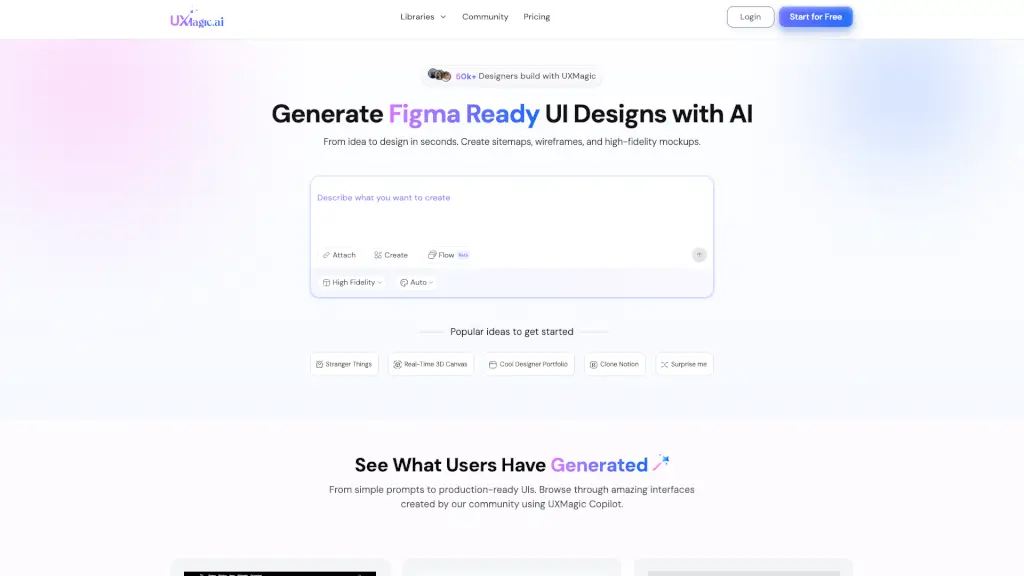
UXMagic.ai is an AI-powered design platform that transforms your ideas into high-fidelity UI designs, wireframes, and production-ready code in seconds, making it perfect for designers and non-designers alike.

IN
26.49%
100.1K
0
Superdesign

Superdesign

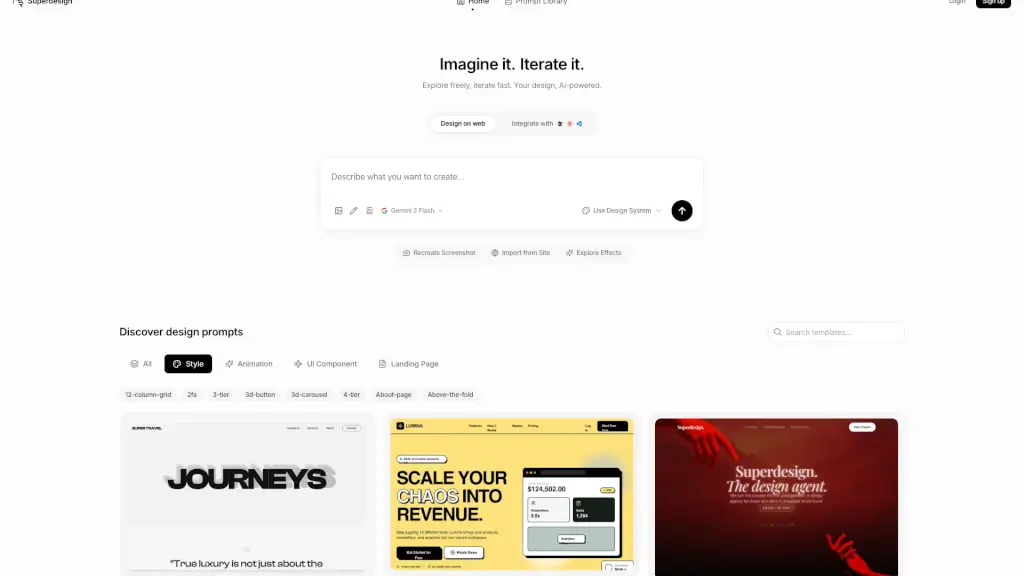
Superdesign is an AI-powered web platform that instantly turns text prompts into beautiful, code-ready user interfaces for faster, smarter design workflows.

US
18.77%
234.1K
0
Pixso AI

Pixso AI

Pixso is an all-in-one design tool that simplifies the creation of UI/UX designs, prototypes, and high-fidelity mockups, with real-time collaboration and AI-powered features.

CN
88.29%
273.6K
0
Visily AI

Visily AI

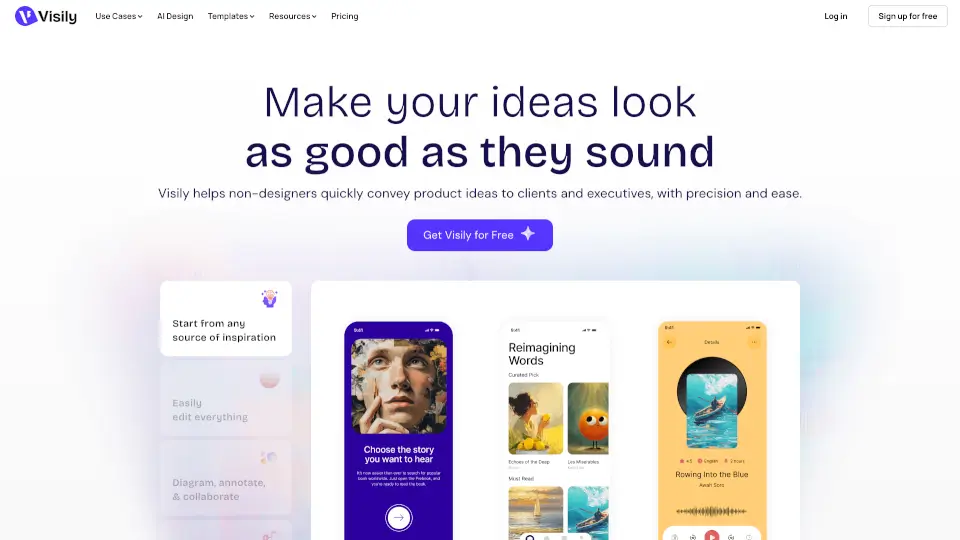
Visily is the ultimate UI design tool for everyone, offering AI-powered features, prebuilt templates, and seamless collaboration to make design simple and efficient.

IN
17.66%
168.7K
0
Locofy.ai

Locofy.ai

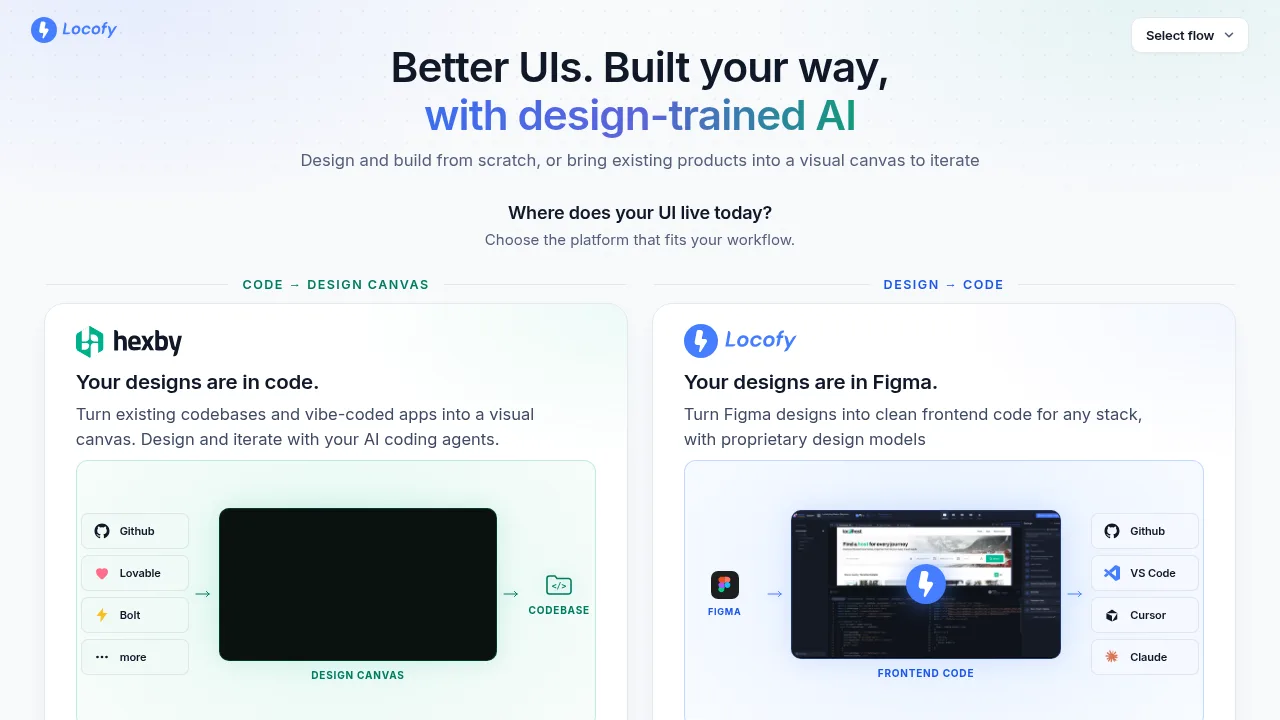
Locofy.ai translates Figma, Penpot, and Adobe XD designs into production-ready frontend code for web and mobile frameworks.

IN
16.93%
31.1K
0
AIDesigner

AIDesigner

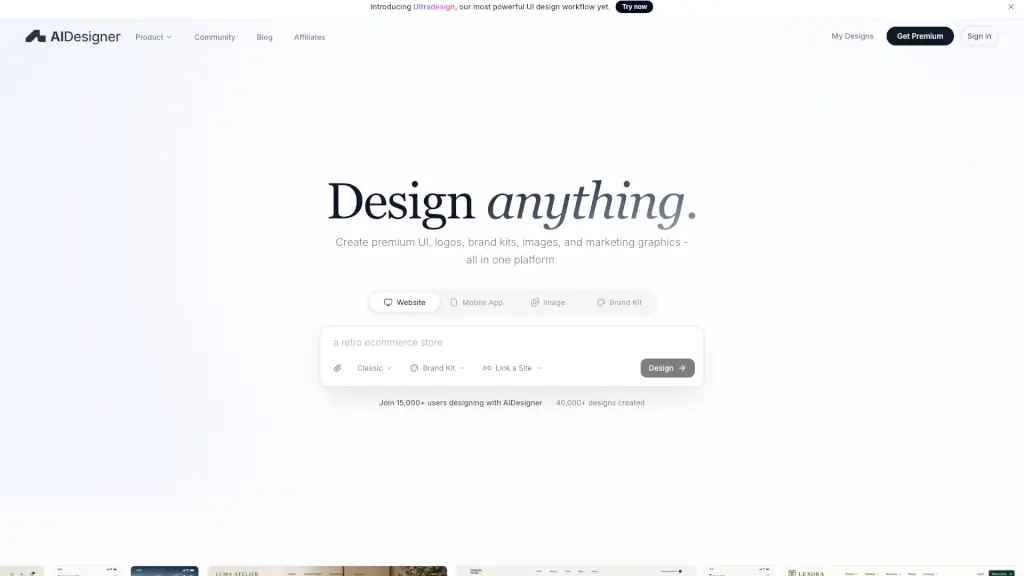
AIDesigner is an AI design tool that creates premium UI, brand kits, and visual assets from simple prompts, without looking generic.

US
35.93%
72.3K
0
Kodo

Kodo

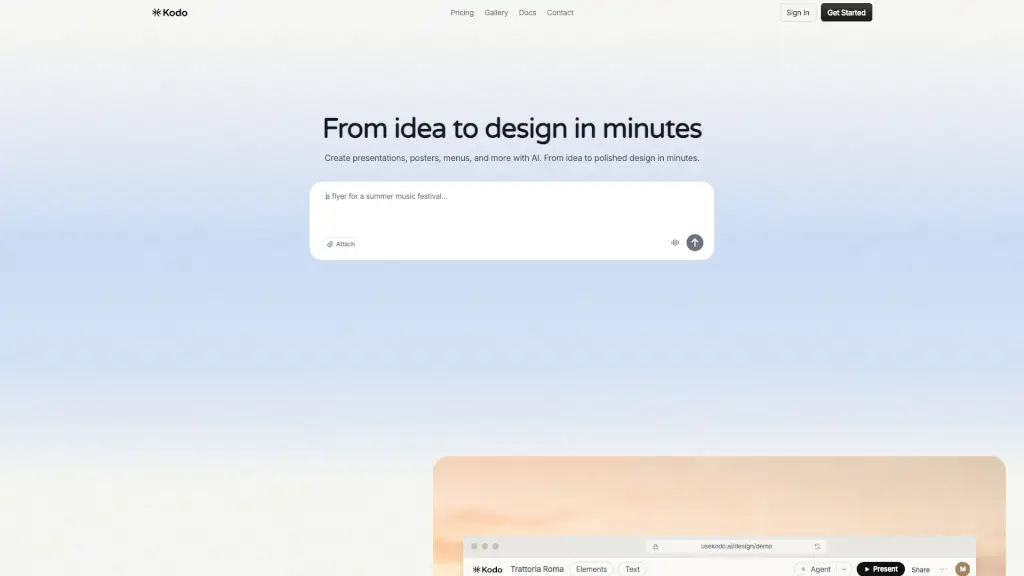
Kodo is a free, AI-powered design tool that turns simple text prompts into professional-quality presentations, menus, posters, and social media graphics in minutes.

US
23.01%
22.4K
0
PixelFree Studio

PixelFree Studio

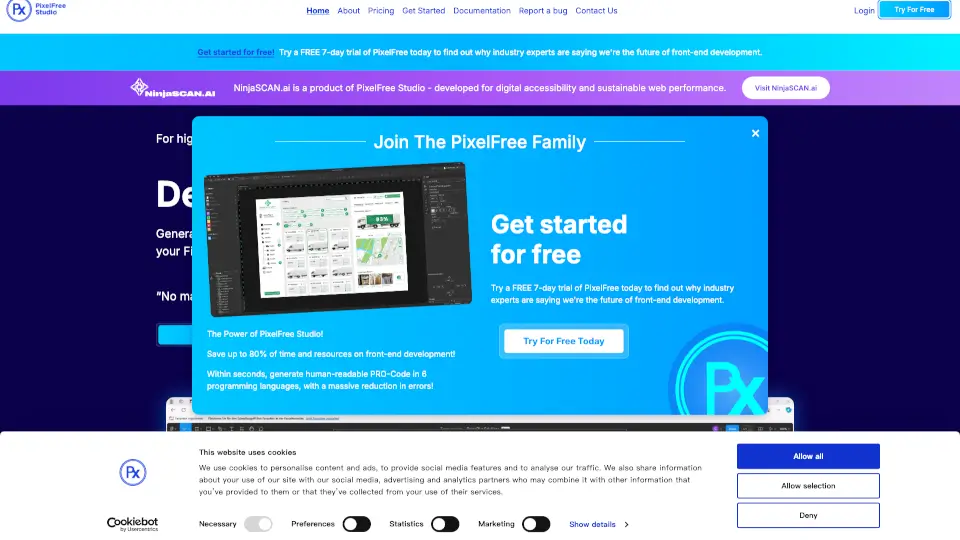
Transform your designs into functional code with PixelFree Studio, the low-code platform that saves you time and resources while delivering high-quality, customizable applications.

US
29.62%
9.2K
0

Sketchflow AI Related Other Categories

Sketchflow AI Traffic Analysis

Website traffic estimates for sketchflow.ai. Visits are not unique users or product usage.

Data month: 2026-10

💡 Insights

🔍
Up to 10K monthly visits
Estimated monthly visits are at most 10,000.
📉
Traffic Decline
Estimated visits decreased 25.7% from the previous month.
👍
Bounce rate below 60%
The estimated bounce rate is 36%.
  • Monthly Visits

    8.72K

  • Bounce Rate

    35.89%

  • Pages Per Visit

    2.40

  • Visit Duration

    00:00:51

  • Global Rank

    2072403

  • Country Rank

    307448

Visits Over Time

Traffic Sources

Direct39.91%
Search Organic32.56%
Referrals10.12%
Social Organic5.47%
Display Ads3.31%
Mail3.02%
Affiliate1.99%
Search Paid1.52%
Gen Ai1.37%
Social Paid0.73%

Top Keywords

1
sketchflow by purohit software
220Traffic
2
sketchflow
CPC$2.07
150Traffic
3
mbti
CPC$0.49
60Traffic
4
ai app builder
CPC$12.31
0Traffic
5
flutterflow google play track production
0Traffic

Top Regions

RegionPercentage
India
India
29.22%
United States
United States
20.14%
United Kingdom
United Kingdom
16.58%
Pakistan
Pakistan
12.15%
Indonesia
Indonesia
9.43%
Low
High

Powered by SimilarWeb

Sketchflow AI FAQ

Can I use Sketchflow to create both web and mobile applications?

Yes, Sketchflow supports the creation of both web and mobile applications. You can generate designs and code for web, iOS, and Android platforms.

How does the AI-generated design work?

The AI-generated design feature allows you to describe your product idea, and the AI will instantly create tailored user flows, interface pages, and design elements for your project.

Is the generated code production-ready?

Yes, the generated code is production-ready. You can export it in multiple formats, including React.js, Android (Java), and iOS (Swift), and use it directly in your projects.

Can I upload my own images to create designs?

Yes, you can use the SnapDesign feature to upload reference images, and Sketchflow will transform them into editable web and app interface designs based on your requirements.

What if I need to make changes to the generated designs?

The designs are fully editable. You can use the built-in tools to refine and customize the designs to better fit your needs.

Does Sketchflow support different screen sizes?

Yes, Sketchflow supports designing for various screen sizes, including web, mobile, tablet, and desktop, ensuring your designs look great on any device.

Are there any pre-built templates available?

Yes, Sketchflow offers a diverse collection of pre-built templates and popular styles like light skeuomorphism, glass morphism, and dark mode, which you can use right away.

Can I simulate and test the generated code?

Yes, you can simulate and test the generated code in a cloud-based environment to ensure everything works as expected before going live.

Sketchflow AI Reviews

0
0 Reviews
Sign Into leave a review

Recent Reviews

No reviews yet

Sketchflow AI Embed

Use website badges to drive community support for SeekTool.ai. They are easy to embed in your homepage or footer.

Light
Dark
Sketchflow AI - Featured on SeekTool.aiSketchflow AI - Featured on SeekTool.ai
How to install?