Kodo

5.0
(0 Reviews)
United States9.60%

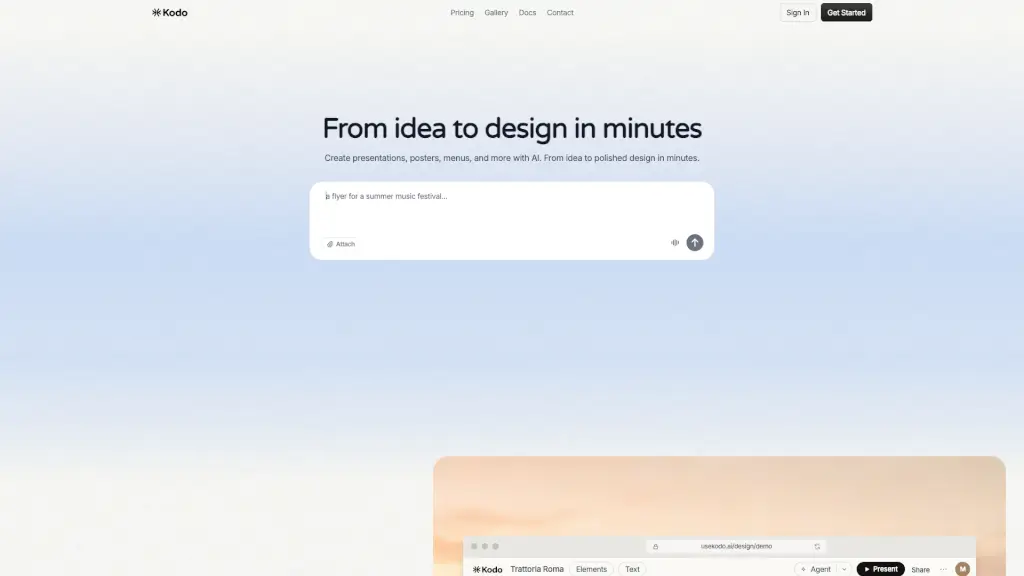
Kodo is a free, AI-powered design tool that turns simple text prompts into professional-quality presentations, menus, posters, and social media graphics in minutes.

Verified by SeekTool
Social Media:
Kodo

Kodo Product Information

What is Kodo?

Tired of wrestling with design software just to make a simple menu or social post? Meet Kodo—an AI-powered design tool that turns your words into beautiful, ready-to-use visuals in seconds. Just type what you need (like “Italian restaurant menu” or “Instagram carousel for a coffee launch”), and Kodo generates a polished, professional design instantly.

Unlike traditional tools that demand design skills or hours of tweaking, Kodo combines smart AI with an intuitive editor so anyone—students, small business owners, marketers—can create stunning graphics without experience. Plus, it’s free to start, supports real-time collaboration, and works right in your browser. Think of it as your creative co-pilot for everything visual.

What are the features of Kodo?

  • AI-Powered Design Generation: Describe your idea in plain English, and Kodo creates a complete, editable design in 1–2 minutes.
  • Real-Time Collaboration: Work together with teammates on the same project live, just like in Google Docs.
  • Multi-Format Export: Download your designs as PNG, JPG, PDF, PPTX, or DOCX—perfect for print, presentations, or social media.
  • Full Visual Editor: Tweak layouts, colors, text, and layers manually or refine with AI prompts after generation.
  • Free Plan Available: Start creating with 40 free credits—no credit card needed.
  • Wide Template Range: Create presentations, posters, menus, social posts, flyers, business cards, and more from scratch or via AI.

What are the use cases of Kodo?

  • A restaurant owner quickly designs a seasonal Italian menu without hiring a designer.
  • A student builds a class presentation with consistent branding in minutes.
  • A social media manager creates Instagram carousels and repurposes them into printable posters.
  • A startup founder drafts investor pitch decks using AI-generated layouts.
  • A local event organizer makes eye-catching flyers for a community fair.
  • A blogger turns blog quotes into shareable social graphics through simple text prompts.

How to use Kodo?

  • Go to usekodo.ai/design/demo and click “Get Started.”
  • Type a clear description of what you want (e.g., “Create a rustic Italian menu for Trattoria Roma”).
  • Wait 1–2 minutes while Kodo generates your design—watch the progress bar.
  • Edit colors, fonts, or layout using the built-in tools or refine with new AI prompts.
  • Collaborate by inviting team members via shareable link.
  • Export your final design in your preferred format (PNG, PDF, PPTX, etc.) and use it anywhere.

Kodo Contact Email:

[email protected]

Do you like this tool?

Upvote to help others discover it!

Kodo Alternatives

Template.net

Template.net uses AI to turn simple prompts into fully editable, branded documents, presentations, and designs ready for real-world use—no signup required.

US
30.73%
3.0M
5.0
Moda

Moda is an AI design tool that creates fully editable, on-brand slides, social posts, PDFs, and diagrams on a real canvas you control.

US
17.48%
240.9K
5.0
Canva

Canva is a free, all-in-one visual communication platform that lets anyone create stunning social graphics, presentations, videos, and print materials using intuitive design tools and AI-powered features.

US
15.75%
870.0M
5.0
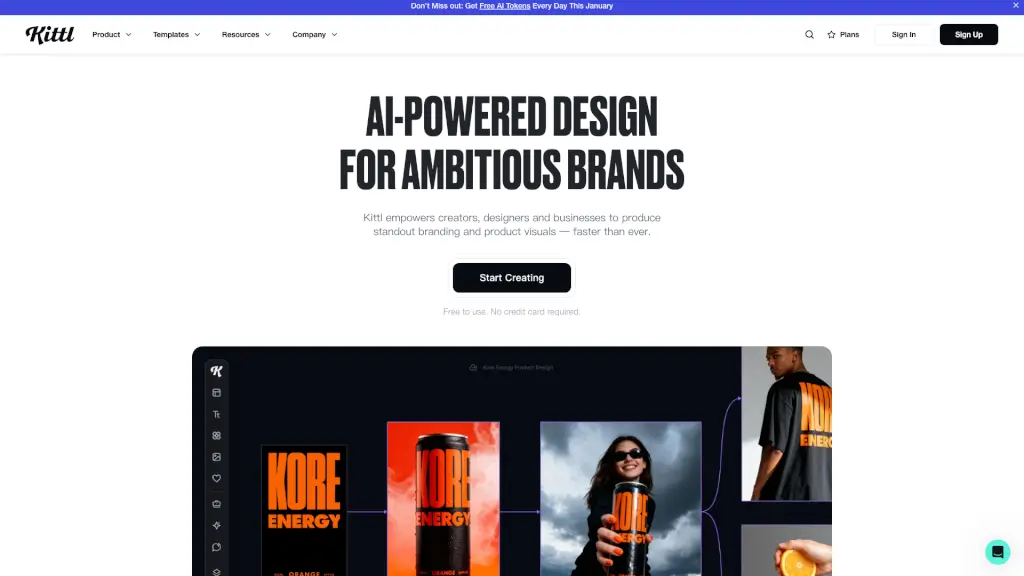
Kittl

Kittl is a powerful, intuitive design platform that combines AI tools, real-time collaboration, and a vast asset library to help professionals create stunning designs effortlessly.

US
33.95%
2.8M
5.0
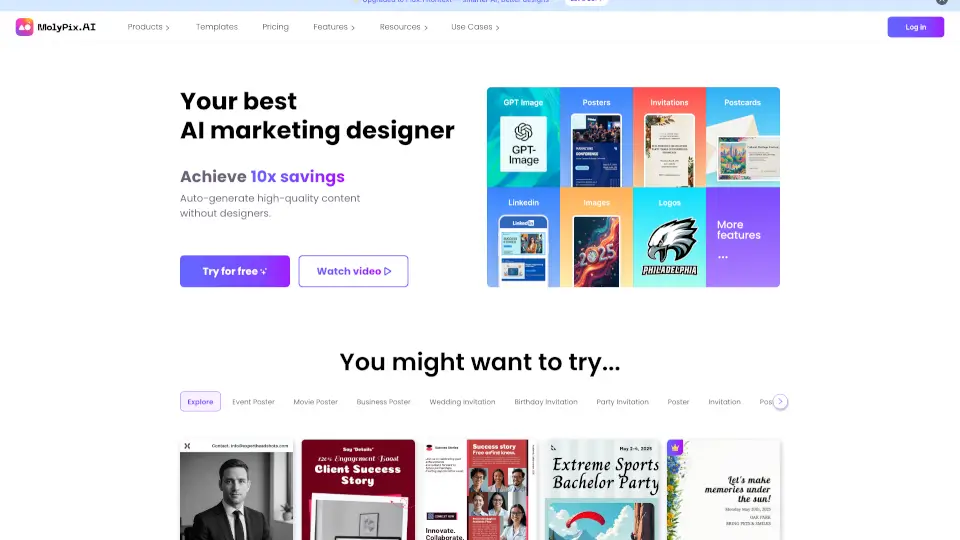
MolyPix.AI

MolyPix.AI is your go-to AI design tool for creating stunning, fully editable graphics in seconds, perfect for both personal and professional projects.

US
13.09%
65.6K
5.0
PresentationAI

Presentations.AI is a simple, fast, and fun AI tool that turns your ideas into professional presentations in minutes. Perfect for businesses, educators, and personal projects.

ID
15.47%
898.6K
5.0
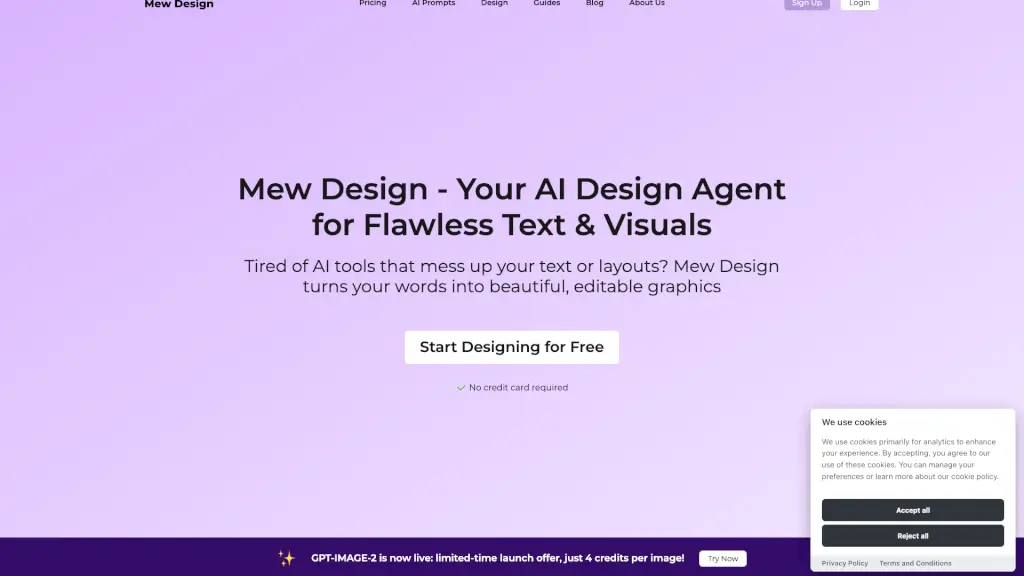
Mew Design

Mew Design is a free online AI design generator that turns plain English prompts into polished, editable graphics with perfect text and layouts—no design experience needed.

MY
10.79%
186.1K
5.0
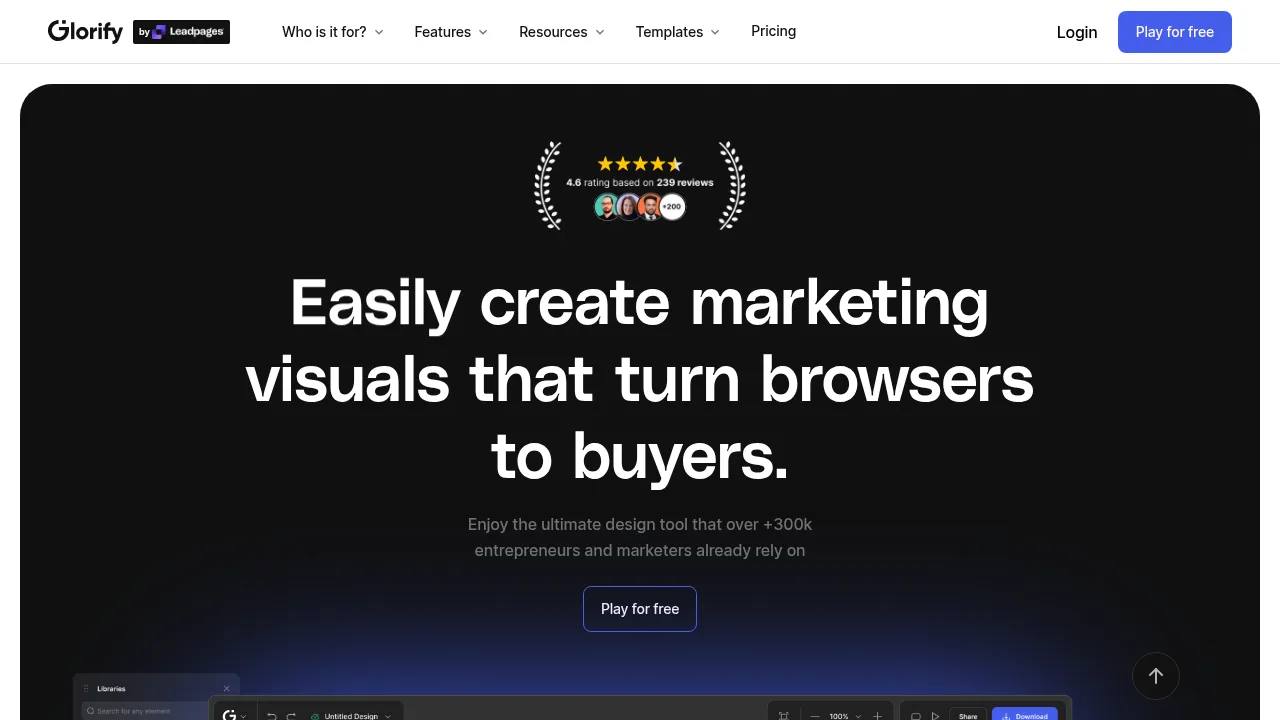
Glorify

Create professional, high-converting marketing visuals fast with this online graphic design tool built specifically for e-commerce entrepreneurs and marketers.

TW
16.88%
100.9K
5.0

Kodo Related Other Categories

Kodo Traffic Analysis

💡 Insights

🌱
Emerging Tool
10K-100K monthly visits. Niche or new tool with potential unique value.
⚠️
Slight Decline
Traffic has slightly decreased recently.
👍
Good Experience
Bounce rate of 39%. Users are willing to explore features.
🌐
Global Reach
Balanced user distribution worldwide.
  • Monthly Visits

    79.79K

  • Bounce Rate

    39.00%

  • Pages Per Visit

    2.57

  • Visit Duration

    00:00:23

  • Global Rank

    421733

  • Country Rank

    310569

Visits Over Time

Traffic Sources

SearchOrganic67.92%
Direct19.77%
SocialOrganic3.77%
Referrals3.73%
Mail1.89%
GenAi1.71%
SearchPaid1.22%
SocialPaid0.00%
Affiliate0.00%

Top Keywords

1
kodo
CPC$1.20
1.62KTraffic
2
medical certificate generate ai
CPC$0.35
890Traffic
3
kodo ai
490Traffic
4
banner discord generator
260Traffic
5
free template banner discord
190Traffic

Top Regions

RegionPercentage
United States
United States
9.60%
India
India
8.24%
Nigeria
Nigeria
5.43%
Uzbekistan
Uzbekistan
4.00%
Indonesia
Indonesia
3.82%
Low
High

Powered by SimilarWeb

Kodo FAQ

What is Kodo and how does it work?

Kodo is an AI-powered design tool that lets you create professional designs just by describing what you want. Type something like "design a poster for my coffee shop" and Kodo generates a complete, editable design in seconds. You can then refine it using our professional tools or export it as-is.

How do credits and pricing work?

Kodo credits power AI features like design generation. Each design costs 4–12 credits. We offer Free ($0, 40 credits), Starter ($9/month, 300 credits), and Pro ($29/month, 1000 credits). All plans include collaboration and export.

What can I create with Kodo?

Anything visual! Presentations, posters, social media graphics, menus, flyers, business cards, invitations, infographics, and more. Just describe what you want or start from a blank canvas.

How long does generation take?

Most designs are generated in 1–2 minutes. Complex designs with multiple elements may take a bit longer. You'll see a progress indicator while your design is being created.

Who owns the generated designs?

You own all designs you create with Kodo. You can use them for personal or commercial purposes, modify them, and export them in any format. There are no restrictions on how you use your designs.

How do I get help?

You can reach out to us at [email protected], check our documentation at /docs, or book a demo to see Kodo in action. We're here to help you create amazing designs!

Kodo Reviews

0

0

0 Reviews
Sign Into leave a review

Recent Reviews

No reviews yet

Kodo Embed

Use website badges to drive community support for SeekTool.ai. They are easy to embed in your homepage or footer.

Light
Dark
Kodo - Featured on SeekTool.aiKodo - Featured on SeekTool.ai
How to install?