
AIDesigner logo

AIDesigner

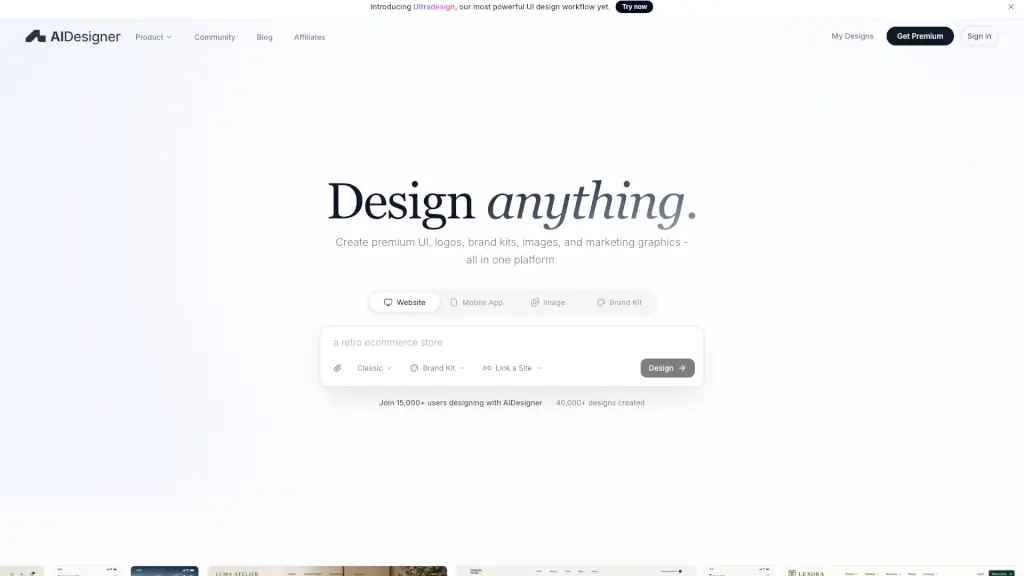
AIDesigner is an AI design tool that creates premium UI, brand kits, and visual assets from simple prompts, without looking generic.

Social Media:
AIDesigner

AIDesigner Product Information

What is AIDesigner?

Meet AIDesigner – the AI-powered platform that turns simple prompts into polished, production-ready designs. Whether you need a landing page, mobile app screens, a brand kit, or marketing graphics, AIDesigner delivers premium visual output that doesn’t look AI-generated. It’s built for founders, product teams, and creators who want professional design without starting from a blank canvas or learning a traditional tool.

What are the features of AIDesigner?

  • AI UI Designer
    Generate clean, custom website UI and SaaS dashboards from a single prompt.
  • AI Landing Page Builder
    Create polished, publish-ready landing pages that feel bespoke.
  • AI Mobile App Designer
    Build native-feeling mobile app screens, onboarding flows, and shopping experiences.
  • Brand Kit Generator
    Create reusable brand kits with colors, logos, and assets that stay consistent across all designs.
  • Website Cloner
    Instantly clone any website’s design to use as a starting point.
  • ASCII Generator
    Turn text into ASCII art for fun or creative projects.
  • Effects Library
    Browse and apply WebGL effects and backgrounds to enhance your designs.
  • MCP Server
    Connect AI coding assistants (like Claude) to AIDesigner, so they can read, create, and turn designs into production code faster.

What are the use cases of AIDesigner?

  • Design a landing page for a new SaaS product
    – just describe your brand and get a polished, dark-mode or light-mode layout.
  • Create mobile app UI for a habit tracker or e‑commerce app
    – generate onboarding flows, dashboards, and product screens.
  • Build a full brand kit
    – logos, color palettes, and reusable assets for a startup or client project.
  • Clone an existing website’s design
    – use it as inspiration or a base for your own project.
  • Generate marketing assets
    – ads, infographics, and campaign visuals that stay on-brand.
  • Add animated backgrounds or effects
    – use the Effects Library to make your landing pages more engaging.

How to use AIDesigner?

  1. Sign up for free
    – you get free credits to try out AIDesigner immediately.
  2. Describe what you want
    – write a simple prompt (e.g., “dark mode SaaS landing page for a fintech startup”) and let the AI generate a first draft.
  3. Refine and edit
    – tweak copy, swap images, adjust colors, or explore variations without losing the original direction.
  4. Keep your brand consistent
    – save a brand kit and it will be remembered for future designs.
  5. Export or publish
    – use the design directly, or hand it off to a developer (or connect via MCP for coding assistants).
  6. Upgrade when you need more
    – higher-quality outputs, more generations, and advanced workflows are available with a premium plan.

Do you like this tool?

Upvote to help others discover it!

AIDesigner Alternatives

UXMagic.ai

UXMagic.ai

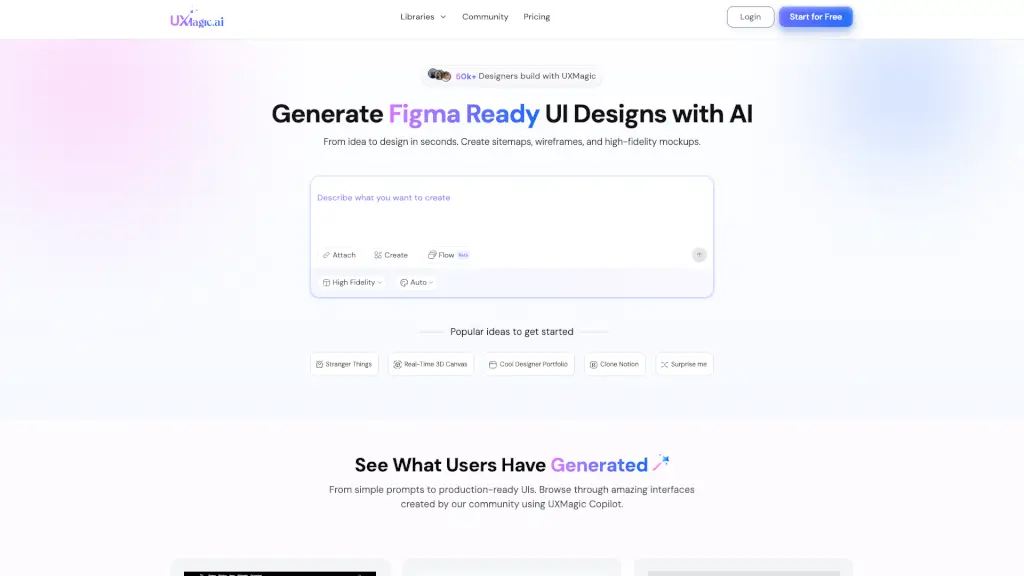
UXMagic.ai is an AI-powered design platform that transforms your ideas into high-fidelity UI designs, wireframes, and production-ready code in seconds, making it perfect for designers and non-designers alike.

IN
26.49%
100.1K
0
Superdesign

Superdesign

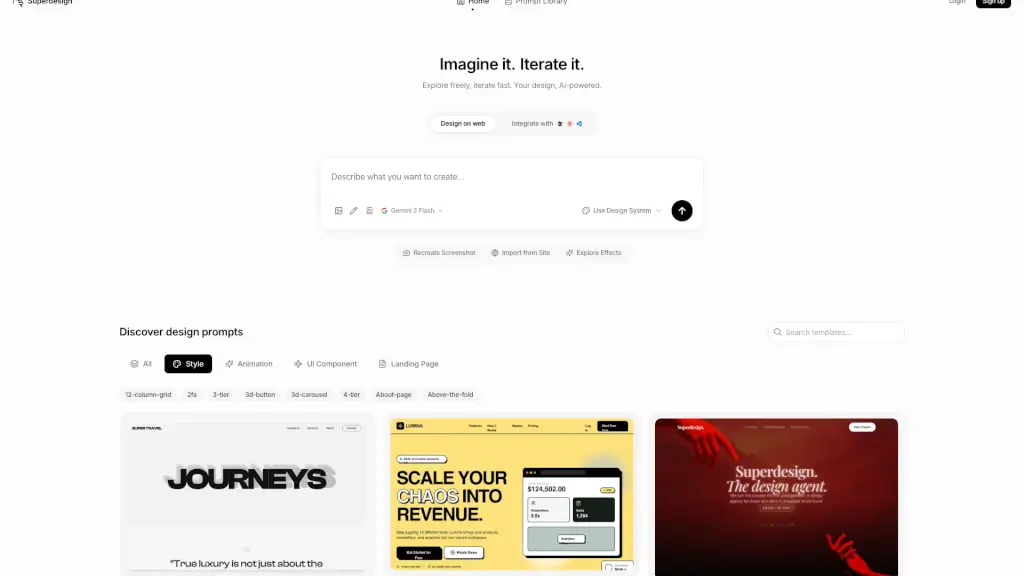
Superdesign is an AI-powered web platform that instantly turns text prompts into beautiful, code-ready user interfaces for faster, smarter design workflows.

US
18.77%
234.1K
0
Designs AI

Designs AI

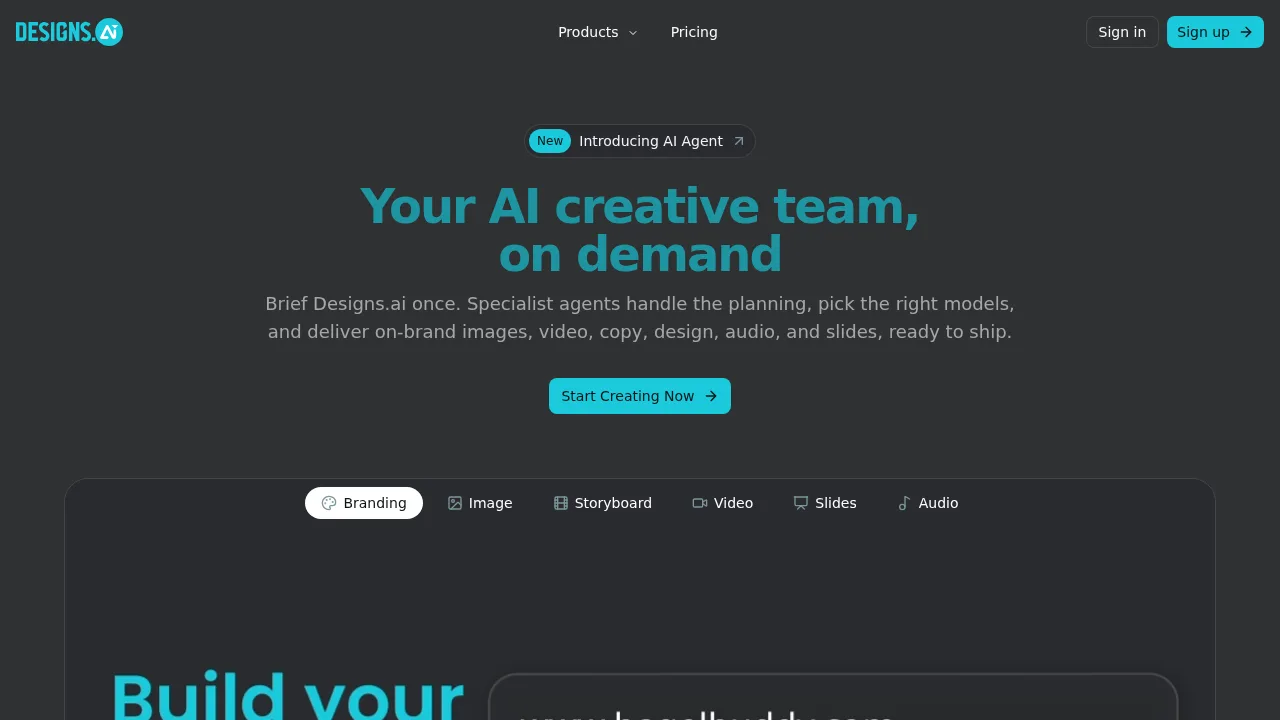
Designs AI generates multi-format campaign assets like images, video, slides, and audio from a single natural-language brief using specialist agents.

IN
10.64%
144.9K
0
CodeDesign.ai

CodeDesign.ai

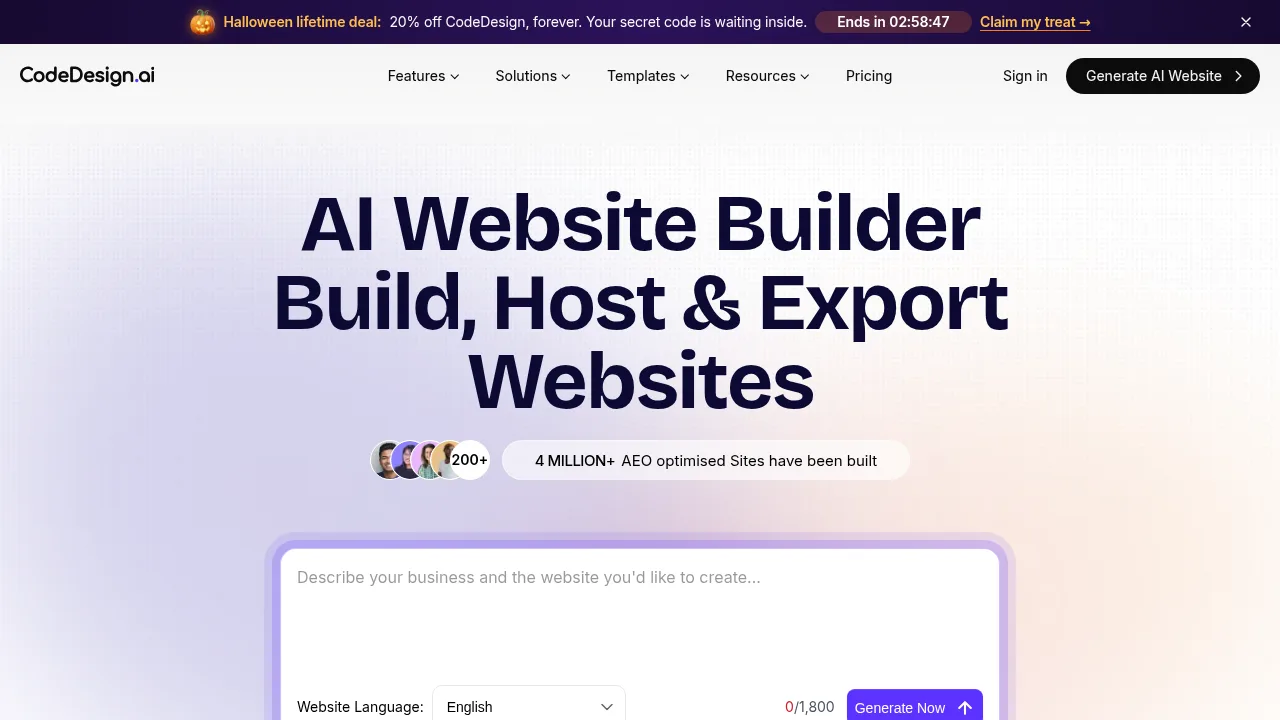
CodeDesign.ai builds websites from text prompts and lets users host them, sync to WordPress, or export clean code.

US
31.06%
126.6K
0
Visily AI

Visily AI

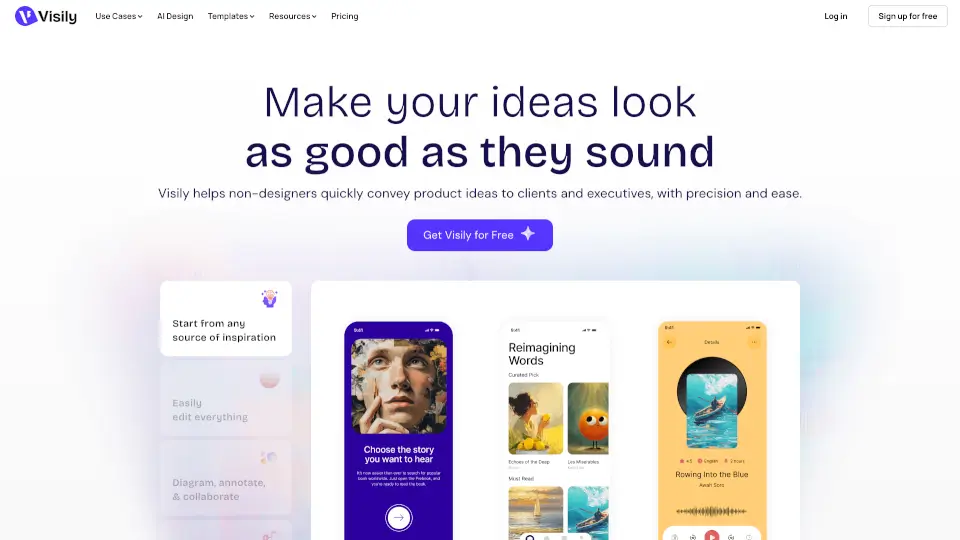
Visily is the ultimate UI design tool for everyone, offering AI-powered features, prebuilt templates, and seamless collaboration to make design simple and efficient.

IN
17.66%
168.7K
0
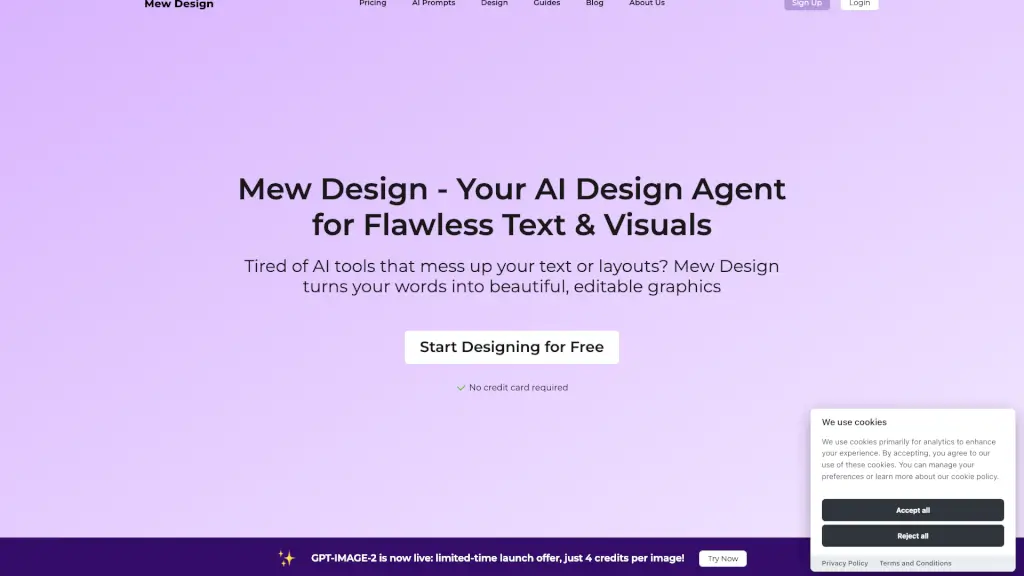
Mew Design

Mew Design

Mew Design is a free online AI design generator that turns plain English prompts into polished, editable graphics with perfect text and layouts—no design experience needed.

RU
19.67%
469.0K
0
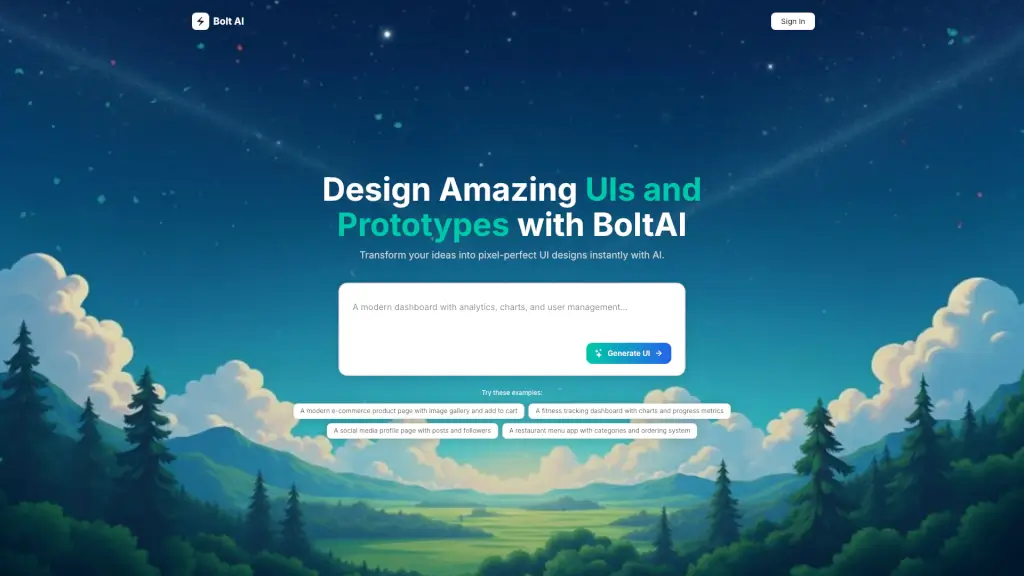
Bolt AI

Bolt AI

Bolt AI Web Designer is a free, AI-powered tool that helps you create and customize web pages and apps without any coding, making design accessible and efficient for everyone.

US
44.12%
6.4K
5.0
0
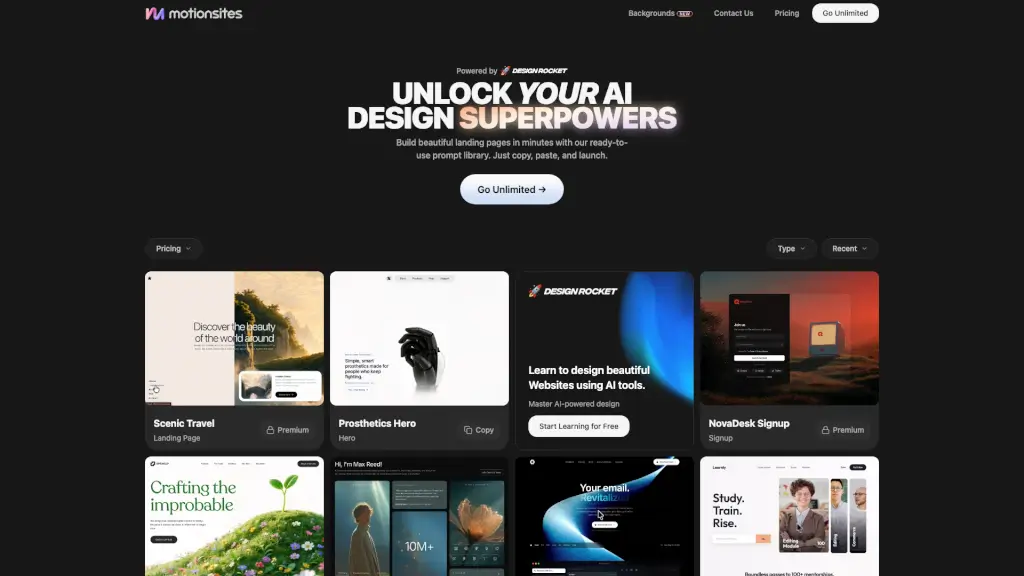
MotionSites

MotionSites

MotionSites delivers premium AI hero prompts and landing page sections that let anyone build beautiful, high-converting websites in minutes—no design skills required.

IN
15.81%
1.1M
0

AIDesigner Related Other Categories

AIDesigner Traffic Analysis

Website traffic estimates for aidesigner.ai. Visits are not unique users or product usage.

Data month: 2026-10

💡 Insights

🌱
10K–100K monthly visits
Estimated monthly visits exceed 10,000 and are at most 100,000.
⚠️
Slight Decline
Estimated visits decreased 17.8% from the previous month.
👍
Bounce rate below 60%
The estimated bounce rate is 42%.
  • Monthly Visits

    72.35K

  • Bounce Rate

    41.98%

  • Pages Per Visit

    2.29

  • Visit Duration

    00:00:51

  • Global Rank

    469439

  • Country Rank

    304264

Visits Over Time

Traffic Sources

Direct42.08%
Search Organic31.87%
Referrals17.03%
Social Organic5.42%
Gen Ai1.97%
Mail0.74%
Display Ads0.60%
Social Paid0.30%
Search Paid0.00%
Affiliate0.00%

Top Keywords

1
ai designer
CPC$5.10
580Traffic
2
aidesigner
CPC$1.12
580Traffic
3
copy desain website
570Traffic
4
website design mcp
550Traffic
5
ui design mcp server
480Traffic

Top Regions

RegionPercentage
United States
United States
35.93%
India
India
10.48%
United Kingdom
United Kingdom
3.92%
Turkey
Turkey
2.78%
Poland
Poland
2.66%
Low
High

Powered by SimilarWeb

AIDesigner FAQ

What is AIDesigner?

AIDesigner is an AI design platform that turns simple prompts into premium website UI, mobile app screens, images, brand kits, logos, and reusable visual assets.

What can I create with AIDesigner?

You can create landing pages, dashboards, app screens, interface concepts, brand directions, logo ideas, image assets, ad creatives, and other visual design work from a prompt.

Do I need design experience to use AIDesigner?

No. AIDesigner is built for founders, developers, marketers, and product teams who want polished design output without starting from a blank canvas or learning a traditional design tool first.

Is AIDesigner only for UI design?

No. AIDesigner started with high-quality UI generation, but the platform is expanding into a broader AI design tool for websites, mobile apps, images, brand kits, logos, ads, and visual assets.

How is AIDesigner different from other AI design tools?

AIDesigner focuses on premium visual quality and original design direction, not generic template-like output. It can generate UI, mobile app screens, images, brand assets, and design systems from prompts and references.

Can I customize designs and keep them on-brand?

Yes. You can refine generated designs, make targeted edits, work from reference images, and use saved brand kits so future websites, app screens, images, logos, and assets stay visually consistent.

Is AIDesigner free to try?

Yes. New users can try AIDesigner with free credits, then upgrade when they need more generations, higher-quality outputs, publishing, or advanced workflows.

Can I use the designs for commercial projects?

Yes. Generated and edited designs can be used for your own projects, client work, startups, and commercial launches, subject to our Terms and any third-party content rights.

AIDesigner Reviews

0
0 Reviews
Sign Into leave a review

Recent Reviews

No reviews yet

AIDesigner Embed

Use website badges to drive community support for SeekTool.ai. They are easy to embed in your homepage or footer.

Light
Dark
AIDesigner - Featured on SeekTool.aiAIDesigner - Featured on SeekTool.ai
How to install?