
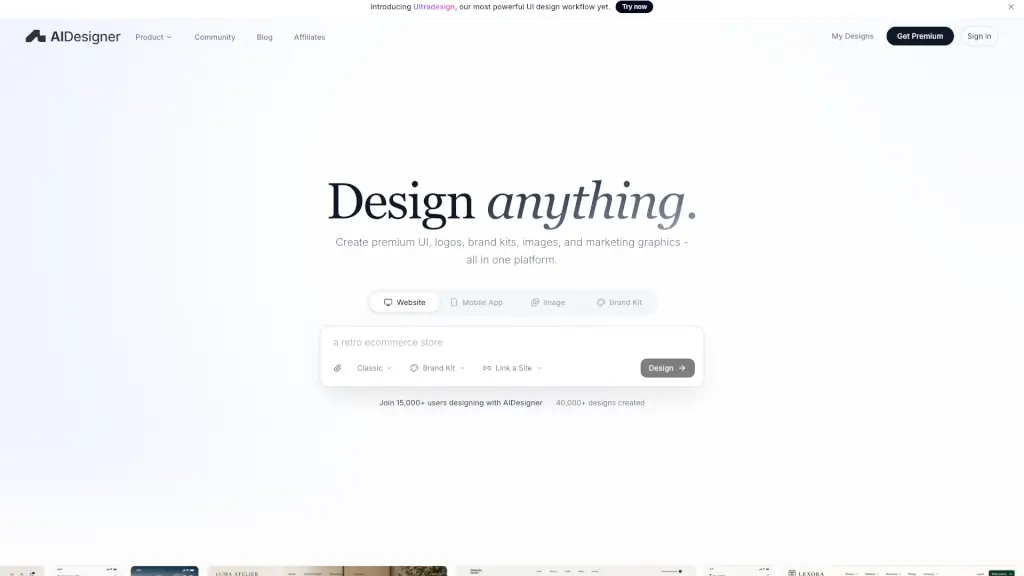
What is AIDesigner?
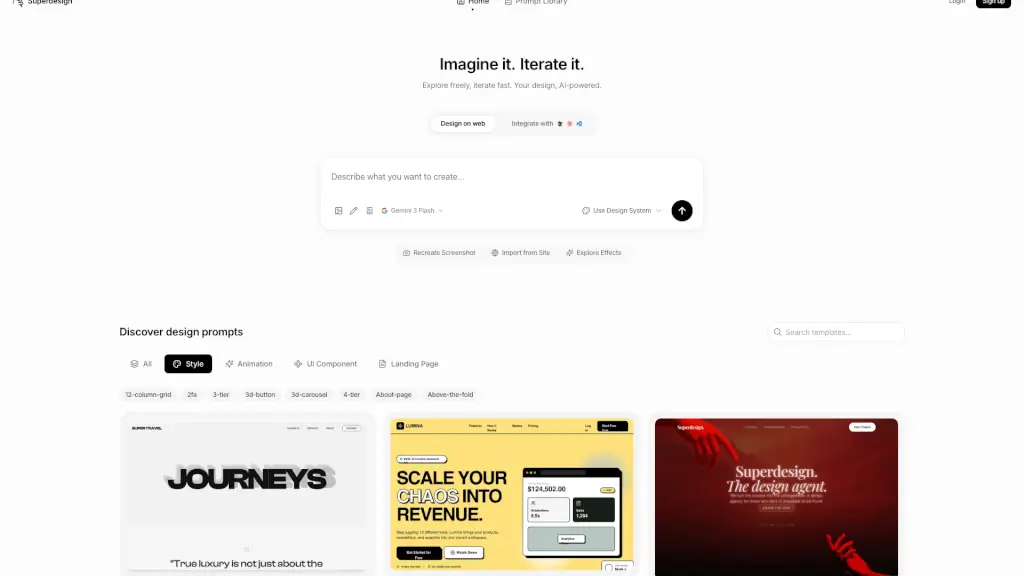
Meet AIDesigner – the AI-powered platform that turns simple prompts into polished, production-ready designs. Whether you need a landing page, mobile app screens, a brand kit, or marketing graphics, AIDesigner delivers premium visual output that doesn’t look AI-generated. It’s built for founders, product teams, and creators who want professional design without starting from a blank canvas or learning a traditional tool.
What are the features of AIDesigner?
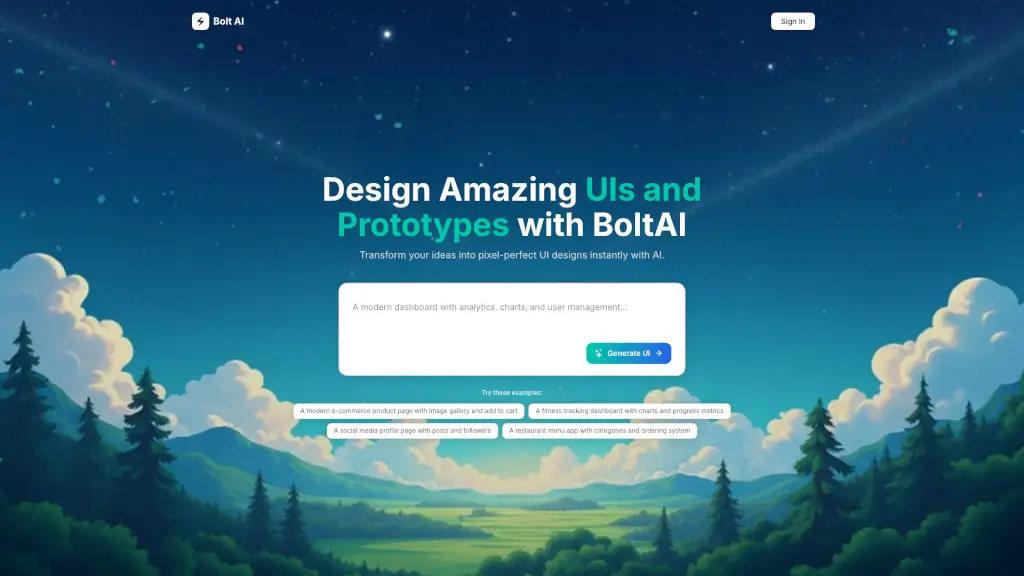
- AI UI Designer: Generate clean, custom website UI and SaaS dashboards from a single prompt.
- AI Landing Page Builder: Create polished, publish-ready landing pages that feel bespoke.
- AI Mobile App Designer: Build native-feeling mobile app screens, onboarding flows, and shopping experiences.
- Brand Kit Generator: Create reusable brand kits with colors, logos, and assets that stay consistent across all designs.
- Website Cloner: Instantly clone any website’s design to use as a starting point.
- ASCII Generator: Turn text into ASCII art for fun or creative projects.
- Effects Library: Browse and apply WebGL effects and backgrounds to enhance your designs.
- MCP Server: Connect AI coding assistants (like Claude) to AIDesigner, so they can read, create, and turn designs into production code faster.
What are the use cases of AIDesigner?
- Design a landing page for a new SaaS product – just describe your brand and get a polished, dark-mode or light-mode layout.
- Create mobile app UI for a habit tracker or e‑commerce app – generate onboarding flows, dashboards, and product screens.
- Build a full brand kit – logos, color palettes, and reusable assets for a startup or client project.
- Clone an existing website’s design – use it as inspiration or a base for your own project.
- Generate marketing assets – ads, infographics, and campaign visuals that stay on-brand.
- Add animated backgrounds or effects – use the Effects Library to make your landing pages more engaging.
How to use AIDesigner?
- Sign up for free – you get free credits to try out AIDesigner immediately.
- Describe what you want – write a simple prompt (e.g., “dark mode SaaS landing page for a fintech startup”) and let the AI generate a first draft.
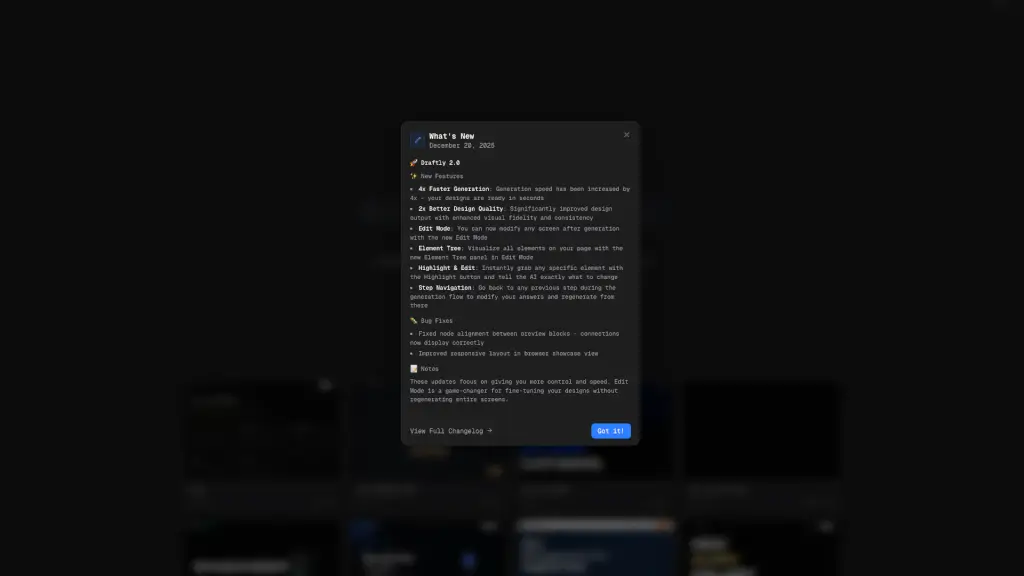
- Refine and edit – tweak copy, swap images, adjust colors, or explore variations without losing the original direction.
- Keep your brand consistent – save a brand kit and it will be remembered for future designs.
- Export or publish – use the design directly, or hand it off to a developer (or connect via MCP for coding assistants).
- Upgrade when you need more – higher-quality outputs, more generations, and advanced workflows are available with a premium plan.